
World in Conflict: Complete Edition Steam Gift
Description
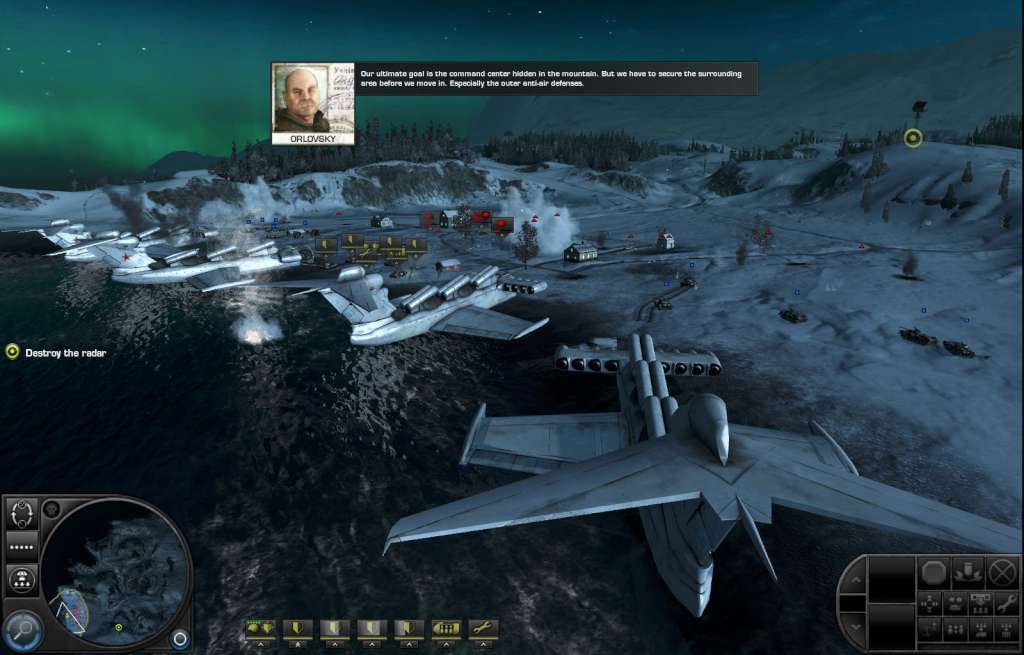
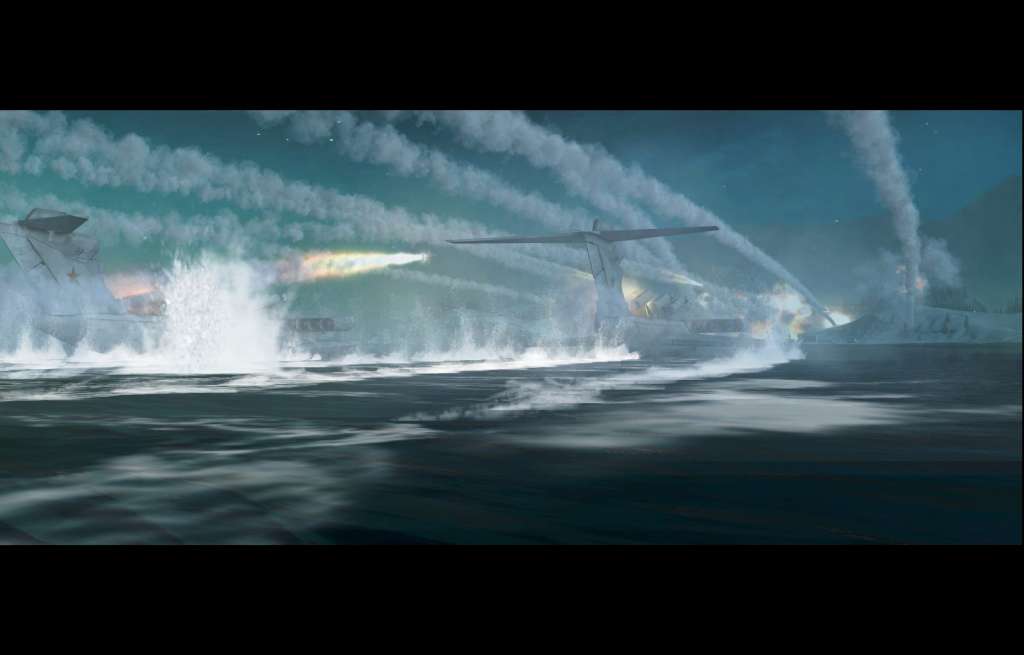
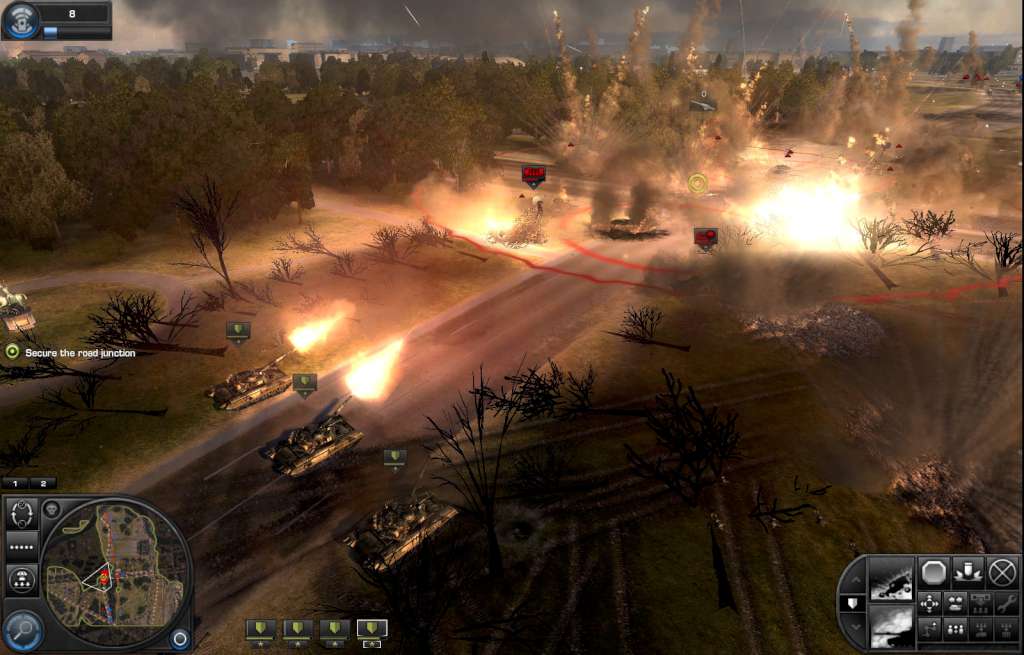
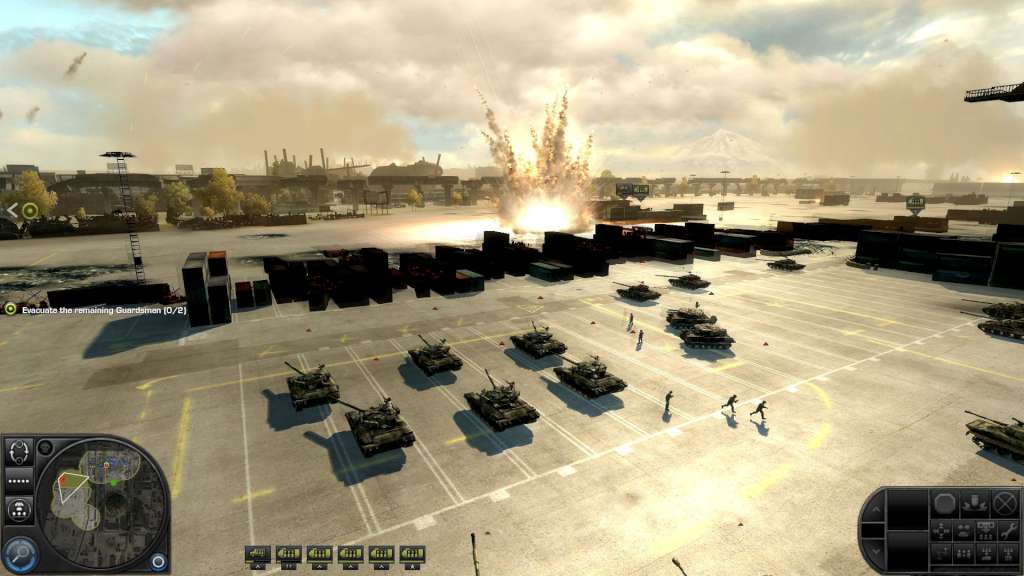
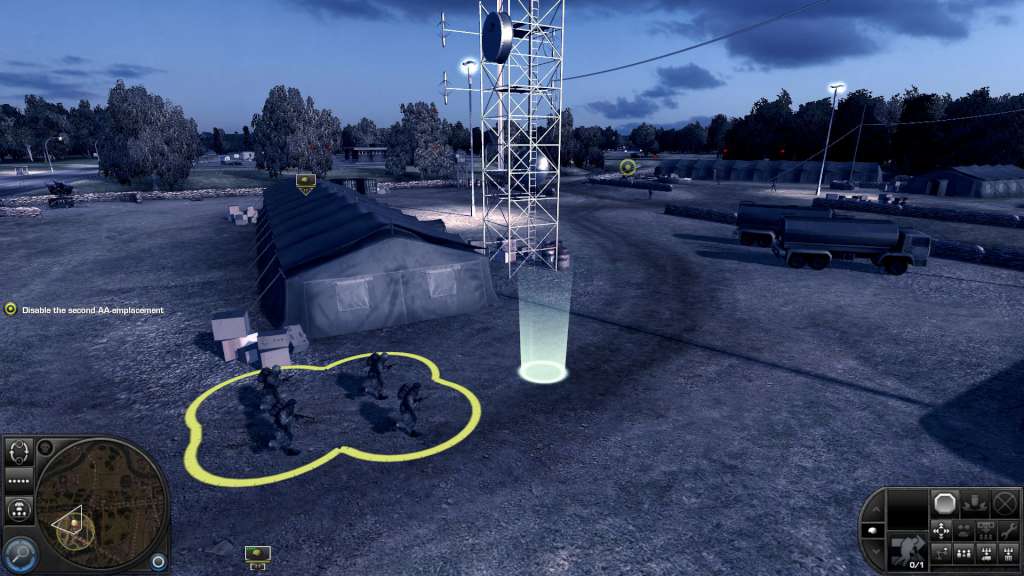
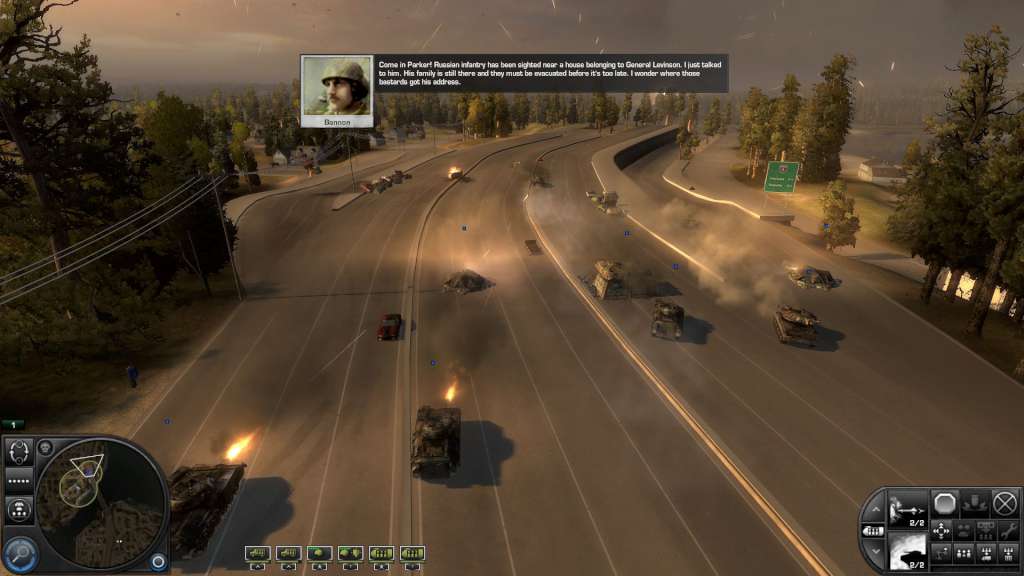
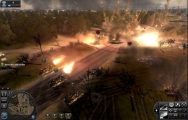
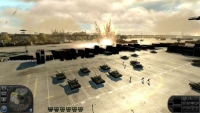
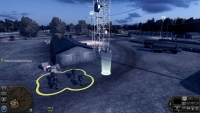
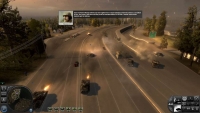
World in Conflict focuses on real-time tactics (RTT) gameplay, in a similar manner to Ground Control, a game also developed by Massive Entertainment, in which players deploy units onto a battlefield and must carefully make use of them to achieve victory, making use of support assets to further assist them. World in Conflict contains three factions: the United States, Soviet Union, and NATO. While players may only play as US and NATO forces during the single-player campaign, all three factions can be used in multiplayer games. During a game, players are given a pre-determined amount of reinforcement points, with which to purchase units with varying costs. Once the player deploys the units they purchase, they must wait 20 seconds for them to be airdropped to the field. If a unit is destroyed, the points are refunded to the player in order to allow them to bring in more units. During the single-player campaign, most missions vary what units the player can recruit, while some missions will offer the opportunity to recruit free units, though these cannot be replaced if destroyed. Each unit has strengths and weaknesses, such as mobile anti-air guns being most effective against enemy helicopters, and repair tanks being most effective at keeping vehicles and armor repaired. Each unit possesses a defensive ability, such as deploying smokescreens, while some units possess an offensive ability, such as marking targets for bombardment or using grenade launchers on enemy infantry. Once a unit's special ability(ies) has been spent, players must wait for them to recharge before they can be used again. In addition to controlling units, players may also call in tactical aid by spending tactical aid points. Points are primarily earned from destroying enemy units in battle. Tactical Aids allow the player to call in anything, from airstrikes on enemy positions, the deployment of paratroopers, to launching carpet bombing raids and tactical nuclear strikes. Tactical aids can allow up to three deployments, after which the player must wait until the support has recharged. In the single-player campaign, players are restricted by what tactical aid they can use, which can change during a mission. The game interface for World in Conflict has no framing in the game. A list of units occupies the bottom center, whereas the top right hand corner contains the expandable reinforcement procurement list. The mini map is in the bottom left hand corner, while the bottom right hand corner contains the special abilities buttons (including unit formation). Players can also use a messaging system that is designed to allow conversation between individuals regardless of whether they are on the same server or playing the same game. World in Conflict features a fully rotational 360 degree camera.
System requirements
- OS
- Windows® XP, Windows Vista™
- Processor
- 2.5 GHz or faster
- Memory
- 1024 MB (1.5 GB for Windows Vista™)
- Graphics
- 256 MB video RAM, DirectX® 9.0c-compatible
- DirectX Version
- 9.0c
- Hard Drive
- 8 GB or more available hard drive space
- Sound Card
- DirectX® 9.0c compatible
Activation details
"Please note, that due to recent Valve Steam Gift policy update Steam Gifts for games that are covered by VAC ban program can no longer be added to Inventory. Make sure that you are logged in to the proper account before entering the link as Steam Gifts can be only added to your library or rejected.
How do I use a Steam gift given to me?
If you do not already have Steam, download and install Steam here. Once you have Steam installed, you will be prompted to create an account or login to an existing Steam account. If you do not have an account, please create one.
You will receive an e-mail containing a link that will open Steam allowing you to redeem your gift. After clicking the link, you will receive a notification at the top right corner in the Steam client informing that you have a new gift.
Reviews
Only logged in customers who have purchased this product may leave a review.





Reviews
There are no reviews yet.