Vampire: The Masquerade – Bloodlines PC Download CD Key
Vampire: The Masquerade - Bloodlines 1

Release date
March 22, 2007
STEAM
Yes
Age rating
PEGI 18
Metacritic score
80
Regional limitations
Region free
Developers
Troika Games
Publishers
Activision Electronic Arts
Genres
Action
Platform
Other
Languages
English French German

Description

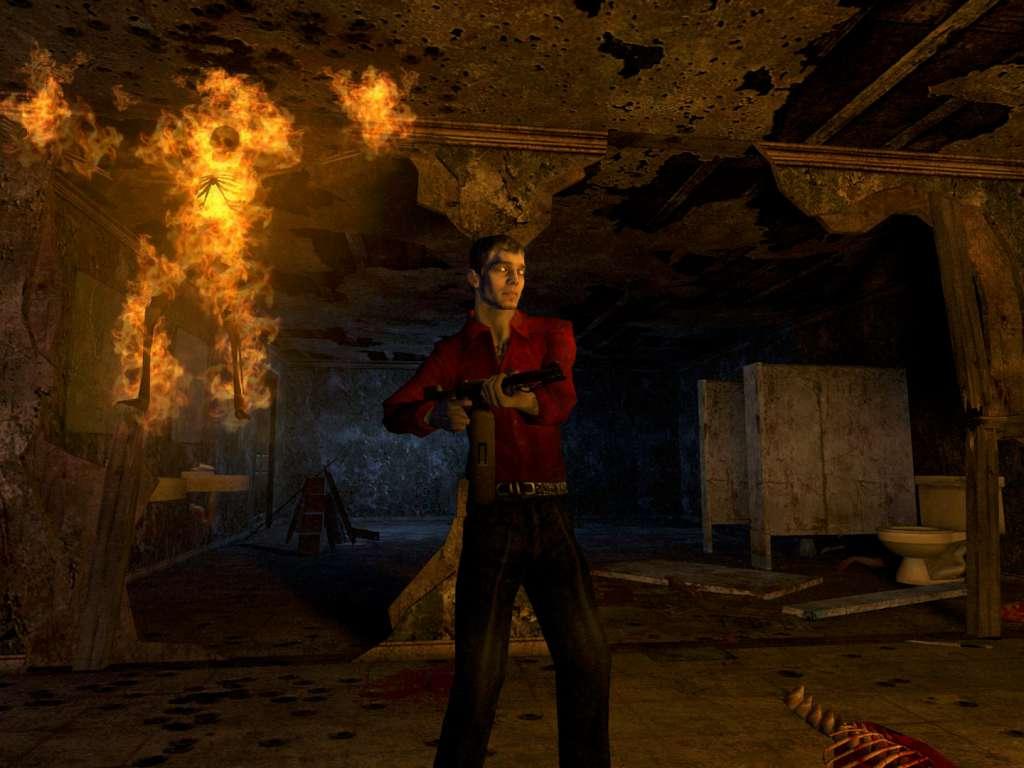
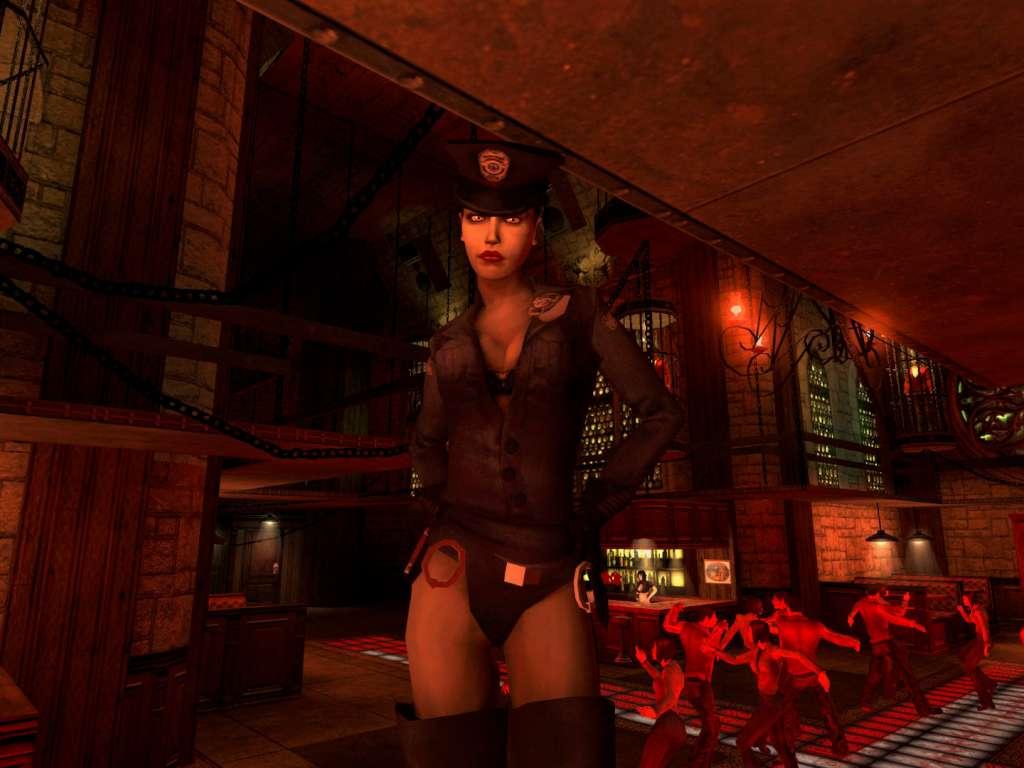
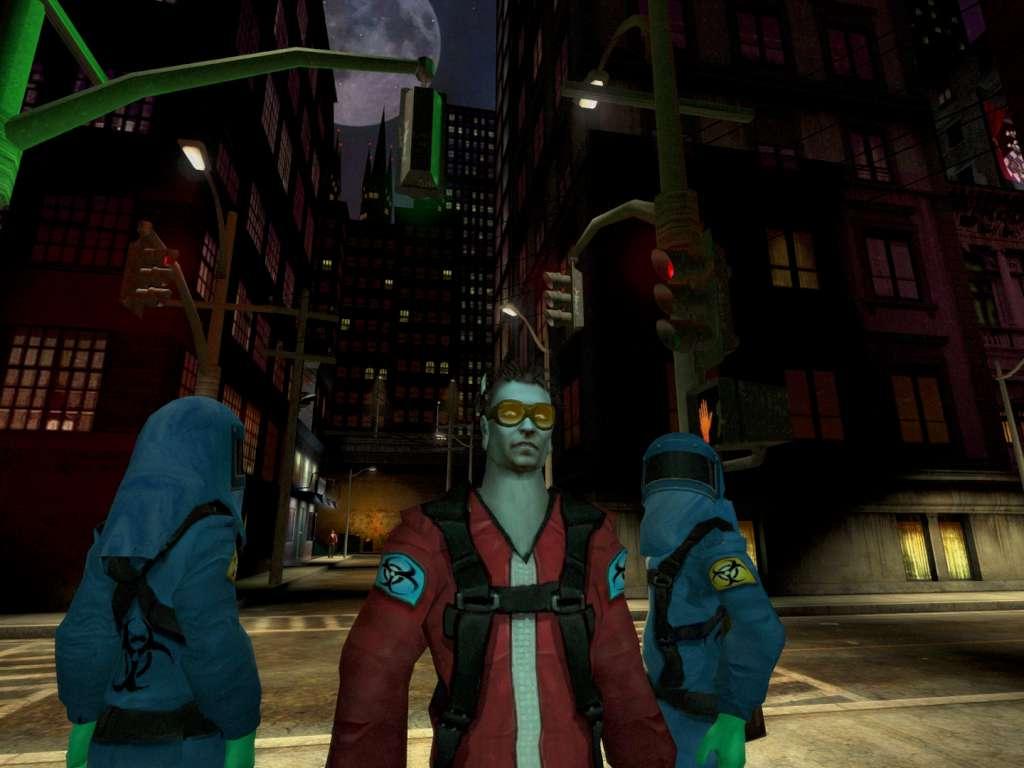
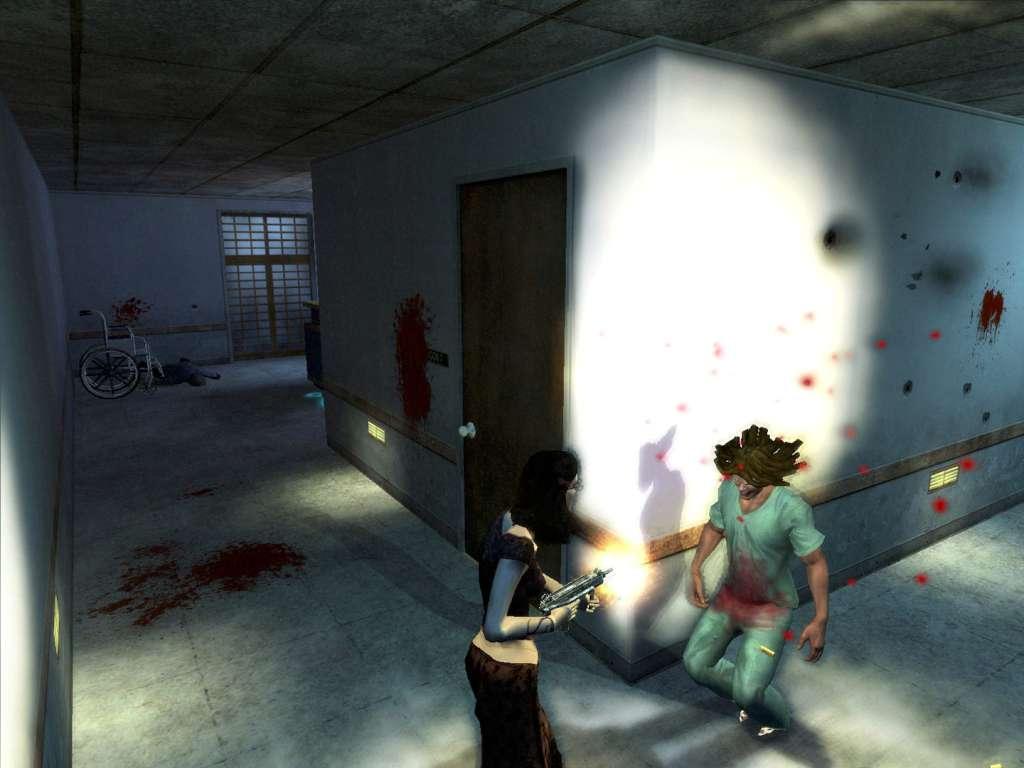
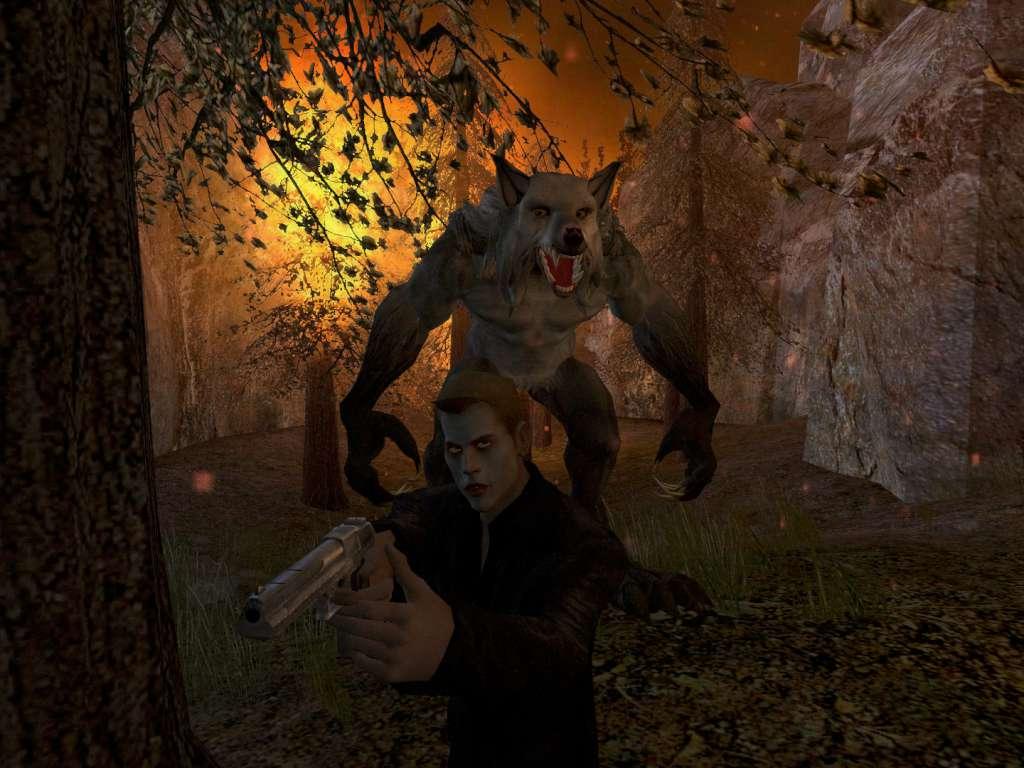
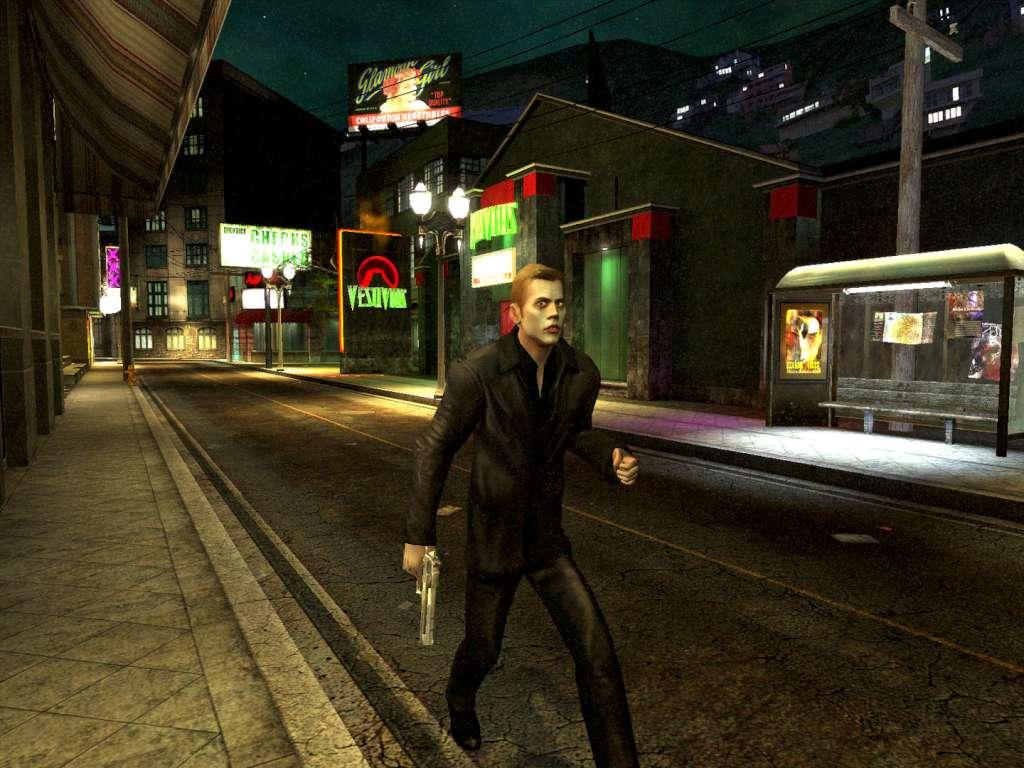
Vampire: The Masquerade-Bloodlines delivers a new type of RPG experience-one that blends all the core elements of a traditional RPG with the graphical richness, immediacy and brutal combat of a first-person action game. The game plunges players into the dark and gritty vampire underworld of modern-day L.A. as a creature of the night. Players will develop their character’s powers, interact with other characters and embark on story-driven quests as they battle mortals and other vampires with an incredible array of vampire powers and weapons. Powered by Valve’s Source Technology, the game is based on White Wolf’s popular Vampire: The Masquerade pen-and-paper RPG series and its official clans.

System requirements

Windows
Required: 3D hardware accelerator card required - 100% DirectX® 9.0c-compatible 64MB video card and drivers 1.2 GHz Athlon™ or 1.2 GHz Pentium® III processor or higher 384MB of RAM (512MB of RAM recommended) Microsoft® Windows® 98/ME/2000/XP* 3.3 GB of uncompressed hard disk space for game files and saved games (plus 1.4 GB for Windows® swap file) 100% DirectX® 9.0-compatible 16-bit sound card and drivers 100% Windows® 98/ME/2000/XP-compatible mouse, keyboard, and drivers DirectX® 9.0c * Does not support Windows XP 64Supported Chipsets for 98/ME/200/XP: All ATI® Radeon® Chipsets All NVIDIA® GeForce(tm) Chipsets Matrox® Parhelia(tm) Chipset

Activation details

Please create an account or login on https://www.gog.com Go to https://www.gog.com/redeem Enter the code and then press "CONTINUE" After a short amount of time you will see the details about the product, please press "CONTINUE" again. Download and install the GOG.com downloader Login to the software and get back to the product page Go to https://www.gog.com/account and look for the "Games" tab. Press the box of the product you want to download. Activate the GOG.com Download Mode on the right side of product menu. Choose the installation package from the list and save it with the GOG Downloader.

Reviews

Reviews

There are no reviews yet.

Only logged in customers who have purchased this product may leave a review.

Avatar Mobile
Main Menu x
X