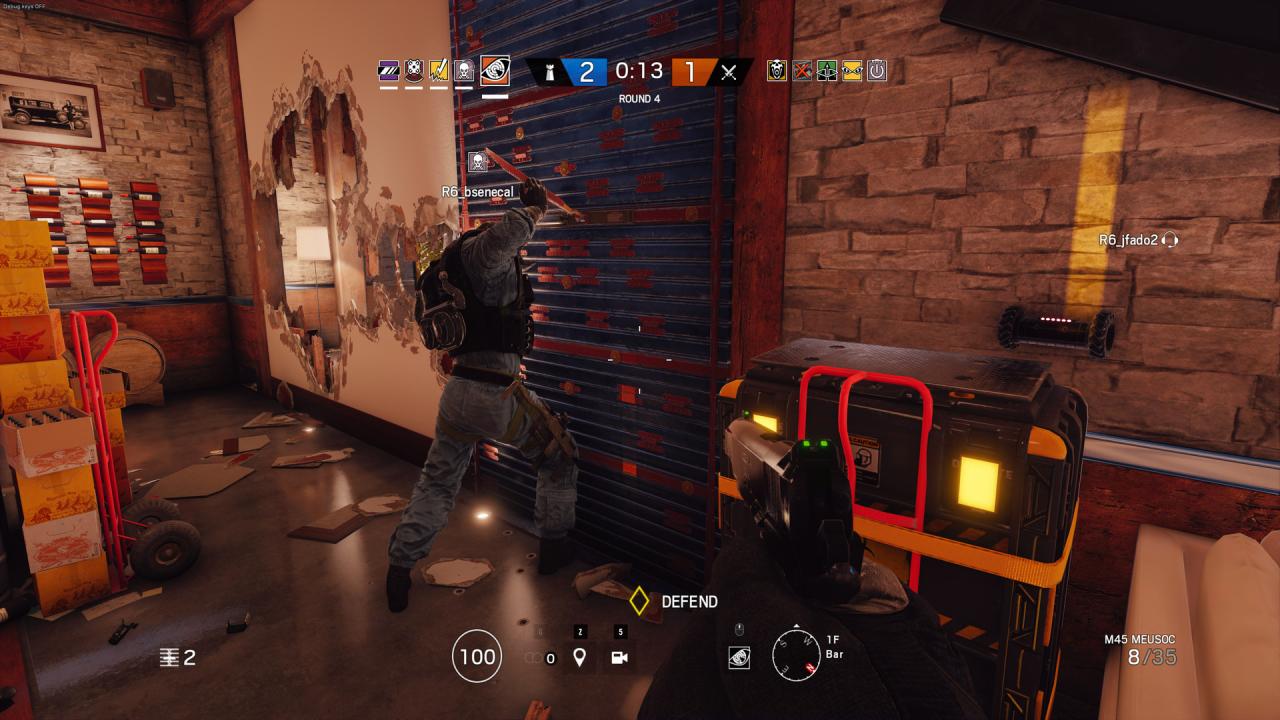
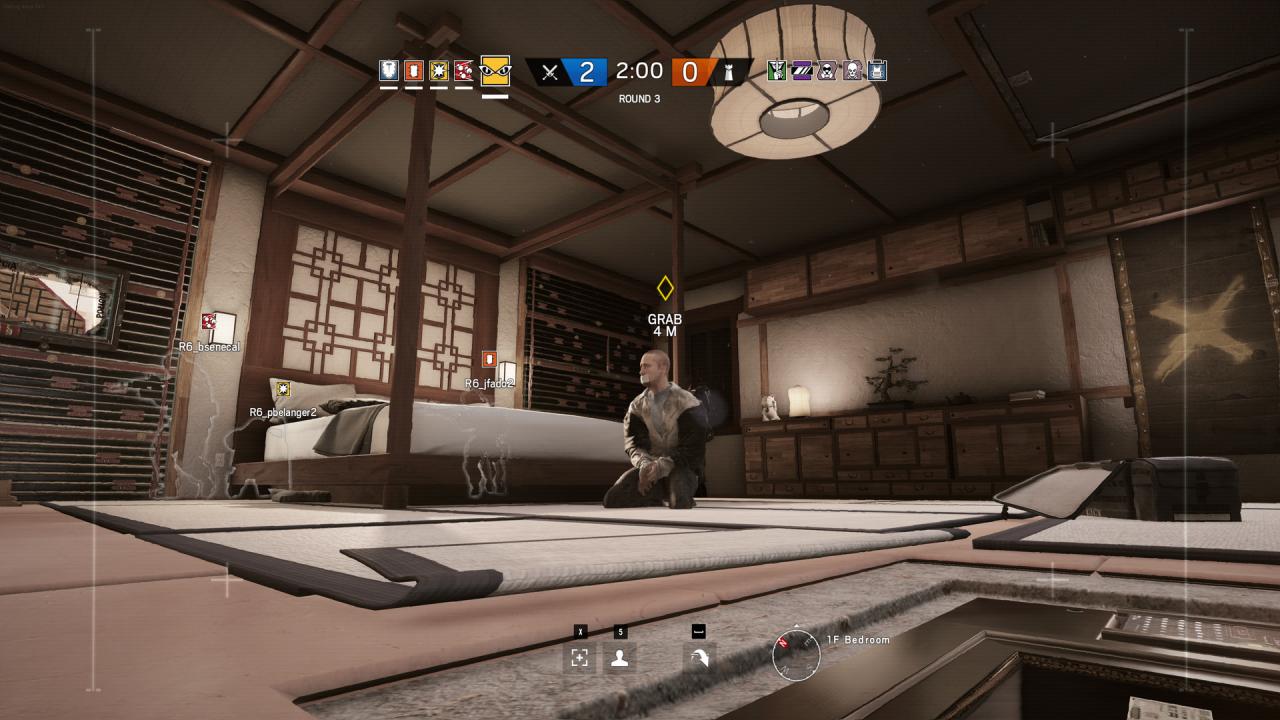
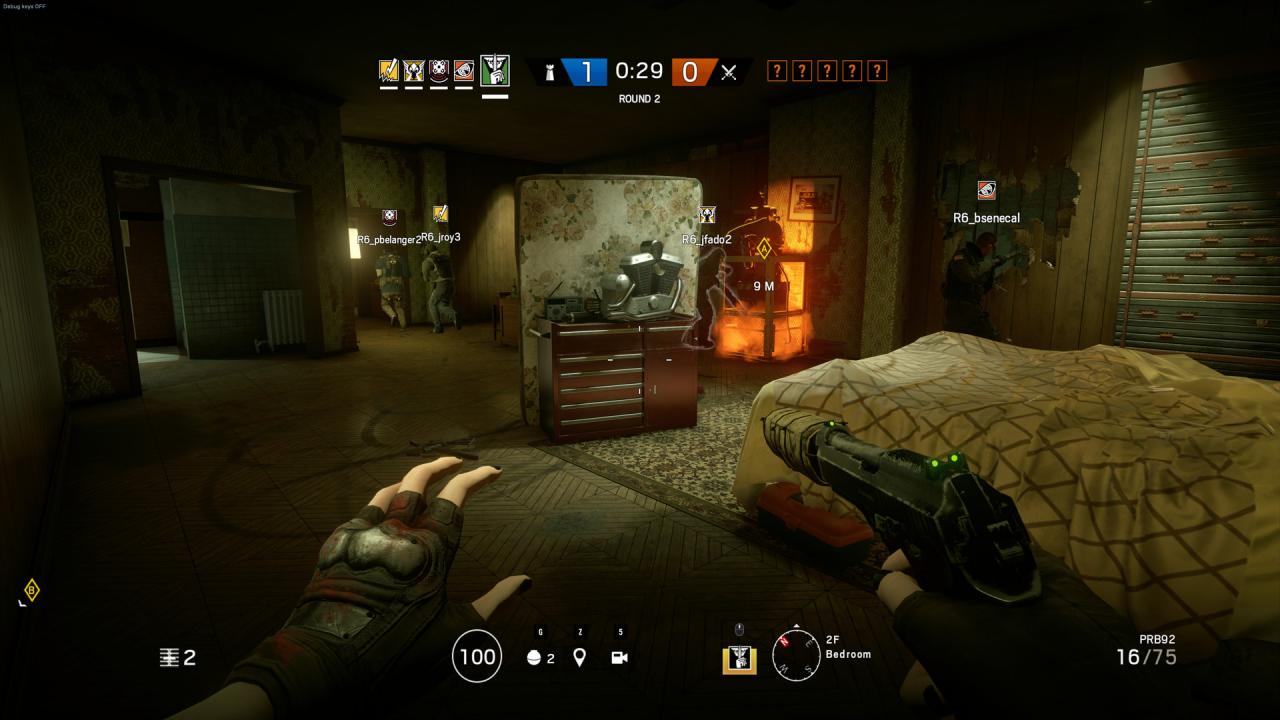
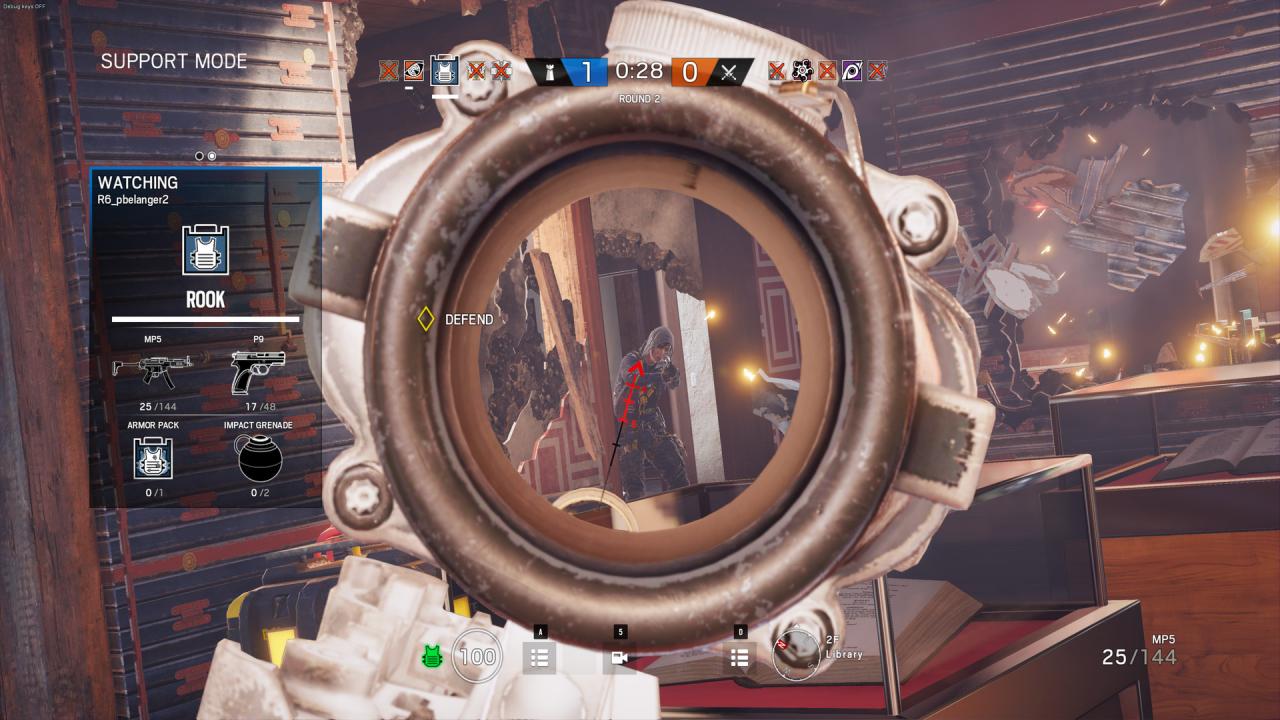
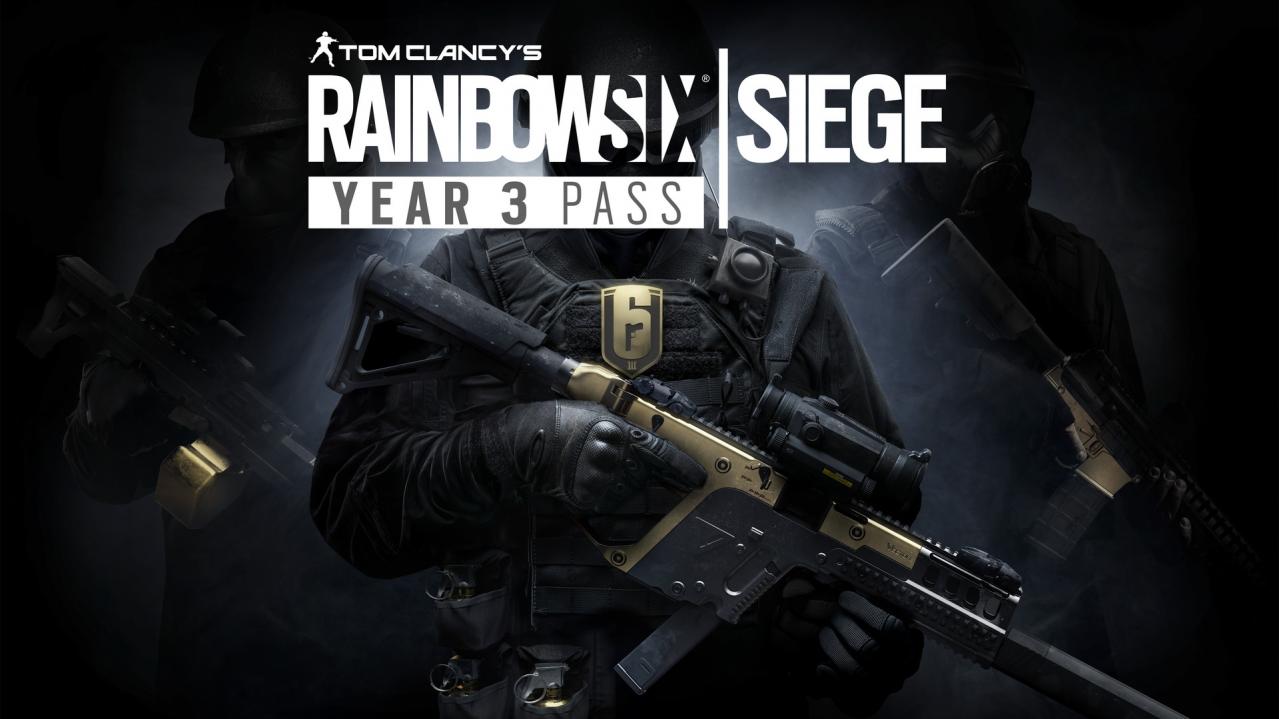
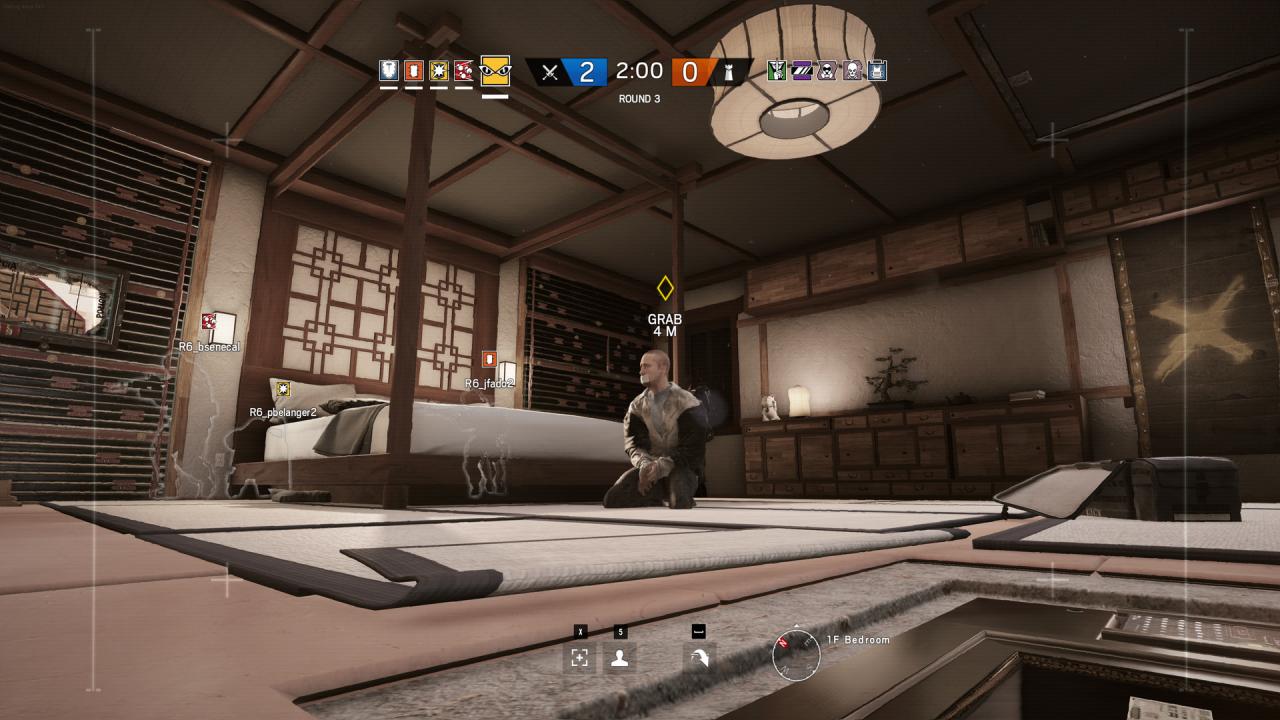
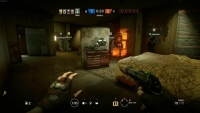
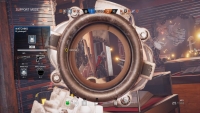
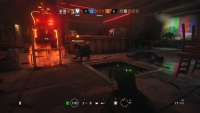
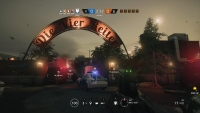
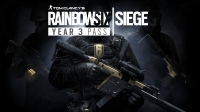
Tom Clancy’s Rainbow Six Siege – Year 3 Season Pass RU VPN Activated Ubisoft Connect CD Key
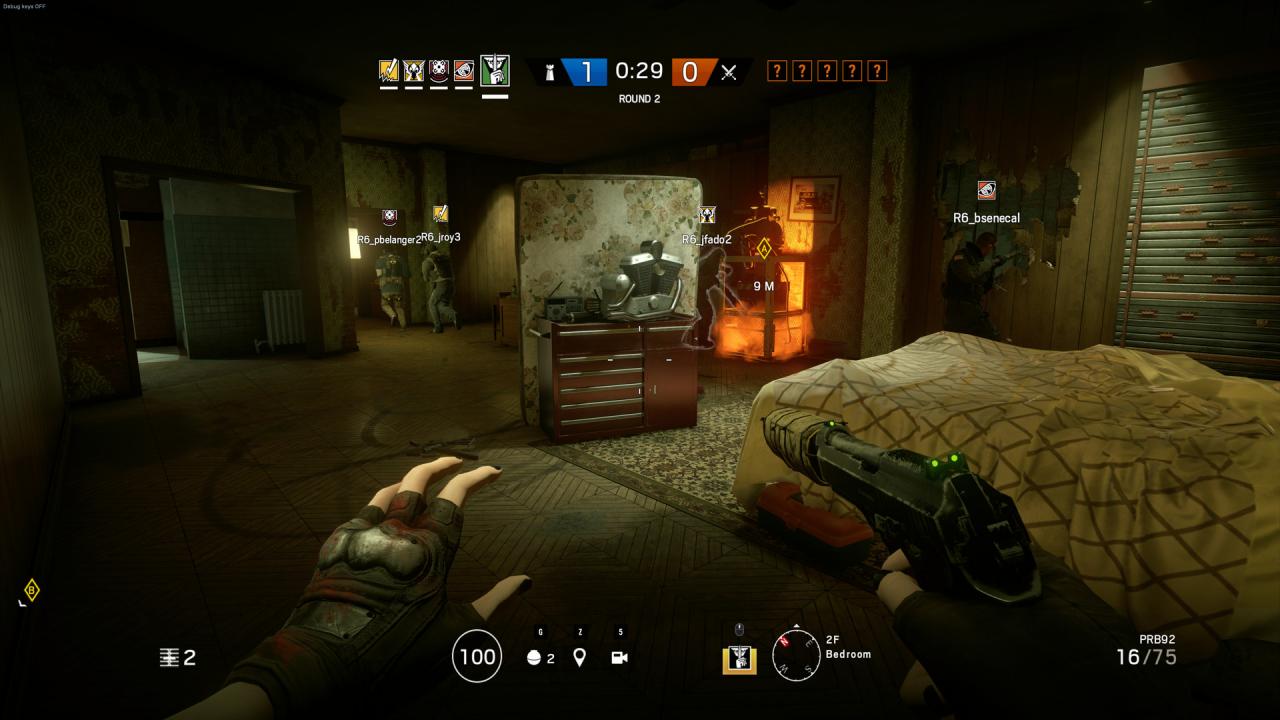
Tom Clancy's Rainbow Six Siege

Release date
December 12, 2017
Age rating
PEGI 18
Regional limitations
Russia
Developers
Publishers
Genres
Action FPS
Platform
Uplay
Languages
Chinese Czech Dutch English French German Italian Japanese Korean Polish Portuguese - Brazil Russian Spanish

Description

Extend and enhance your experience with the Y3 pass! Purchase the Year 3 Pass before the start of Season 1 Year 3, and receive the Damascus Steel Signature weapon skin. Year 2 Pass holders who purchase the Year 3 Pass will receive a bonus 600 R6 Credits. With the Y3 Pass get access to a 1-year* VIP premium membership which includes: YEAR 3 OPERATORS AND BONUS DLC 8 new Year 3 operators 8 exclusive headgear and uniforms R6 Charm 600 R6 Credits VIP PERKS 7-day early access to each season’s new Operators. 10% discount in in-game shop** 5% Renown boost 0, 3% Alpha Pack Boost *VIP Membership ends January 31, 2019 **10% discount only applies to purchases made with Renown or R6 Credits.

System requirements

Windows
OS: Windows 7, Windows 8.1, Windows 10 (64bit versions required) Processor: Intel Core i3 560 @ 3.3 GHz or AMD Phenom II X4 945 @ 3.0 GHz Memory: 6 GB RAM Graphics: NVIDIA GeForce GTX 460 or AMD Radeon HD 5870 (DirectX-11 compliant with 1GB of VRAM) Network: Broadband Internet connection Storage: 30 GB available space Sound Card: DirectX® 9.0c compatible sound card with latest drivers Additional Notes: SUPPORTED VIDEO CARDS AT TIME OF RELEASE: GeForce GTX 460 or better, GTX 560 or better, GTX 650 or better, GTX 750 or better, or any card from the GT900 and Titan Series, Radeon HD5870 or better, HD6870 or better, HD7770 or better, R7 260X or better, or any card from the R-300 series and Fury X. Laptop models of these cards may work but are not supported.

Activation details

Important Notice: This is the Russian version of the game and the shop is NOT responsible for regional, language or any other upcoming restrictions! Buy this product only if you understand the risk at your own responsibility! Russian IP address is required to activate the key on Steam! Use a Russian VPN to do so. (Quick & Easy Instructions here) Once the game is activated you can log in and play from anywhere. Go to: http://uplay.ubi.com and download Uplay client. Install Uplay Client on your PC. Start the application, login with your Account name and Password (create one if you don't have). Please follow these instructions to activate a new retail purchase on Uplay: Click the Settings Choose Activate Product Follow the onscreen instructions to complete the process.

Reviews

Reviews

There are no reviews yet.

Only logged in customers who have purchased this product may leave a review.

Avatar Mobile
Main Menu x
X