
Thief: Deadly Shadows Steam Gift

Description
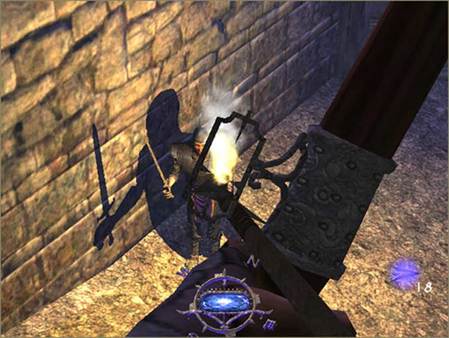
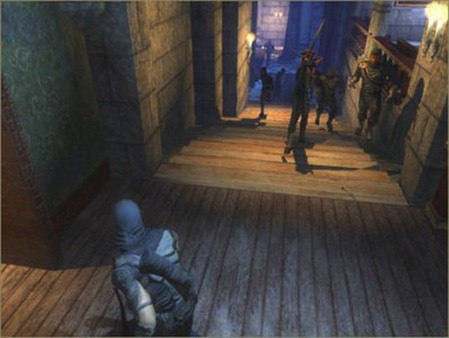
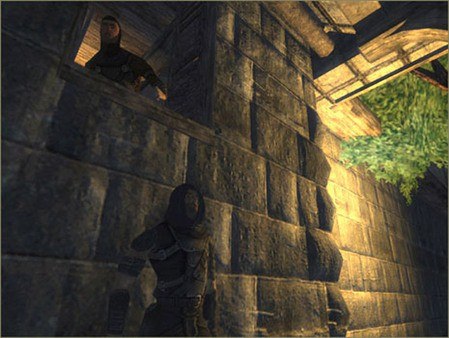
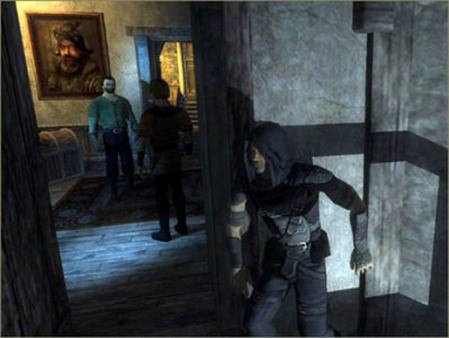
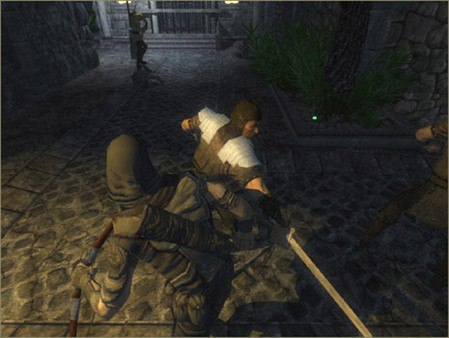
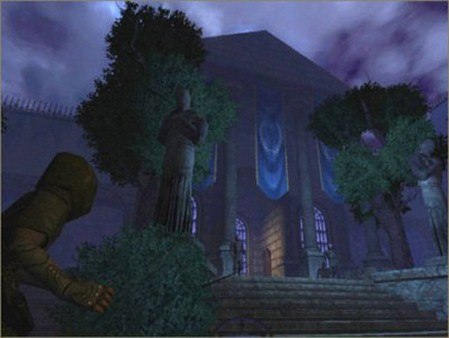
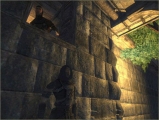
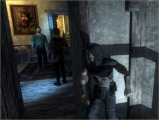
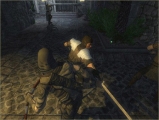
In the third instalment of the Thief series, master-thief Garrett is contacted by Keeper Artemus with a mission to steal two valuable artefacts. At the same time, Garrett learns about a prophecy: the coming of a Dark Age. He embarks upon a journey to unravel a mystery that threatens the existence of the order of Keepers. Is it possible that there is a traitor in their midst? The stealth and thievery game, Thief: Deadly Shadows comes with a number of improvements over two previous parts. Released in 2004, it left behind the aging Dark Engine, using a heavily modified Unreal engine instead. Realistic lighting effects have been implemented: each character and object now casts its own shadow. A third person's view has been made available in addition to the standard first person perspective. The stealth system that made Thief: The Dark Project and Thief 2: The Metal Age famous is still in place. You have to stick to the shadows and avoid making noise, as guards will react to anything suspicious. It is also the first game of the series that introduced free roaming. The City, divided into several unlockable districts, is yours to explore. You can interact with the city's inhabitants: pickpocket, steal, or even mug them for loot.
System requirements
- OS
- Windows 2000 or Windows XP
- Processor
- Intel Pentium IV 1.5 GHz (or AMD Athlon XP equivalent)
- Memory
- 256 MB system memory, 64 MB video memory
- Graphics
- Direct3D 9.0, and Pixel Shader 1.1
- Sound
- 100% DirectSound 9 compatible sound card
- HDD Space
- 3,000 MB
- Input
- Keyboard and mouse
Activation details
"Please note, that due to recent Valve Steam Gift policy update Steam Gifts for games that are covered by VAC ban program can no longer be added to Inventory. Make sure that you are logged in to the proper account before entering the link as Steam Gifts can be only added to your library or rejected.
How do I use a Steam gift given to me?
If you do not already have Steam, download and install Steam here. Once you have Steam installed, you will be prompted to create an account or login to an existing Steam account. If you do not have an account, please create one.
You will receive an e-mail containing a link that will open Steam allowing you to redeem your gift. After clicking the link, you will receive a notification at the top right corner in the Steam client informing that you have a new gift.
Reviews
Only logged in customers who have purchased this product may leave a review.







Reviews
There are no reviews yet.