The Dorm Is Yours! Steam CD Key
The Dorm Is Yours!

Release date
March 10, 2023
STEAM
Yes
Regional limitations
RoW (Rest of World)
Developers
Publishers
Genres
Adult Games Adventure Anime Casual Dating Simulator Indie Life Simulation Simulation
Platform
Steam
Languages
English Japanese

Description

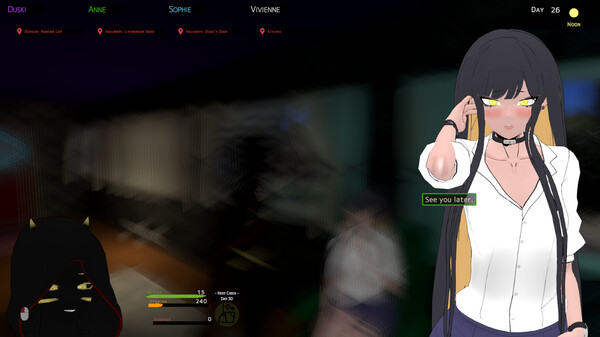
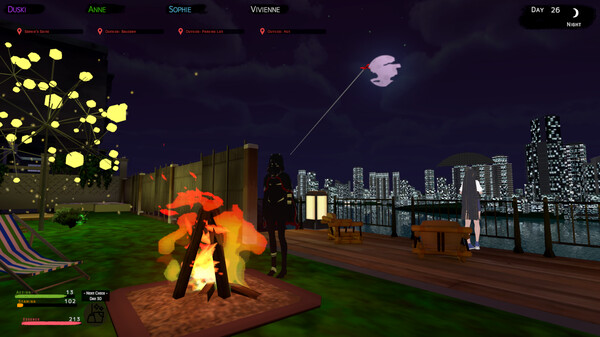
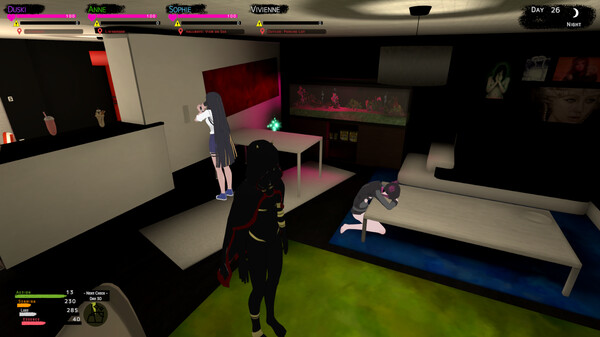
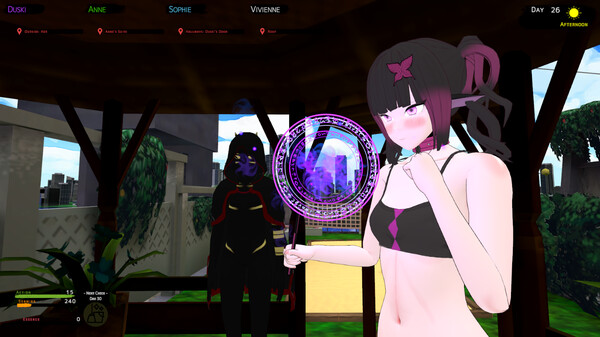
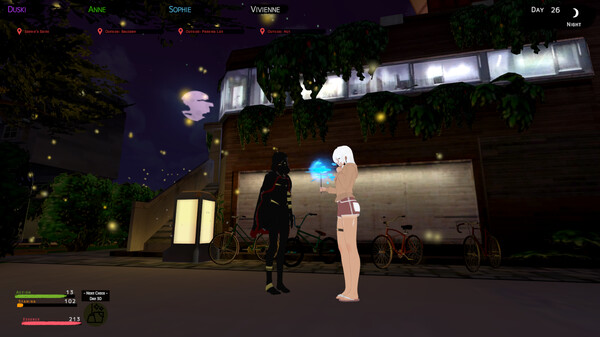
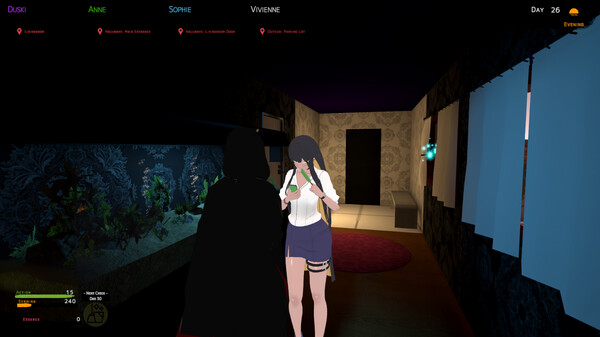
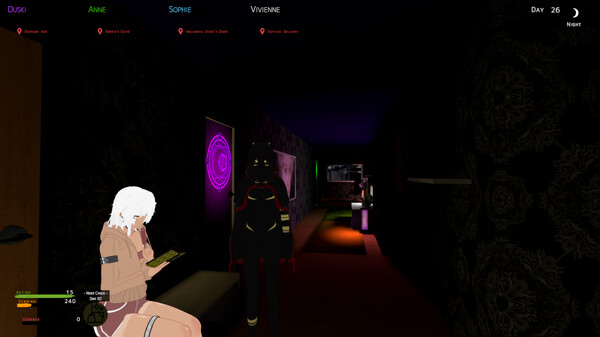
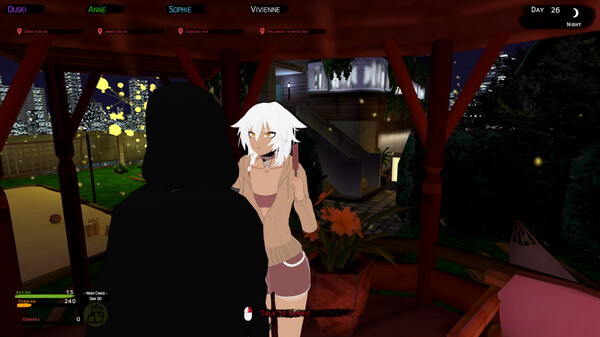
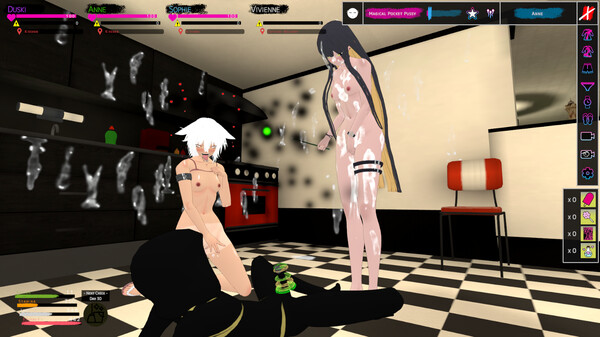
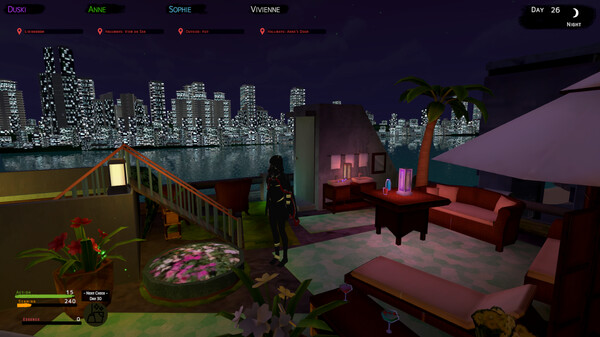
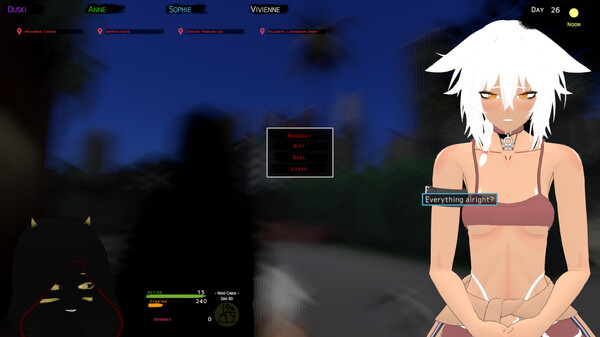
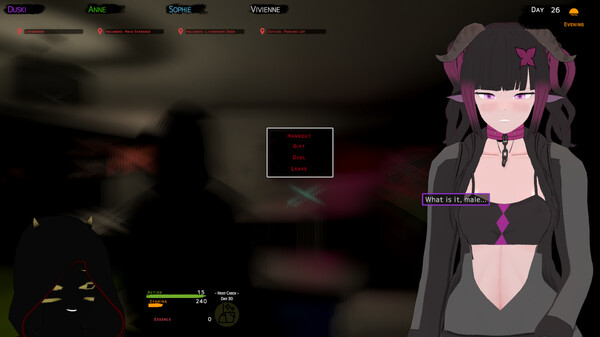
You’ve been hired to take care of a dorm inhabited by mages. It’s your job to make everyday life for them more comfortable but in what environment? What lives do mages live and will you maybe find your connection to them? Manage your days and time during your employment, and get to know the people in the dorm. Raise your stats by cycling on your bike. There are plenty of tasks to do in and out of the dorm and characters to hang out with. Never bother with things like New Game+ again. You can complete everything in one run, no hard game over or any day limiter exists to let you have a nice time at The Dorm Is Yours! Features Relaxing day-to-day life with the dorm inhabitants in a beautiful, real-time 3D rendered environment with anime-like characters. Manage your stats as you maintain yourself and the dorm. Unlock new skills to make progress easier.

System requirements

Windows
Minimum: OS: 64-bit Processor & Operating System required Processor: Intel® i5-4590 / AMD FX 8350 equivalent or greater Memory: 3 GB RAM Graphics: NVIDIA GeForce® GTX 660 / AMD Radeon™ HD 7870 equivalent or greater DirectX: Version 11 Storage: 2 GB available space
Mac
Minimum: OS: 64-bit Processor & Operating System required Processor: Intel® i5-4590 / AMD FX 8350 equivalent or greater Memory: 3 GB RAM Graphics: NVIDIA GeForce® GTX 660 / AMD Radeon™ HD 7870 equivalent or greater Storage: 2 GB available space
Linux
Minimum: OS: 64-bit Processor & Operating System required Processor: Intel® i5-4590 / AMD FX 8350 equivalent or greater Memory: 3 GB RAM Graphics: NVIDIA GeForce® GTX 660 / AMD Radeon™ HD 7870 equivalent or greater Storage: 2 GB available space

Activation details

Go to: http://store.steampowered.com/ and download STEAM client Click "Install Steam" (from the upper right corner) Install and start application, login with your Account name and Password (create one if you don't have). Please follow these instructions to activate a new retail purchase on Steam: Launch Steam and log into your Steam account. Click the Games Menu. Choose Activate a Product on Steam... Follow the onscreen instructions to complete the process. After successful code verification go to the "LIBRARY" tab and start downloading.

Reviews

Reviews

There are no reviews yet.

Only logged in customers who have purchased this product may leave a review.

Avatar Mobile
Main Menu x
X