The Christmas Gifts Steam CD Key
The Christmas Gifts

Release date
October 5, 2018
STEAM
Yes
Regional limitations
Region free
Developers
Publishers
Genres
Action Adventure Casual Indie Platformer
Platform
Steam
Languages
English

Description

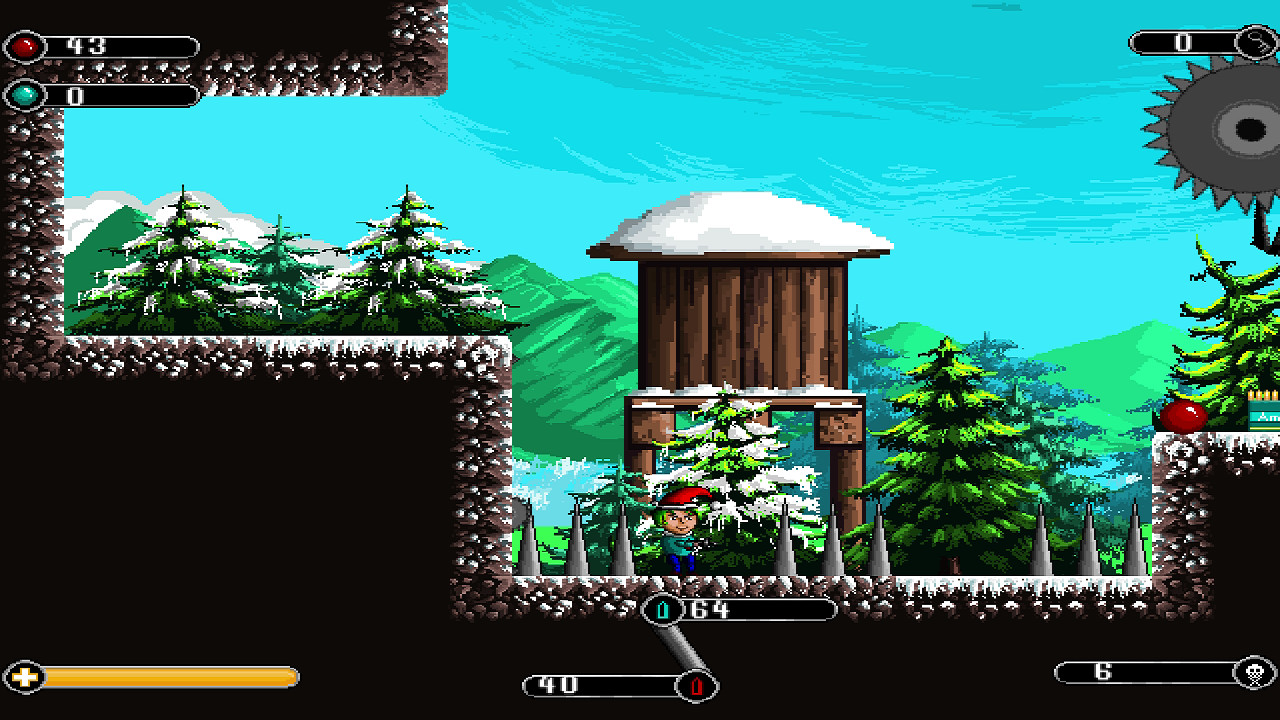
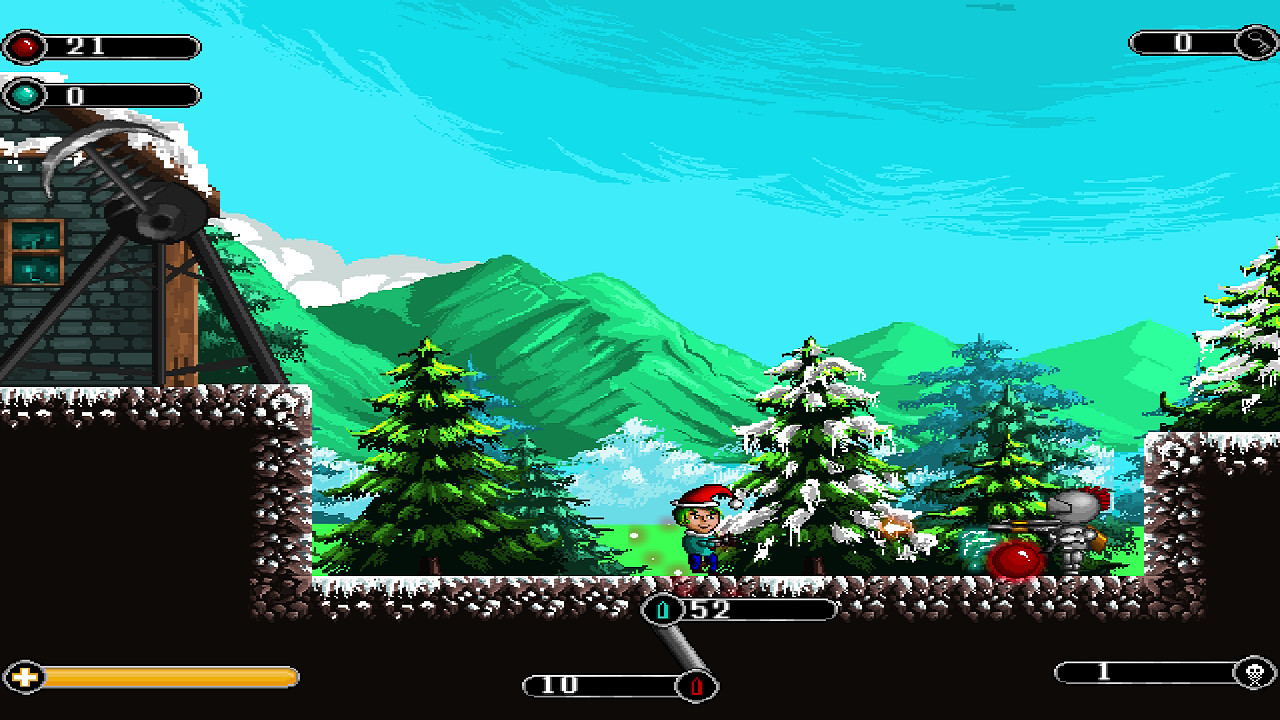
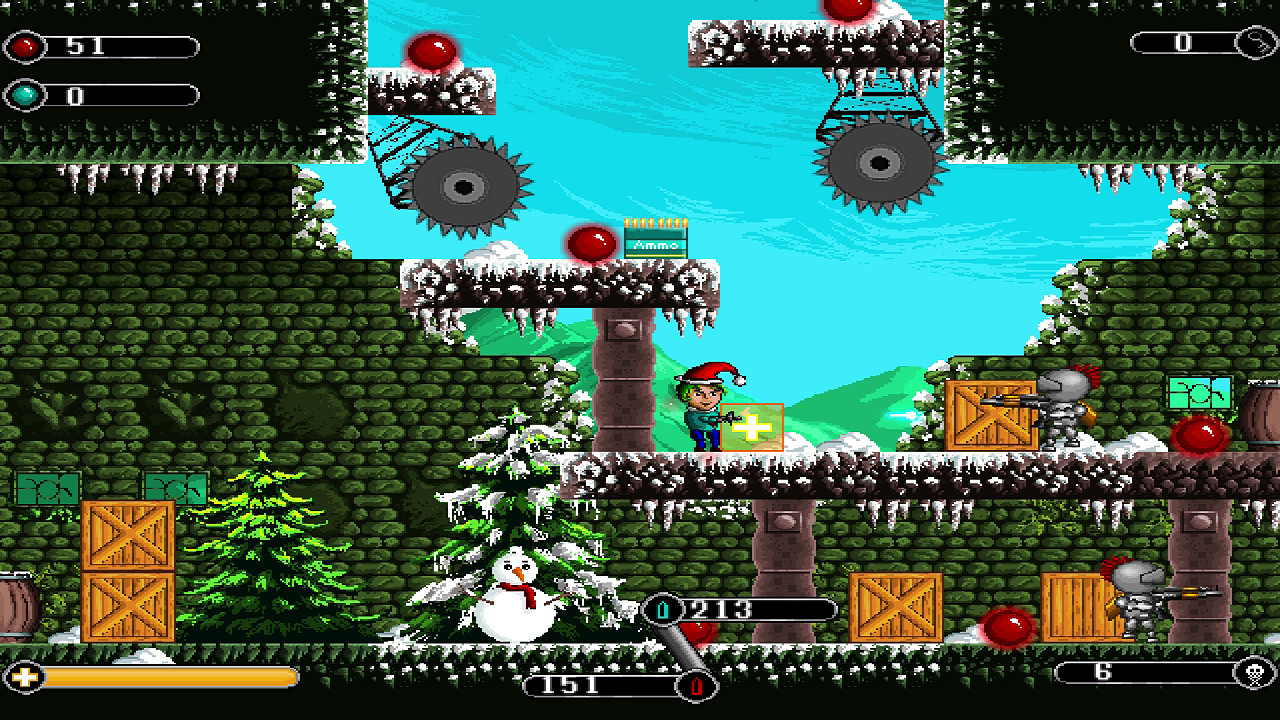
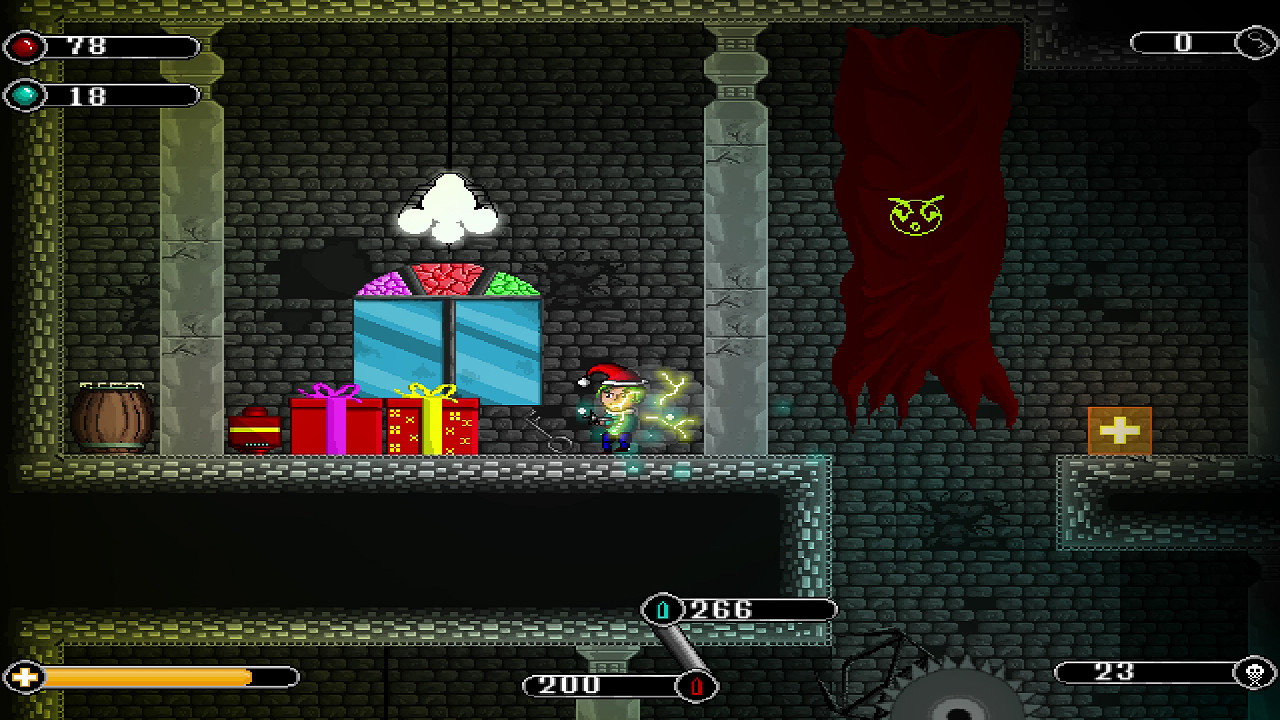
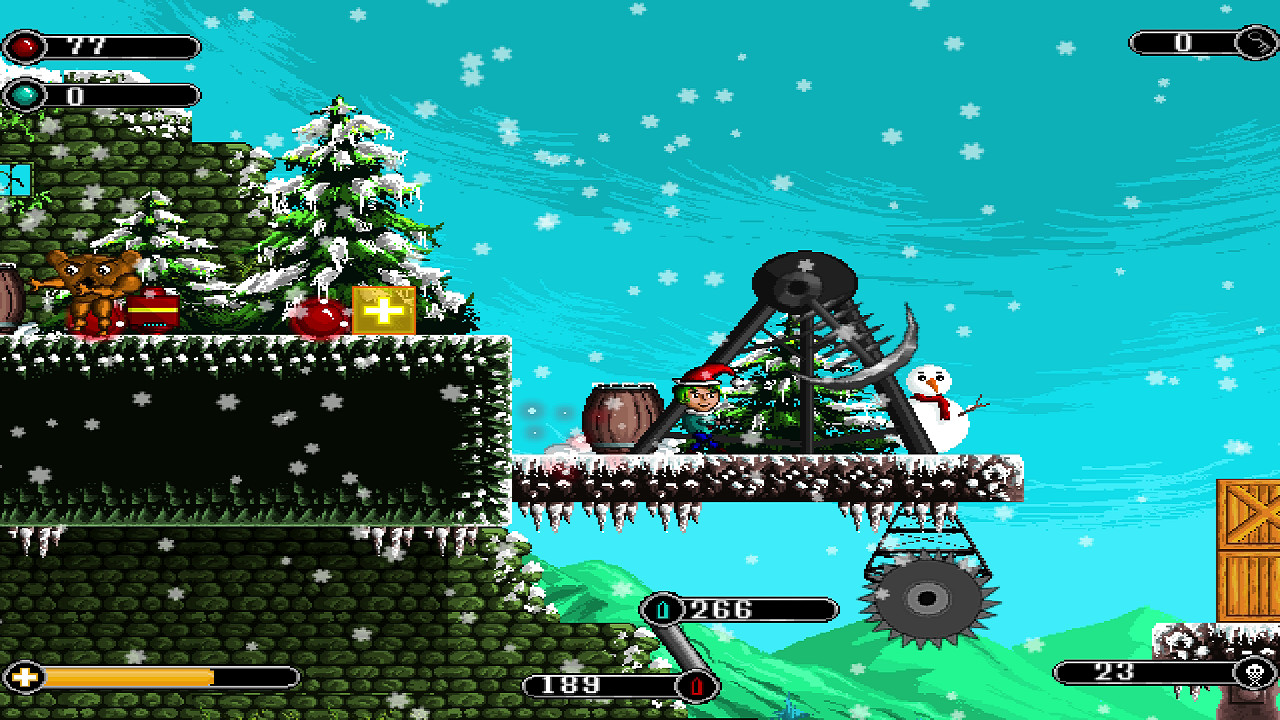
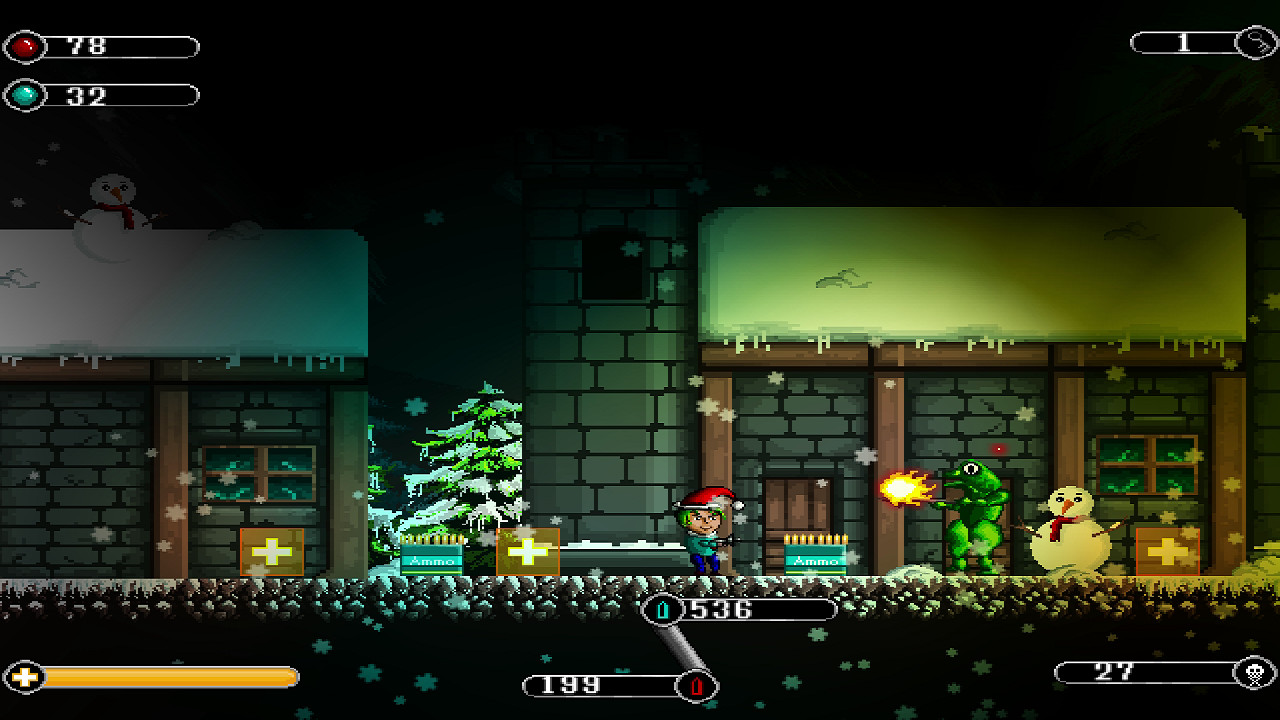
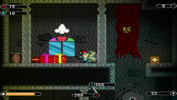
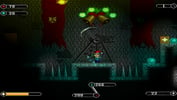
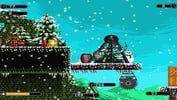
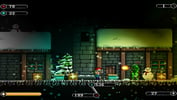
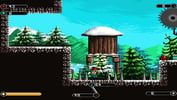
The Christmas Gifts is a 2D Old School Christmas Themed Action Platformer based on the story of a boy named Kim who is in search of his gifts which got stolen from his garden.He found out that his Christmas gifts have been stolen by some rogue creatures and he started looking for them desperately. However, the creatures decided to stop Kim at any cost and they intentionally hid all of the gifts inside the magical chests which could be unlocked and opened by collecting red and blue balls. He initiated his journey of eliminating the enemies and finding the chests. His mission is to find and reclaim the stolen gifts by any means.Will Kim be able to unlock the chests and get his rewards back? Will he be able to succeed in his mission? His fate is in your hands now. Features 12 Levels to Play! Two kinds of firing modes! Challenging Situations and Hard to Master! 3 Boss Battles! Receive different kinds of rewards at the end of each level! Lots of Deadly Traps, and Enemies!

System requirements

Windows
Minimum: OS: Windows XP, Vista, 7, 8/8.1, 10 Processor: Dual Core 1 Ghz or higher Memory: 2 GB RAM Graphics: 128 MB of Video Memory, Capable of Shader Model 2.0+ DirectX: Version 9.0c Storage: 30 MB available space Sound Card: Any Compatible Sound Card
Linux
Minimum: OS: Ubuntu 14.04 or Higher Processor: Dual Core 1 Ghz+ Memory: 2 GB RAM Graphics: 128 MB of Video Memory Storage: 30 MB available space Sound Card: Any Compatible Sound Card

Activation details

Go to: http://store.steampowered.com/ and download STEAM client Click "Install Steam" (from the upper right corner) Install and start application, login with your Account name and Password (create one if you don't have). Please follow these instructions to activate a new retail purchase on Steam: Launch Steam and log into your Steam account. Click the Games Menu. Choose Activate a Product on Steam... Follow the onscreen instructions to complete the process. After successful code verification go to the "LIBRARY" tab and start downloading.

Reviews

Reviews

There are no reviews yet.

Only logged in customers who have purchased this product may leave a review.

Avatar Mobile
Main Menu x
X