
Task Force 1942: Surface Naval Action in the South Pacific Steam CD Key
Description
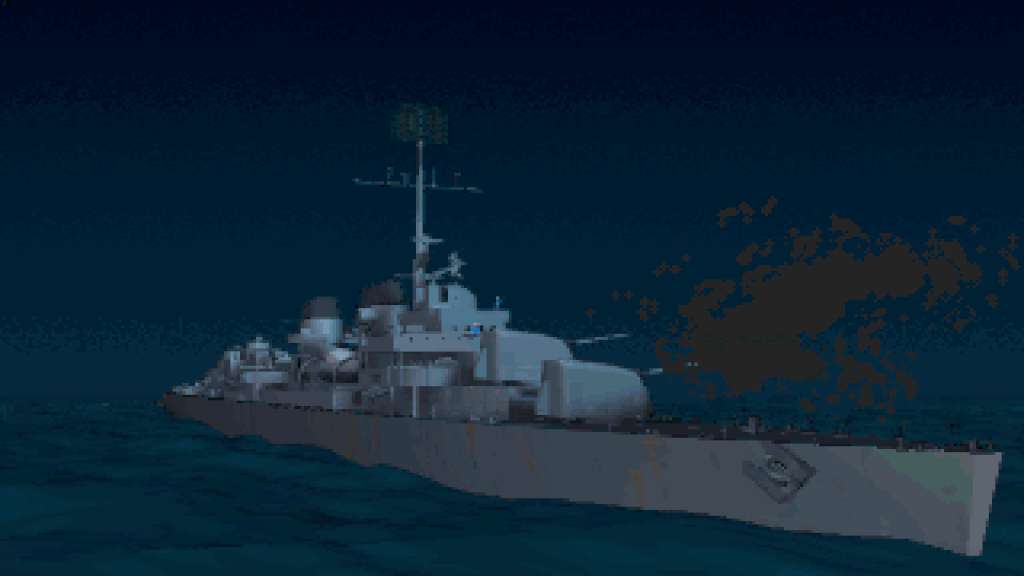
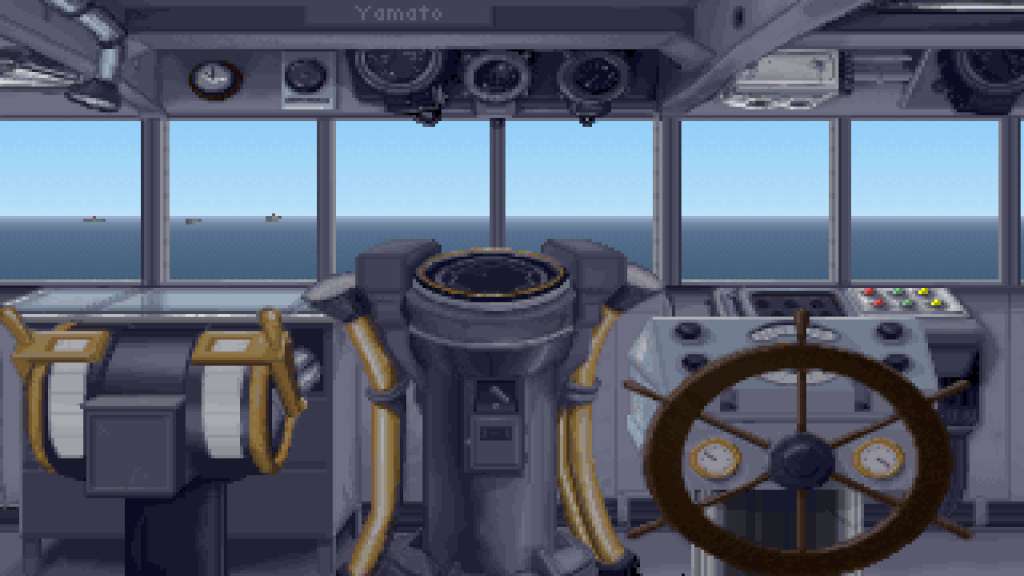
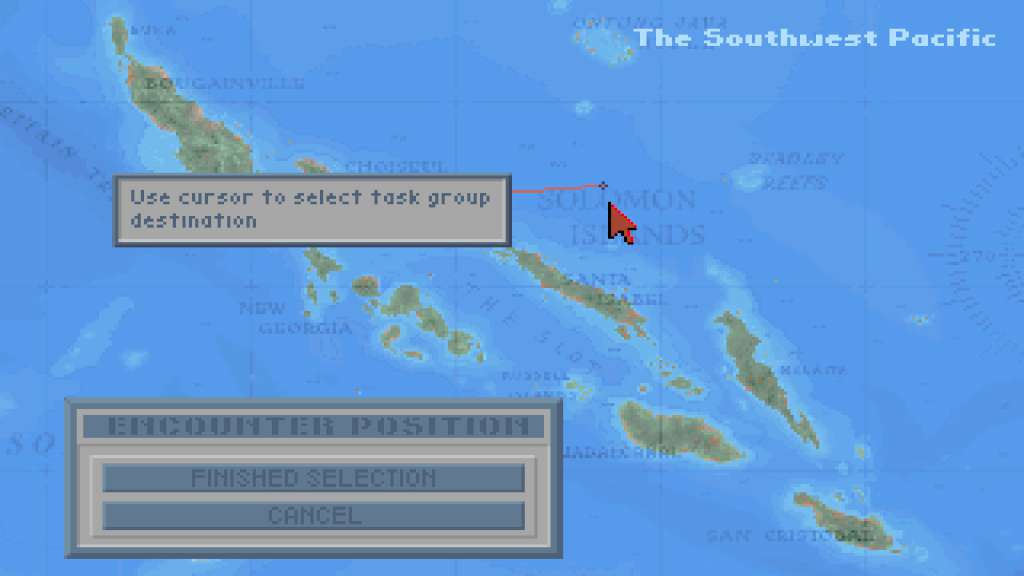
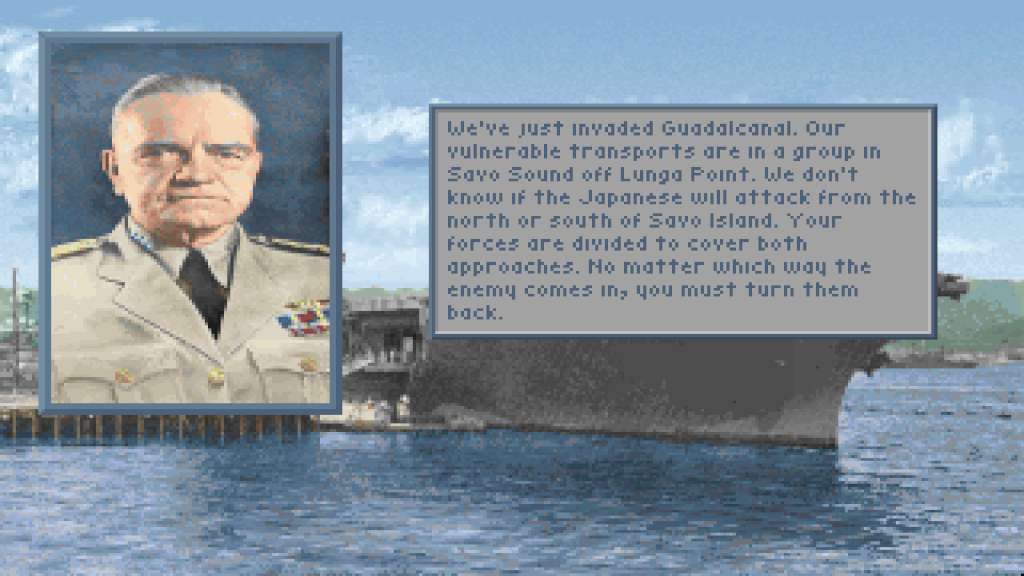
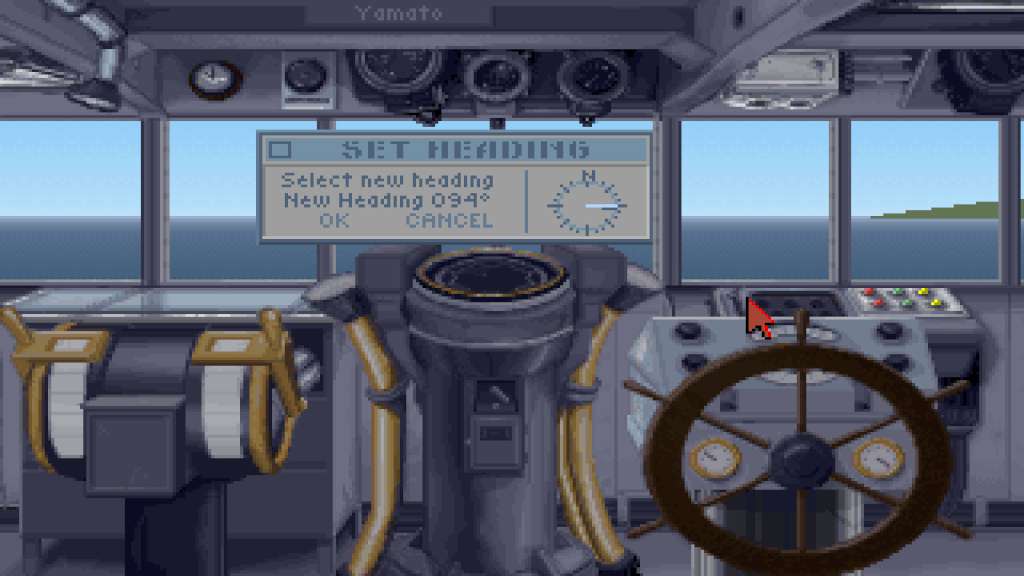
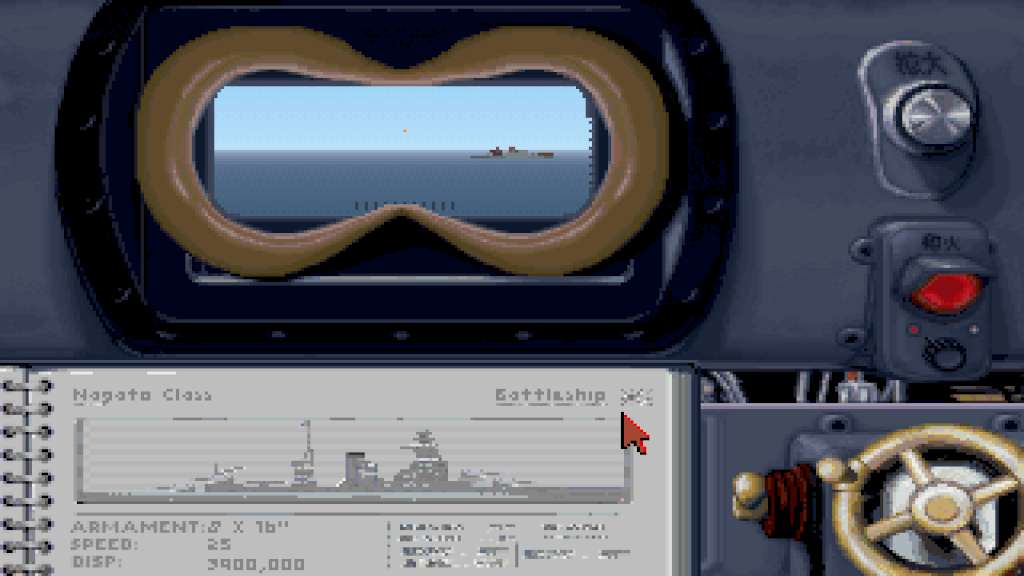
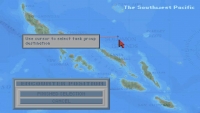
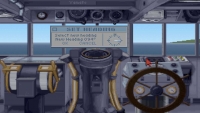
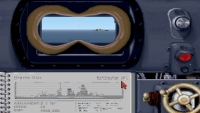
Surface Naval action in the south pacific. A Long Lance torpedo rips through the hull of your flagship. Huge columns of water from enemy gunfire surround your battleships. It's just another day in Task Force 1942, the first in a new series of spectacular World War II Pacific War simulations from MicroProse.This is your chance to command a fleet of destroyers, cruisers and battleships against aggressive enemy forces in the South Pacific. No detail has been overlooked in this painstakingly researched simulation. Your daily routine will include firing torpedoes into enemy vessels. Issuing commands to ships and convoys. And confronting enemy ships head-on in explosive night battles.Plus, to really boost your confidence, you'll experience frightening torpedo wakes and blinding explosions so realistic you'll need to change uniforms every time you play. Task Force 1942 from MicroProse. It's the only way to experience the thrills… and risks… of surface naval combat in World War II.
System requirements
- OS
- Windows XP / Vista / 7
- Processor
- 1.0 GHz Processor
- Memory
- 512 MB RAM
- Graphics
- 100% DirectX compatible graphics
- Hard Drive
- 100 MB available space
- Sound Card
- 100% DirectX compatible card or onboard sound
- OS
- OS X Leopard 10.7
- Processor
- 1.0 GHz Processor
- Memory
- 512 MB RAM
- Graphics
- 3D graphics card or onboard graphics compatible with OpenGL
- Hard Drive
- 100 MB available space
- Sound Card
- 100% CoreAudio compatible card or onboard sound
- OS
- Ubuntu 14.04 LTS
- Processor
- 1.0 GHz Processor
- Memory
- 512 MB RAM
- Graphics
- 100% OpenGL accelerated card or onboard graphics
- Hard Drive
- 100 MB available space
- Sound Card
- Any ALSA supported card on onboard audio
Activation details
Click "Install Steam" (from the upper right corner)
Install and start application, login with your Account name and Password (create one if you don't have).
Please follow these instructions to activate a new retail purchase on Steam:
Launch Steam and log into your Steam account.
Click the Games Menu.
Choose Activate a Product on Steam...
Follow the onscreen instructions to complete the process.
After successful code verification go to the "MY GAMES" tab and start downloading.
Reviews
Only logged in customers who have purchased this product may leave a review.







Reviews
There are no reviews yet.