
Steel Fury – Kharkov 1942 Steam CD Key
Description
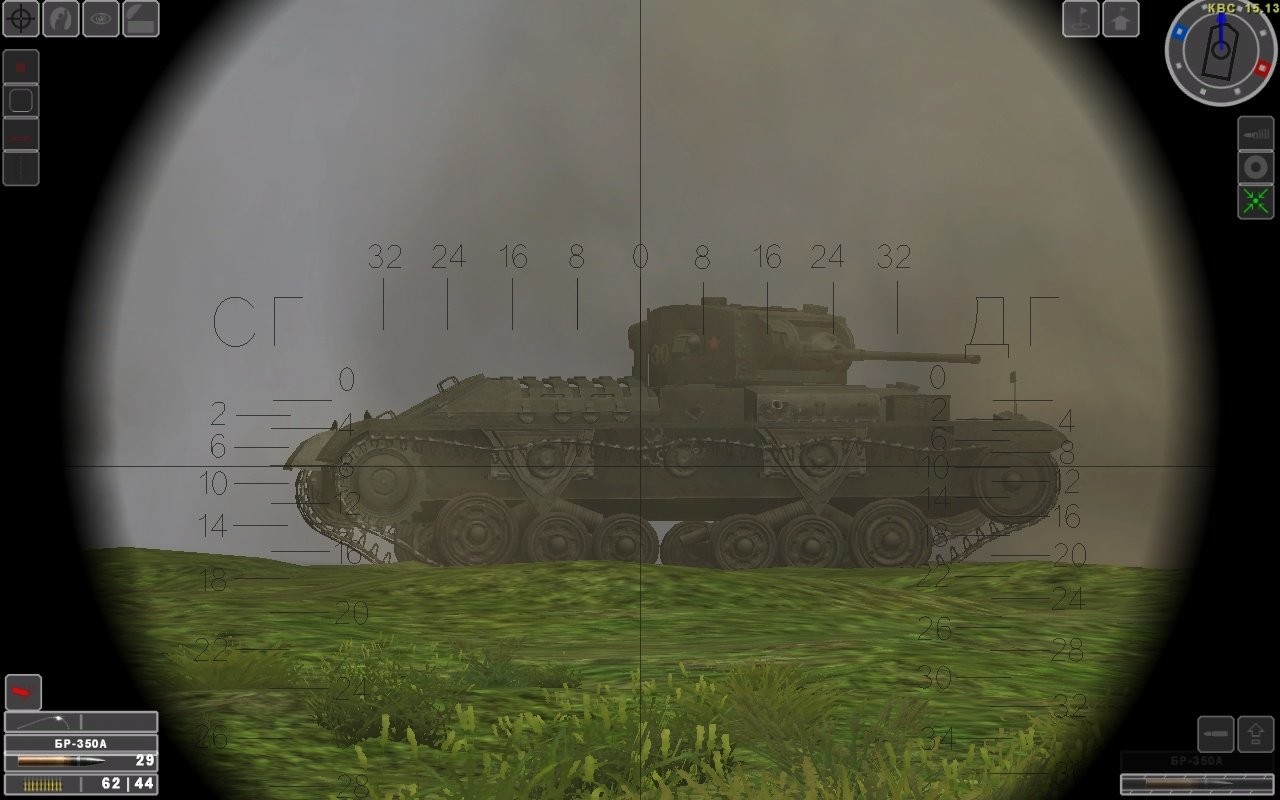
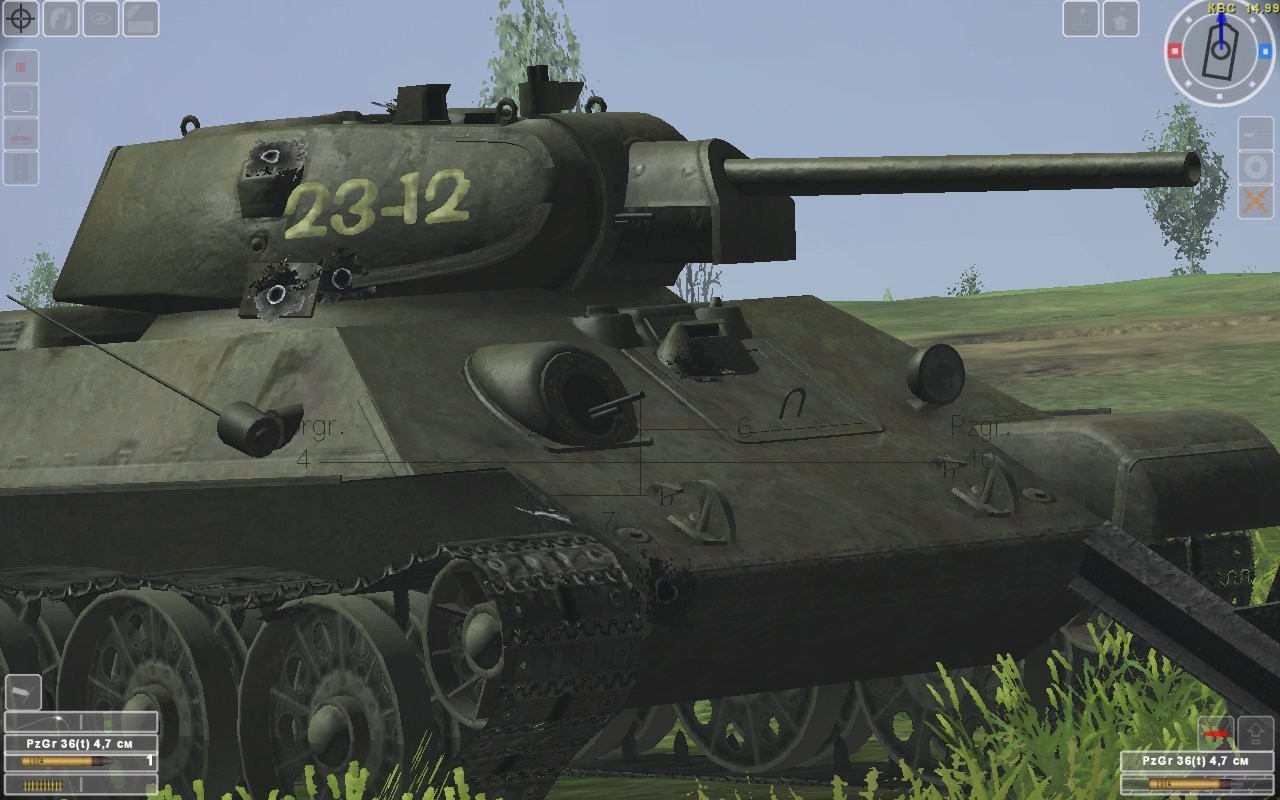
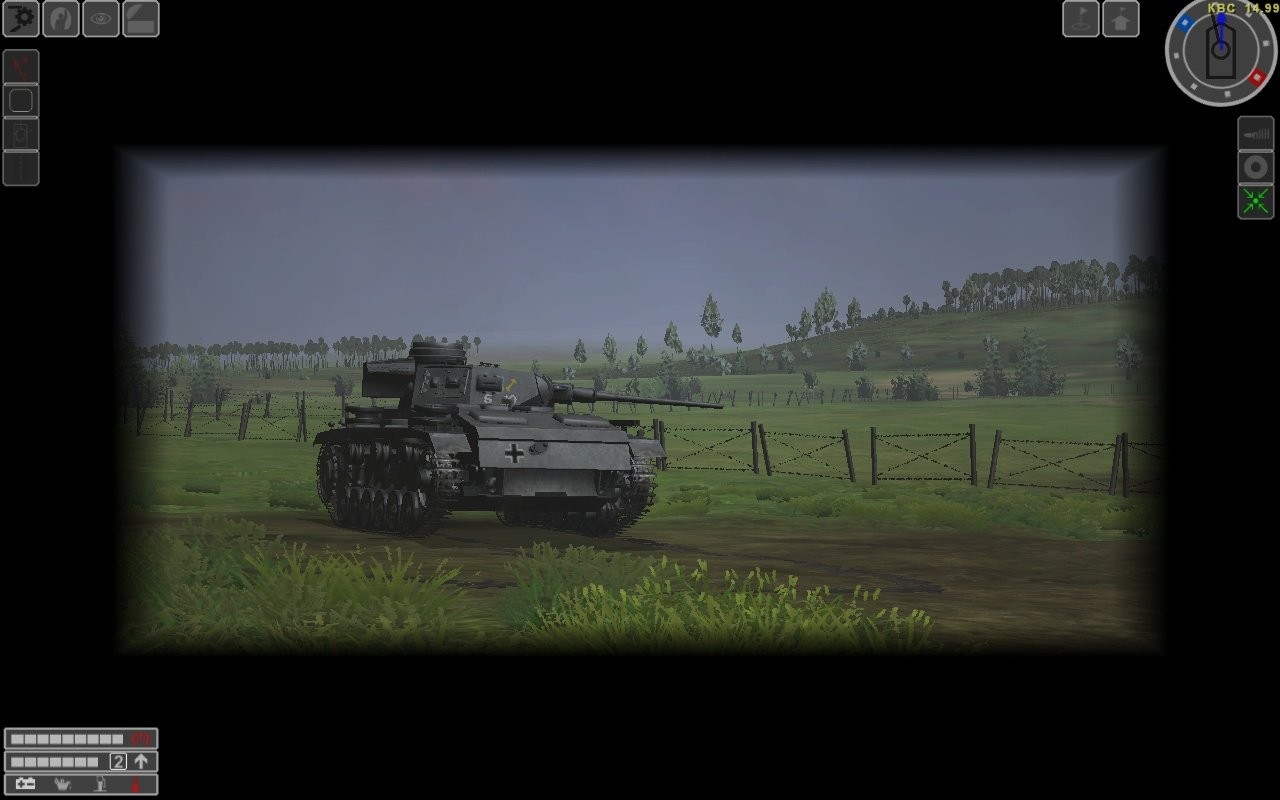
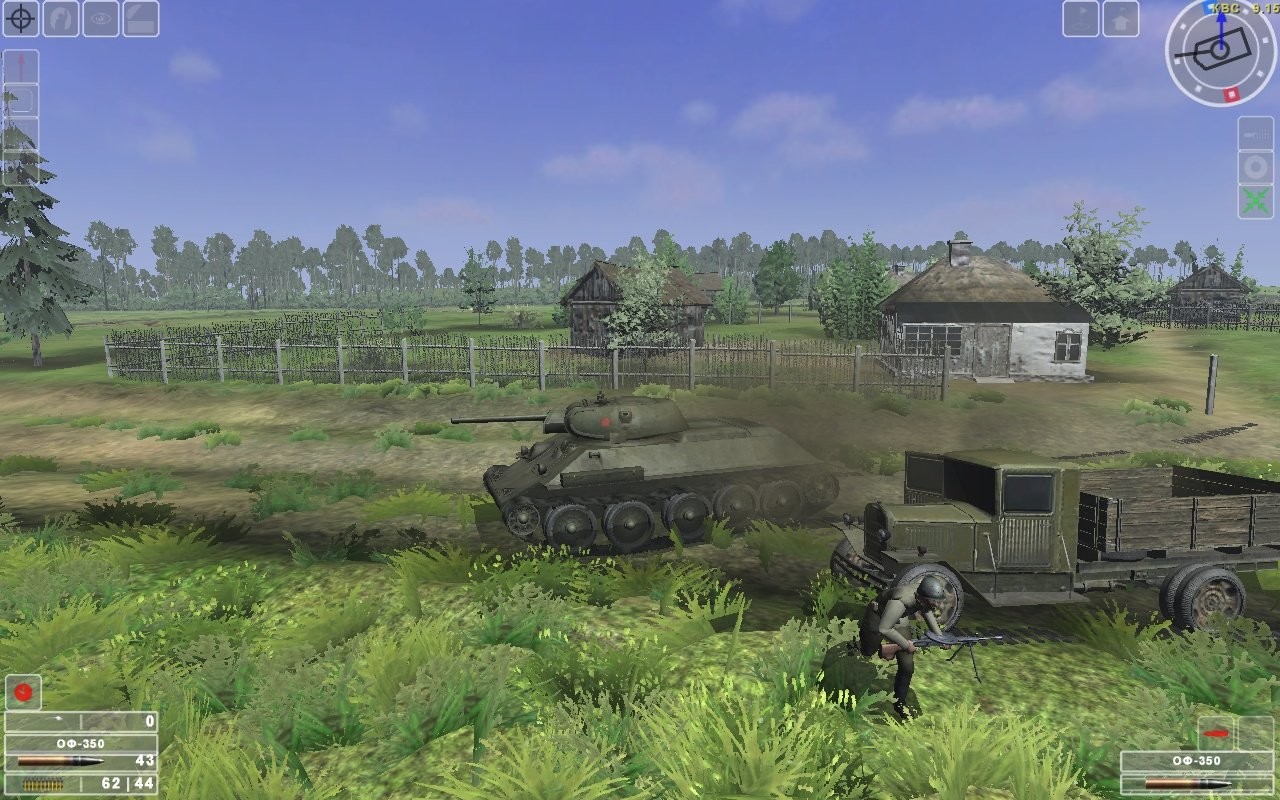
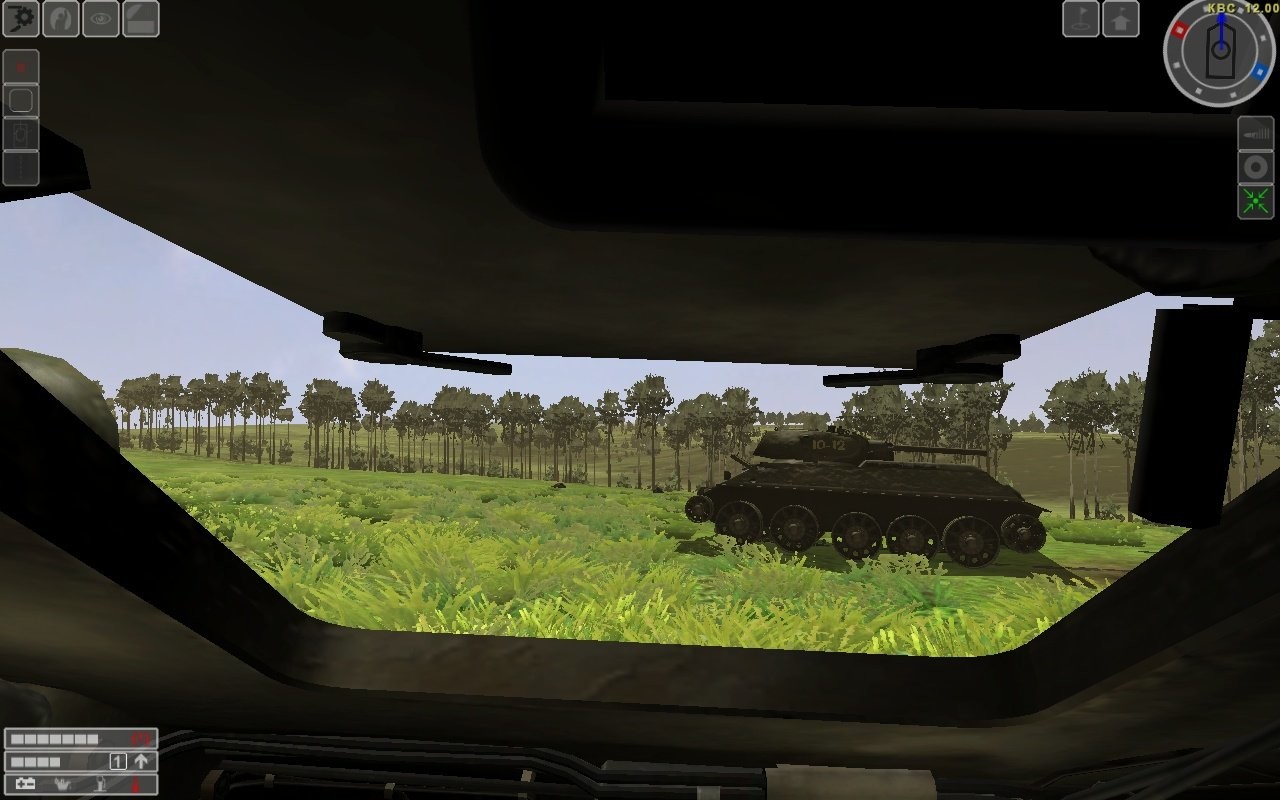
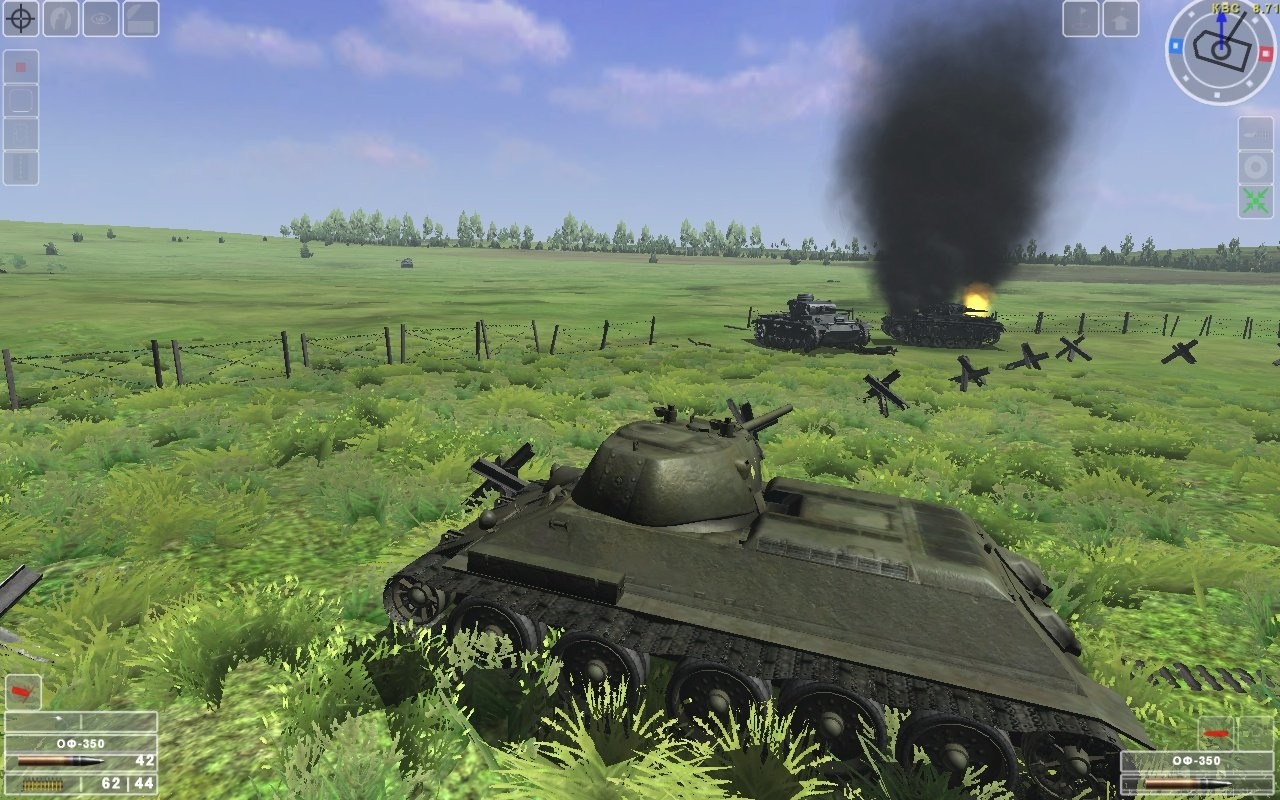
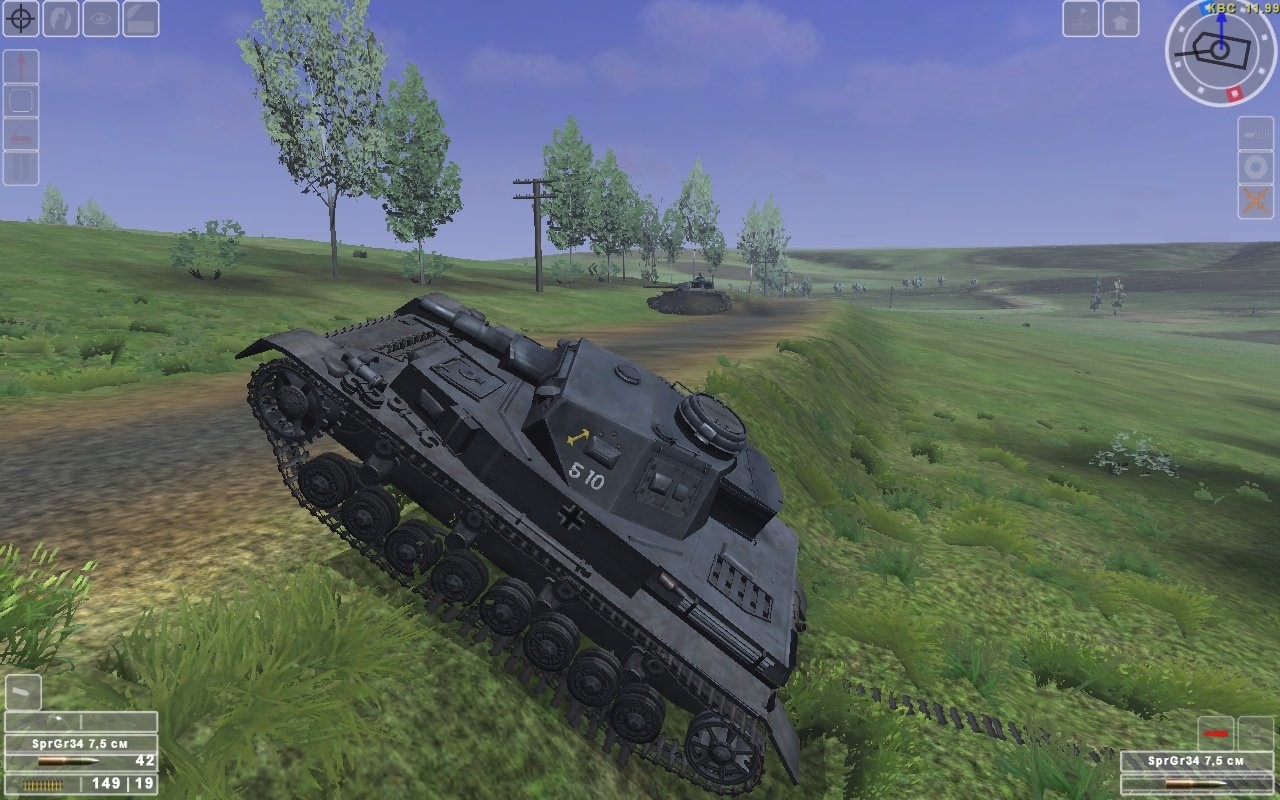
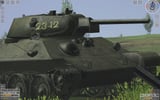
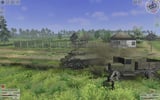
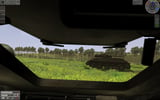
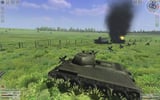
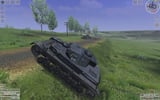
Steel Fury: Kharkov 1942 is based on real-life events that took place from May 12 to 28, 1942. During a vicious German counterattack, three Soviet Armies were surrounded and were forced to fight in what has become known as the “meat grinder.” Through the monstrous roar of tanks and military vehicles and the blaring sounds of war, players will experience bitterness at the loss of their comrades during battle and elation when they are victorious. Historical Authenticity: Missions are based on true historical events recreated from archives and photo references, including the interiors and exteriors of vehicles and tactical markings. The player has access to vast battlefields without obstructions from impenetrable forests or other obstacles, allowing them to choose any path available to achieve victory! Fear and Fury-Filled Missions: Throughout 30 playable missions in three unique single-player campaigns, experience large-scale battles with numerous active vehicles. Vehicles: Interact with and command all units involved in the advance against the enemy, including more than 40 different realistically modeled vehicles, with three playable tanks: T-34/76 mod. 1941, Mk.II ‘Matilda’ III, and the Pz. IV Ausf. F2. Take Full Control:In first and third person views, assume crew positions for Commander, Gunner, Loader, Driver and Hull Gunner.
System requirements
Activation details
Reviews
Only logged in customers who have purchased this product may leave a review.





Reviews
There are no reviews yet.