SlavicPunk: Oldtimer PC Steam CD Key
SlavicPunk: Oldtimer

Release date
June 28, 2023
STEAM
Yes
Age rating
PEGI 16
Regional limitations
Region free
Developers
Publishers
Genres
Action Story rich Third-Person Shooter
Platform
Steam
Languages
Chinese English French German Hungarian Italian Japanese Polish Russian Spanish Ukrainian

Description

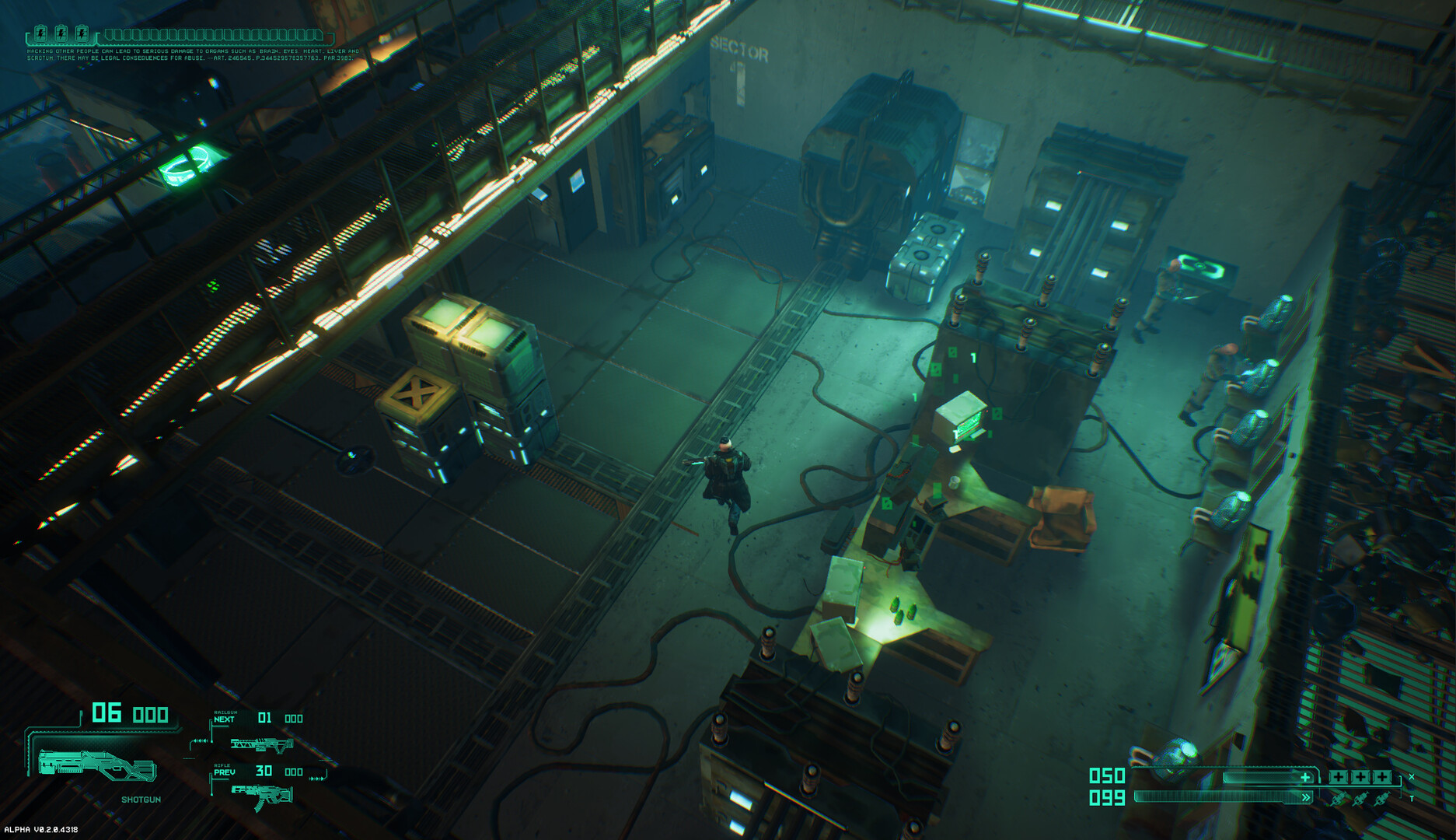
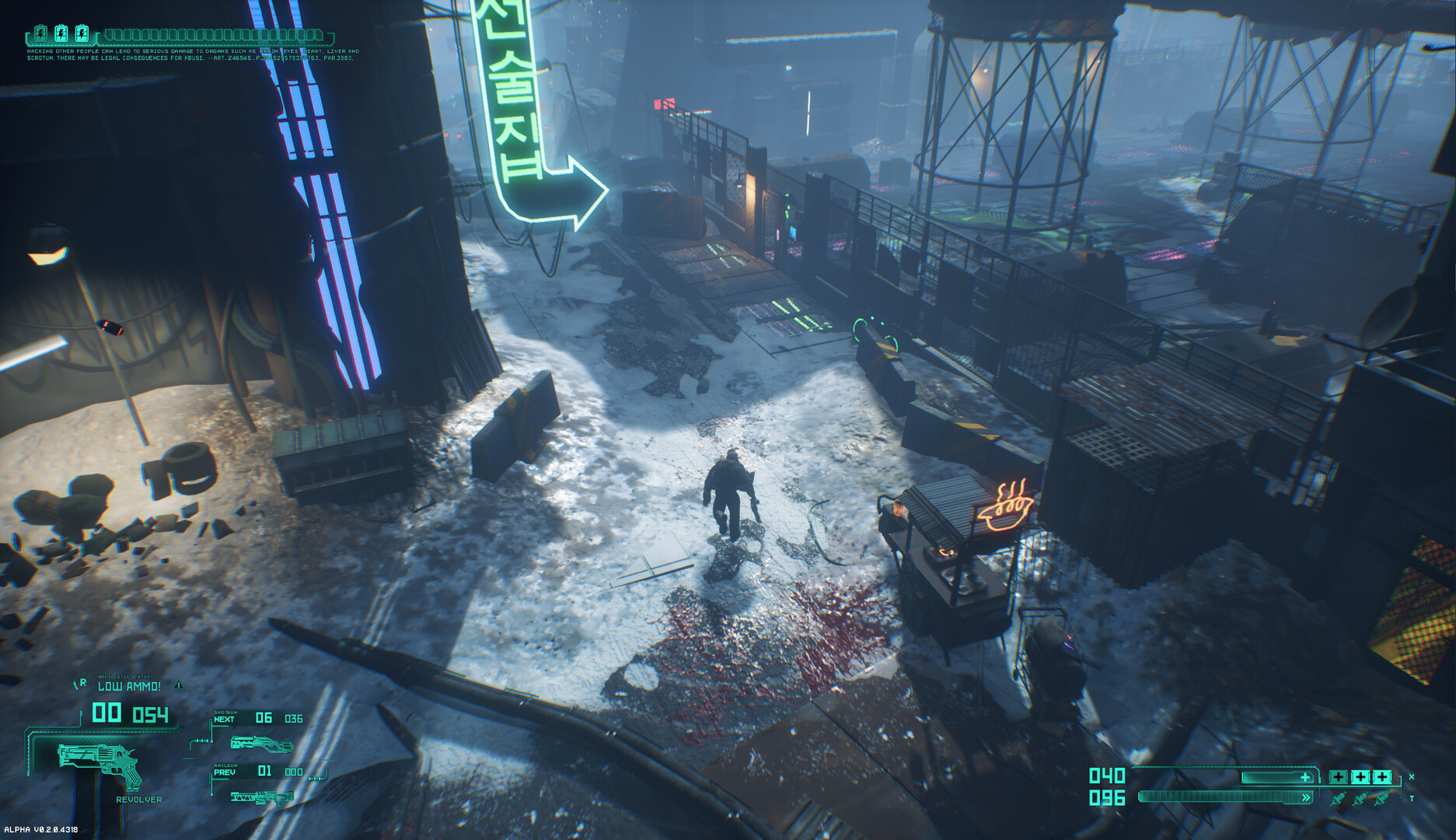
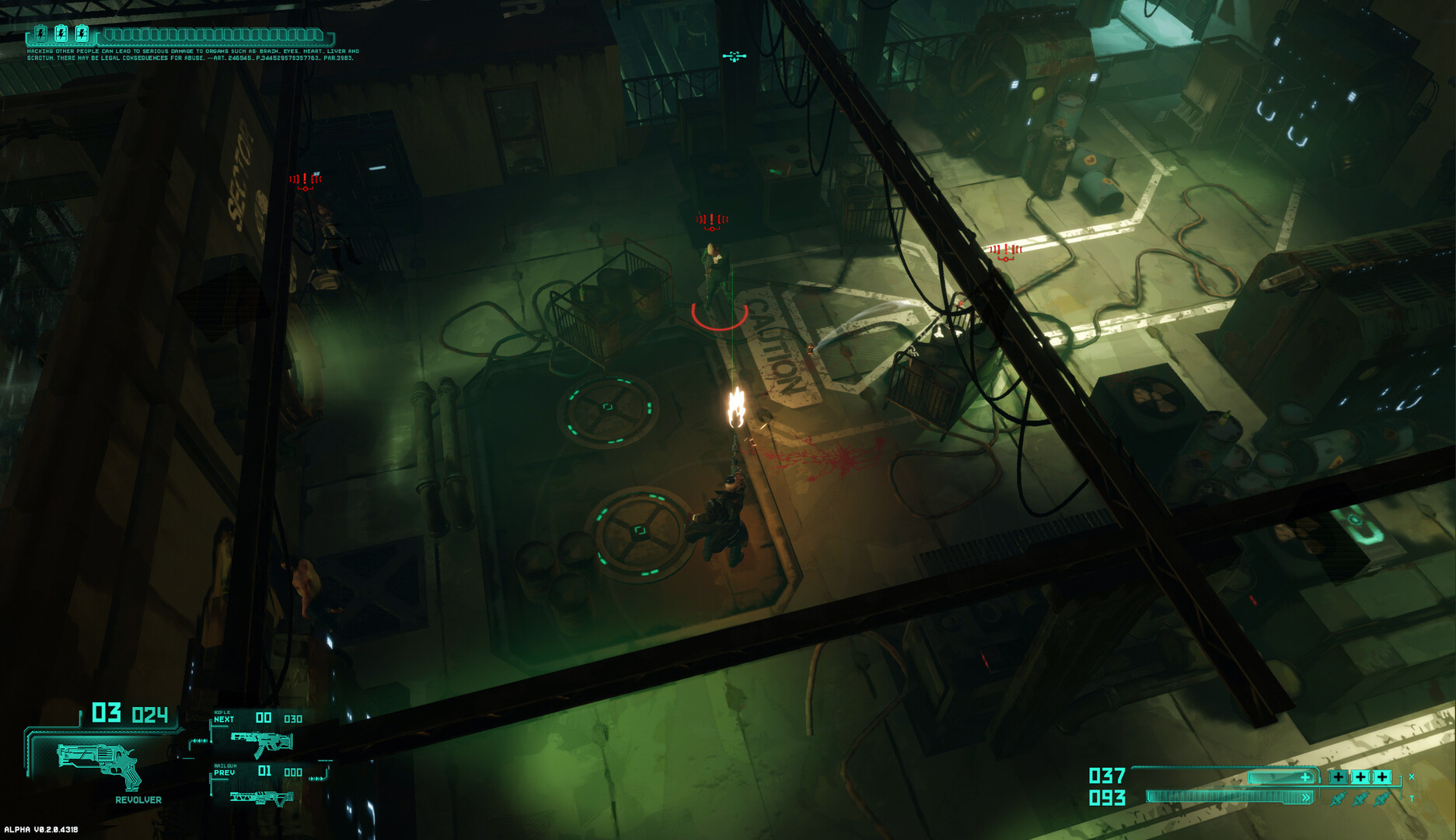
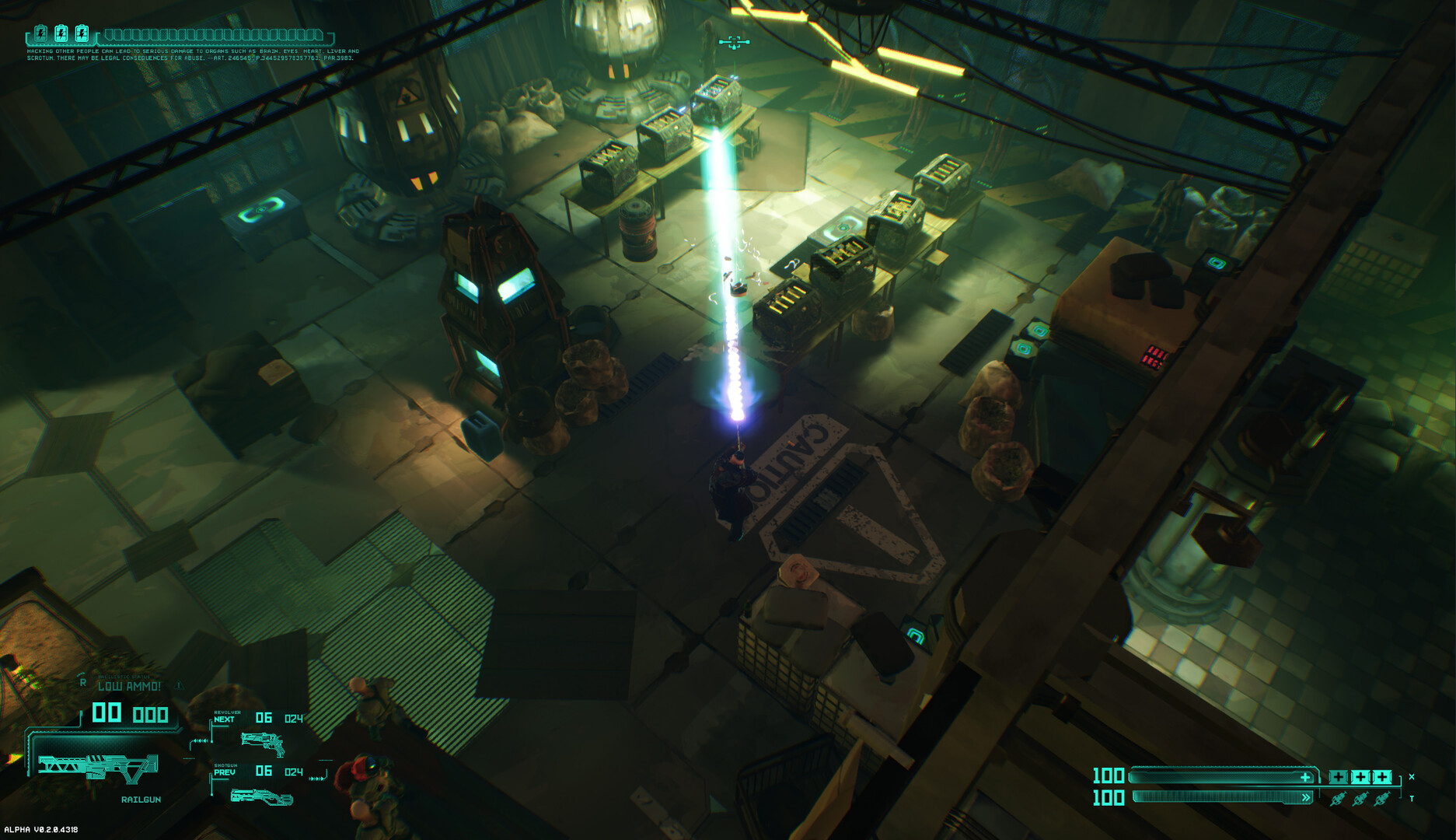
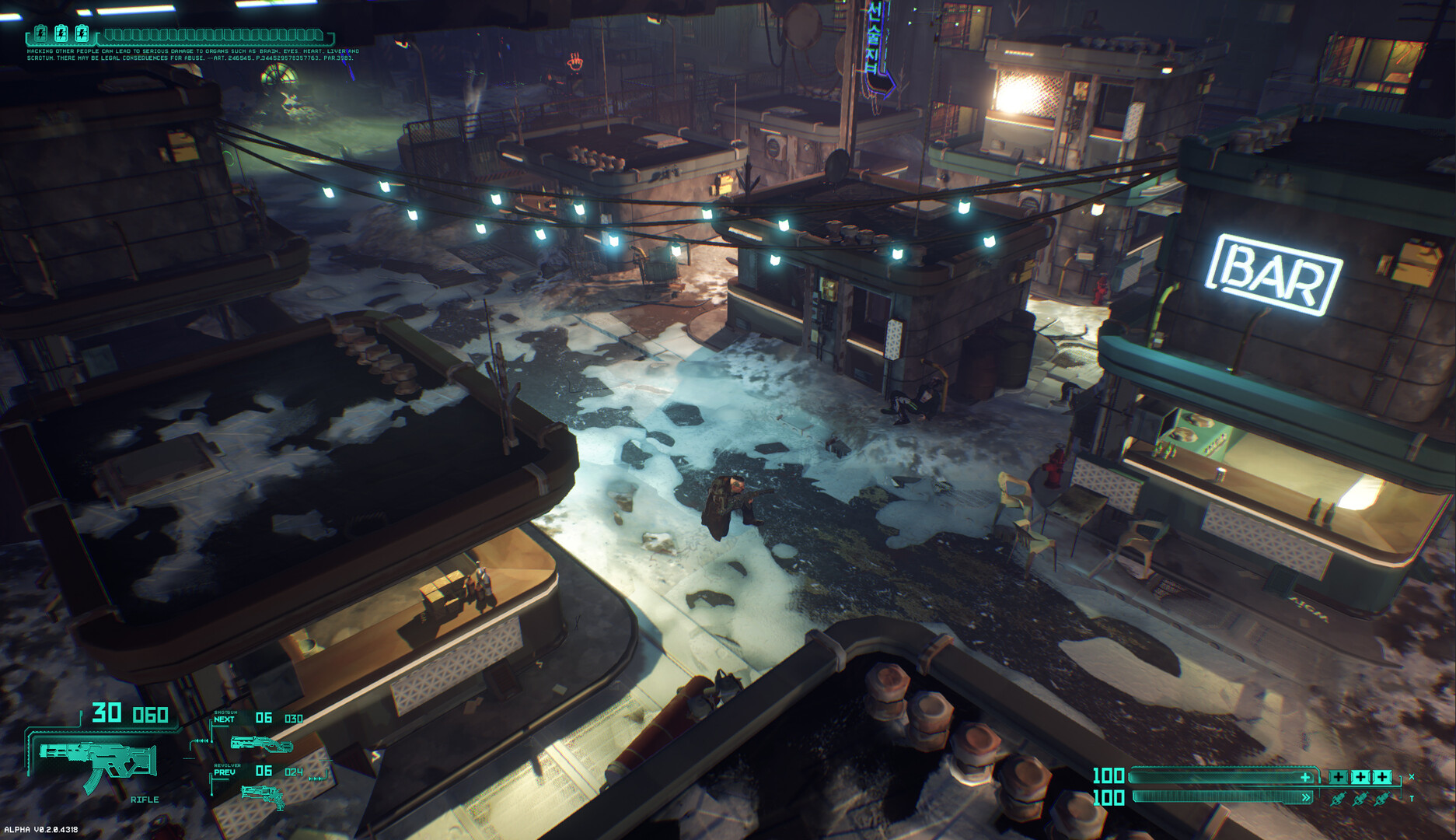
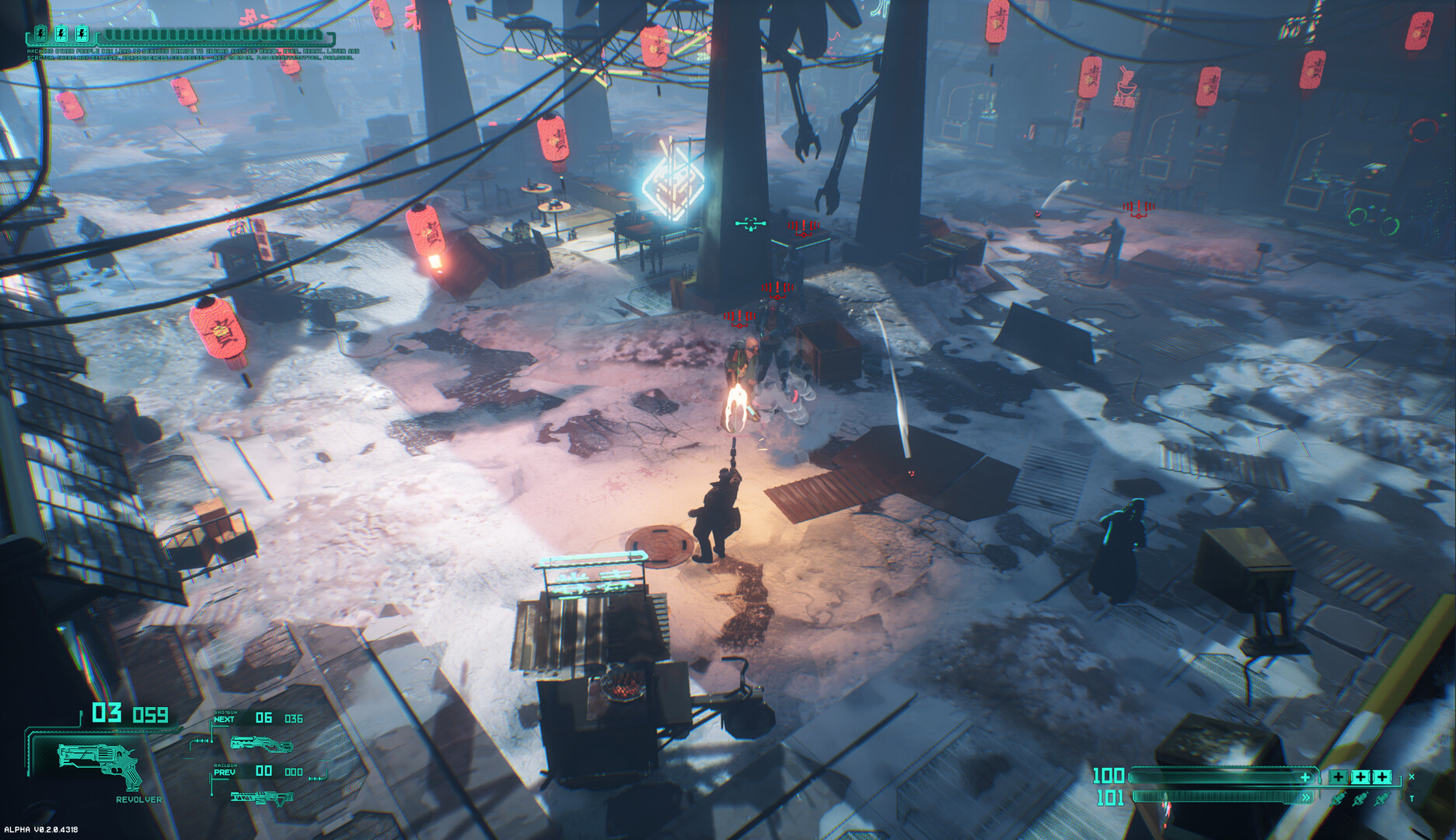
SlavicPunk: Oldtimer is an isometric shooter video game, based upon the works of Michał Gołkowski, a renown Polish science-fiction and fantasy books author. It is him who created the story of Yanus – a private investigator with a troubled past, now trying to solve an unexpected case revolving around a stolen data carrier, all this while fighting his own inner demons, the urban gangs and a nigh-omnipotent corporation responsible for the downfall of the city he used to call his own. SlavicPunk story goes to show that there is more than meets the eye to this dystopian version of the future is, and it is only up to the players to discover what lies beneath the neon glow and the concrete streets – helping Yanus unravel his last case and find out just how brutal and ugly the truth may actually be.

System requirements

Windows
Minimum: Requires a 64-bit processor and operating system OS: Windows 10 64-bit Processor: Intel Core i5-6600K (4 * 3500) or equivalent Memory: 8 GB RAM Graphics: GeForce GTX 960 (4096 MB) DirectX: Version 11 Storage: 17 GB available space
Linux
Minimum: Requires a 64-bit processor and operating system Recommended: Requires a 64-bit processor and operating system
Mac
Minimum: Requires a 64-bit processor and operating system Recommended: Requires a 64-bit processor and operating system

Activation details

Go to: http://store.steampowered.com/ and download STEAM client Click "Install Steam" (from the upper right corner) Install and start application, login with your Account name and Password (create one if you don't have). Please follow these instructions to activate a new retail purchase on Steam: Launch Steam and log into your Steam account. Click the Games Menu. Choose Activate a Product on Steam... Follow the onscreen instructions to complete the process. After successful code verification go to the "LIBRARY" tab and start downloading.

Reviews

Reviews

There are no reviews yet.

Only logged in customers who have purchased this product may leave a review.

Avatar Mobile
Main Menu x
X