Shadows of Kurgansk Steam Gift
Shadows of Kurgansk

Release date
December 15, 2016
STEAM
Yes
Age rating
PEGI 16
Regional limitations
Region free
Developers
Yadon Studio
Publishers
Gaijin Entertainment
Genres
Adventure RPG Simulation Survival
Platform
Steam
Languages
English French German Russian

Description

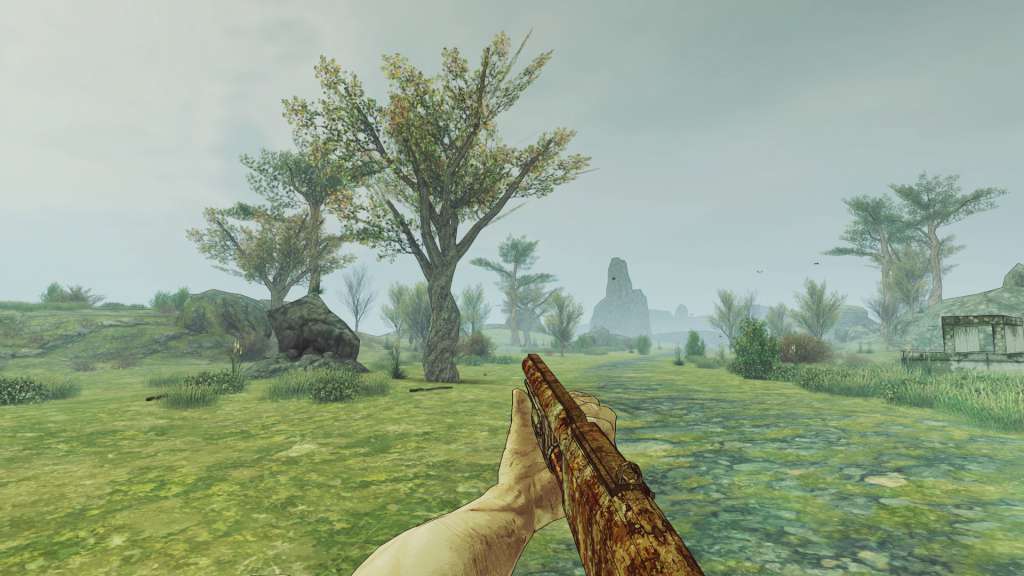
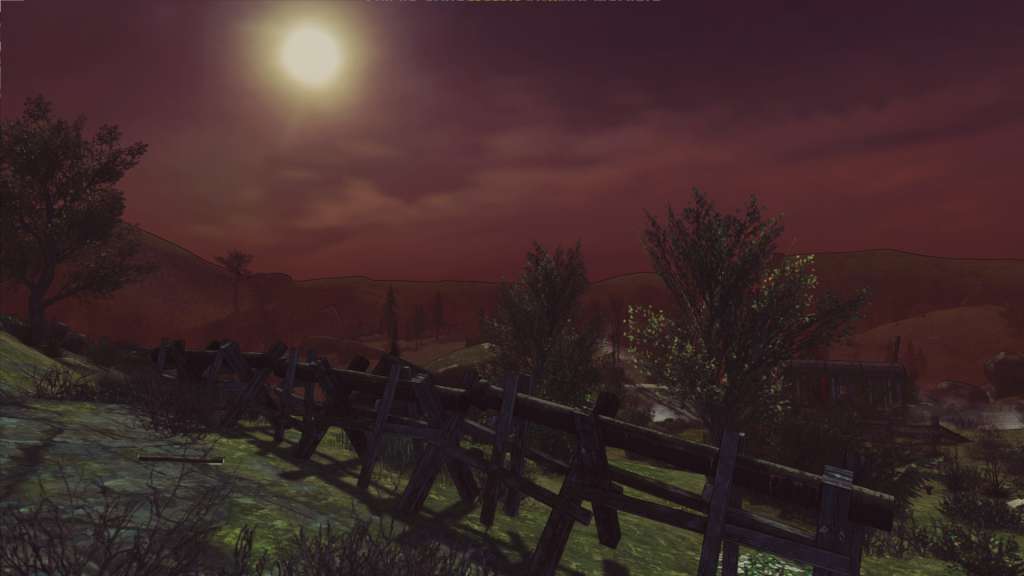
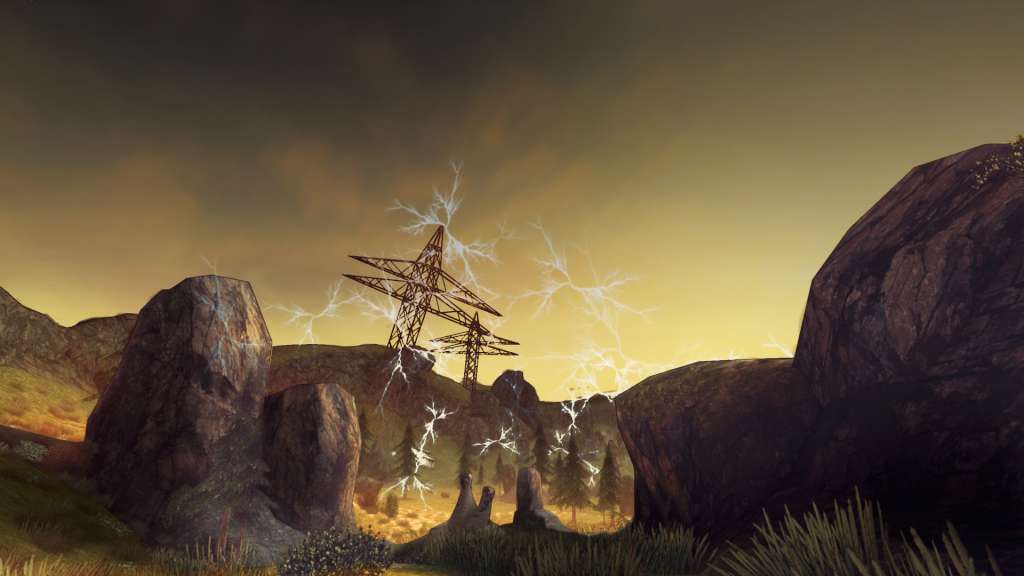
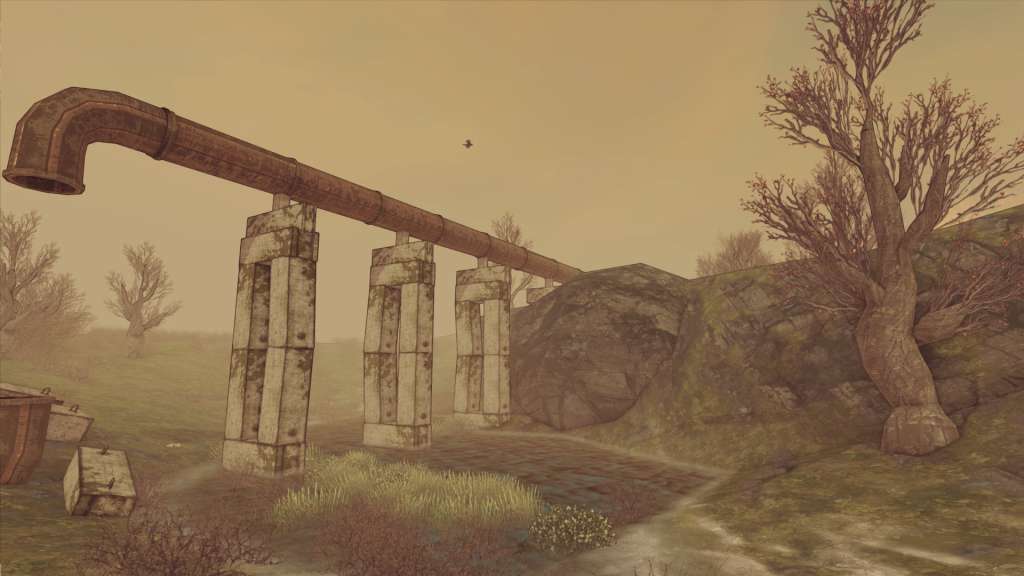
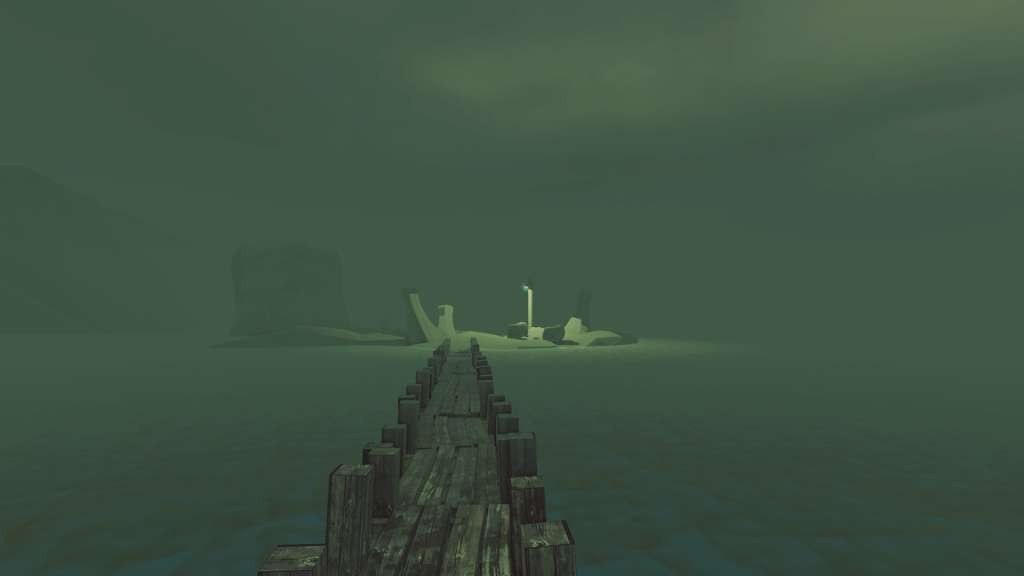
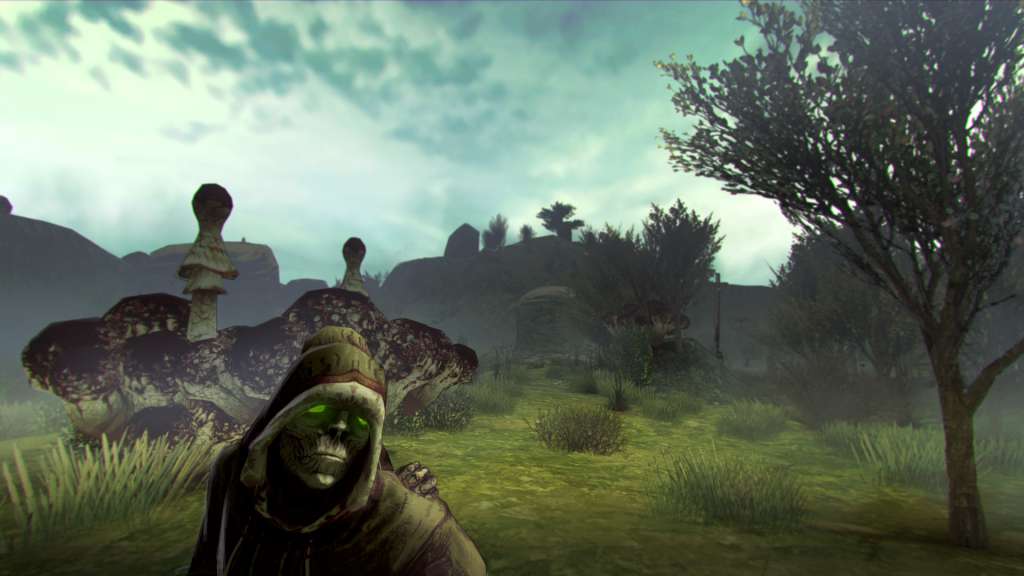
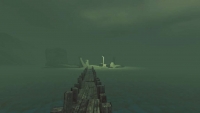
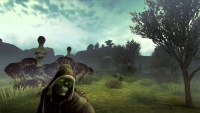
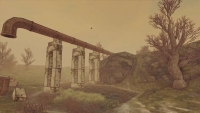
“Shadows of Kurgansk” is an adventure game, where you need to survive in an area full of danger and mystery. Your goal is to stay alive and find the way out, fighting monsters and completing story driven missions. To stay alive you will need to hunt, gather supplies, build storage and asylums. You will be able to create tools, clothes and equipment. In due time your life will become quite comfortable, but the Zone is not exactly the best place to spend the rest of your time. You will need to find the way out. Even if you fail, remember – death is only the beginning. The beginning of a new journey! Features Fight zombies and hunt wild animals Create weapons and tools, build asylums Avoid mysterious anomalies, gather artifacts and improve your own abilities Don’t become insane with the anomalous fear that comes in the darkness A huge world that dramatically changes with the coming of night Three game modes: Story, Adventure and Survival

System requirements

Windows
OS: Windows 7 Processor: Intel Dual-Core Memory: 4 GB RAM Graphics: Intel HD Graphics 3000 Storage: 800 MB available space
Mac
OS: Mavericks (OSX 10.9.X) Processor: Intel Dual-Core Memory: 4 GB RAM Graphics: Intel HD Graphics 3000 Storage: 800 MB available space
Linux
Processor: Intel Dual-Core Memory: 4 GB RAM Graphics: Intel HD Graphics 3000 Storage: 800 MB available space

Activation details

Go to: http://store.steampowered.com/ and download STEAM client Click "Install Steam" (from the upper right corner) Install and start application, login with your Account name and Password (create one if you don't have). Please follow these instructions to activate a new retail purchase on Steam: Launch Steam and log into your Steam account. Click the Games Menu. Choose Activate a Product on Steam... Follow the onscreen instructions to complete the process. After successful code verification go to the "MY GAMES" tab and start downloading.

Reviews

Reviews

There are no reviews yet.

Only logged in customers who have purchased this product may leave a review.

Avatar Mobile
Main Menu x
X