
RuneScape – Teatime Standard Pack DLC PC Steam CD Key

Description
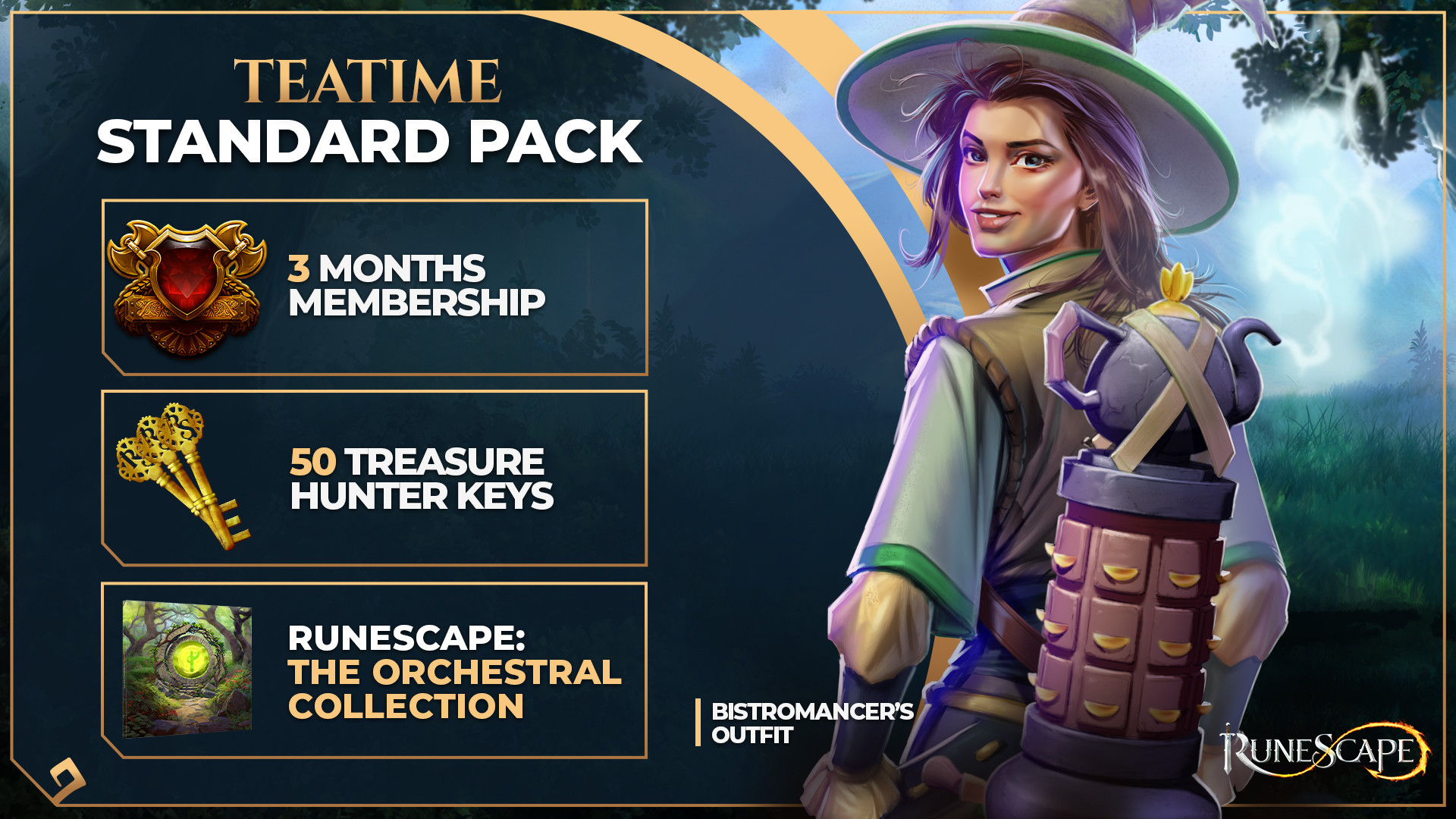
Enjoy everything the RuneScape universe has to offer by unlocking all extra member content for three whole months, including loads of new skills, every quest in the game and a far larger world to explore. Plus, grab yourself a Steam-exclusive outfit and 50 Treasure Hunter keys!The Teatime Standard Pack includes: 3 Month Membership Access Bistromancer’s Outfit 50 Treasure Hunter Keys RuneScape: The Orchestral Collection NoteThe DLC Bundle items are not tradeable or refundable.The Membership Access DLC bundle is a one-time purchase and is not recurring. Recurring memberships can only be purchased via the in-game interface.
System requirements
Windows
Minimum: OS: Windows Vista or higher Processor: Intel i3+/AMD @ 2.4+ GHz Memory: 4 GB RAM Graphics: GeForce 400x, Intel HD 4x, AMD Radeon 7xxx + Network: Broadband Internet connection Storage: 8 GB available space Additional Notes: Internet connection required to play, offers in-game purchases. The following operating systems are no longer officially supported by OldSchool RuneScape, and you may not be able to play if using them: Windows 95, 98, ME, XP
Mac
Minimum: OS: Mac 10.8 or higher Processor: Intel i3+ @ 2.4+ GHz Memory: 4 GB RAM Graphics: AMD Radeon 7xxx + Network: Broadband Internet connection Storage: 8 GB available space Additional Notes: Internet connection required to play, offers in-game purchases. Platforms / devices with 32-bit PowerPC CPUs are officially no longer supported by RuneScape. Starting with MacOS 10.8, Apple supports 64-bit devices, only.
Activation details
Go to: http://store.steampowered.com/ and download STEAM client Click "Install Steam" (from the upper right corner) Install and start application, login with your Account name and Password (create one if you don't have). Please follow these instructions to activate a new retail purchase on Steam: Launch Steam and log into your Steam account. Click the Games Menu. Choose Activate a Product on Steam... Follow the onscreen instructions to complete the process. After successful code verification go to the "LIBRARY" tab and start downloading.
Reviews
Only logged in customers who have purchased this product may leave a review.







Reviews
There are no reviews yet.