Railway Empire Starter Bundle Steam CD Key
Railway Empire

Release date
January 26, 2018
STEAM
Yes
Age rating
PEGI 3
Regional limitations
Region free
Developers
Gaming Minds Studios
Publishers
Kalypso Media
Genres
Simulation Strategy
Platform
Steam
Languages
Arabic Chinese English French German Italian Japanese Portuguese - Brazil Russian Spanish Turkish

Description

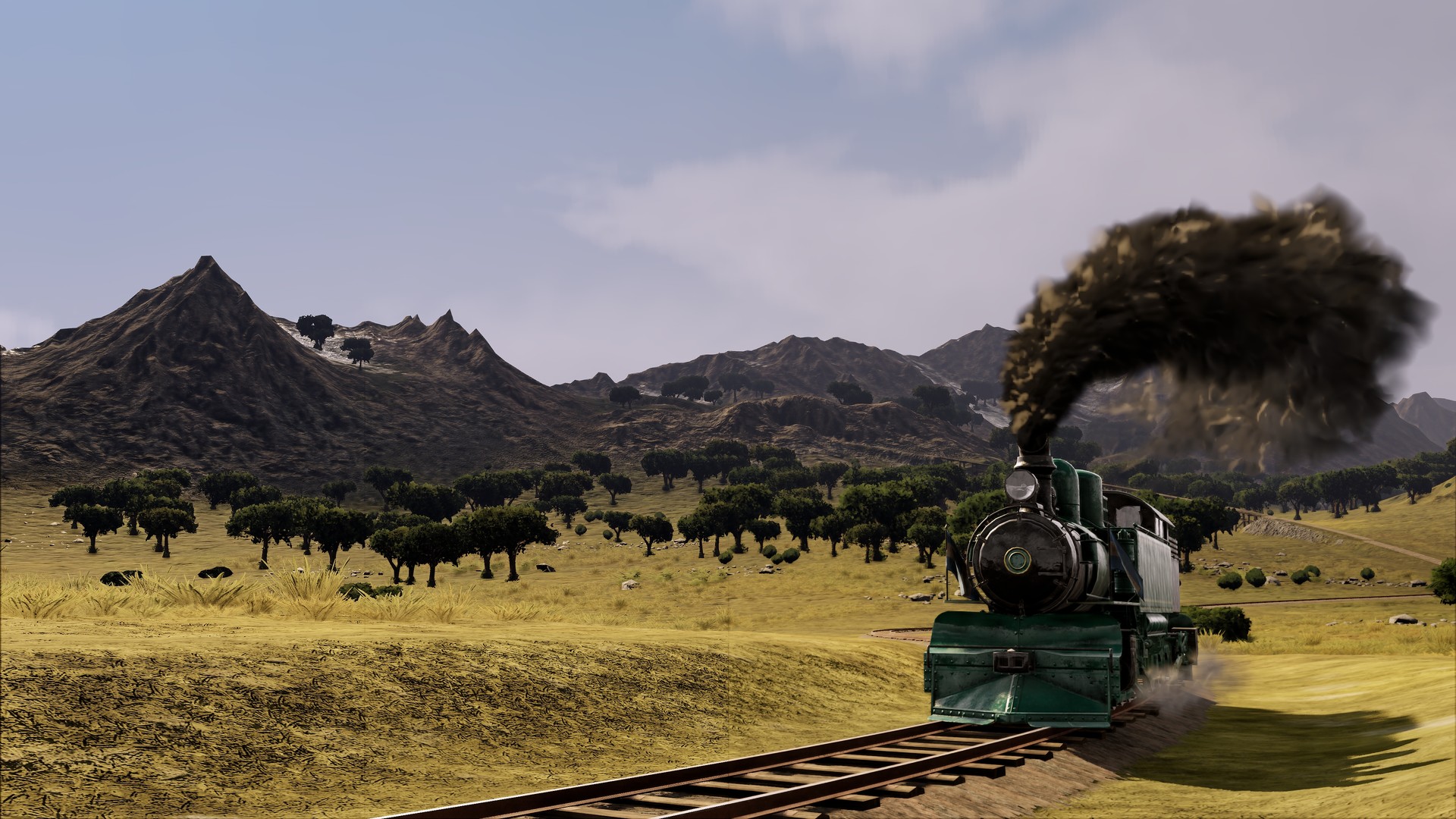
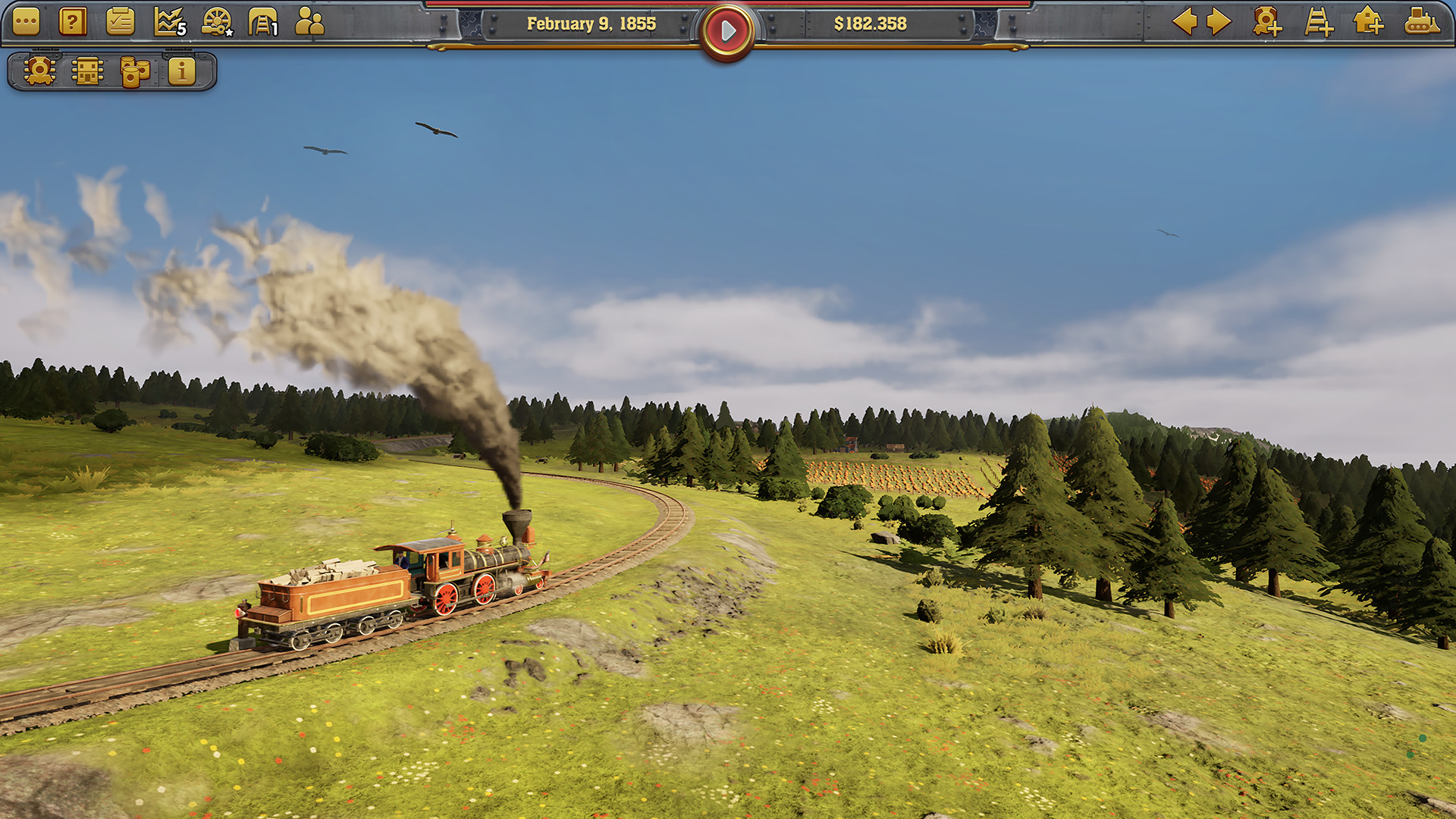
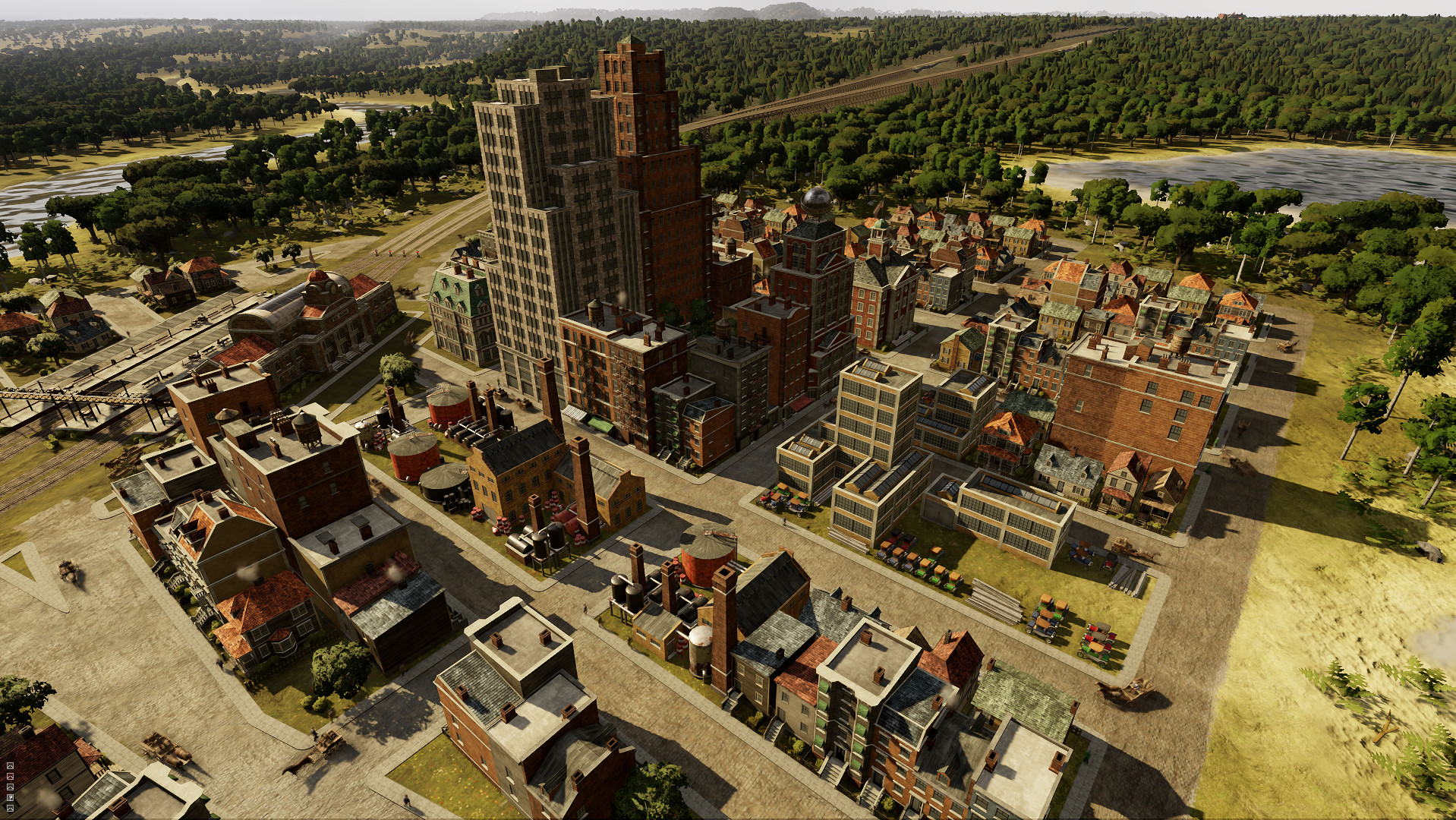
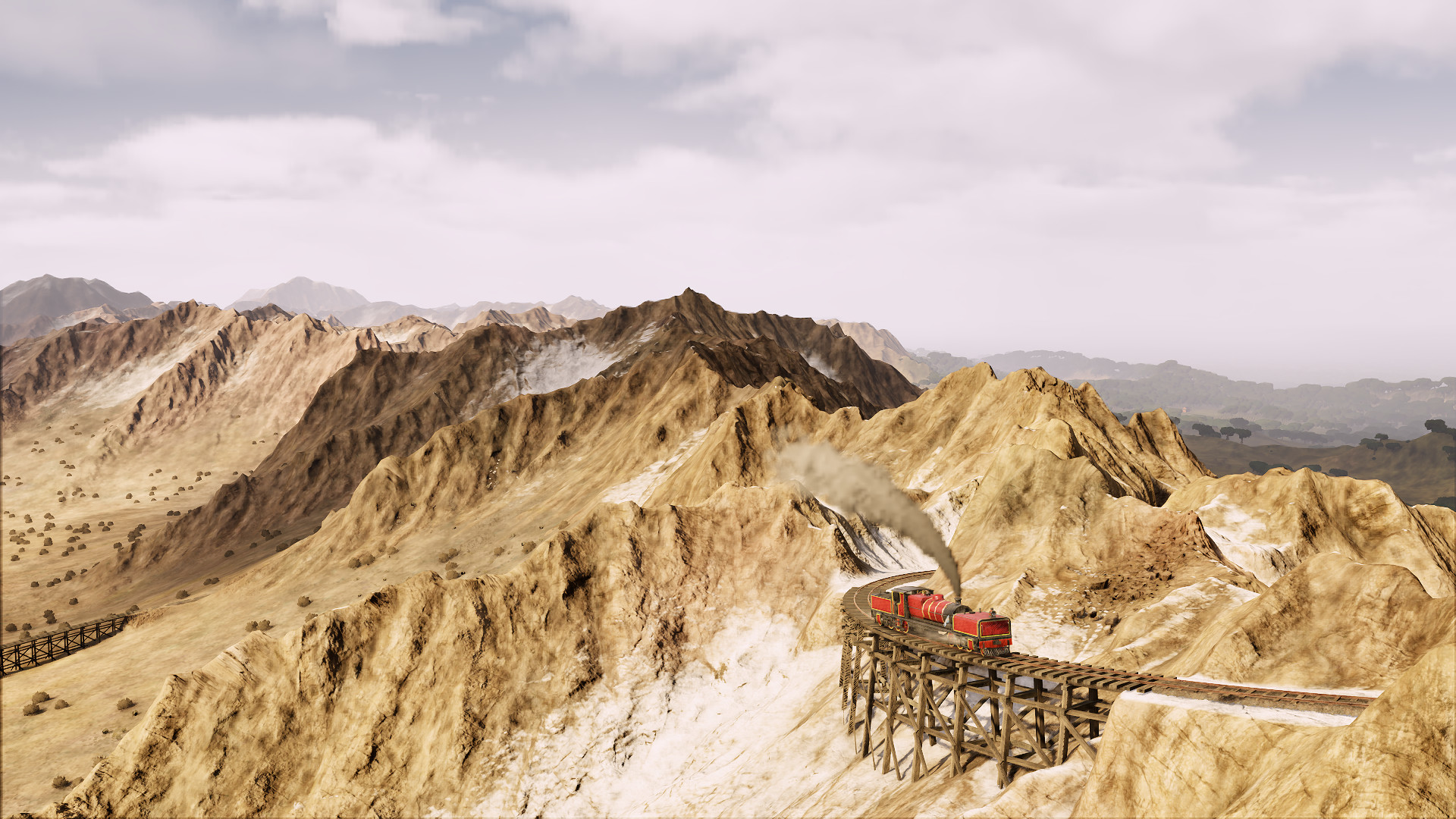
Includes: Base game Railway Empire – Crossing the Andes Railway Empire – Original Soundtrack Railway EmpireIn Railway Empire, you will create an elaborate and wide-ranging rail network, purchase over 40 different trains modelled in extraordinary detail, and buy or build railway stations, maintenance buildings, factories and tourist attractions to keep your travel network ahead of the competition. Railway Empire – Crossing the AndesTake on new journeys in the depths of South America in the early 20th century, where a hoard of exotic new resources are ripe for the picking and plans for crossing the Andes by train are drawing attention from investors far and wide. Unforgiving mountains and relentless jungle terrains will make this challenge a tough one for even the most experienced tycoons. Railway Empire – Original SoundtrackThis is the complete and definitive soundtrack for Railway Empire and its DLCs. Featuring 95 songs from the PC version of the game – all composed & produced by Dag Winderlich.

System requirements

Windows
MINIMUM: OS: Windows 7 SP1 or Windows 8.1 or Windows 10 (64bit versions) Processor: Intel Core i5 750 @ 2.6 GHz or AMD Phenom II X4 @ 3.2 GHz Memory: 4 GB RAM Graphics: nVidia GeForce GTX460 or AMD Radeon HD5870 (1024MB VRAM with Shader Model 5.0) DirectX: Version 11 Storage: 7 GB available space Sound Card: DirectX Compatible Sound Card with latest drivers Additional Notes: Requires a 64-bit processor and operating system

Activation details

Go to: http://store.steampowered.com/ and download STEAM client Click "Install Steam" (from the upper right corner) Install and start application, login with your Account name and Password (create one if you don't have). Please follow these instructions to activate a new retail purchase on Steam: Launch Steam and log into your Steam account. Click the Games Menu. Choose Activate a Product on Steam... Follow the onscreen instructions to complete the process. After successful code verification go to the "LIBRARY" tab and start downloading.

Reviews

Reviews

There are no reviews yet.

Only logged in customers who have purchased this product may leave a review.
Avatar Mobile
Main Menu x
X