
Panzer Tactics HD RU VPN Required Steam CD Key


Description
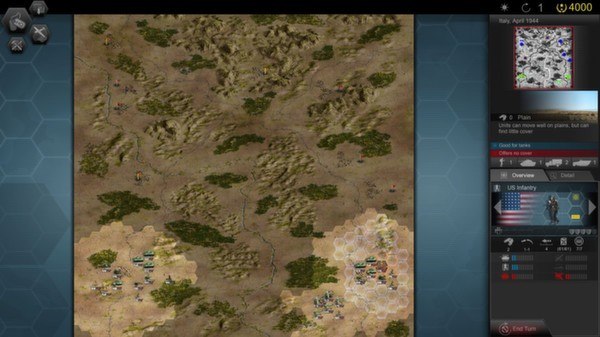
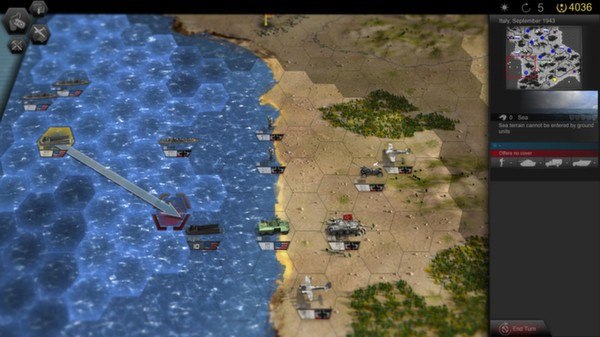
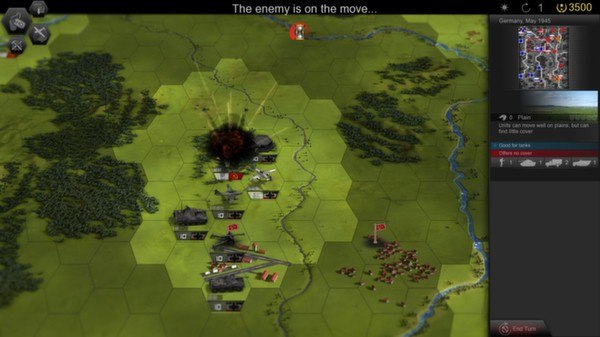
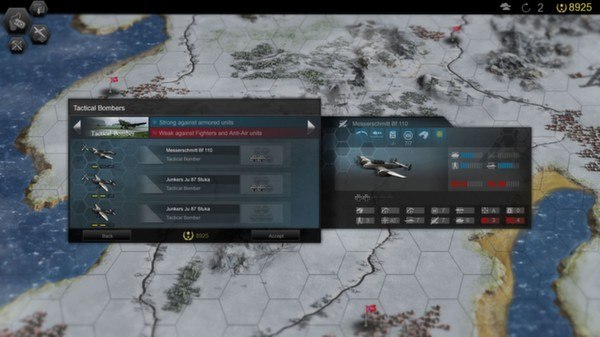
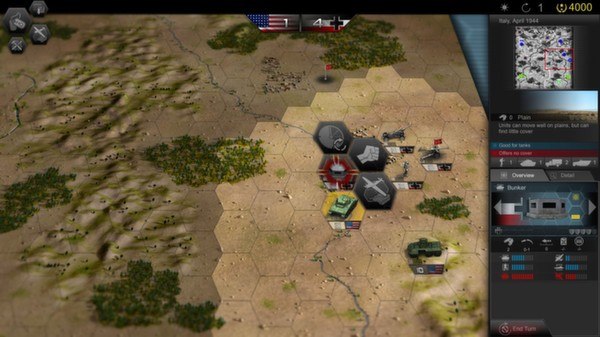
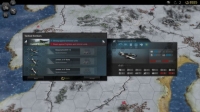
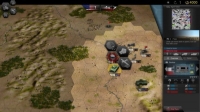
The year is 1939 and the world is on the brink of one of the largest military conflicts in the history of mankind: World War II!Experience history first-hand and join the Soviet Red Army, the German Wehrmacht and the Western Allies.Choose from the three challenging historical campaigns with more than 30 missions and additional scenarios. Fight your way to Stalingrad, push back the Germans and help the Allies liberate Europe – you’ll be fighting on all sides of the war.With over 150 units and 30 officers you’ll have extensive tactical possibilities at your disposal. Environmental factors like terrain, weather or seasons offer new and ever changing challenges. No one game is like the other.Tactical mistakes are mercilessly exploited and punished! Plunging the world into war is easy – liberating it is the true challenge!
System requirements
- OS
- x86 bit versions of Microsoft Windows XP (SP3),Windows Vista (SP2), Windows 7 and 8
- Processor
- AMD/Intel dual-core processor running at 1.8 GHz (AMD Athlon X2 and Intel Core2Duo are the oldest CPU architectures recommended)
- Memory
- 2048 MB RAM
- Graphics
- ATI/nVidia dedicated/integrated or mobile graphic card, with at least 256MB of dedicated VRAM and Shader Model 3.0 support. Intel HD2000, ATI/AMD Radeon HD2400 and NVIDIA GeForce 7600GT and above
- DirectX
- Version 9.0c
- Sound Card
- DirectX 9 compatible soundcard
- Additional Notes
- Keyboard, mouse, Internet Connection
Activation details
Russian IP address is required to activate the key on Steam!Use a Russian VPN to do so. (Quick & Easy Instructions here)
If you experience any issues redeeming the key, follow these instructions:
Open your Steam client, and log in to your account,
in the Steam settings, choose Account tab, then Manage Steam Guard Account Security and deauthorize all other devices,
close Steam client, and then start your VPN app,
open Steam client and login to your account. In your account details, update your store country to match your VPN location,
redeem the key in Steam.
Reviews
Only logged in customers who have purchased this product may leave a review.







Reviews
There are no reviews yet.