
MMORPG Tycoon 2 Steam Altergift
Description
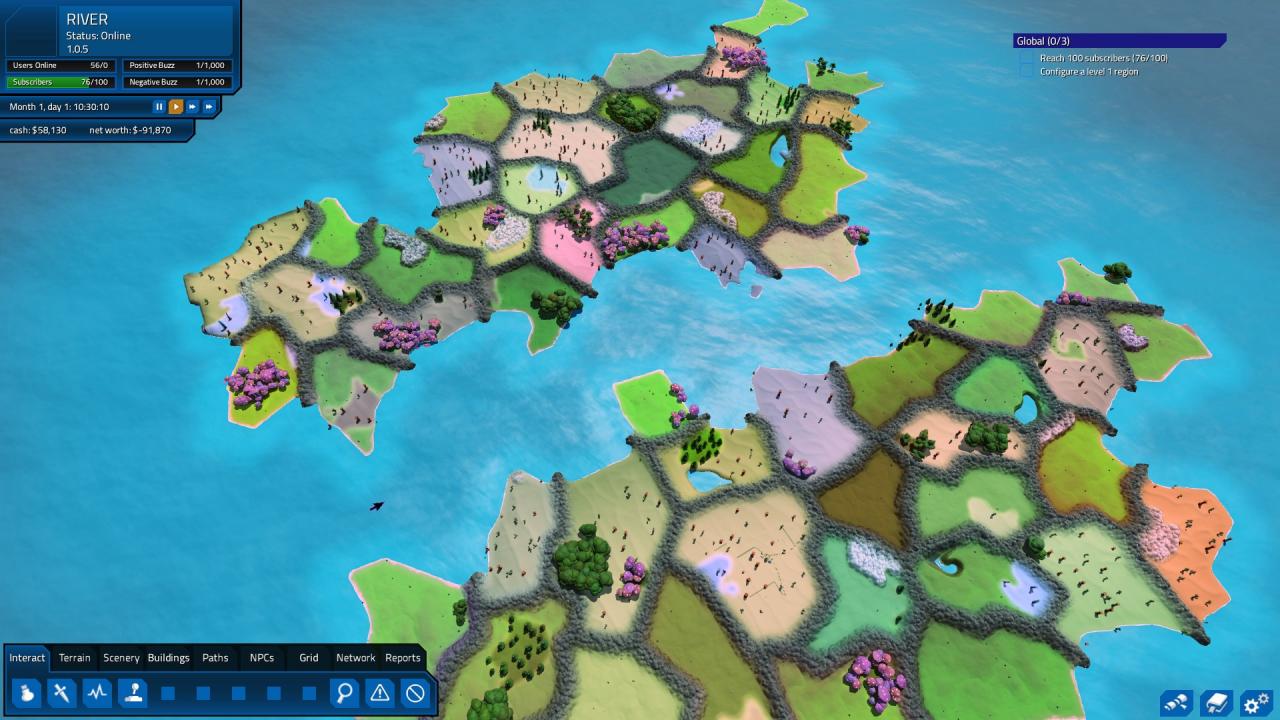
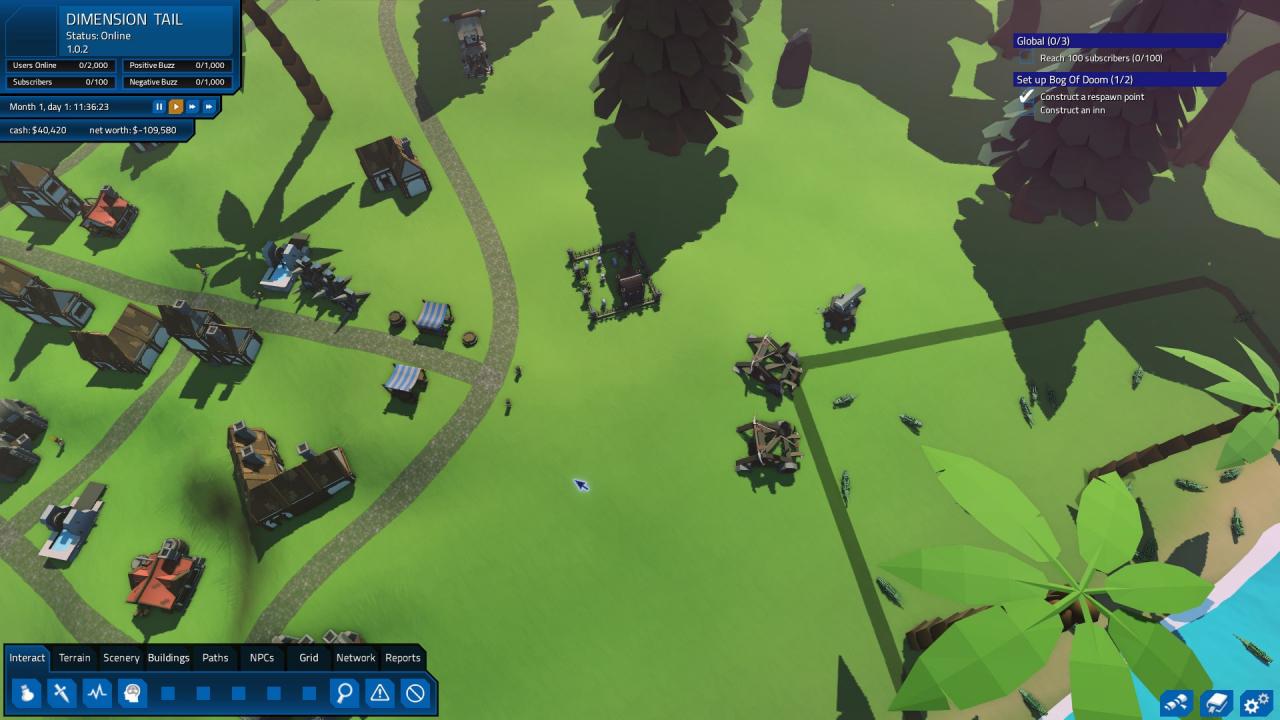
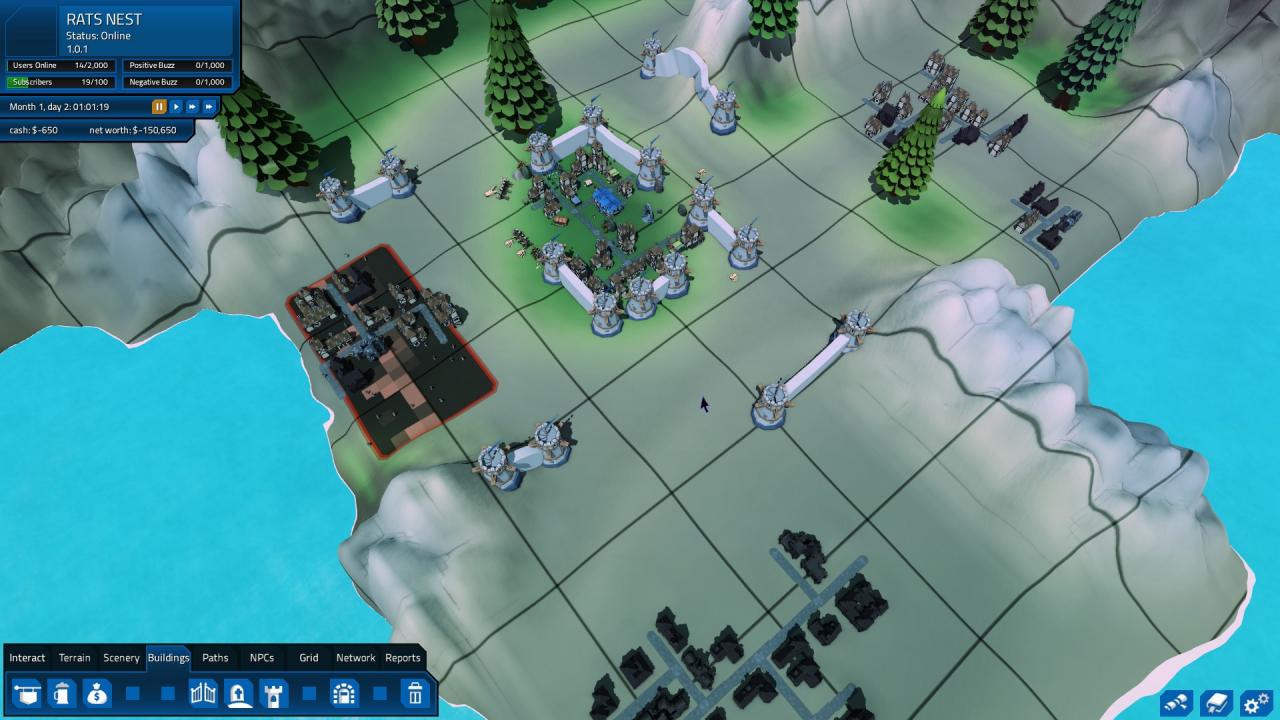
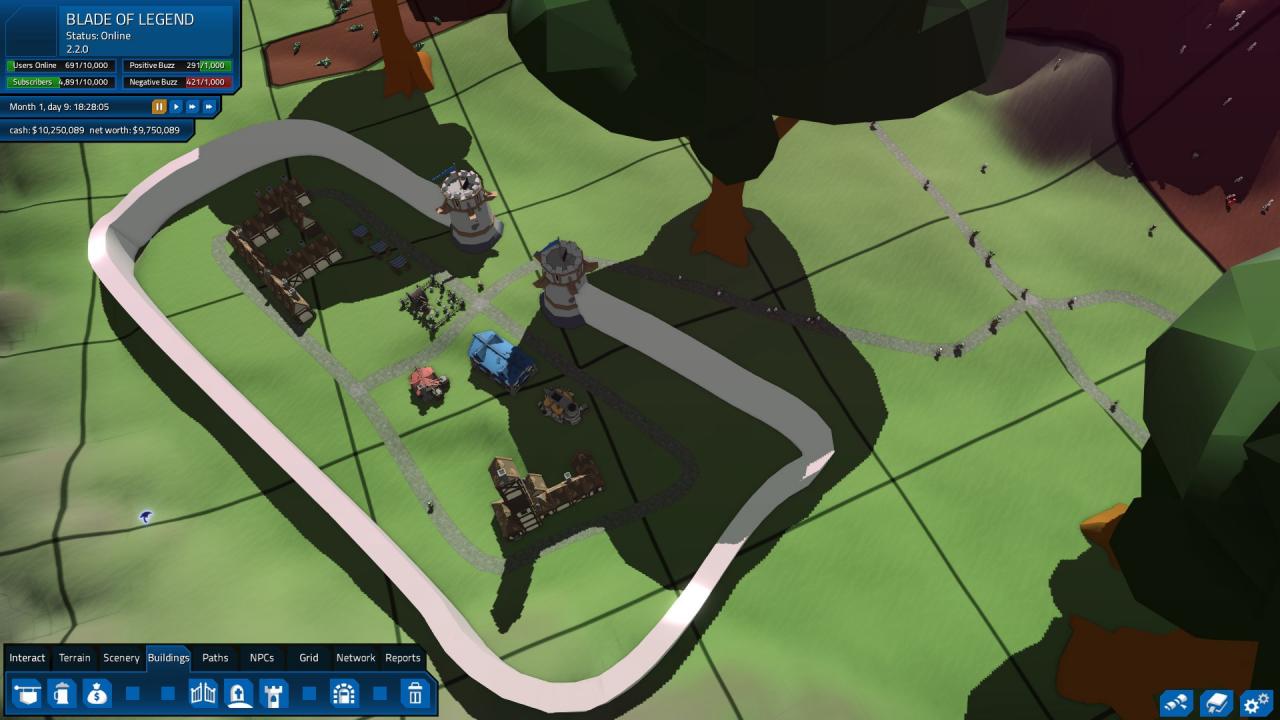
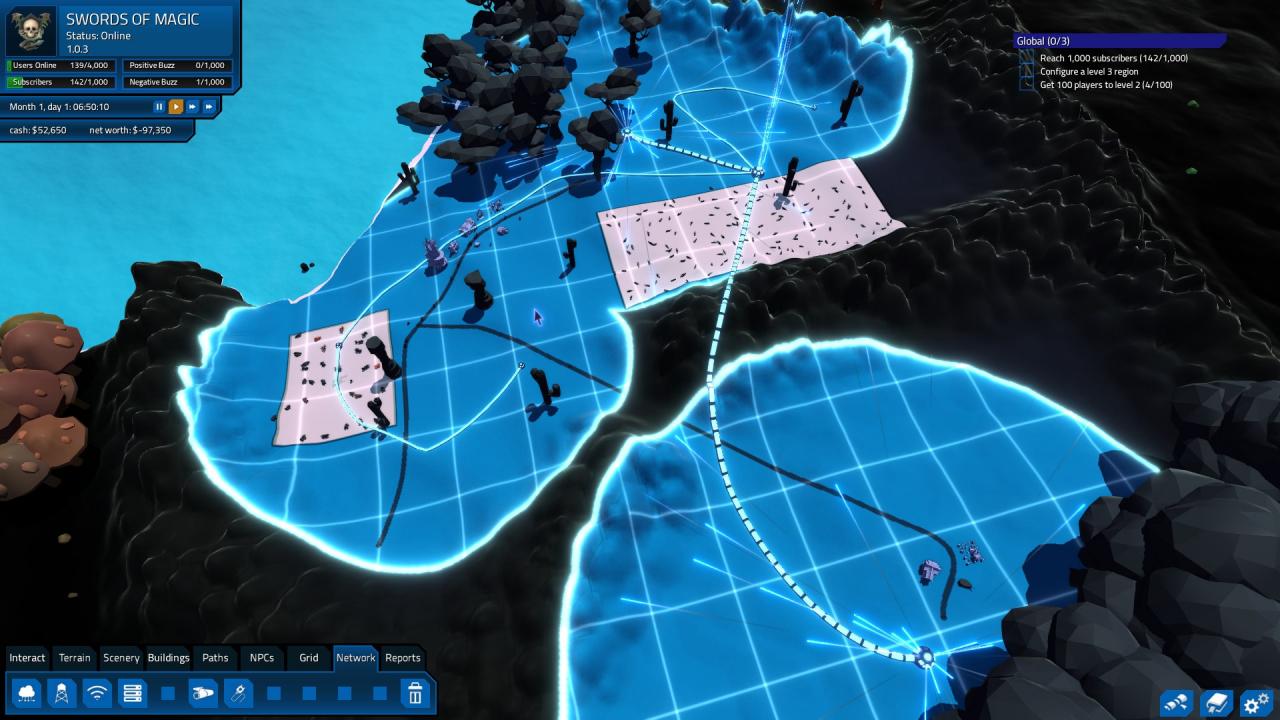
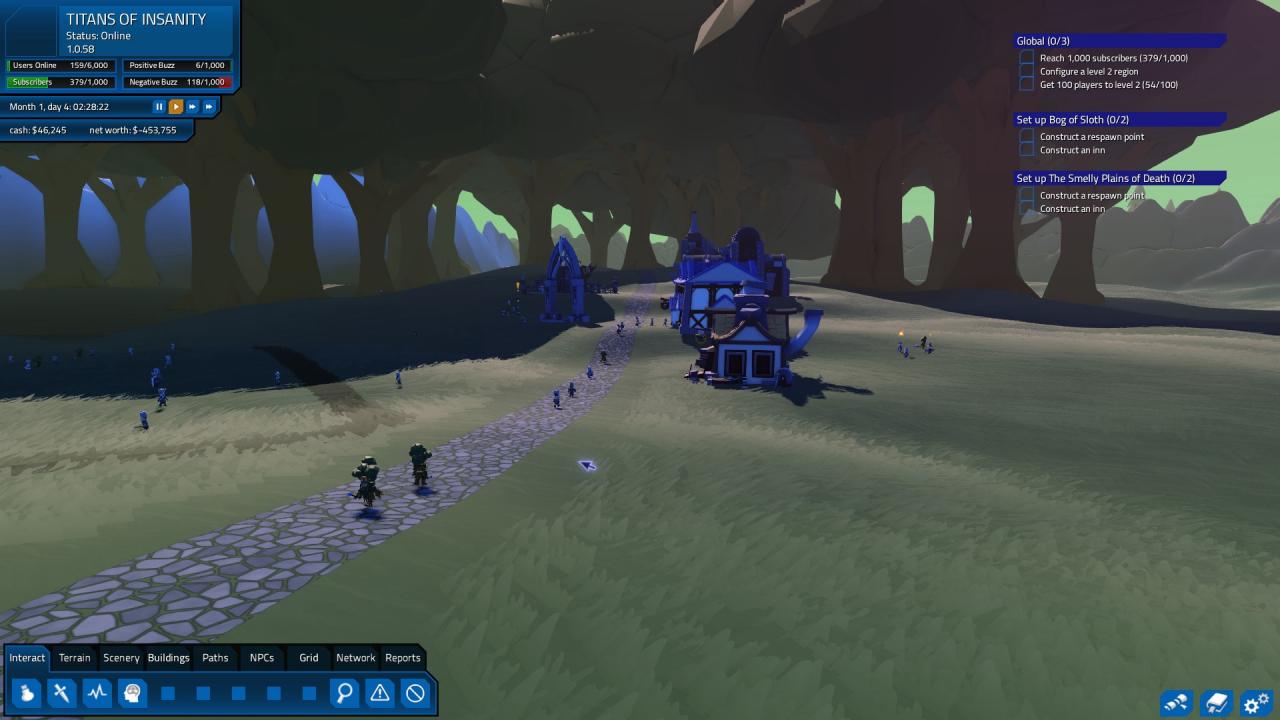
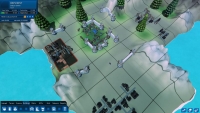
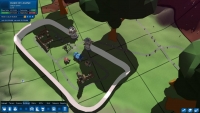
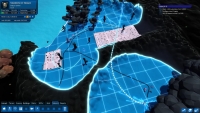
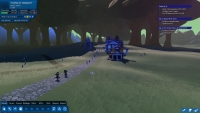
Delight your subscribers as you build the simulated MMORPG of your dreams. Take charge of a full-sized MMORPG world and fill it with monsters, towns, NPCs, and quest chains. Design the player classes for AI subscribers to use, and keep them entertained!Design the monsters, balance the combat, and keep your subscribers happy and playing (and paying!) so that you can cover your server and bandwidth costs, all while building new regions for your players to explore as they increase in levels and power! Build: Craft the terrain, lay out scenery to make your world beautiful, raise new land from the seafloor; the world is yours to craft! Design the appearance and the combat abilities of your game’s player classes, monsters, and more. Buff and nerf classes at your whim! Lay out villages and towns, roads, questing areas, and even individual quests with quest chains to keep your subscribers busy! Manage your Community Catch cheaters and ban them (or don’t; as long as they keep paying their subscription fees, do you really care what they do?) Issue warnings to misbehaving subscribers to keep them from bothering other players Assist subscribers who become stuck, or hire game masters to do it for you! Profit! Be a traditional boxed product with subscription fees, or go for a Free-to-Play strategy and instead set microtransactions on potions, weapons, or other goods and services!
System requirements
Activation details
Reviews
Only logged in customers who have purchased this product may leave a review.



Reviews
There are no reviews yet.