Minecraft Dungeons Ultimate DLC Bundle EU Windows 10 CD Key
Minecraft

Release date
July 28, 2021
STEAM
Yes
Age rating
PEGI 7
Regional limitations
Other
Developers
Publishers
Genres
Action Adventure
Platform
Other
Languages
English

Description

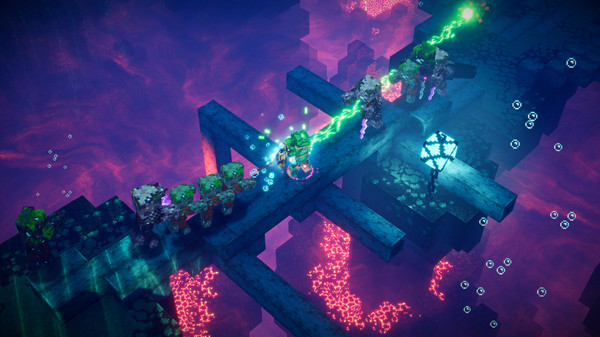
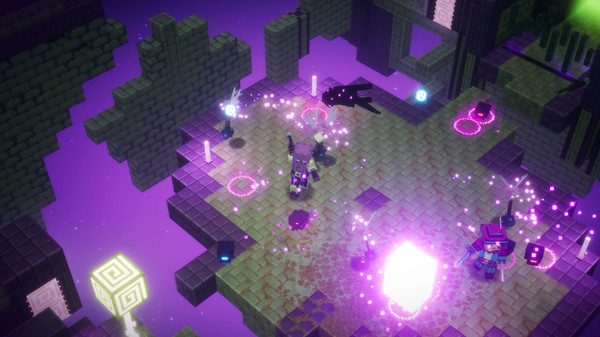
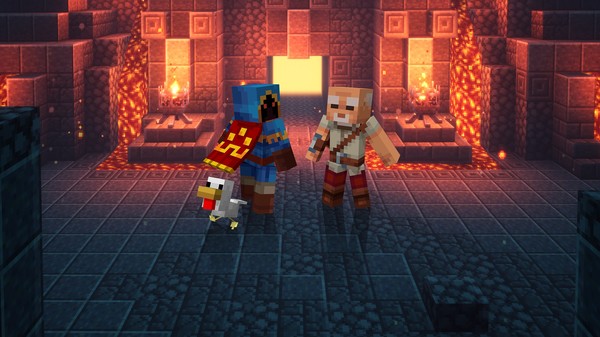
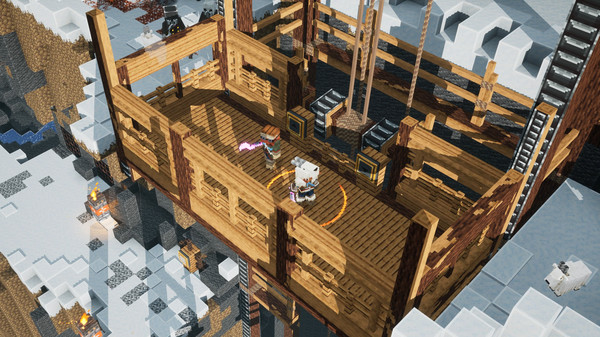
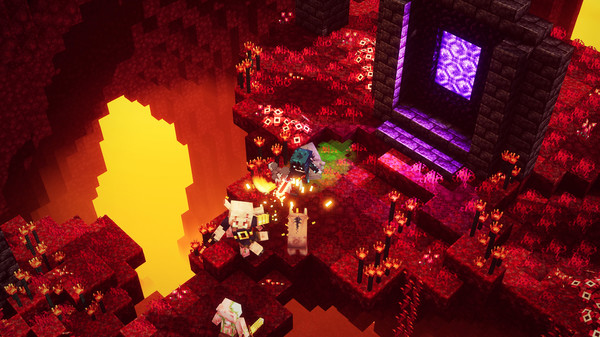
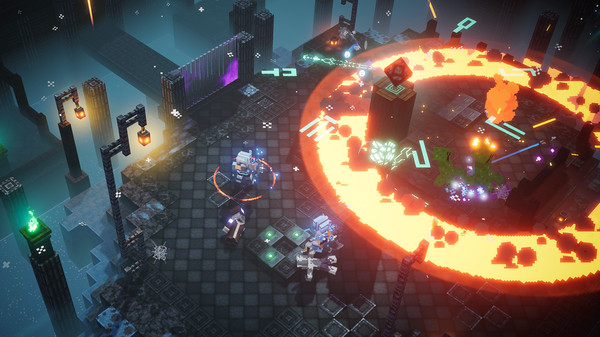
Includes 9 items: Minecraft Dungeons Creeping Winter Minecraft Dungeons Echoing Void Minecraft Dungeons Flames of the Nether Minecraft Dungeons Hero DLC Minecraft Dungeons Hidden Depths Minecraft Dungeons Howling Peaks Minecraft Dungeons Jungle Awakens Minecraft Dungeons Ultimate Edition Digital Artwork Minecraft Dungeons Ultimate Edition Soundtrack Experience the story beyond the base game with the Minecraft Dungeons: Ultimate DLC Bundle. You’ve played the main story, but now it’s time to see it through to the End! Fight countless mobs, explore dimension-hopping levels, and discover untold treasures as you complete the story of the Orb of Dominance. Grab the Ultimate DLC Bundle and get all six DLCs: Jungle Awakens, Creeping Winter, Howling Peaks, Flames of the Nether, Hidden Depths, and Echoing Void. By purchasing the bundle, you’ll get all six DLCs at a lower price than if you purchased them separately. Complete the story with the Ultimate DLC Bundle!

System requirements

Windows
MINIMUM: Requires a 64-bit processor and operating system OS *: Windows 10 (November 2019 Update or higher), 8 or 7 (64-bit with the latest updates; some functionality not supported on Windows 7 and 8) Processor: Core i5 2.8GHz or equivalent Memory: 8 GB RAM Graphics: NVIDIA GeForce GTX 660 or AMD Radeon HD 7870 or equivalent DX11 GPU DirectX: Version 11 Storage: 6 GB available space Additional Notes: Performance increases with higher-end systems. Not supported on Windows 10S.

Activation details

IN THE XBOX APP ON WINDOWS Press the Start button, and then enter Xbox into the search bar. Choose the Xbox app from the results to open the app. Select your gamerpic, and then select Settings. Select Redeem under Redeem a code. Enter the 25-character code, select Next, and then follow the prompts. IN THE MICROSOFT STORE ON WINDOWS Press the Start button, and then enter store into the search bar. Choose Microsoft Store from the results to open the app. Select your account in the top-right corner of the screen, and then select Redeem code or gift cards. Enter the 25-character code, select Next, and then follow the prompts. FROM A PC OR MOBILE WEB BROWSER Follow this link, enter the 25-character code, select Next, and then follow the prompts.

Reviews

Reviews

There are no reviews yet.

Only logged in customers who have purchased this product may leave a review.
Avatar Mobile
Main Menu x
X