
looK INside – Chapter 2 Steam CD Key


Description
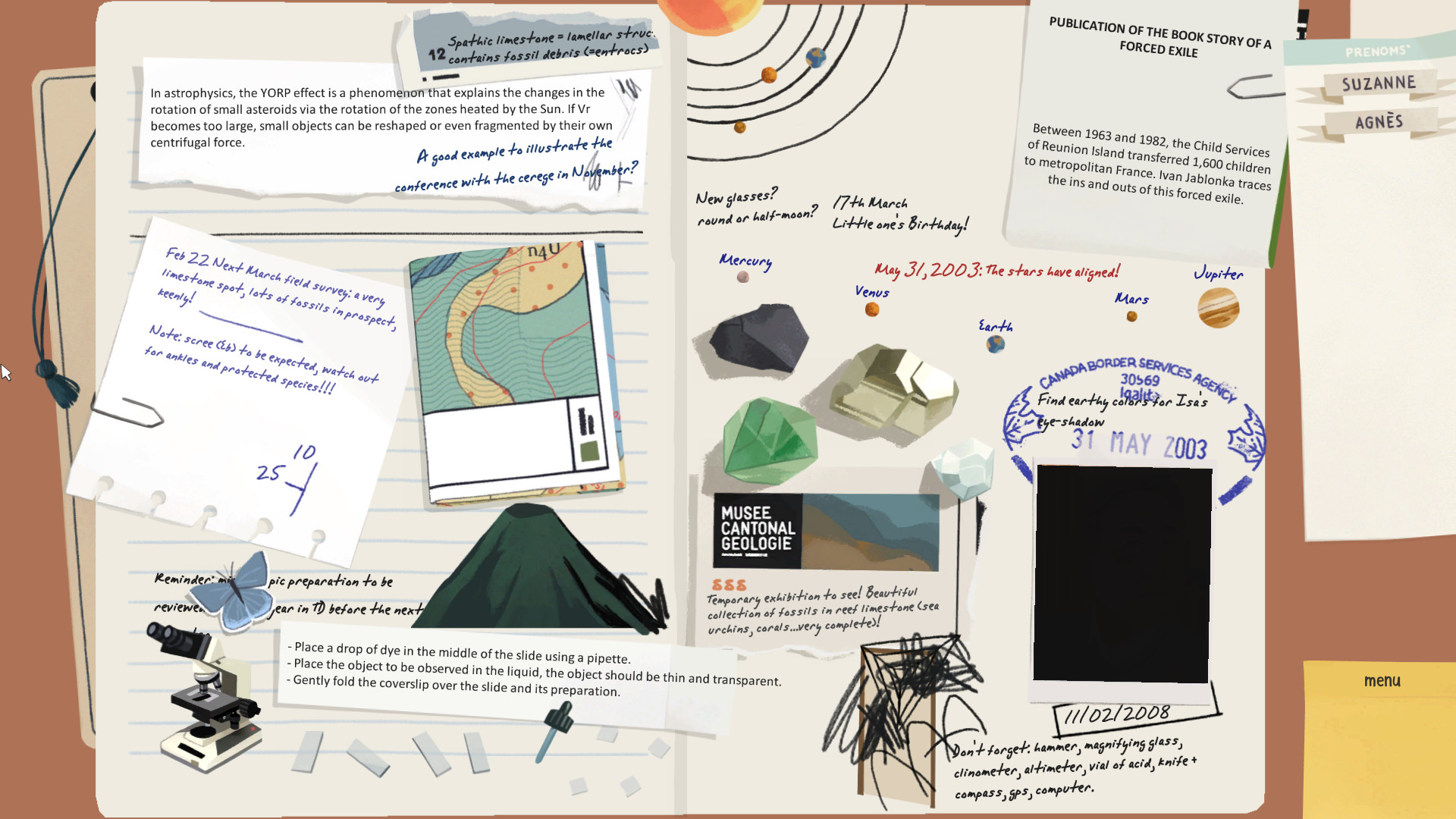
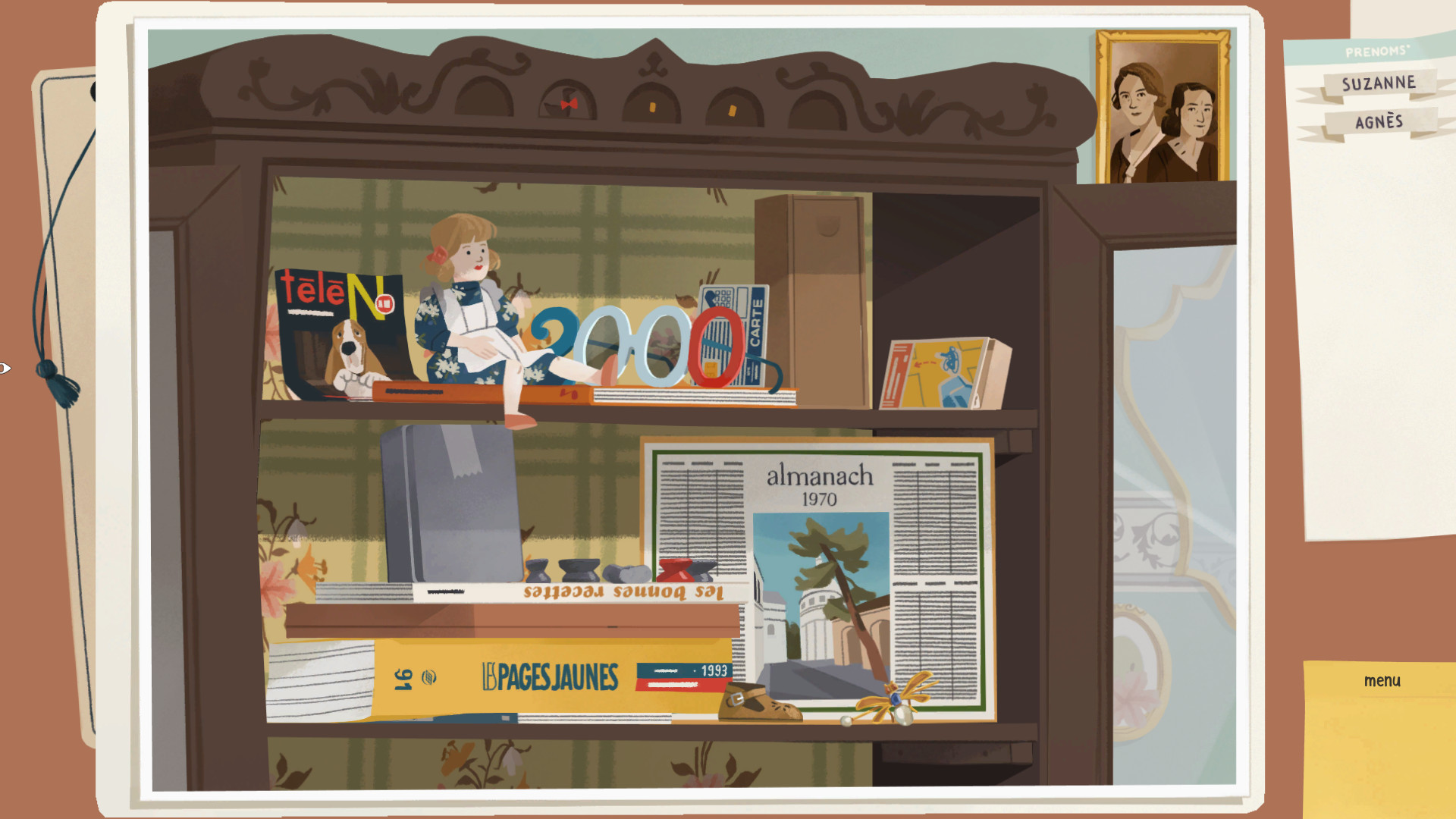
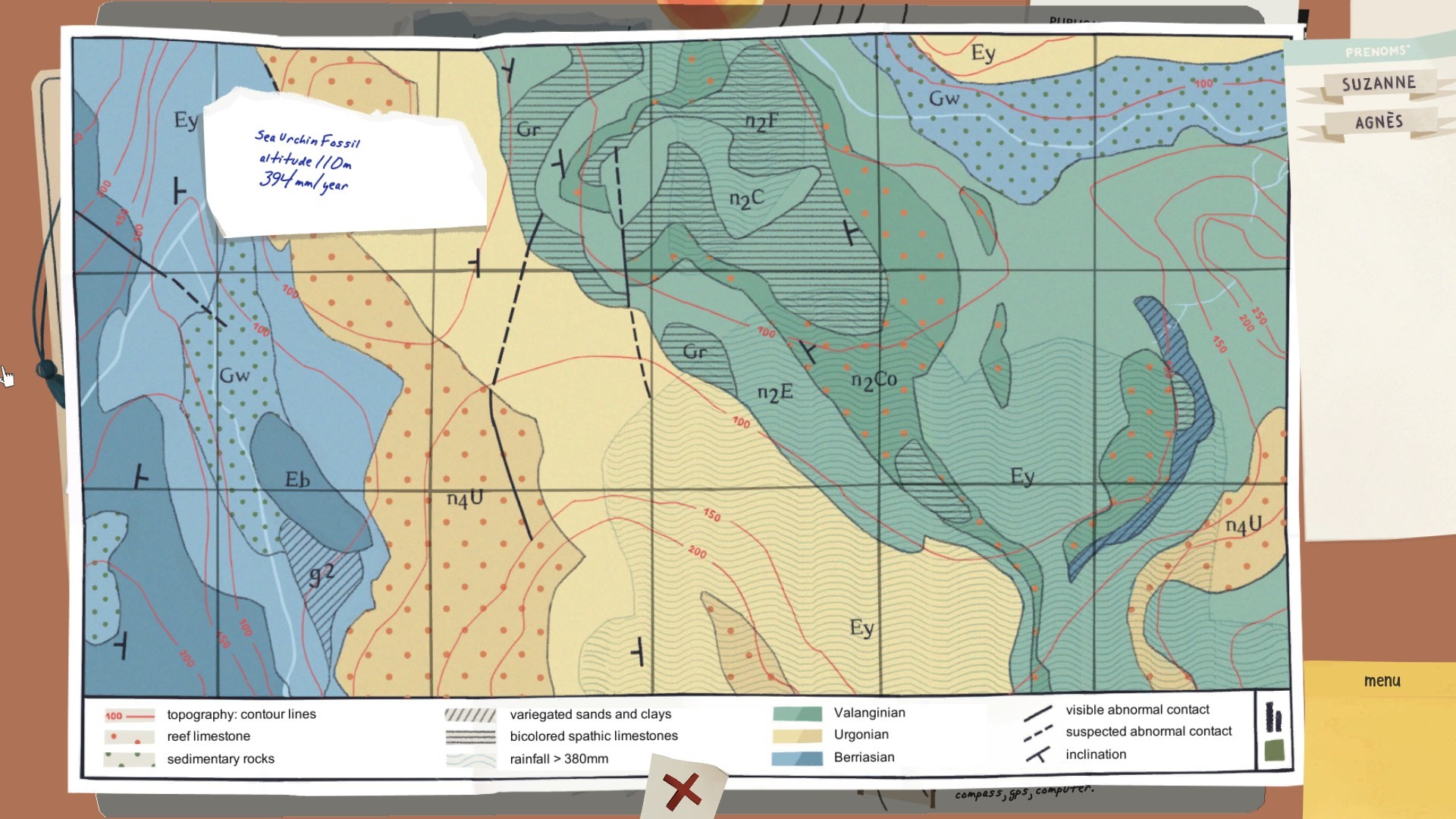
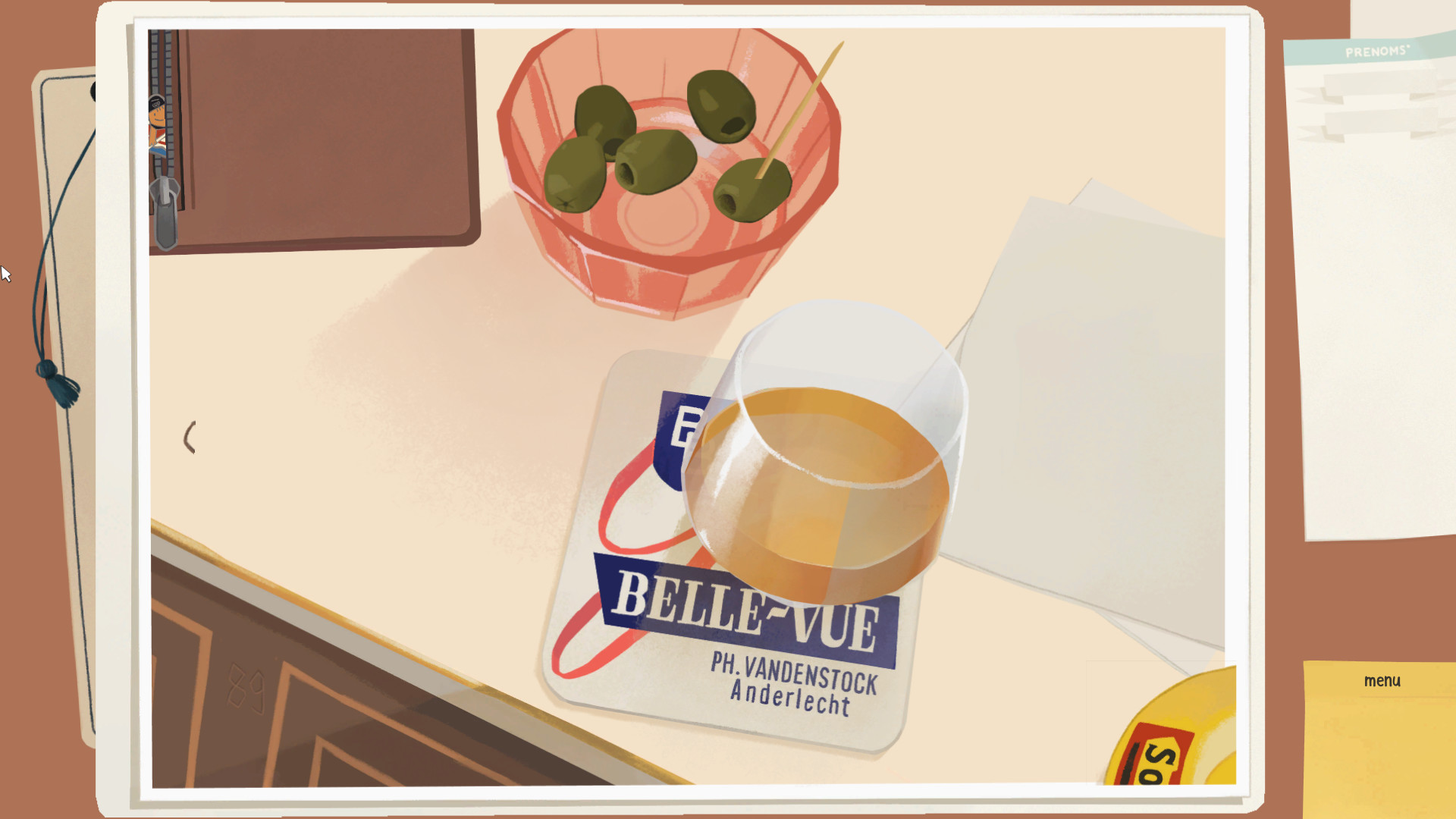
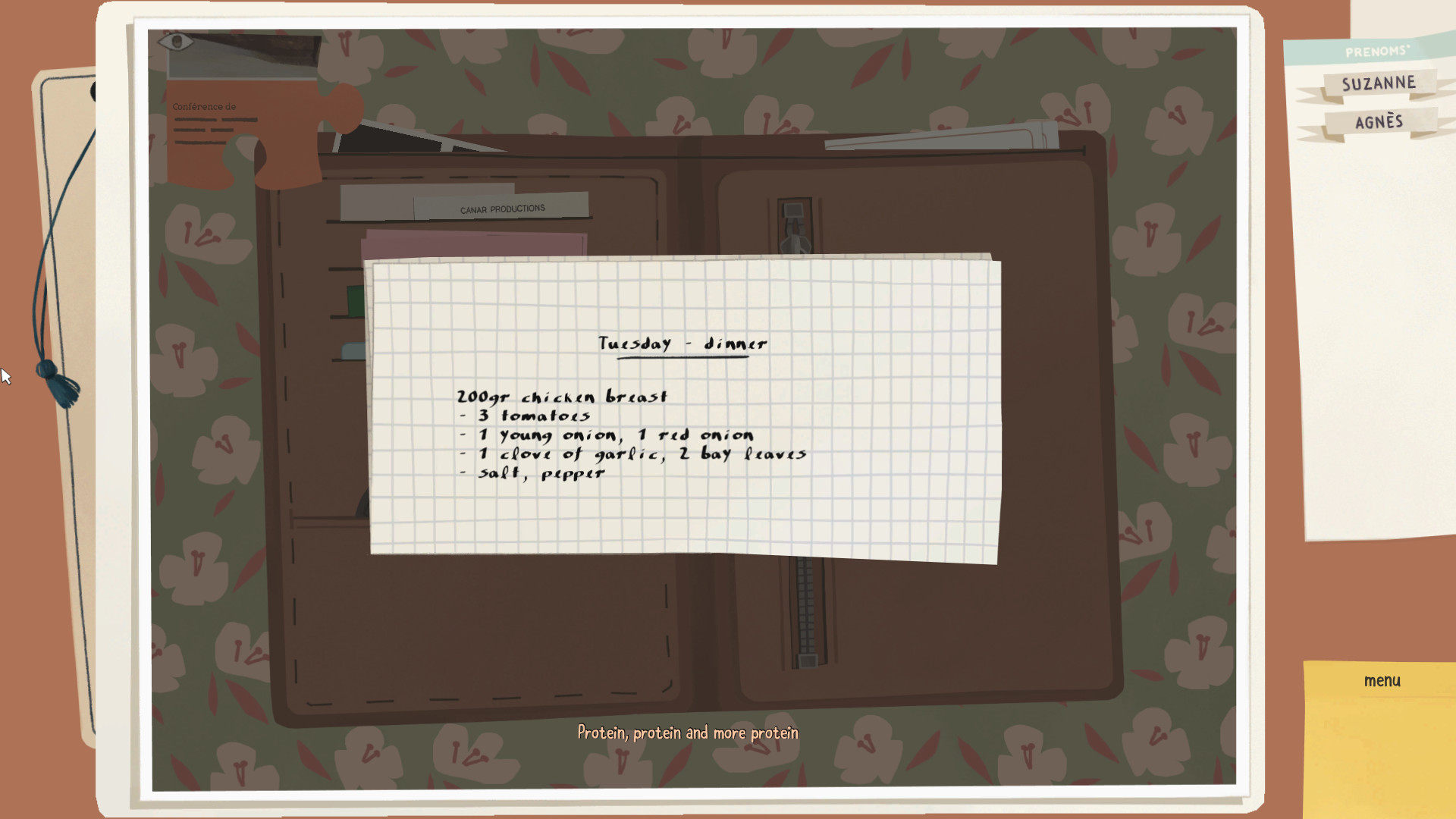
looK INside (or KIN for friends and family) is a 2.5D point & click narrative game in which you discover the life of a French family from 1960’s to nowadays. In this game, you will learn more about Manon’s family by resolving puzzles and riddles based on your aesthetic sense and your intuition. Page after page, find more about the family members and reunite them in a family tree. Flip through a new notebookManon has discovered another book that contains memories of her family members. Discover with her their joys and regrets by browsing through pages that come to life to transcribe past moments remembered with nostalgia. Reunite everybody in the family treeThe characters still have many facets that Manon does not know. Unlock new portraits and names to place in the family tree and find out whose memory is whose to retrace the story of Manon’s origins. Digging, riddles and puzzleUse your empathy, logic, and aesthetic sense to solve the puzzles in the booklet. You will also have to pay attention to the smallest detail to find all the little hidden interactions! You can start the adventure hereIt is not necessary to have played Chapter 1 of looK INside. However, if you want to discover all the opuses we advise you to play chapter 1 first! Features: an accessible game that requires reflection but not reflexes a game “that’s life”, without terrible secrets around 3 hours of game time a chapter 3 to come to conclude the story!
System requirements
Activation details
Reviews
Only logged in customers who have purchased this product may leave a review.







Reviews
There are no reviews yet.