
Dungeon Quest Steam CD Key



Description
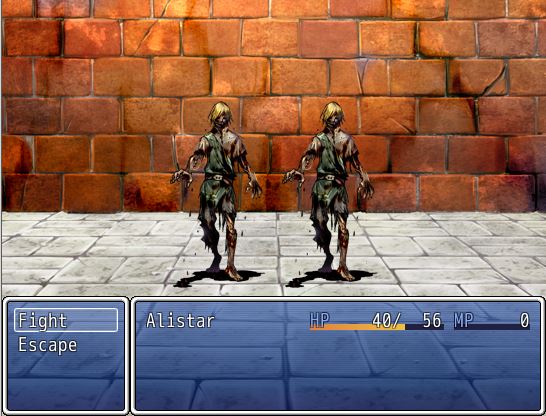
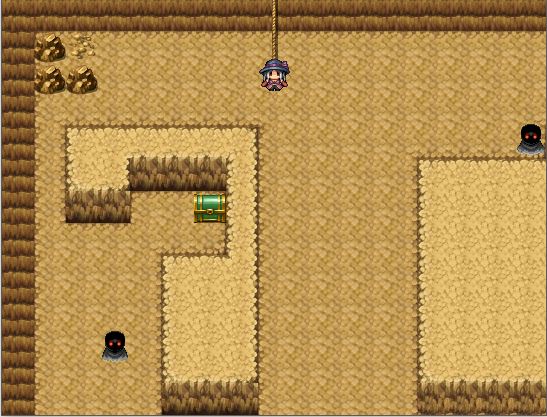
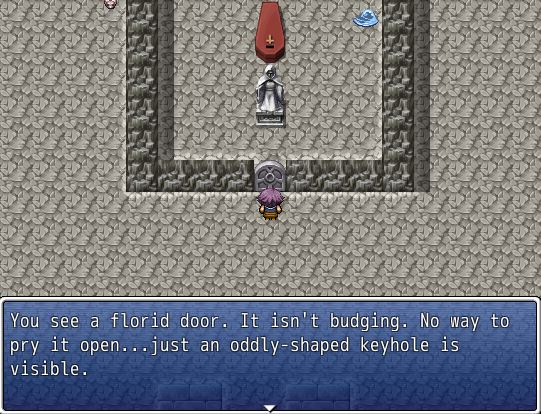
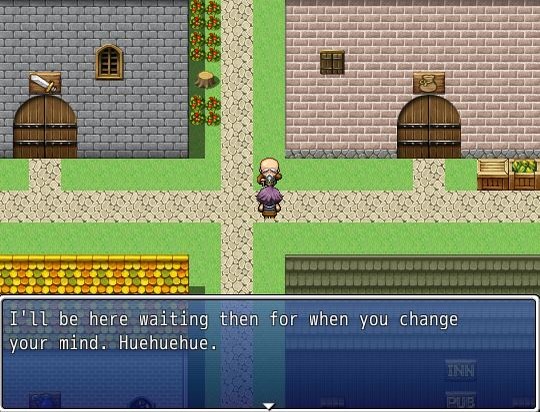
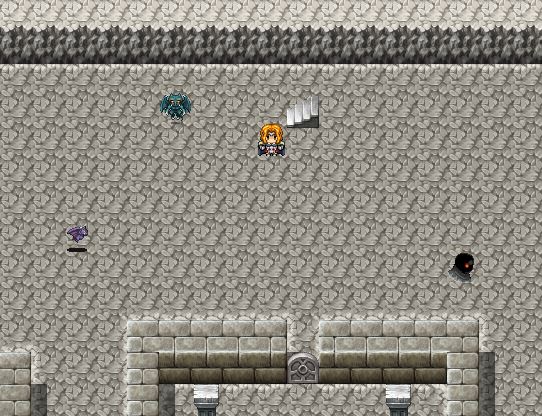
In Dungeon Quest, you play as one of three main characters, in search of a mysterious artifact. This artifact can grant any wish and each hero has a reason for seeking it out. You arrive at the town of Oakdale where you begin your journey down. Oakdale has four buildings that each provide something. There’s the Inn & Pub where you can rest free of charge or recruit an ally to help you on your quest. There’s the Magic Shop where you can buy staves or spell scrolls. There’s also the Equipment Shop where you can purchase weapons and armor. Finally, there’s the General Store, where you can buy potions and other items. In each dungeon floor, you fight through enemies who drop gold and XP upon death, and they also have a chance to drop loot! Some enemies are picked randomly when you encounter them so you may not face the same enemy every time. Some enemies don’t respawn but most do. There are also some mini-bosses and regular bosses to fight that will reward the player for taking on the challenge of defeating them. Features: Six Dungeon Levels: Each level has unique enemies compared to the last level Three Playable Classes: Champion, Mage and Assassin Recruit one of two companions to aide you on your quest at the Inn & Pub! Three Shops: General Store (providing potions, revives and other items), Magic Shop (providing staves and spell scrolls) and Equipment Shop (providing weapons and armor) Steam Cloud Support 26 Achievements for those achievement hunters out there!
System requirements
Activation details
Reviews
Only logged in customers who have purchased this product may leave a review.







Reviews
There are no reviews yet.