Japanese: A-N PC Steam CD Key

Japanese: A-N

Release date
June 7, 2022
STEAM
Yes
Regional limitations
Region free
Developers
Publishers
Genres
Casual Indie
Platform
Steam
Languages
Arabic Chinese English French German Italian Korean Portuguese - Brazil Russian Spanish Thai

Description

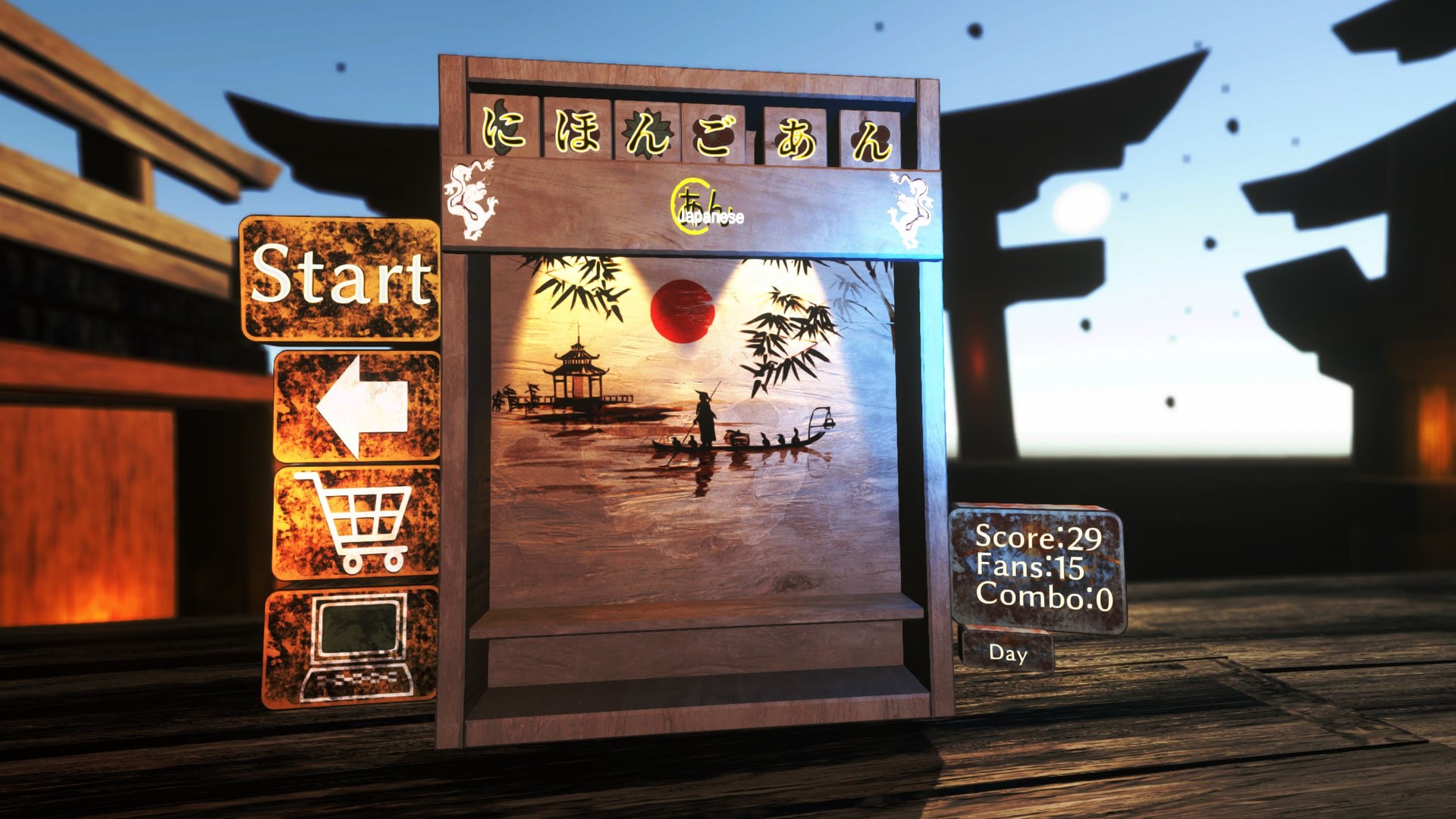
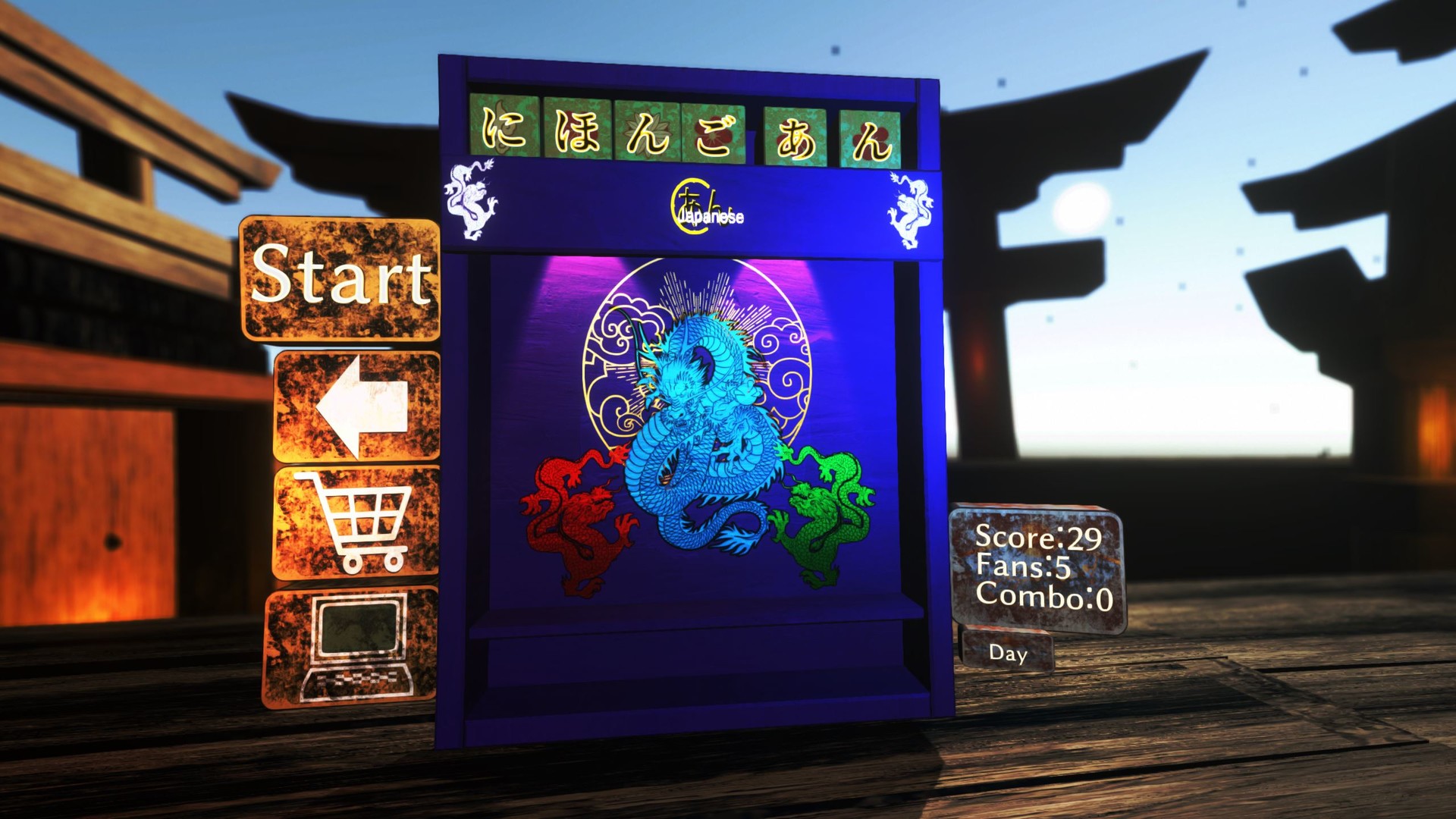
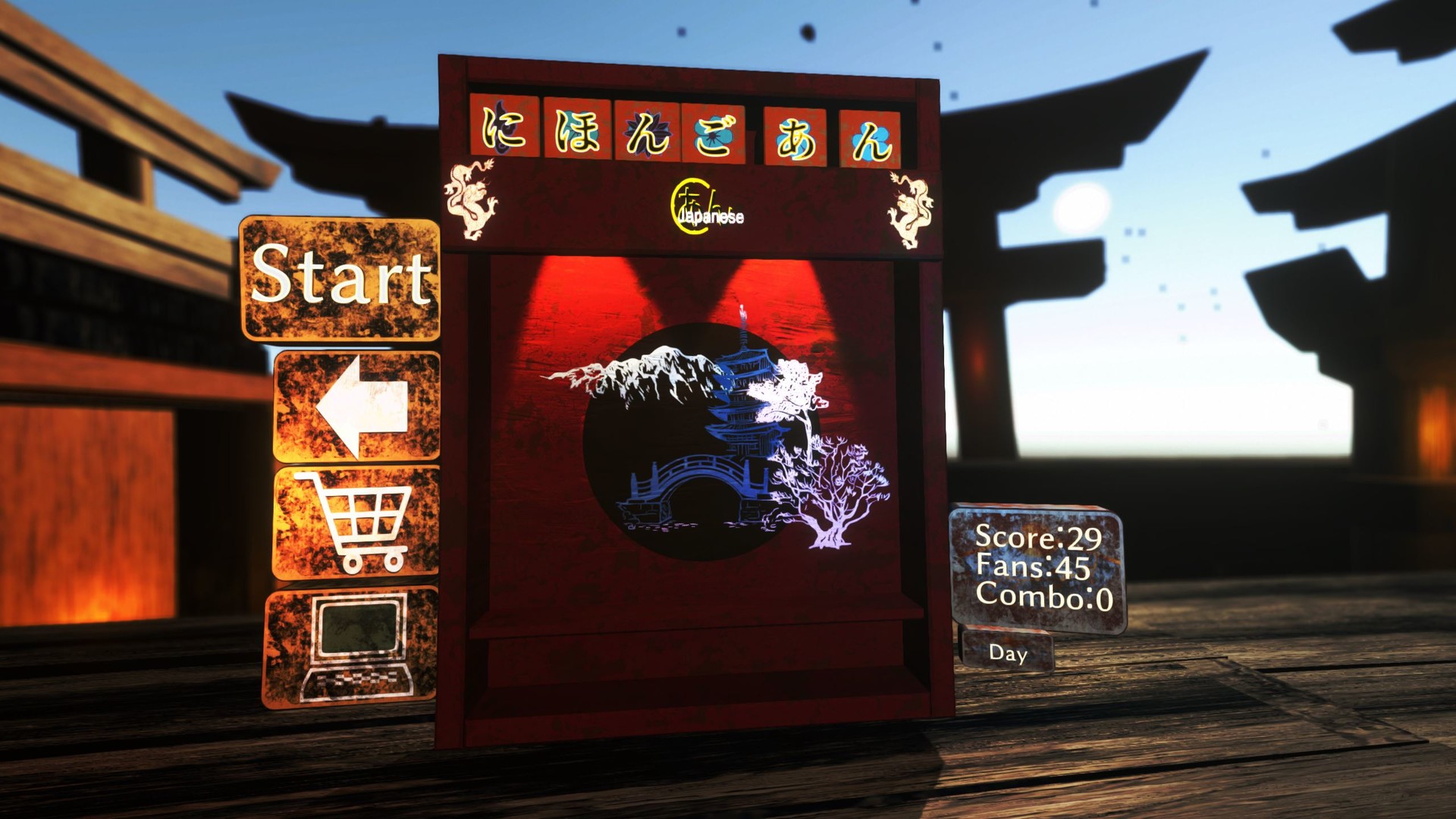
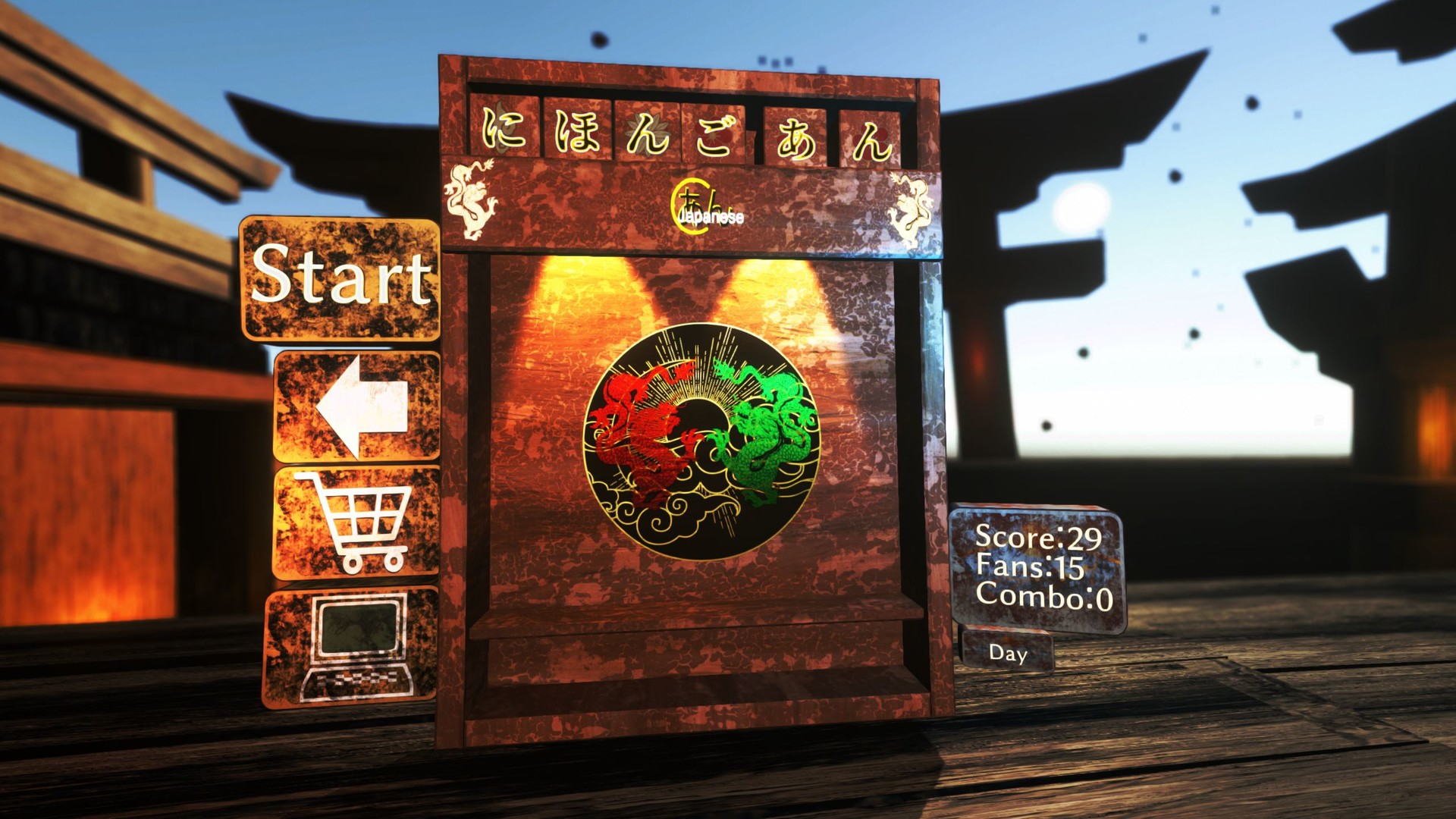
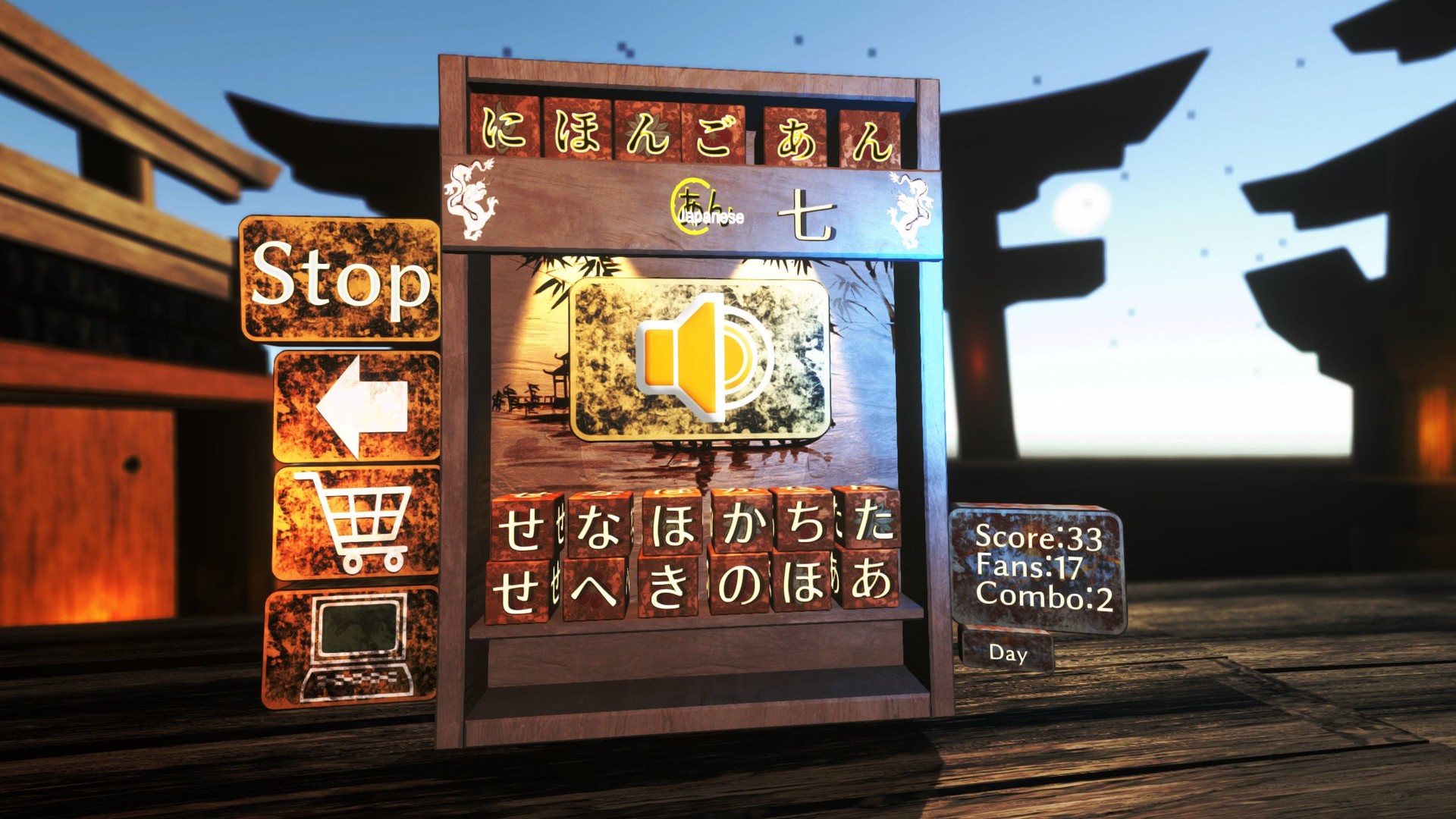
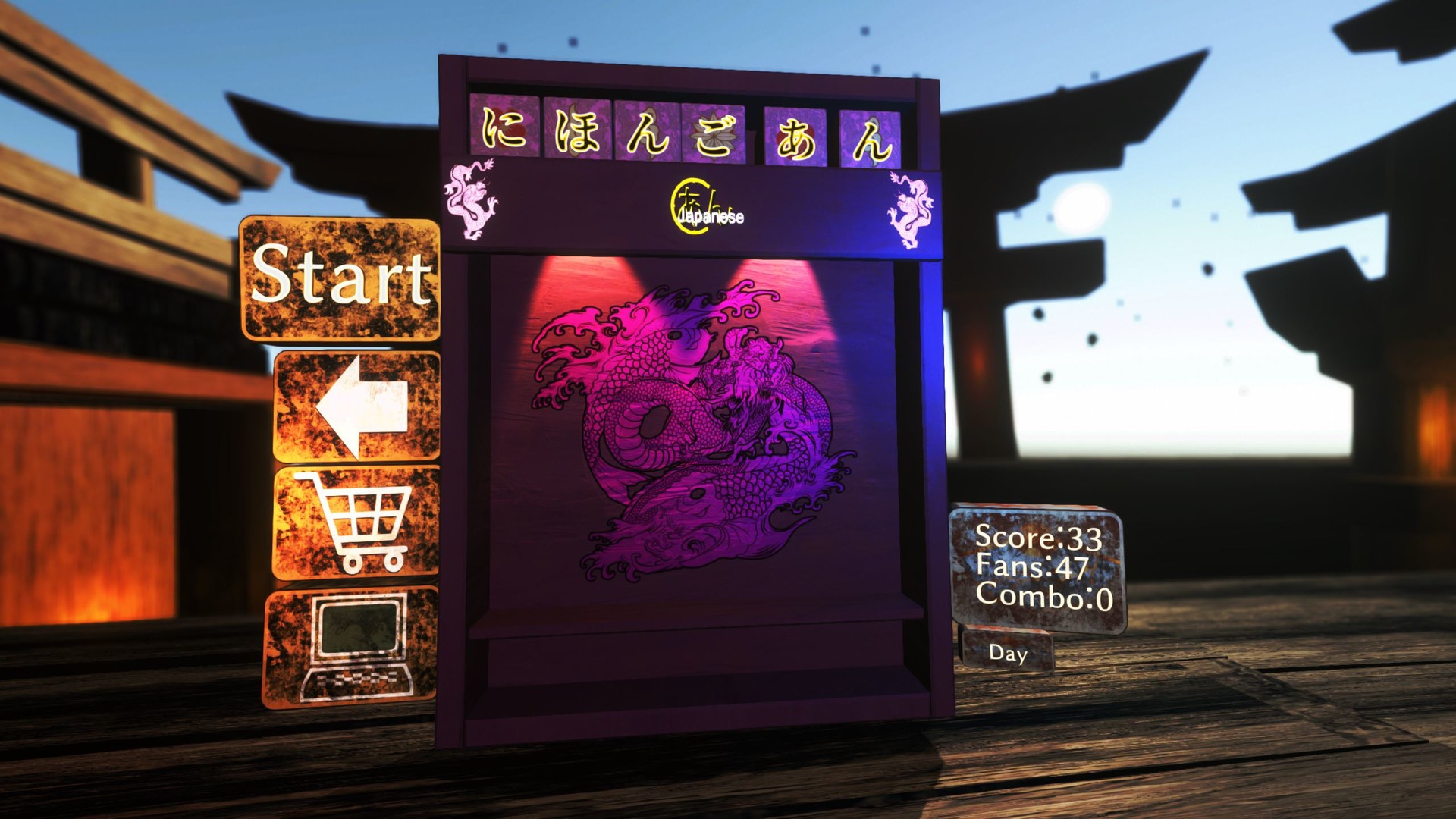
Japanese: A-N: Now is the time to learn and play!Japanese: A-N will help you learn Japanese the fun way! The game is designed with a language learning backend with the front end being a fun puzzle game that takes the boring away from studying the tough Japanese language. Currently, the game contains the entire Hiragana and Katakana alphabets as well as the combination of characters, called Yō-on. You’ll be taught both character sets in the Learn Mode, along with their Romaji (English character versions) counterpoint, and then tested on your progress through Test Mode, where you can gain points (and combo points!) and become fluent as you have fun.Everything you do in the game is tracked through the database, which learns your strengths and weaknesses and tailors the game to you, giving priority to characters you’re having trouble with. The database kicks in after you’ve been through both alphabets once. If you score highly in Test Mode, you can unlock the special Advanced Mode which strips away the Romaji and lets you learn Hiragana and Katakana like a native.

System requirements

Windows
Minimum: OS: Windows 7 Processor: Core i5-6400 Memory: 8 GB RAM Graphics: nVidia GTX 260 DirectX: Version 10 Storage: 500 MB available space
Mac
Minimum: OS: OSX 10.13.6 Processor: 2.4 Intel Core i7 Memory: 8 GB RAM Graphics: Intel HD 3000 512 MB Storage: 500 MB available space Additional Notes: I only have my late 2011 MacBook Pro to test with. Specs could be lower. Recommended: OS: OSX 10.13.6 Processor: 2.4 Intel Core i7 Graphics: Intel HD 3000 512 MB Additional Notes: I only have my late 2011 MacBook Pro to test with. Specs could be lower.

Activation details

Go to: http://store.steampowered.com/ and download STEAM client Click "Install Steam" (from the upper right corner) Install and start application, login with your Account name and Password (create one if you don't have). Please follow these instructions to activate a new retail purchase on Steam: Launch Steam and log into your Steam account. Click the Games Menu. Choose Activate a Product on Steam... Follow the onscreen instructions to complete the process. After successful code verification go to the "LIBRARY" tab and start downloading.

Reviews

Reviews

There are no reviews yet.

Only logged in customers who have purchased this product may leave a review.

Avatar Mobile
Main Menu x
X