Horror In Valkeala Steam CD Key

Horror In Valkeala

Release date
March 3, 2022
STEAM
Yes
Regional limitations
Region free
Developers
Publishers
Genres
FPS Hidden Object Horror Indie Puzzle Simulation
Platform
Steam
Languages
English

Description

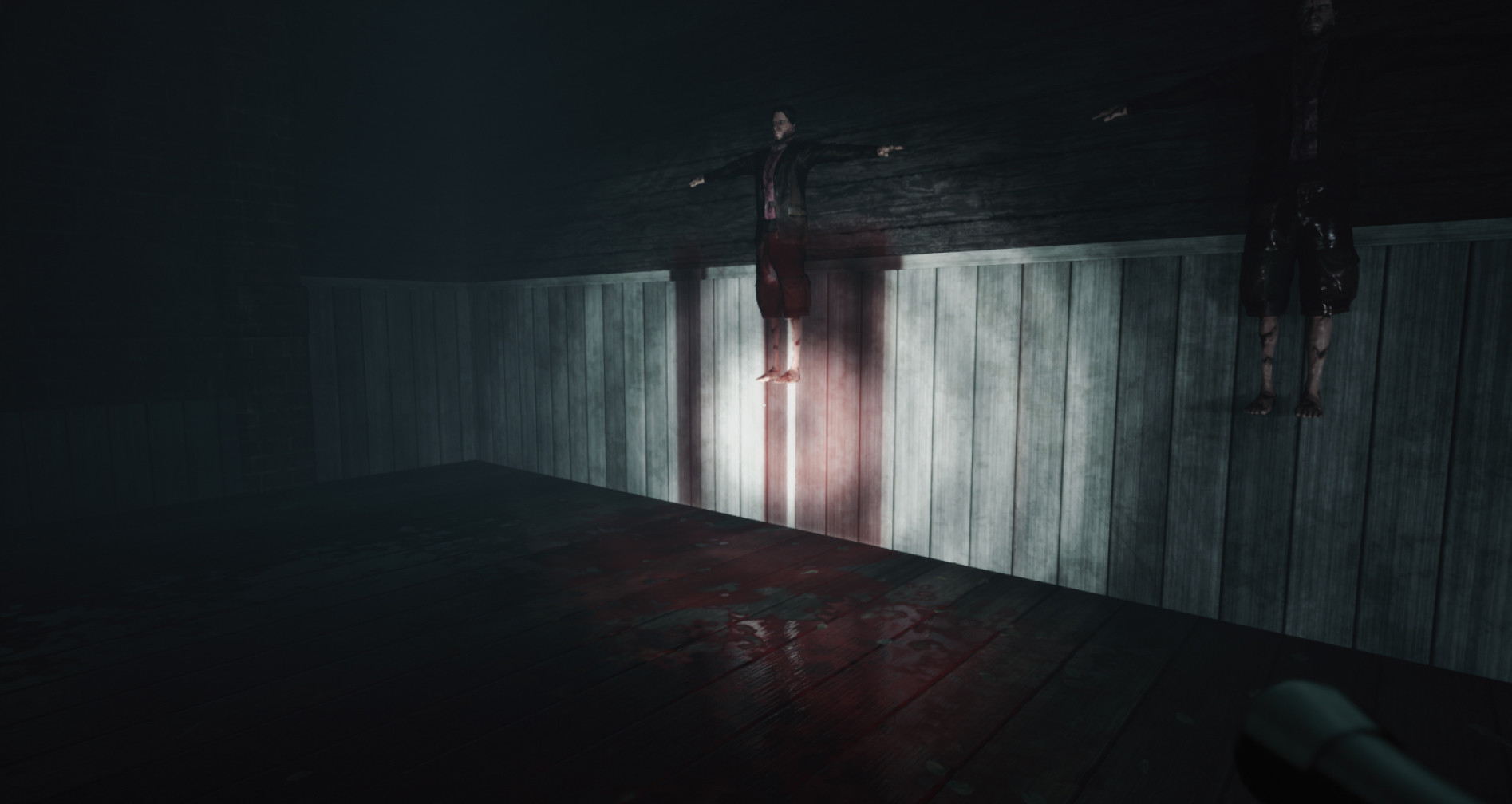
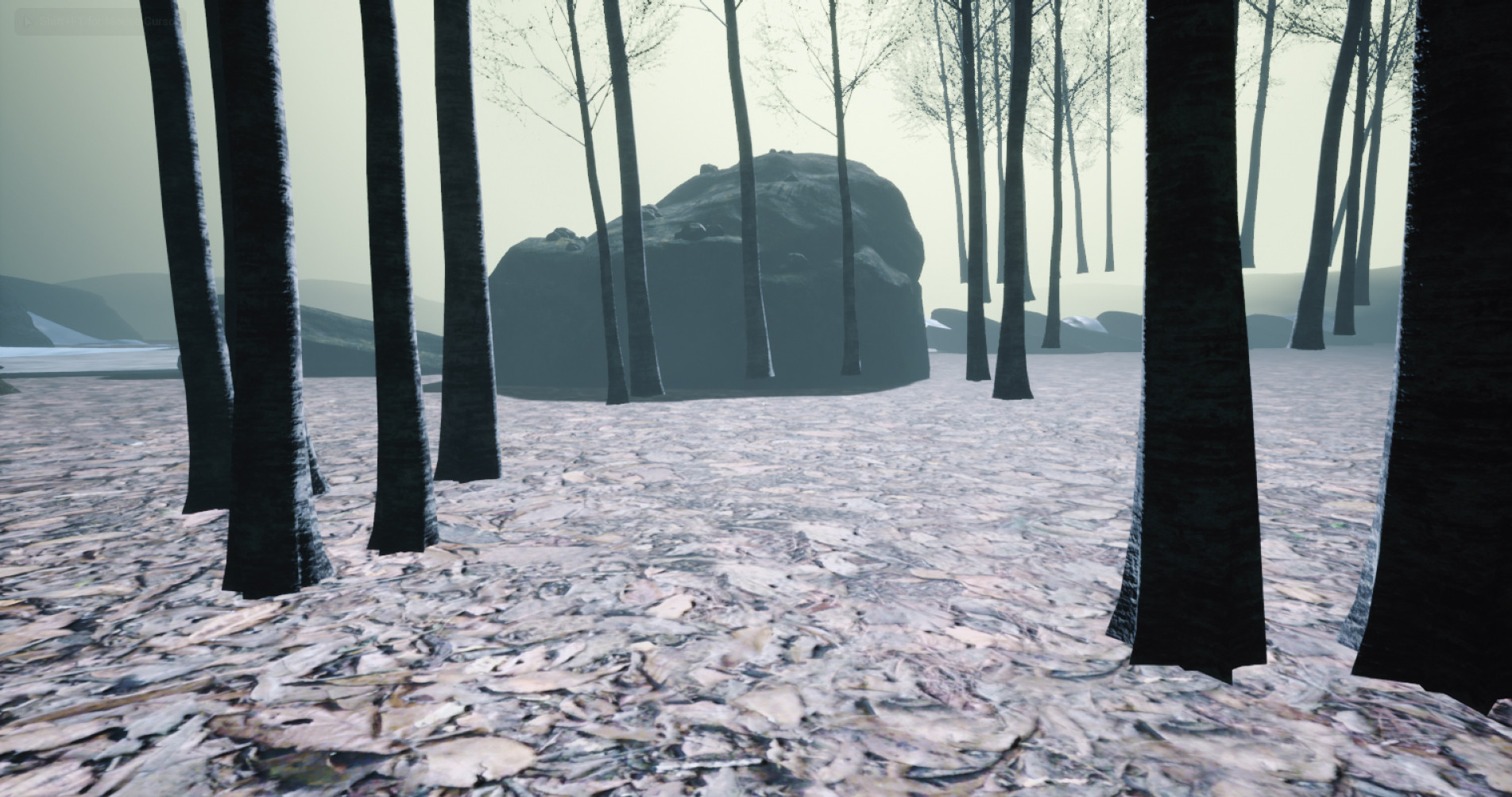
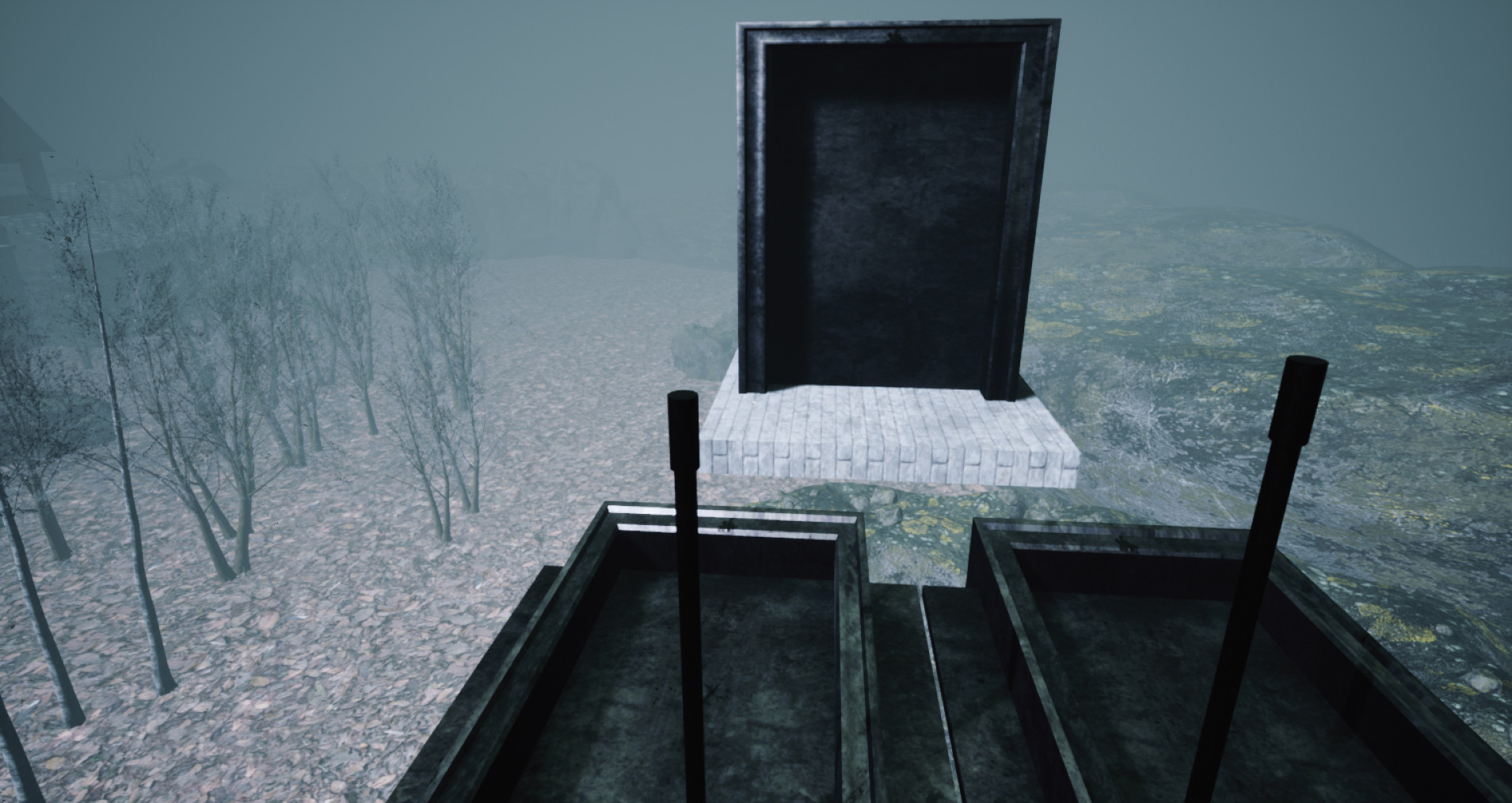
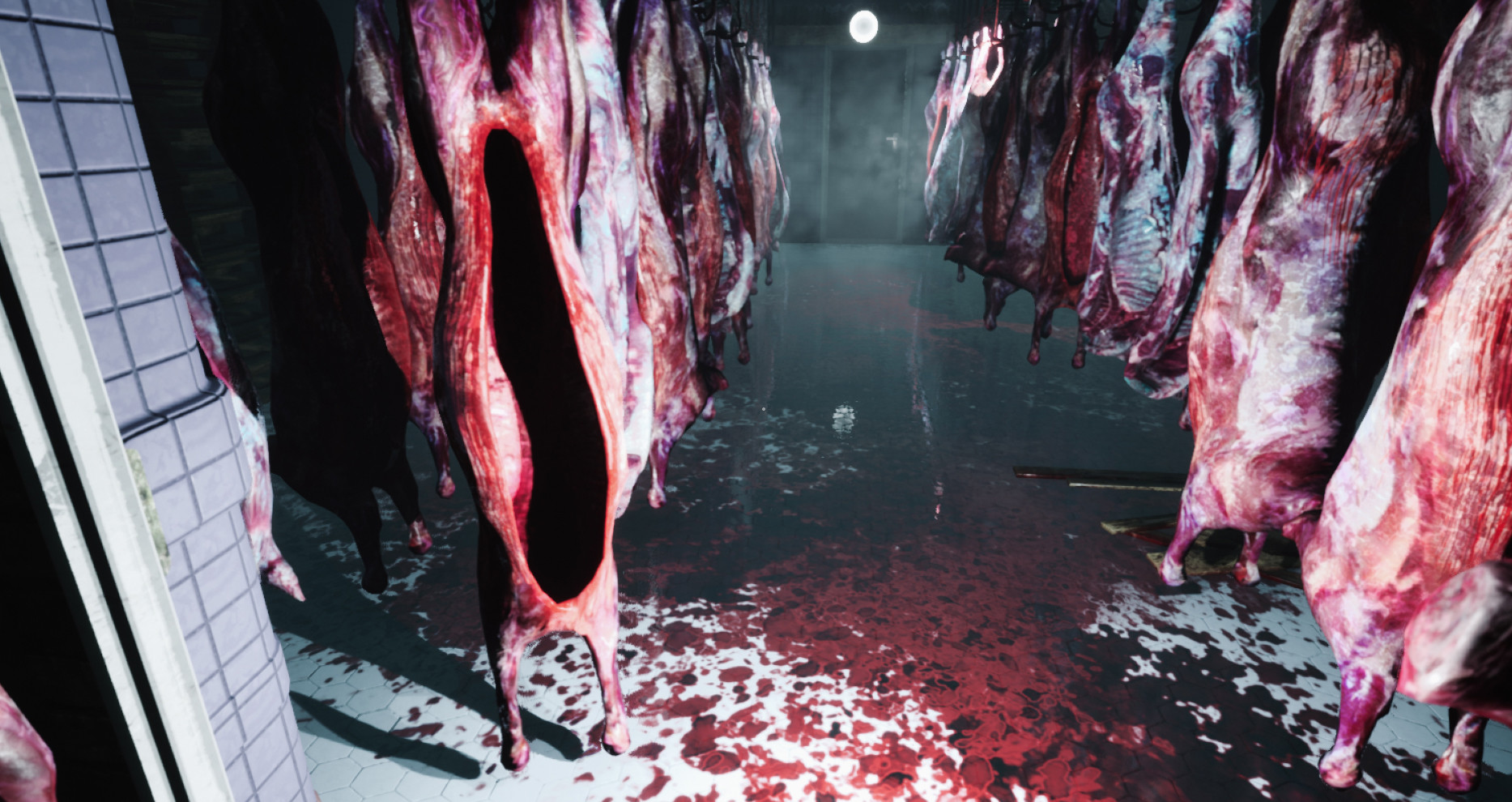
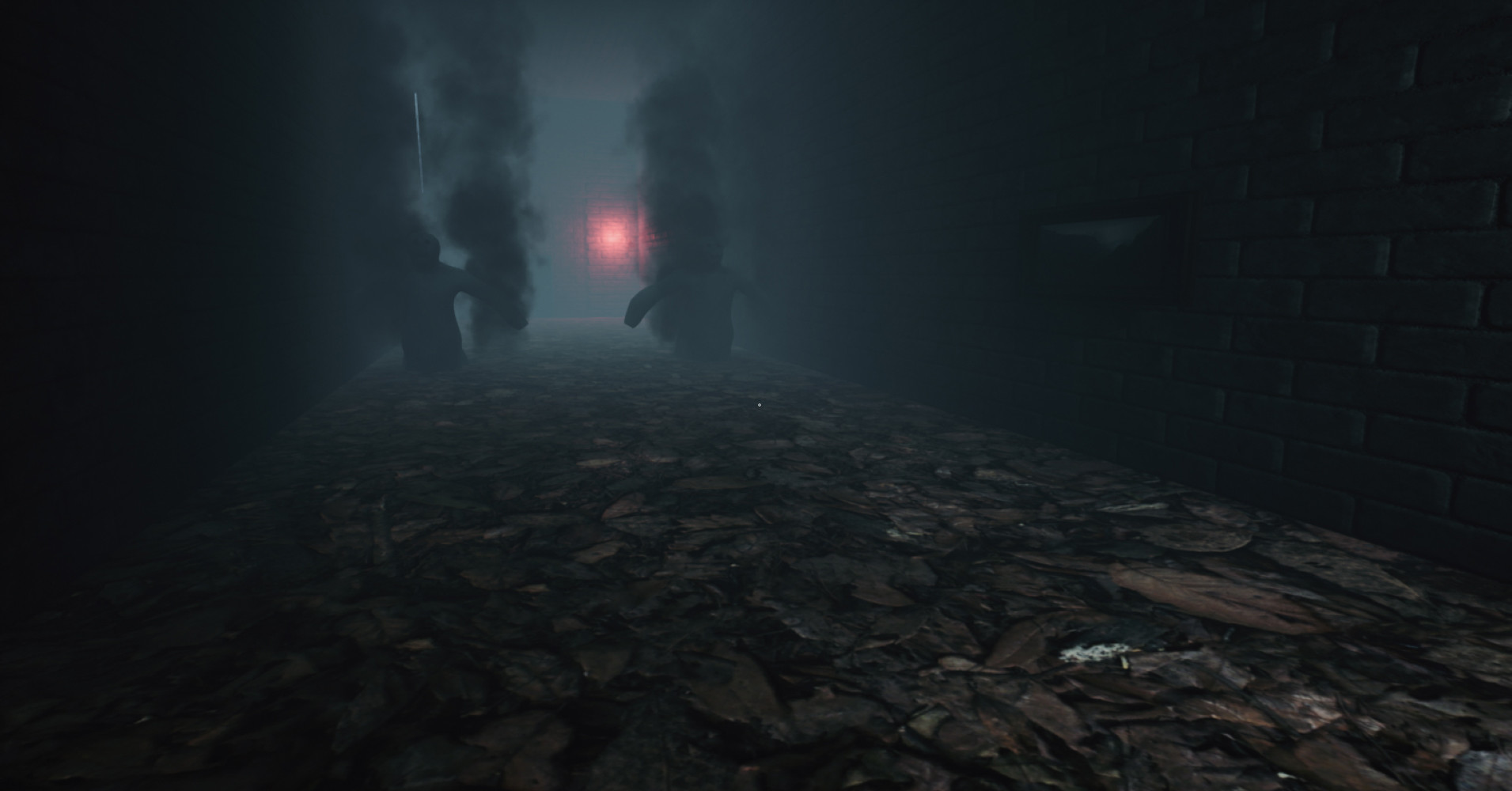
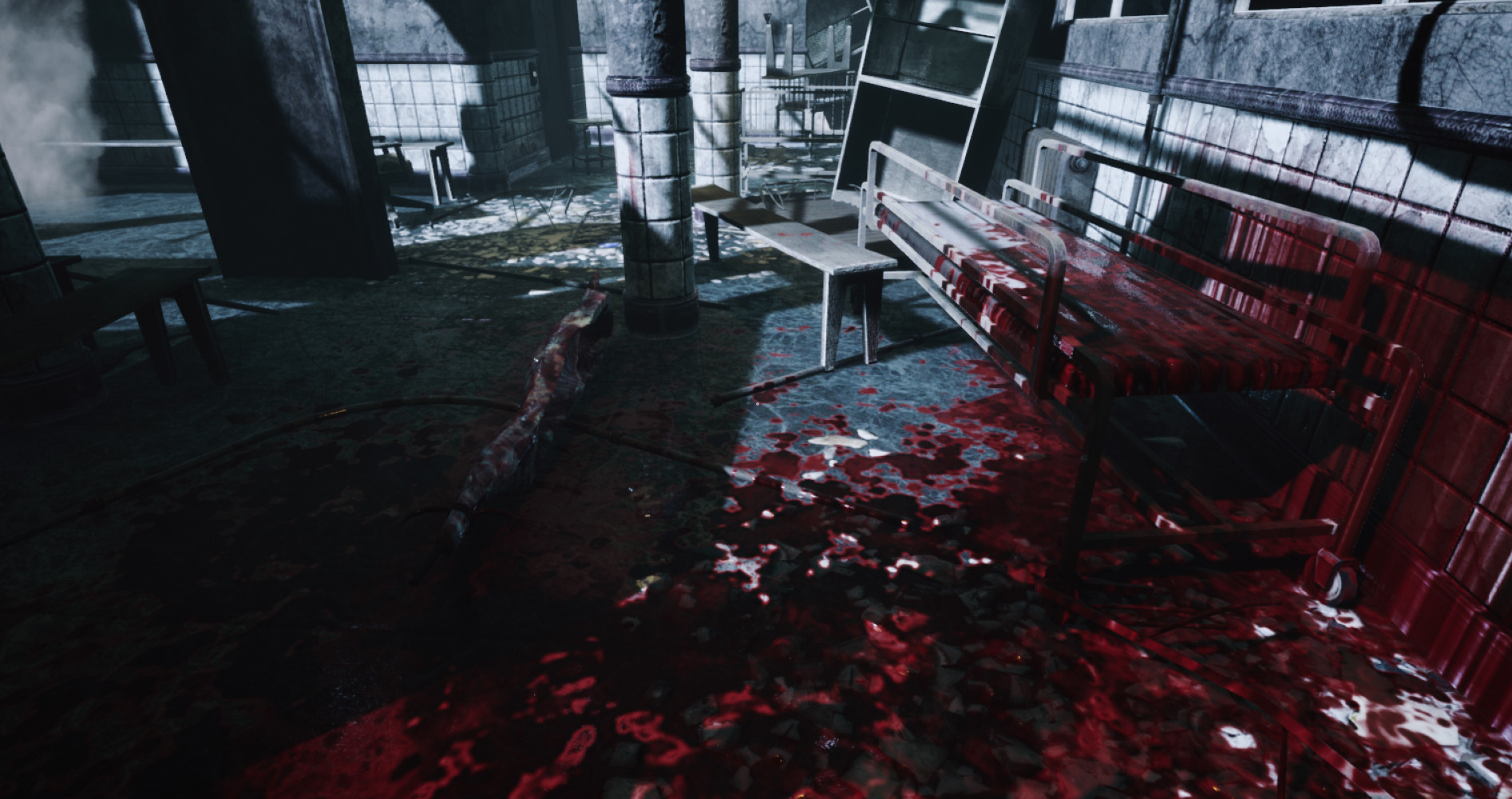
STORY: Horror in Valkeala is an Fps horror puzzle game. You are trapped in a fictional place called Valkeala. You start your journey at church and the player’s mission is to find the hidden Valkeala logo which is a mental hospital to end this nightmare. You need to avoid deathly ghosts that damage players. By using painkillers players can increase their health. Also, players need open doors to get forward. That can be done by finding keys or keycards. Some doors only open by finding the correct Secret painting, Secret torch, or switch. Touching secret object player can open doors. Sometime selecting wrong switch can cause damage to player. Also there are hidden portals which player can use to get forward. Also there is lot of movable objects and hidden steam achievements FEATURES: Open world horror environment Deadly ghosts Lot of steam achievements Save game system Flashlight Movable objects Portals to moving forward Secret paintings and Secret torch which opens doors

System requirements

Windows
Minimum: Requires a 64-bit processor and operating system OS: windows 8 Processor: i3 Memory: 5 GB RAM Graphics: NVidia GeForce 800 series DirectX: Version 9.0 Storage: 6 GB available space Sound Card: Direct x9
Linux
Minimum: Requires a 64-bit processor and operating system Recommended: Requires a 64-bit processor and operating system
Mac
Minimum: Requires a 64-bit processor and operating system Recommended: Requires a 64-bit processor and operating system

Activation details

Go to: http://store.steampowered.com/ and download STEAM client Click "Install Steam" (from the upper right corner) Install and start application, login with your Account name and Password (create one if you don't have). Please follow these instructions to activate a new retail purchase on Steam: Launch Steam and log into your Steam account. Click the Games Menu. Choose Activate a Product on Steam... Follow the onscreen instructions to complete the process. After successful code verification go to the "LIBRARY" tab and start downloading.

Reviews

Reviews

There are no reviews yet.

Only logged in customers who have purchased this product may leave a review.

Avatar Mobile
Main Menu x
X