
Grapple Whip Steam CD Key


Description
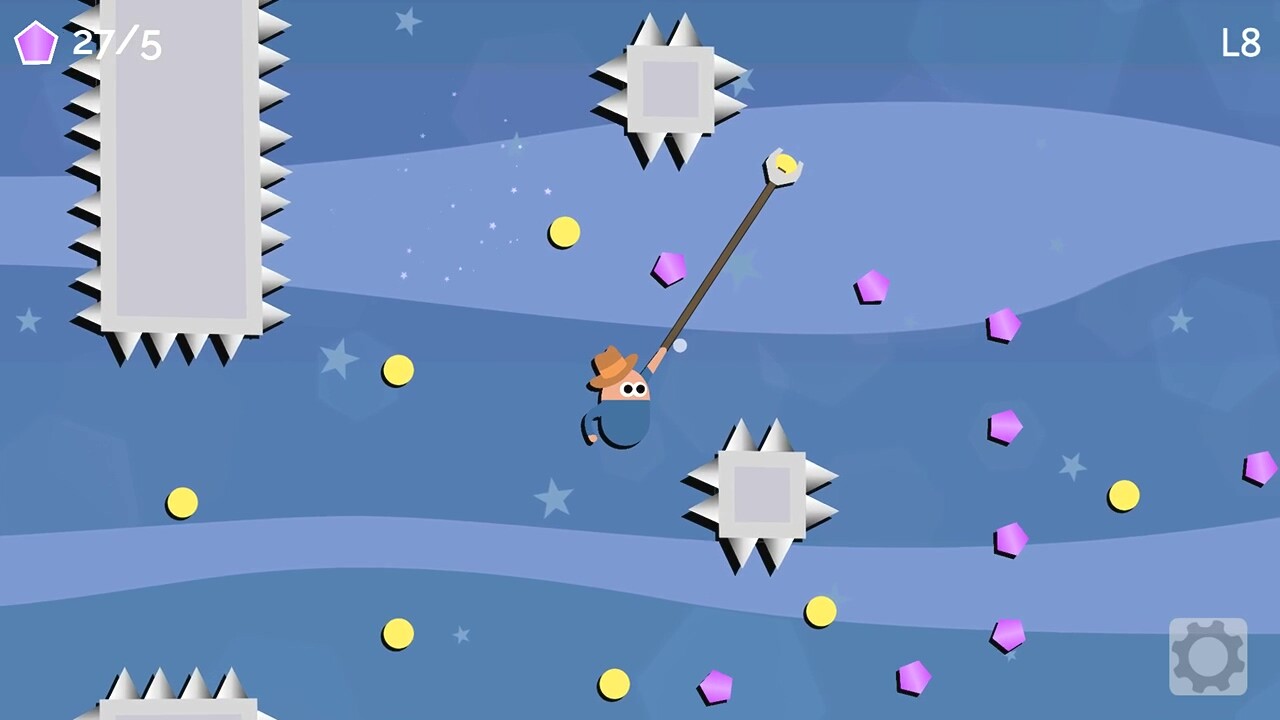
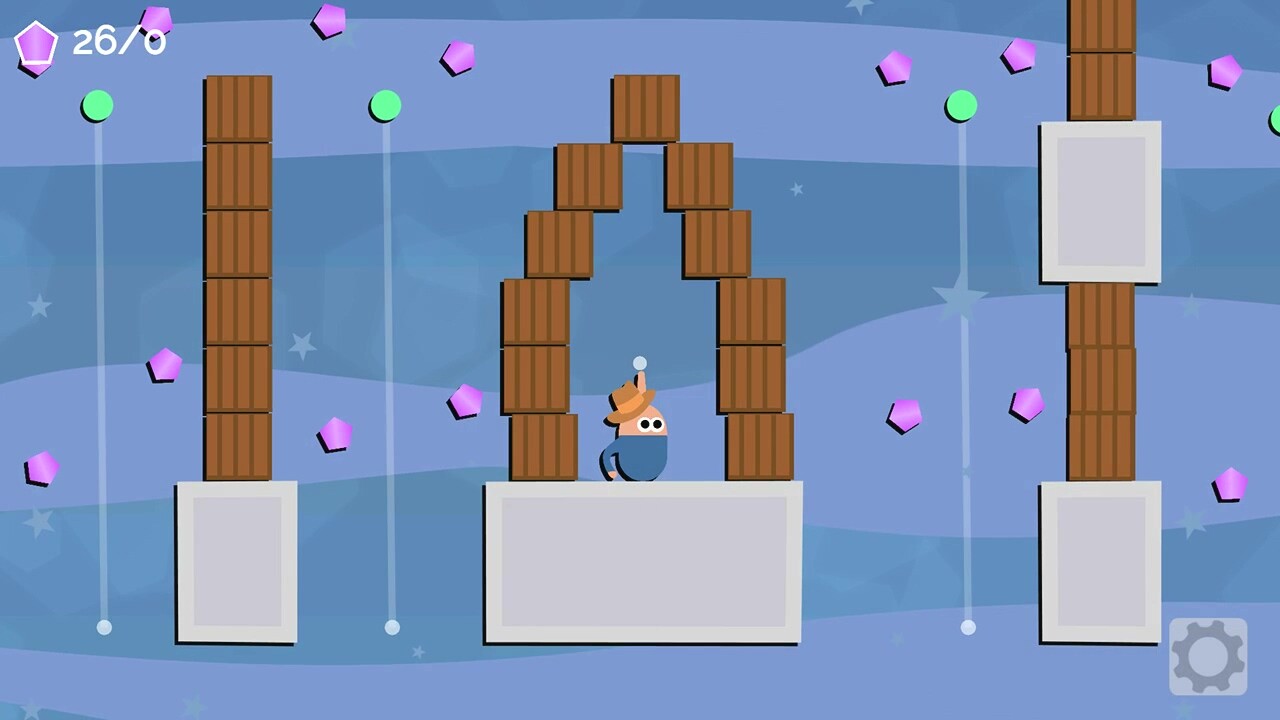
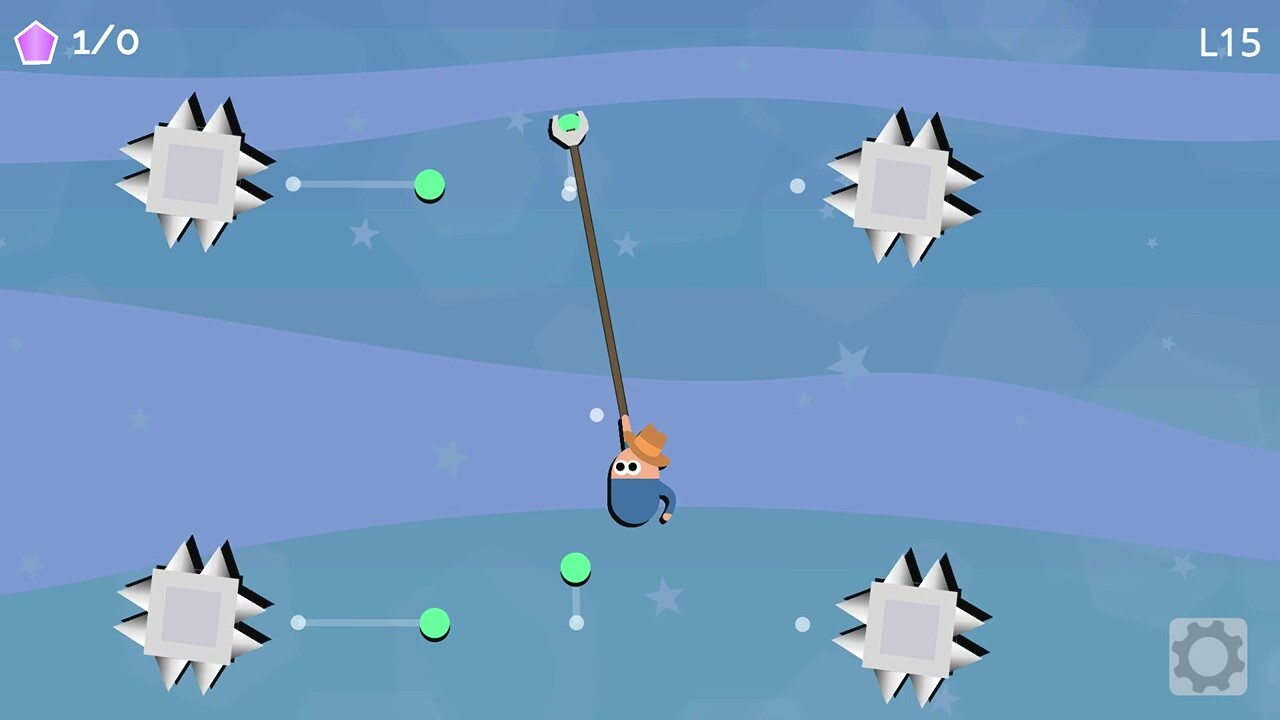
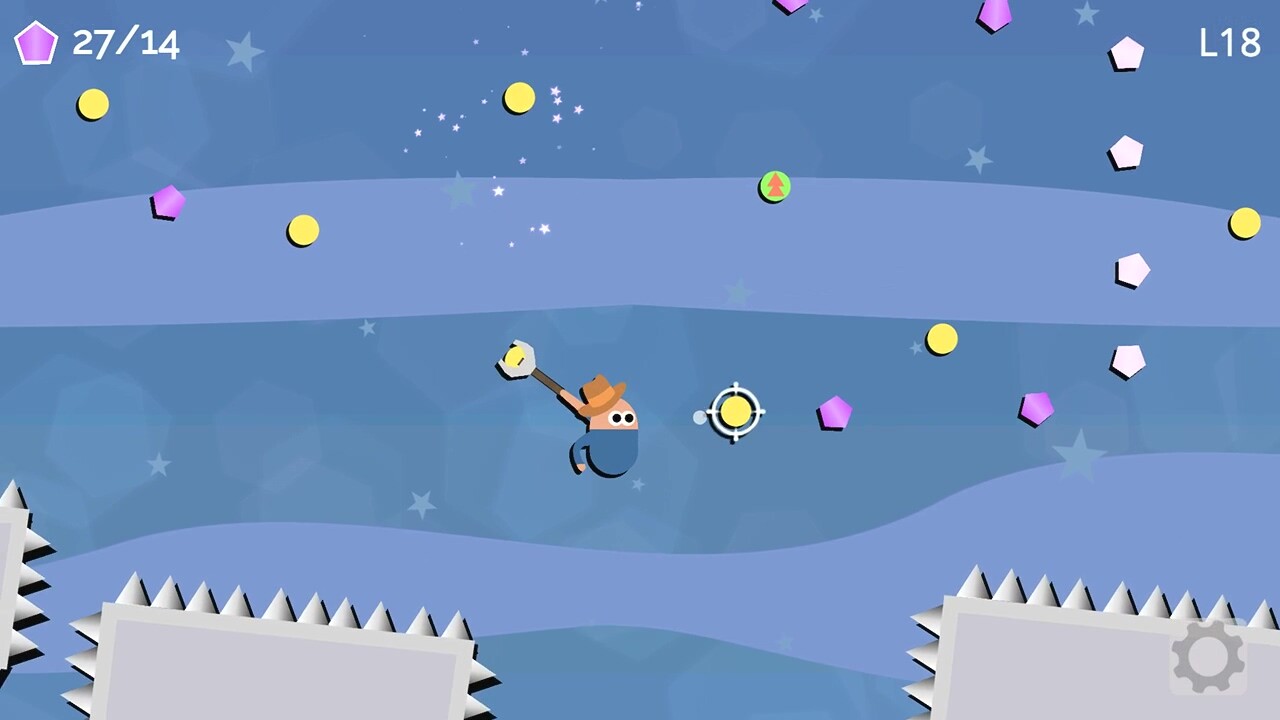
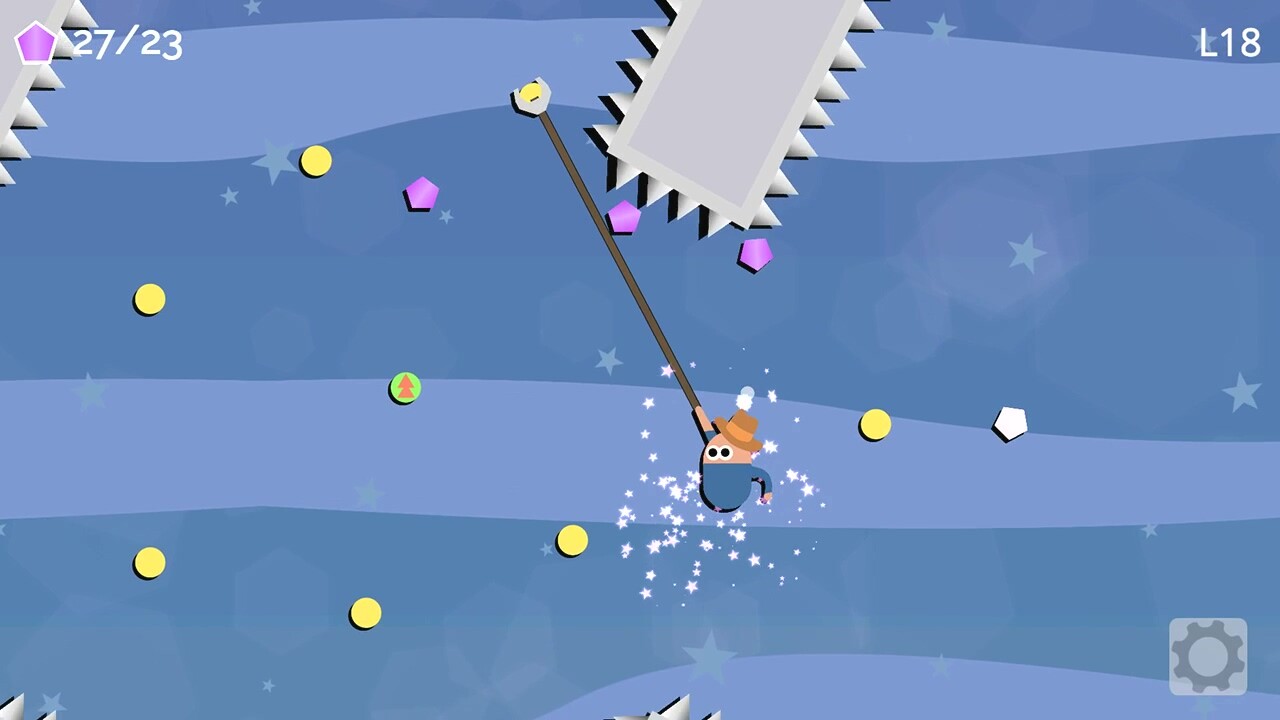
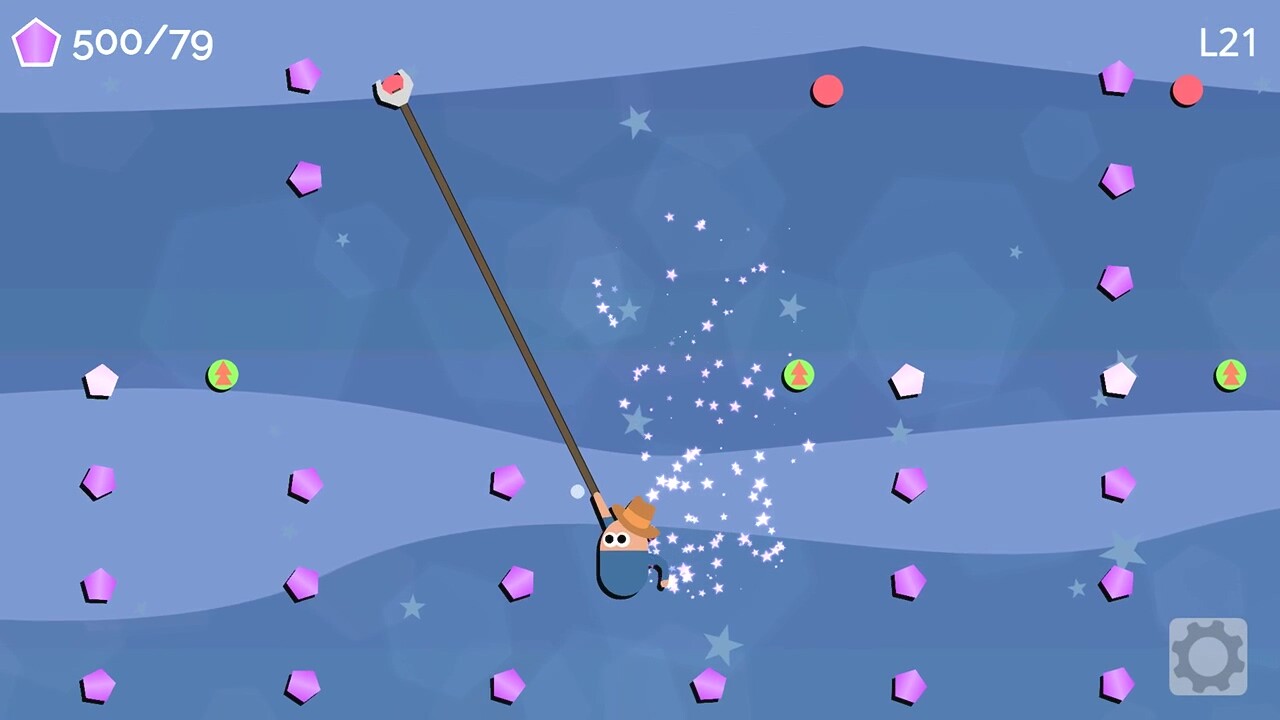
This cowboy doesn’t have legs so he uses his grappling whip to grapple from A to B. When the whip is attached to a grapple point the player will be pulled towards it. Collect all the gems in a level to progress while swinging. Move the crosshair over a grapple point to attach the whip and move forward. Different kinds of grapple points are scattered around the levels and can act differently based on their color. Some of the grapple points move to another place so the player can use them as transport and others give the player more velocity to reach more places. Sometimes it can be beneficial to detach from a point at the right moment to reach a gem or a new point. Watch out for rotating and moving spikes and dropping down in the abyss will make you start over but don’t worry you won’t have to collect all your gems again.Controls:Use the left mouse to attach your whip to a target.Use the right mouse to detach from a target.ORUse arrows/WASD and X to attach, Z to detachORUse the left stick and button A to attach, B detach
System requirements
Activation details
Reviews
Only logged in customers who have purchased this product may leave a review.







Reviews
There are no reviews yet.