Gears of War PC GFWL Download CD Key
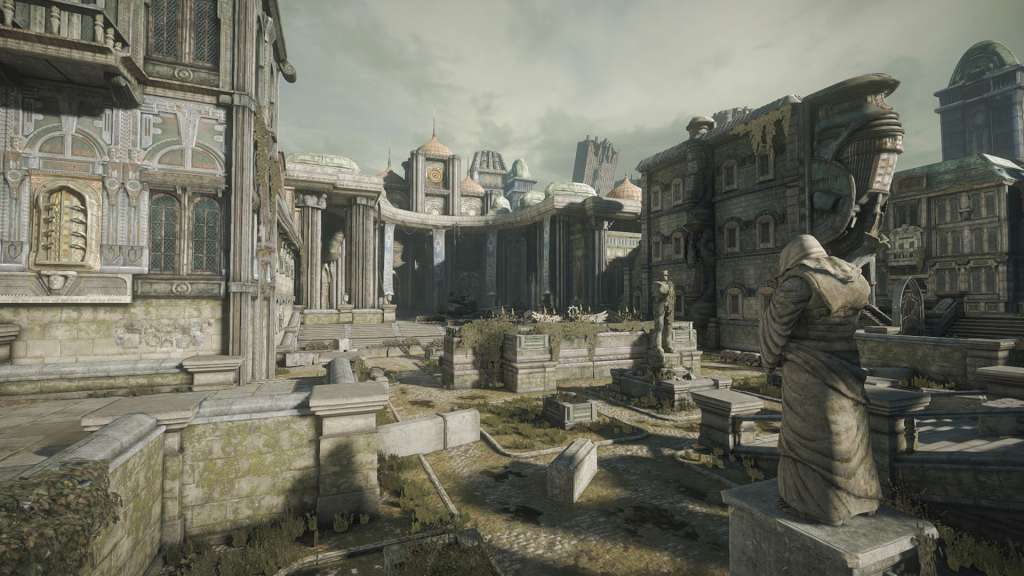
Gears of War 1

Release date
November 7, 2006
Age rating
PEGI 18
Metacritic score
87
Regional limitations
Region free
Developers
Publishers
Genres
Action Adventure FPS Story rich Third-Person Shooter
Platform
Other
Languages
English French Hungarian Italian Spanish

Description

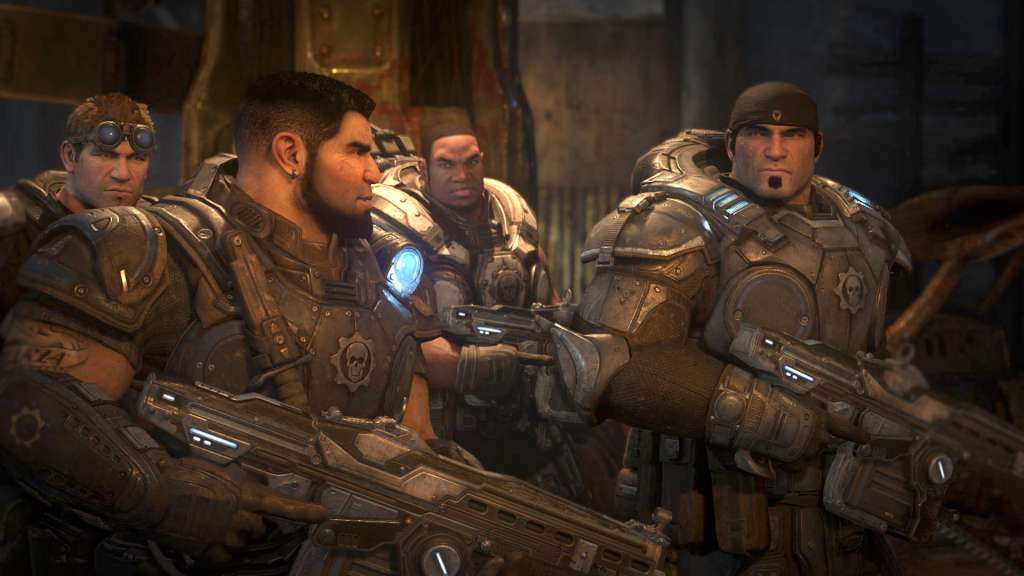
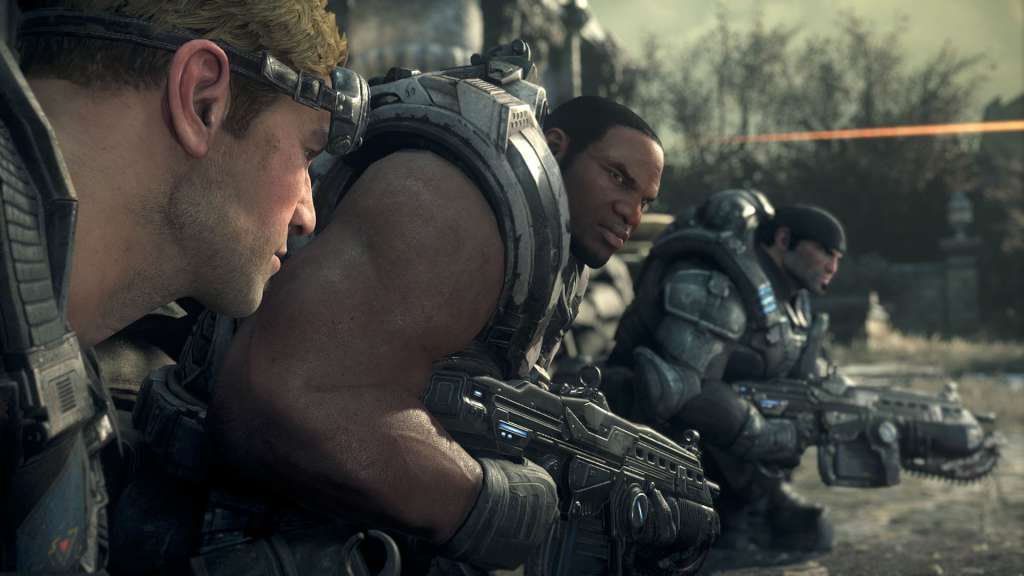
The story of “Gears of War” thrusts gamers into a deep and harrowing battle for survival against the Locust Horde, a nightmarish race of creatures that surfaced from the bowels of the planet. Players live and breathe the role of Marcus Fenix. A disgraced former war hero, Marcus seeks personal redemption as he leads his fire team against an onslaught of merciless warriors from below. Features Gears of War’s engaging, cinematic story plays out like a Hollywood blockbuster; Unreal Engine 3 technology brings out the smallest details in the largest of battles; To survive you must suppress your enemy, take cover, and use weapons and teammates to outlast the Locust Horde; XBOX Live gameplay offers individualized matchmaking, player statistics, customized games, and more; A.I. teammates are indiscernible from human players in this third-person shooter.

Activation details

Click on the link provided with the code to download the game. Download all the setup files into the same folder. Install the game and activate it with your code. FAQ: Why should I download the game before activating it by using the key? You are activating the key and then downloading files from online gaming platforms like Steam. This game is not connected to any other gaming platform, so in order to activate it, you have to download game files first and then use the key in game itself. When I am trying to download the game I got an error that one of the files is corrupted. Re-download the files on a stable internet connection and try to install the game again. During installation, I see an error that some of the game files are missing. Make sure that you haven't changed the name of any of the downloaded files, and files are in the same folder. During installation, I am asked to insert a disk. This means that you are missing some of the installation files. Make sure that all downloaded files are in the same folder. During installation I got an error "Setup ended prematurely". Install the game with administrator rights (right-click and run as administrator). I am trying to download the files, but I got an error "404 Not Found". Try using a different web browser to download the files. I downloaded all files in the same folder, installed the game, but I cannot run it. Launch the game with administrator rights (right-click and run as administrator). I cannot select language during the installation. You can change the language in the game after it is installed. Information that the key is invalid is displayed when I am trying to activate the key. Make sure that you are activating the key in the game itself. I deleted some files after the game was installed and now I cannot download it once again. Uninstall the game from the Programs located in Control Panel and download the files.

Reviews

Reviews

There are no reviews yet.

Only logged in customers who have purchased this product may leave a review.
Avatar Mobile
Main Menu x
X