
Garry’s Mod RU VPN Required Steam Gift



Description
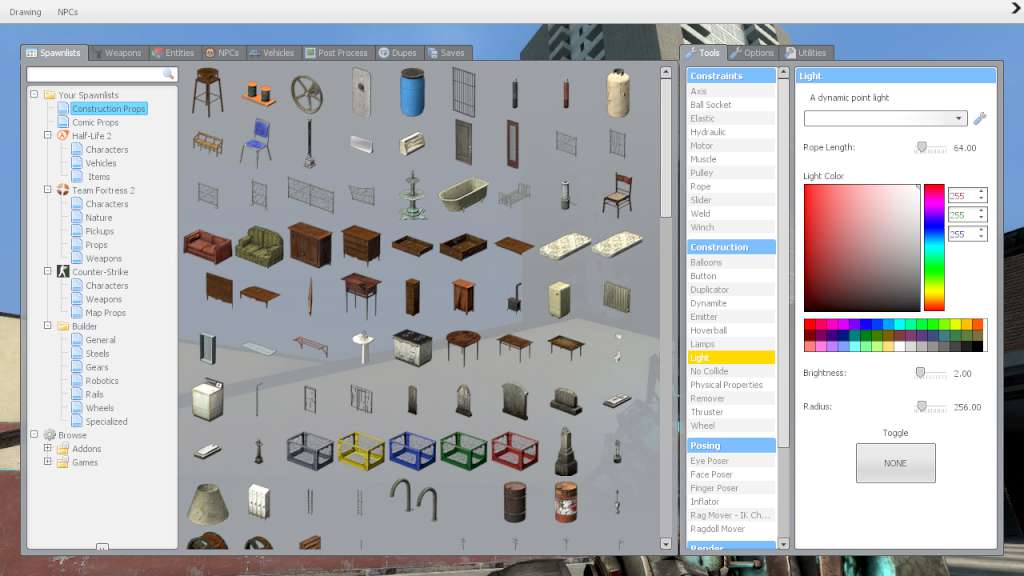
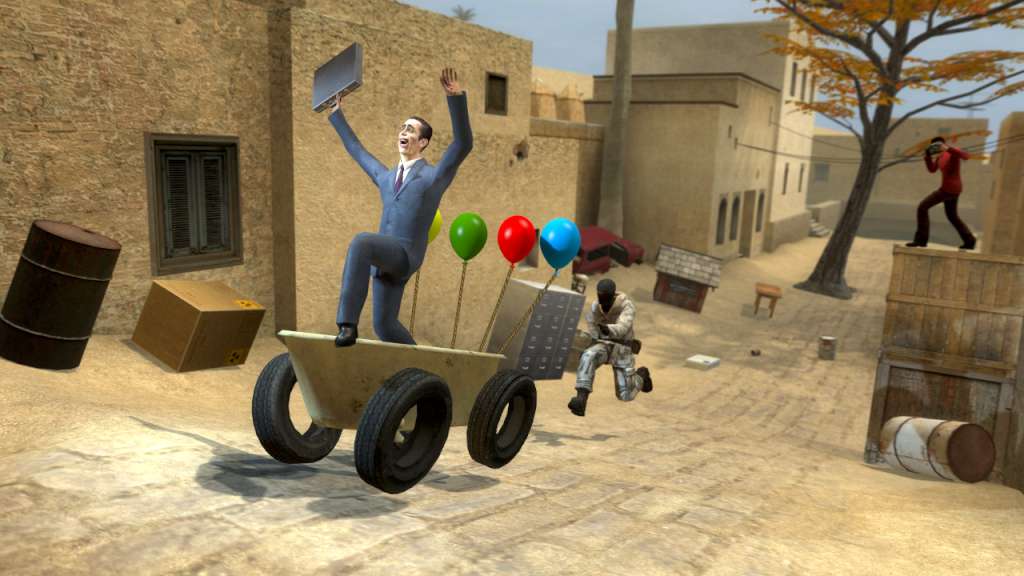
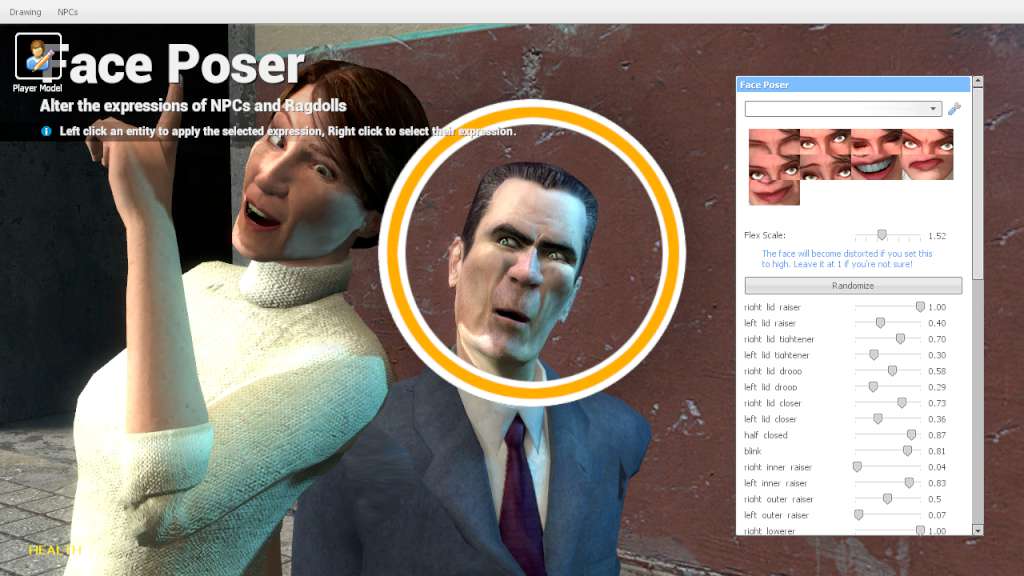
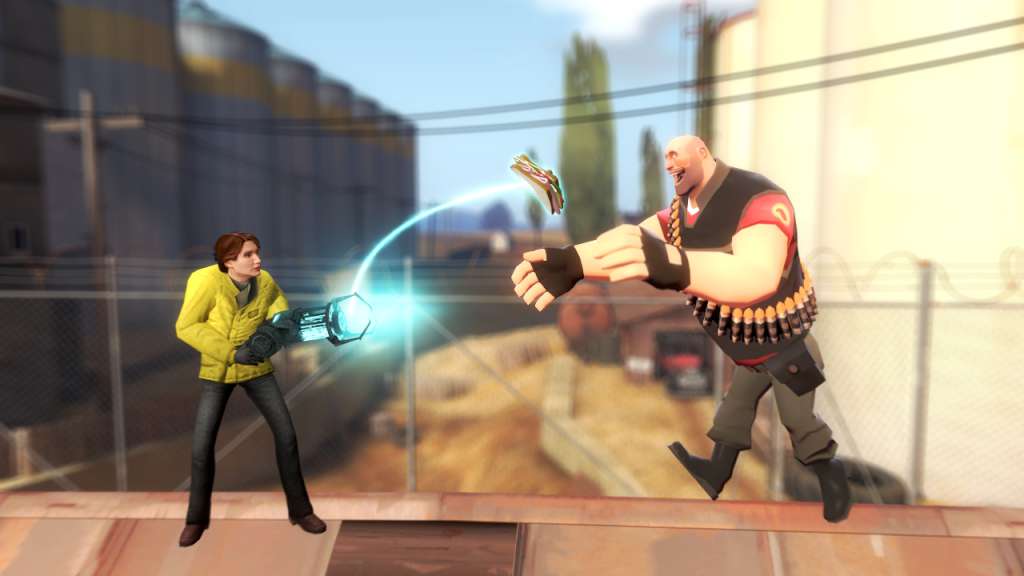
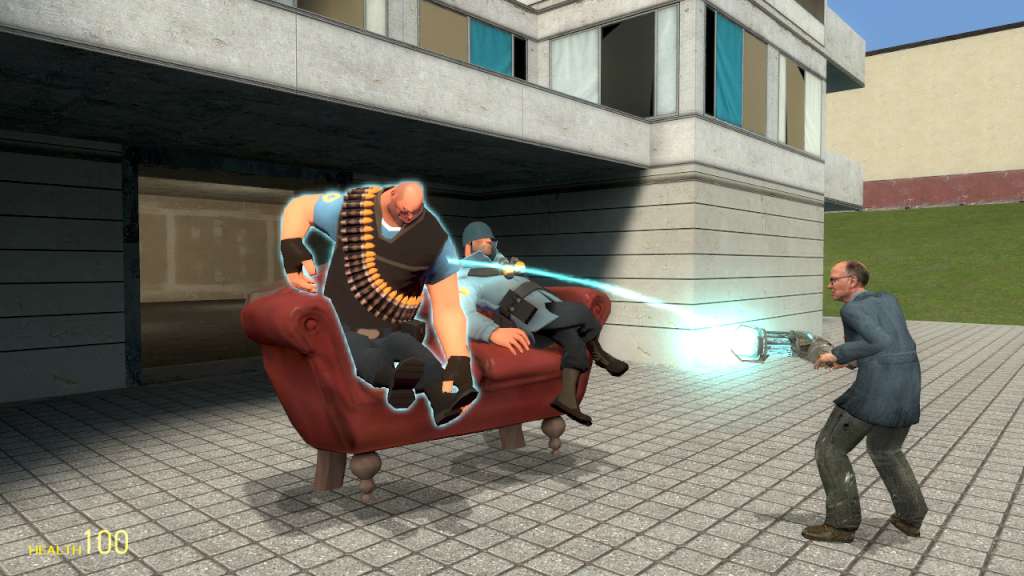
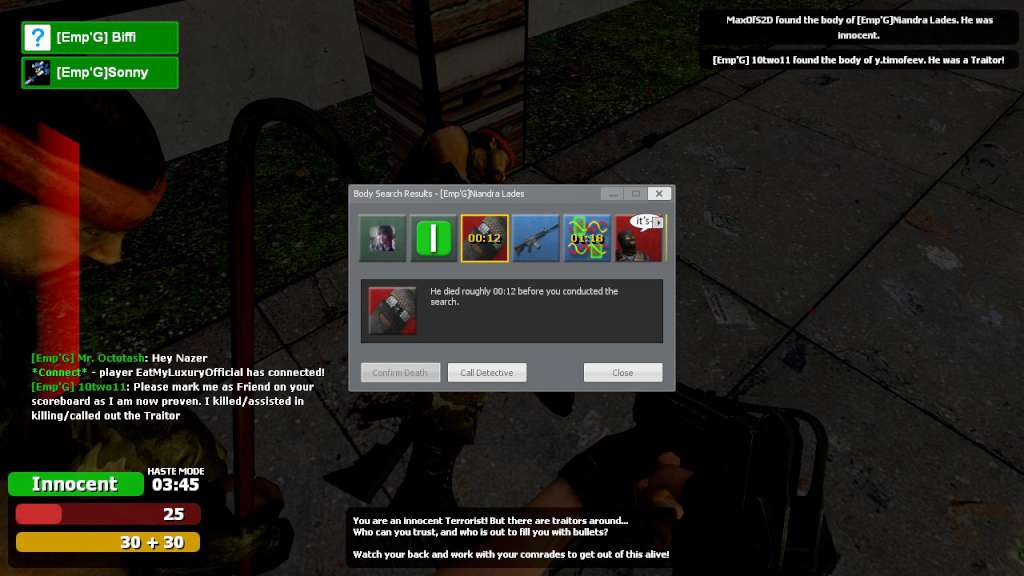
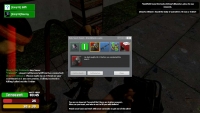
Garry's Mod is a physics sandbox. Unlike regular games there aren't any predefined aims or goals. We give you the tools and leave you to play. You spawn objects and weld them together to create your own contraptions – whether that's a car, a rocket, a catapult or something that doesn't have a name yet – that's up to you. If you're not too great at construction – don't worry! You can place a variety of characters in silly positions. Garry's Mod also has integrated Steam Workshop mods, allowing for infinite creativity, diverse and exciting gamemodes and various playstyles.
System requirements
Windows
OS: Windows® Vista/XP
Processor: 1.8 GHz Processor
Memory: 2 GB RAM
Graphics: DirectX® 9 level Graphics Card (Requires support for SSE)
DirectX: Version 9.0c
Network: Broadband Internet connection
Storage: 5 GB available space
Sound Card: DirectX® 9 compatible
Additional Notes: Mouse, Keyboard, Monitor
Mac
OS: OS X version Snow Leopard 10.6.3
Processor: 1.8 GHz Processor
Memory: 2 GB RAM
Graphics: NVIDIA GeForce 8 or higher, ATI X1600 or higher, or Intel HD 3000 or higher
Network: Broadband Internet connection
Storage: 5 GB available space
Additional Notes: Mouse, Keyboard, Monitor
Linux
OS: Ubuntu 12.04
Processor: 1.8 GHz Processor
Memory: 2 GB RAM
Graphics: 512MB
Network: Broadband Internet connection
Storage: 5 GB available space
Additional Notes: Mouse, Keyboard, Monitor
Activation details
Go to: http://store.steampowered.com/ and download STEAM client
Click "Install Steam" (from the upper right corner)
Install and start application, login with your Account name and Password (create one if you don't have).
Please follow these instructions to activate a new retail purchase on Steam:
Launch Steam and log into your Steam account.
Click the Games Menu.
Choose Activate a Product on Steam...
Follow the onscreen instructions to complete the process.
After successful code verification go to the "MY GAMES" tab and start downloading.
Click "Install Steam" (from the upper right corner)
Install and start application, login with your Account name and Password (create one if you don't have).
Please follow these instructions to activate a new retail purchase on Steam:
Launch Steam and log into your Steam account.
Click the Games Menu.
Choose Activate a Product on Steam...
Follow the onscreen instructions to complete the process.
After successful code verification go to the "MY GAMES" tab and start downloading.
Reviews
Only logged in customers who have purchased this product may leave a review.







Reviews
There are no reviews yet.