
GameBook Steam CD Key


Description
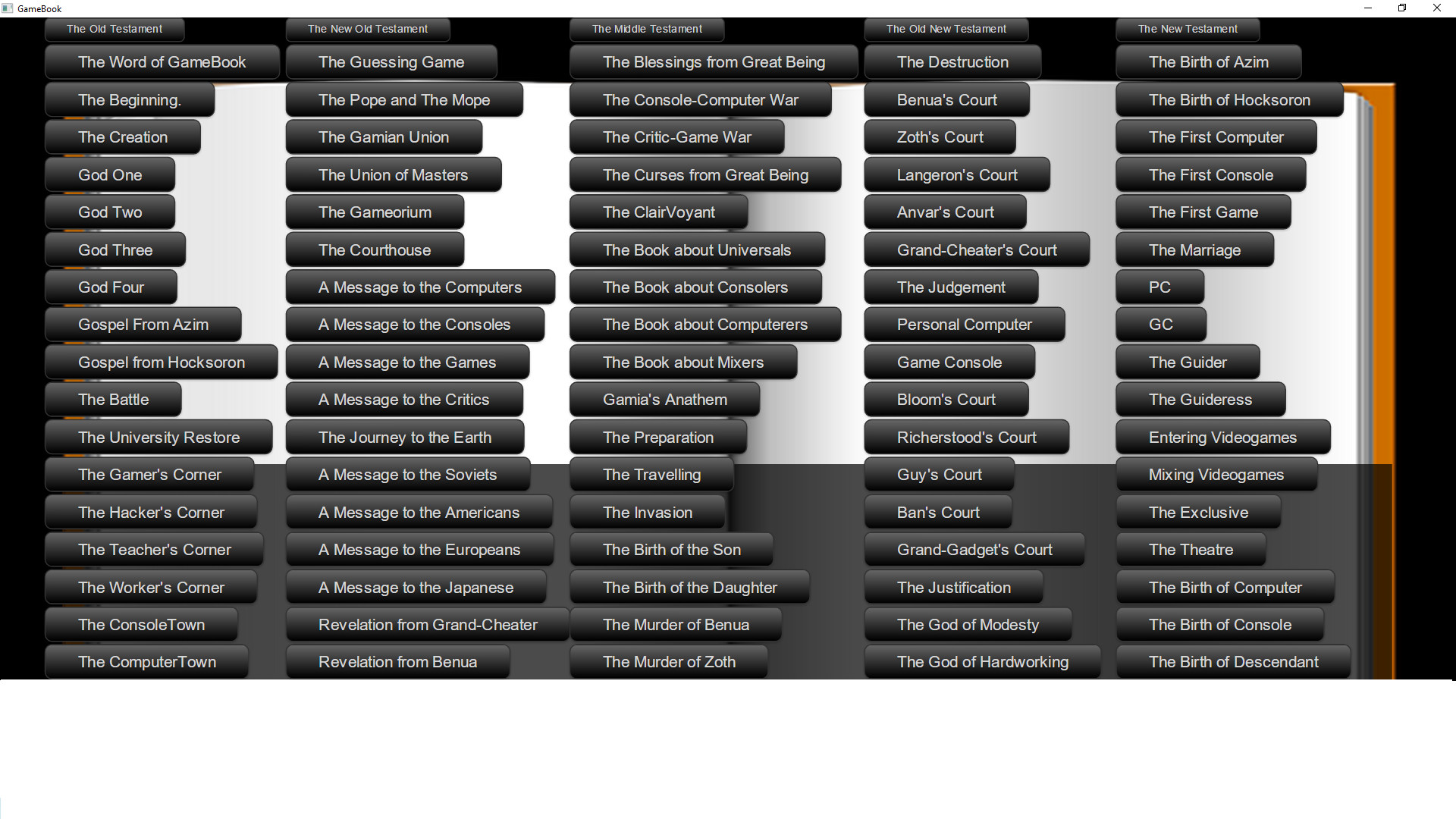
This app tells you about a saint book GameBook, which is meant to be saint in Gamia It tells you many stories, such as, for example, about the creation of the videogame planet, about four main gods, two secondary gods, gospels, messages and so on. There are lots of religions around the world. Almost every person and every nation have their own religion, somebody believes in God existing and somebody does not. Two, most famous religions in the world – islam and christianity have their own saint books – Bible and Koran. But have all the world gamers ever thought about their own religion, their own god and their own special book just for them exclusively that would never be available for non-gamers? Have they ever thought about the importance of games, game developers, publishers, computers, consoles and so on? Why somebody likes consoles and somebody just hates them? Why someone’s computer refuses to run games or runs them buggy. Why the gamers are divided into poor and rich? How did the videogames appear in this world? Who is their creator? Have you ever thought about those questions? Have you tried to find a reply on them? If not, then this game is for you. You shall find all the answers for your questions right there, in the GameBook. This Book is a saint scripture made by gamers for themselves. With it’s help all the videogame lovers in the world can know something for themselves as well as for their friends.
System requirements
Activation details
Reviews
Only logged in customers who have purchased this product may leave a review.






Reviews
There are no reviews yet.