
Fences 3 Steam CD Key




Description
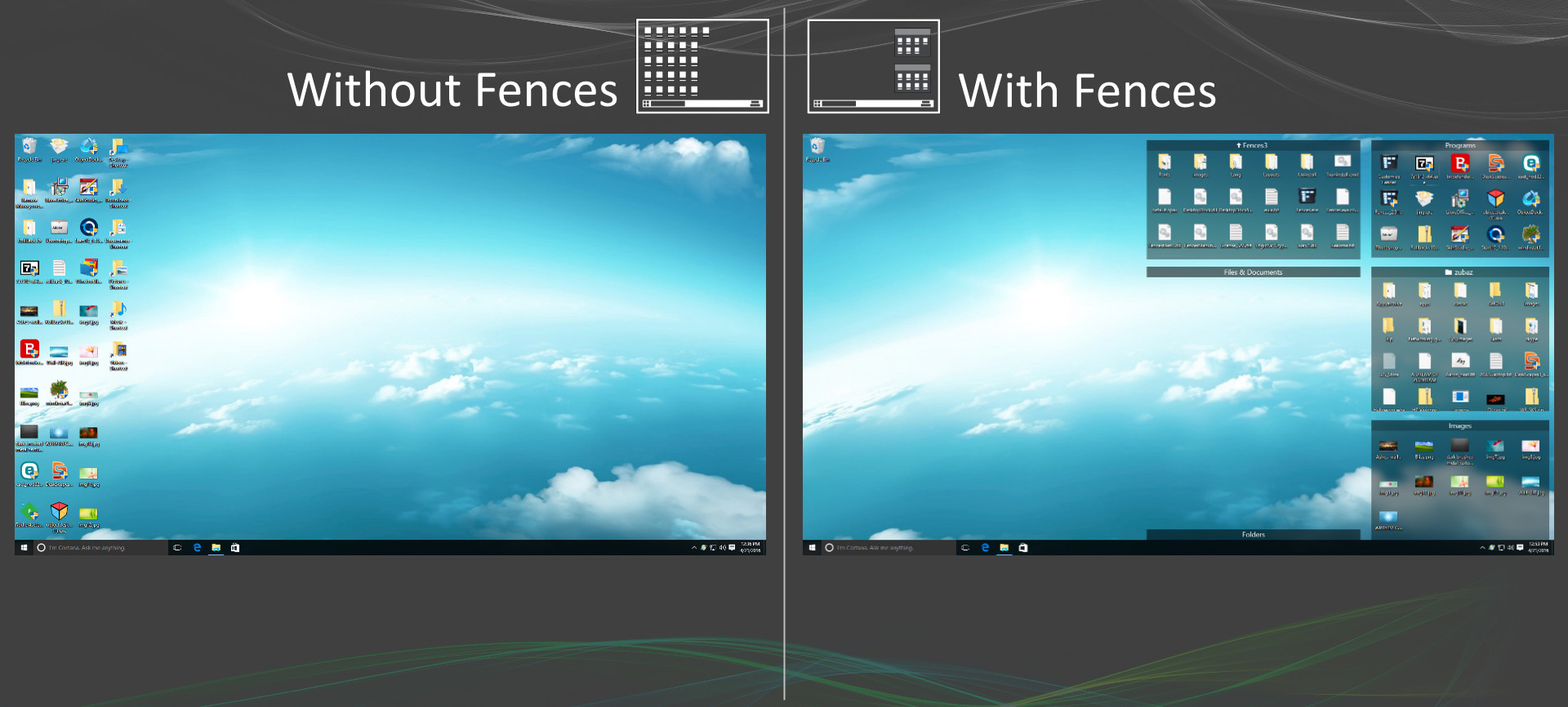
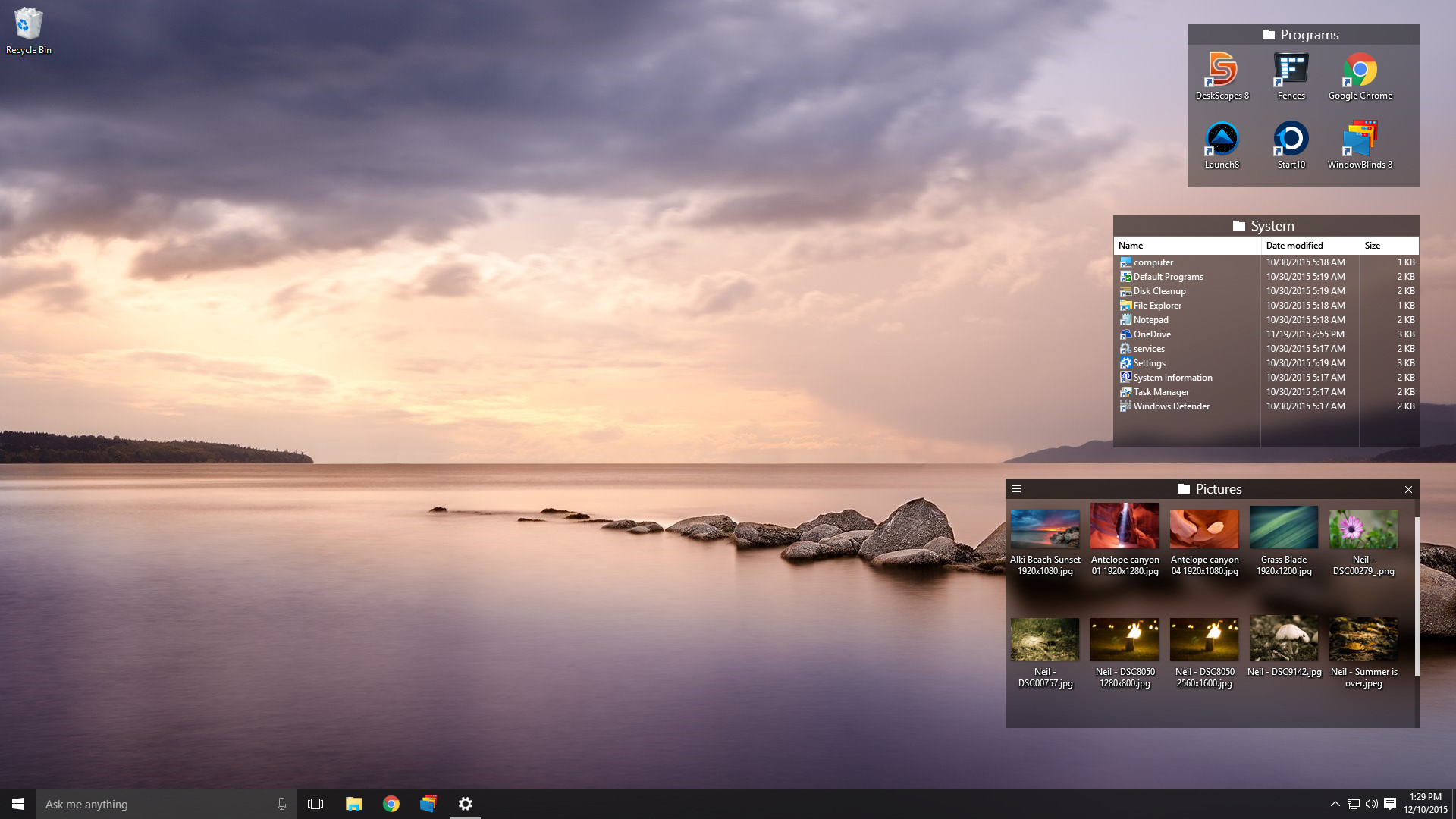
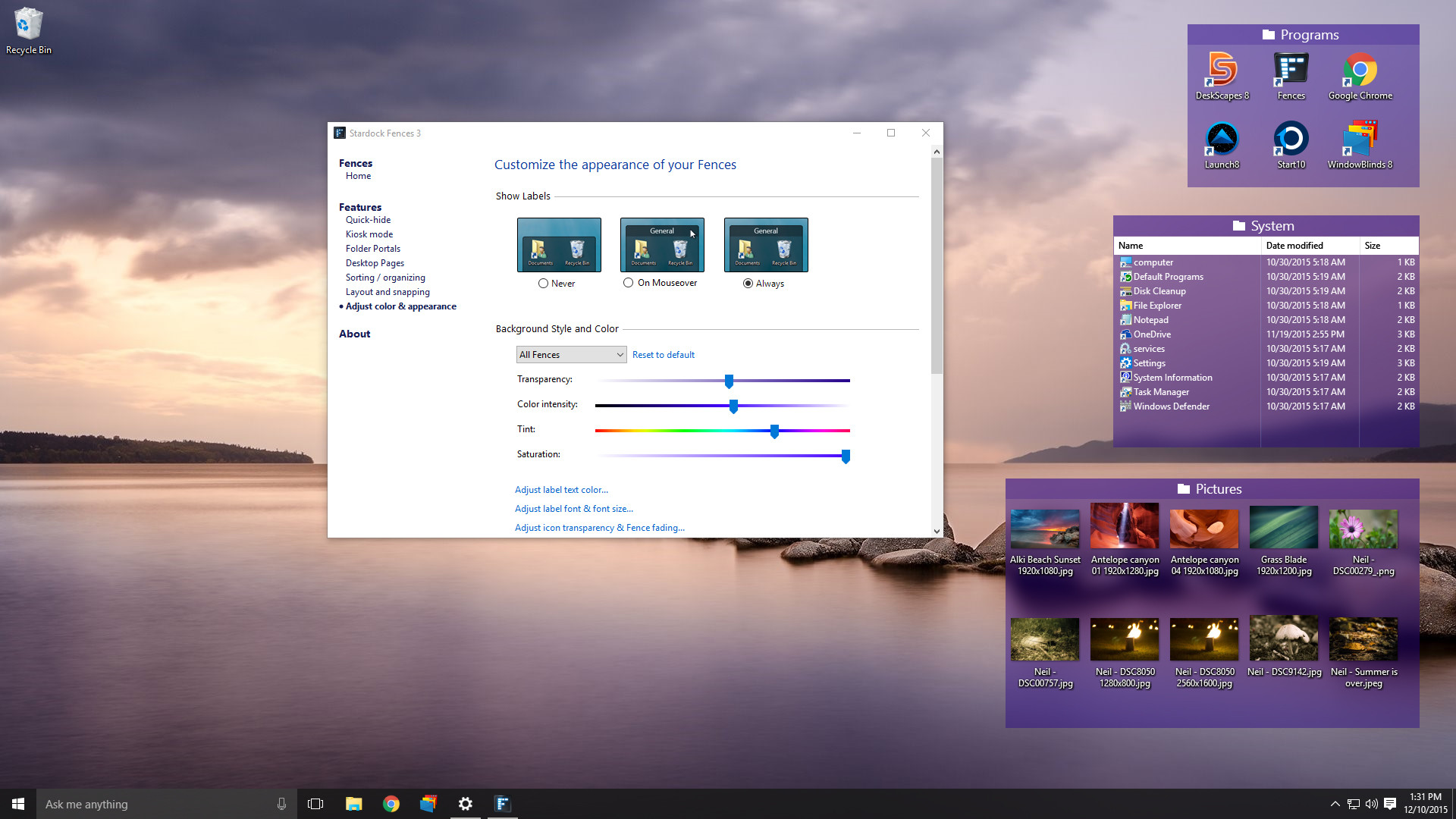
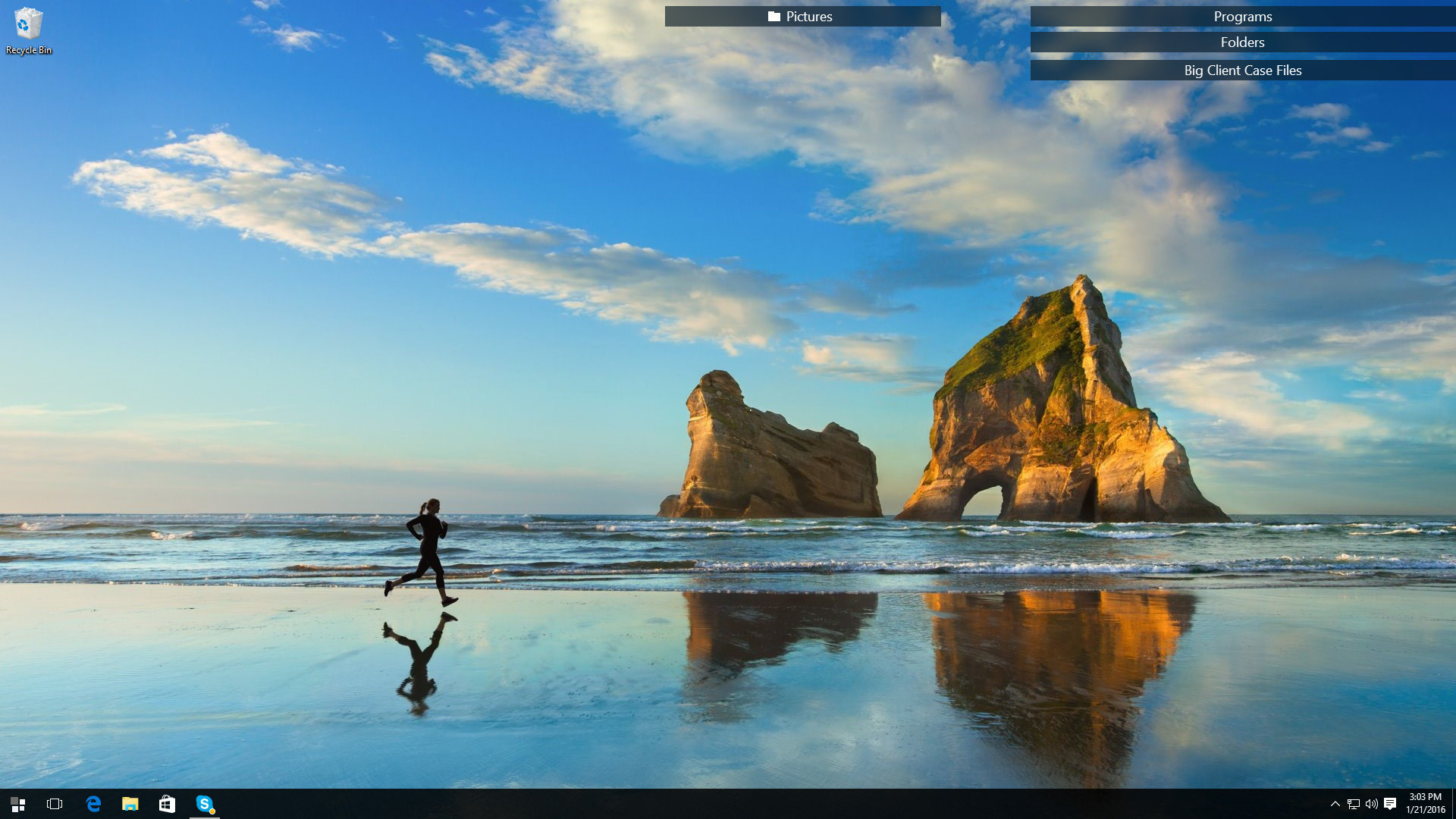
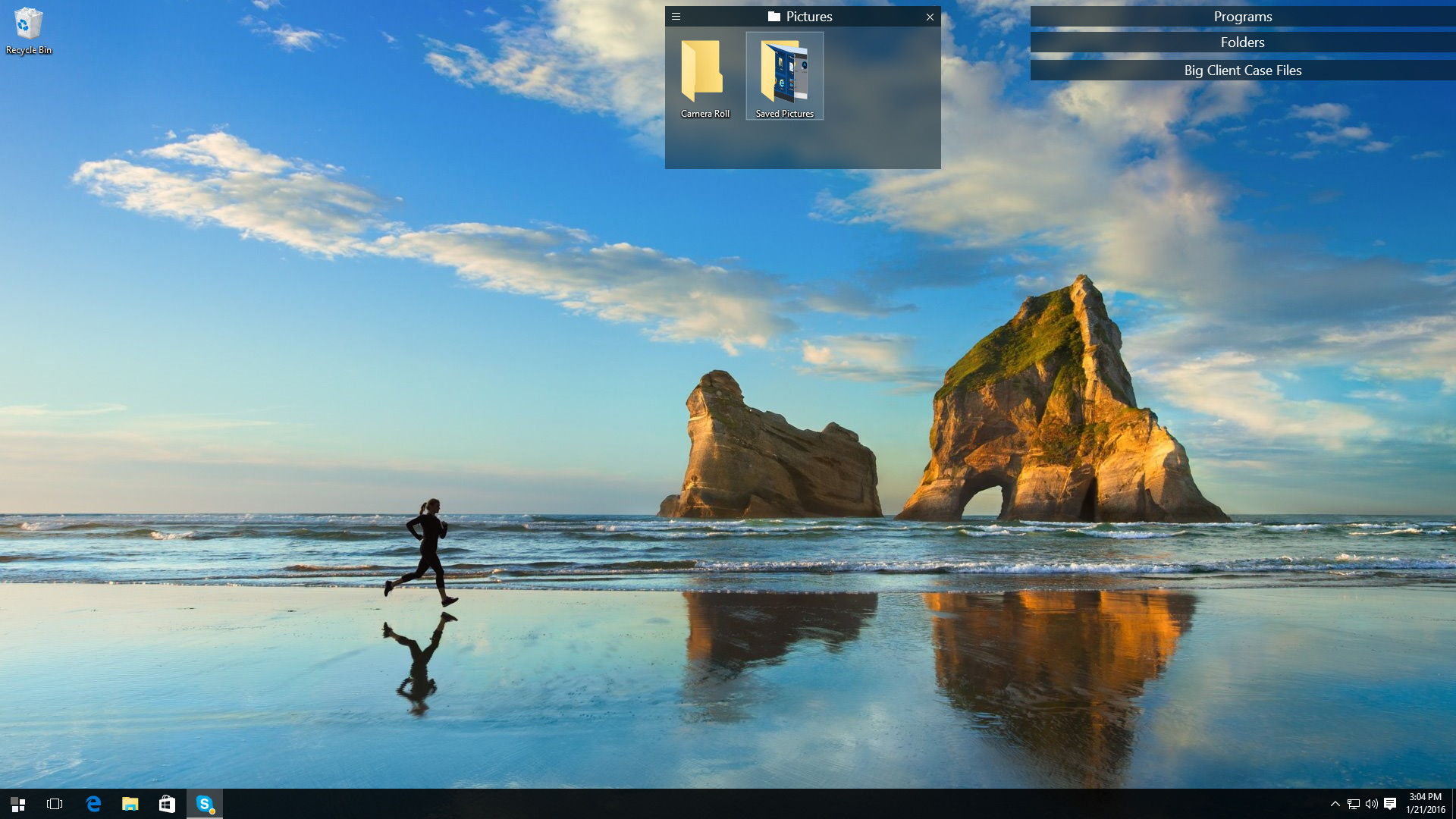
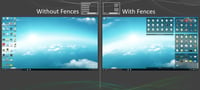
Take control of your cluttered desktop and make way for a clean creative workspace with Fences 3, the perfect Windows organizational solution. Fences 3 has a little something for everyone: it collects your icons, files, and folders in shaded areas that can be hidden with a simple double-click, and even creates desktop pages you can swipe through for easy sorting. Creatives will appreciate the extra desktop space created by tucking files away in nearby Fences while they paint, design, edit and more. Project-based files and assets are where they need to be, one click away, exactly when you need them. Fences can also be dragged anywhere on the desktop, snapped to the sides, spread across multiple pages, or even rolled up with the click of a mouse.If you stream or create video content, instantly make your desktop viewer friendly by activating Fences to eliminate all icons in an easy double-click. Ready to bring them back to the desktop? Double-click again to make all of your Fences reappear exactly where you left them.Tired of searching through dozens of icons to find what you need or simply looking for a way to keep your favorite games in an easy-to-find section on your desktop? Then Fences 3 is the tool for you. Features Custom-sized shaded areas for organizing your desktop Navigate the folder structure directly from within a fence Roll up fences to the title-bar for cleaner desktops Blur the wallpaper behind fences (Windows 10 only) Use Fences on modern, high-DPI monitors Double click the desktop to hide/reveal icons Swipe between multiple pages of fences Technical Features Define rules for organizing your desktop icons Snapshot fences layout for easy restoration Maintain per-screen resolution or scale fences to screen size Customize icon and fence spacing
System requirements
Activation details
Reviews
Only logged in customers who have purchased this product may leave a review.







Reviews
There are no reviews yet.