
Dyscourse Steam Gift

Description
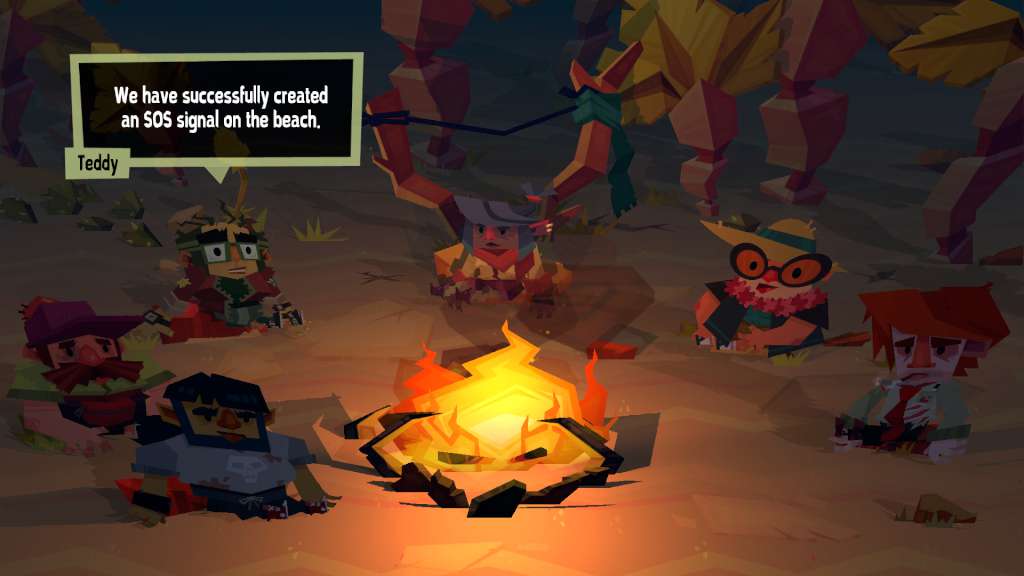
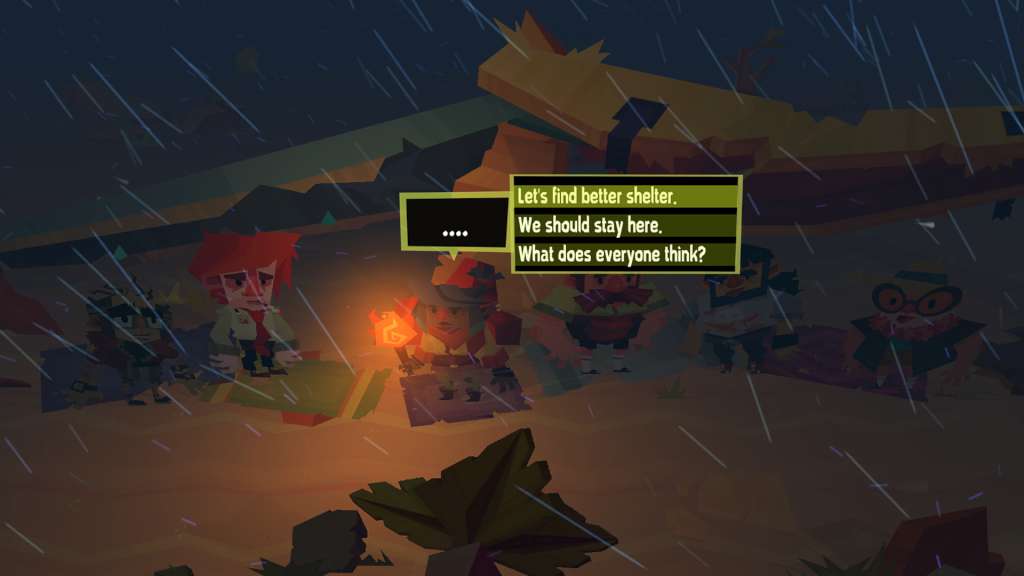
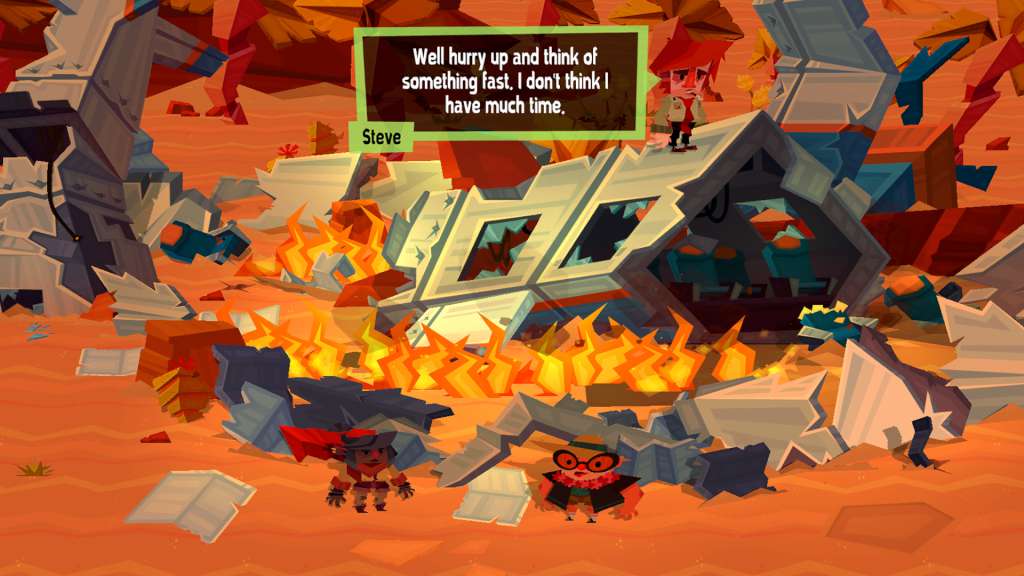
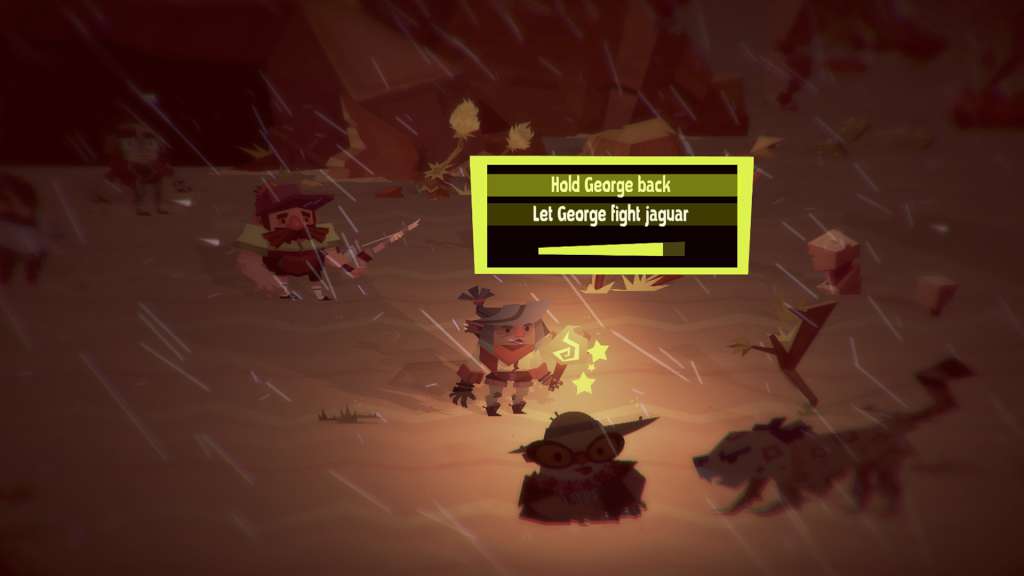
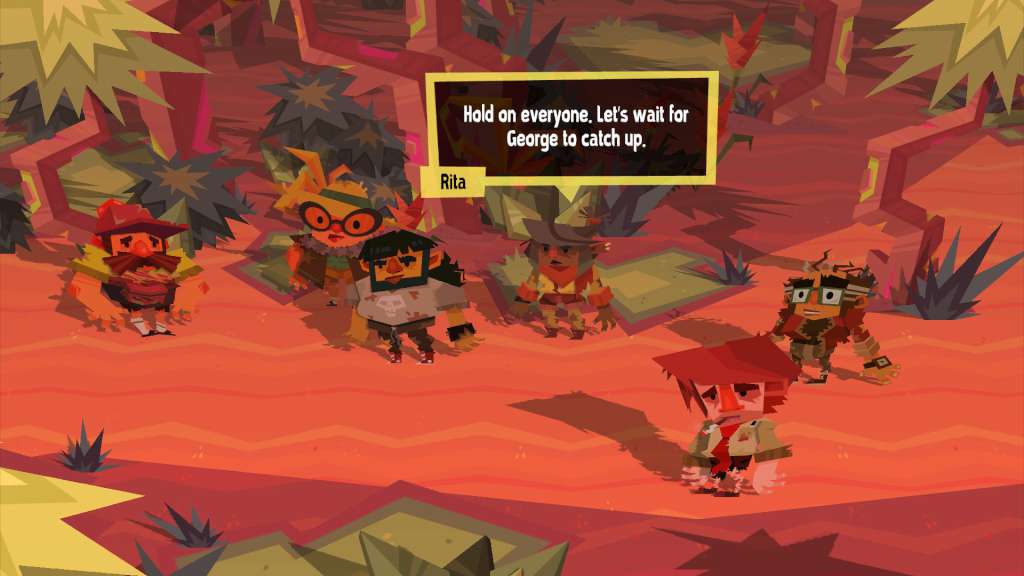
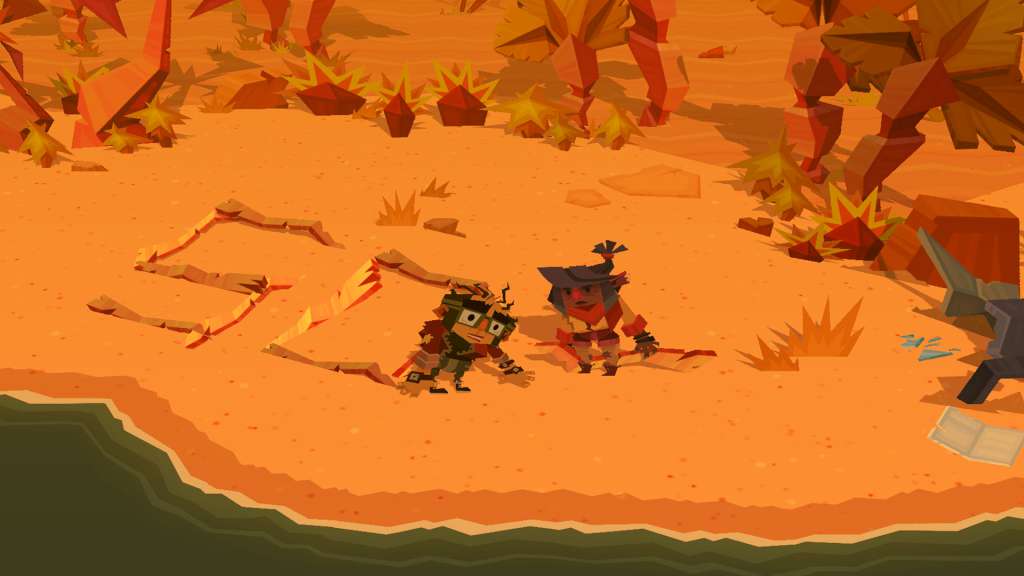
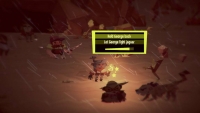
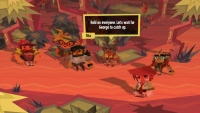
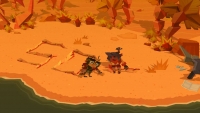
Dyscourse is an interactive choice-based narrative adventure game where you journey through a stylized world of choice and consequence. You play as Rita, an unfortunate art school grad turned barista, who is now stuck on a desert island with a crew of oddball travelers after a plane crash. That last choice you just made? It may end up being integral to your group’s survival, or it may lead you down a path to murder and cannibalism. Stories in Dyscourse are emergent, and choices made in the game directly tie to the survival or downfall of the group. As players get to know their fellow castaways and make critical and interpersonal decisions, drama dynamically unfolds, and your choices author your own unique story. We've designed Dyscourse so that players will end up with vastly different stories forged from their choices – everyone’s playthrough will have a unique story to tell. With over 120,000 words and many hours of replayable content, each playthrough allows players to explore more of the overall “story space” and learn more about the crash and their fellow survivors. There are no ‘good’ or ‘bad’ choices and endings to Dyscourse – how to best survive the island is a decision left up to the player. Choose wisely.
System requirements
Activation details
"Please note, that due to recent Valve Steam Gift policy update Steam Gifts for games that are covered by VAC ban program can no longer be added to Inventory. Make sure that you are logged in to the proper account before entering the link as Steam Gifts can be only added to your library or rejected.
How do I use a Steam gift given to me?
If you do not already have Steam, download and install Steam here. Once you have Steam installed, you will be prompted to create an account or login to an existing Steam account. If you do not have an account, please create one.
You will receive an e-mail containing a link that will open Steam allowing you to redeem your gift. After clicking the link, you will receive a notification at the top right corner in the Steam client informing that you have a new gift.
Reviews
Only logged in customers who have purchased this product may leave a review.







Reviews
There are no reviews yet.