
Diluvian Winds PC Steam CD Key




Description
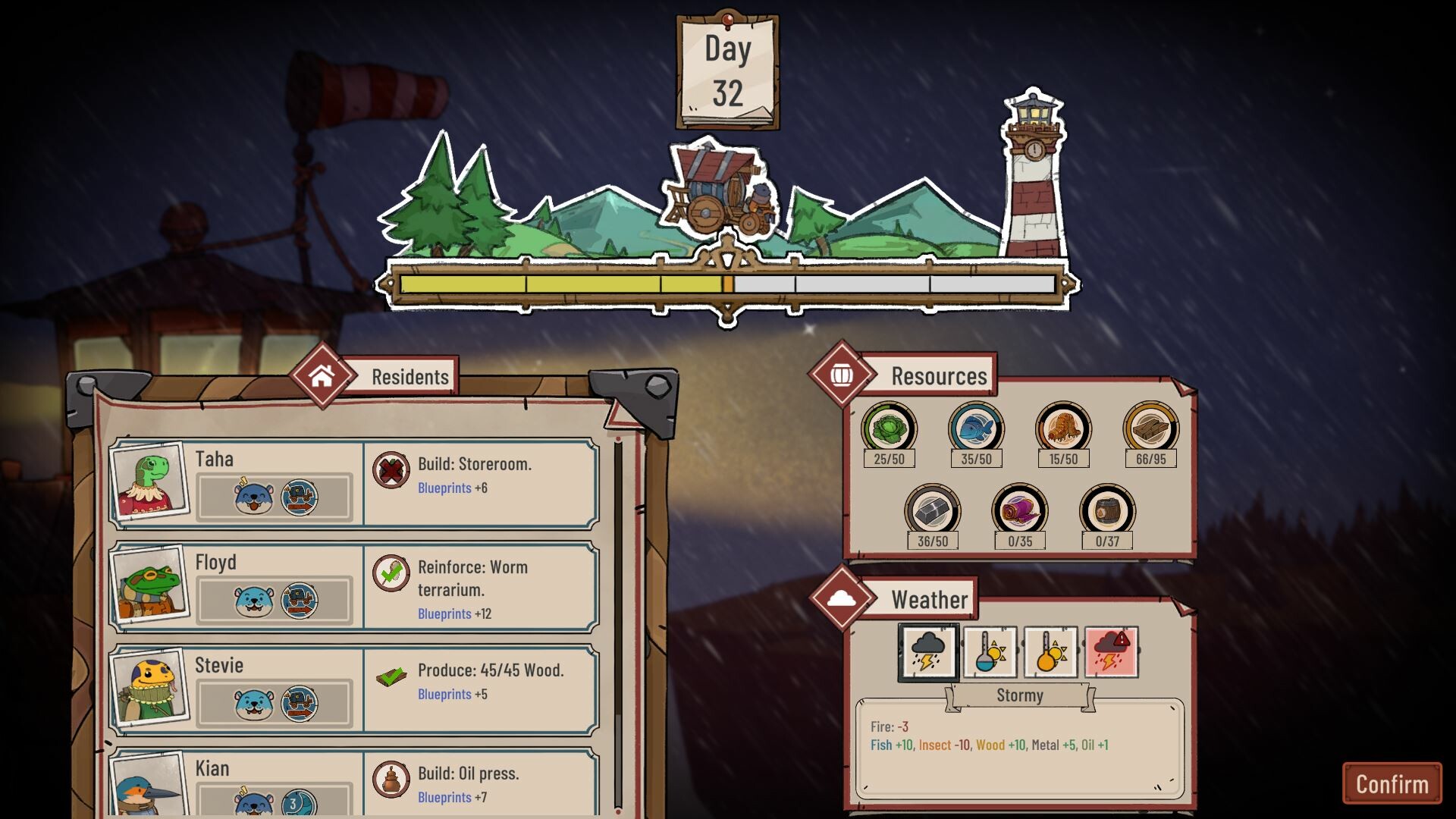
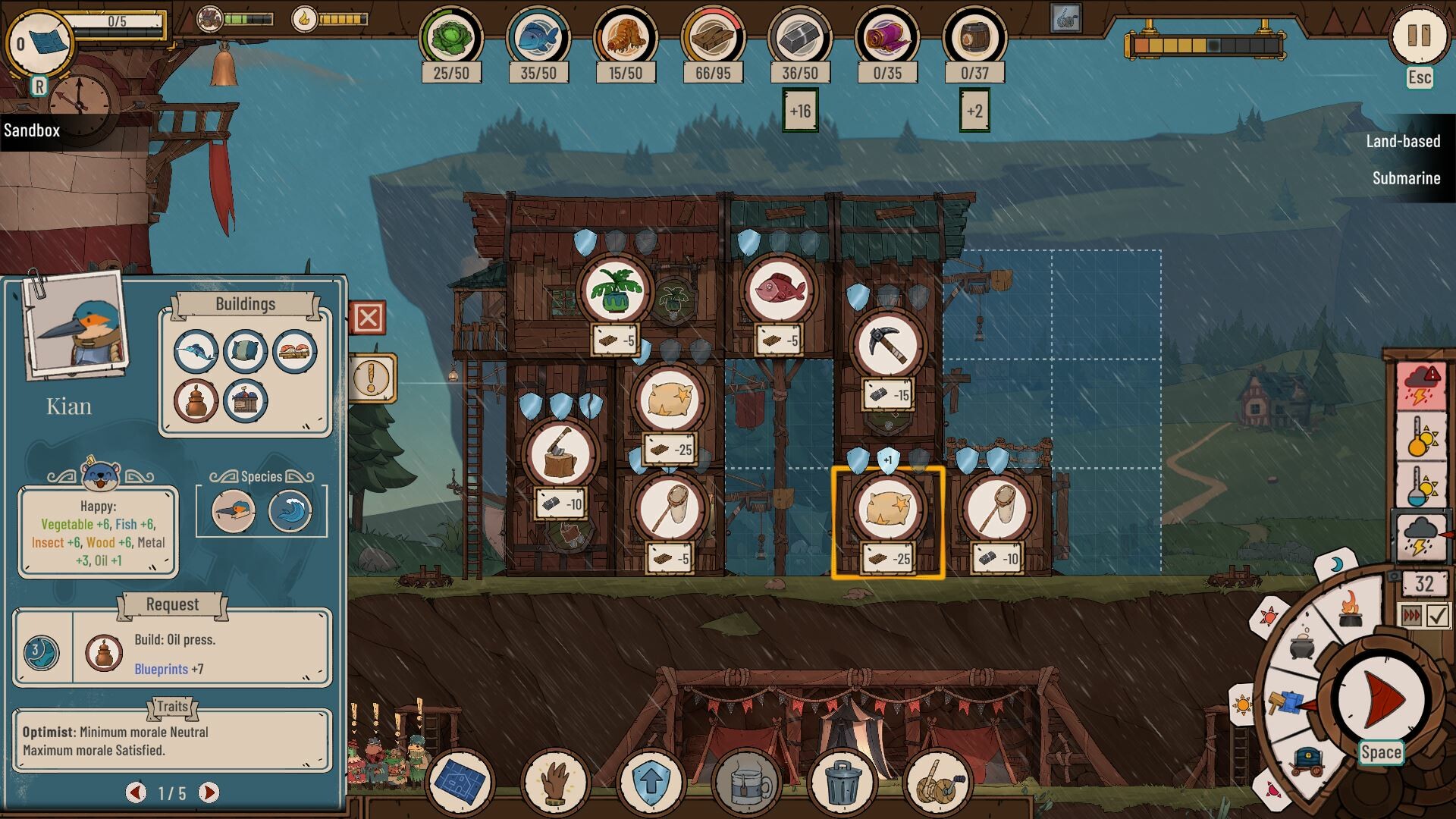
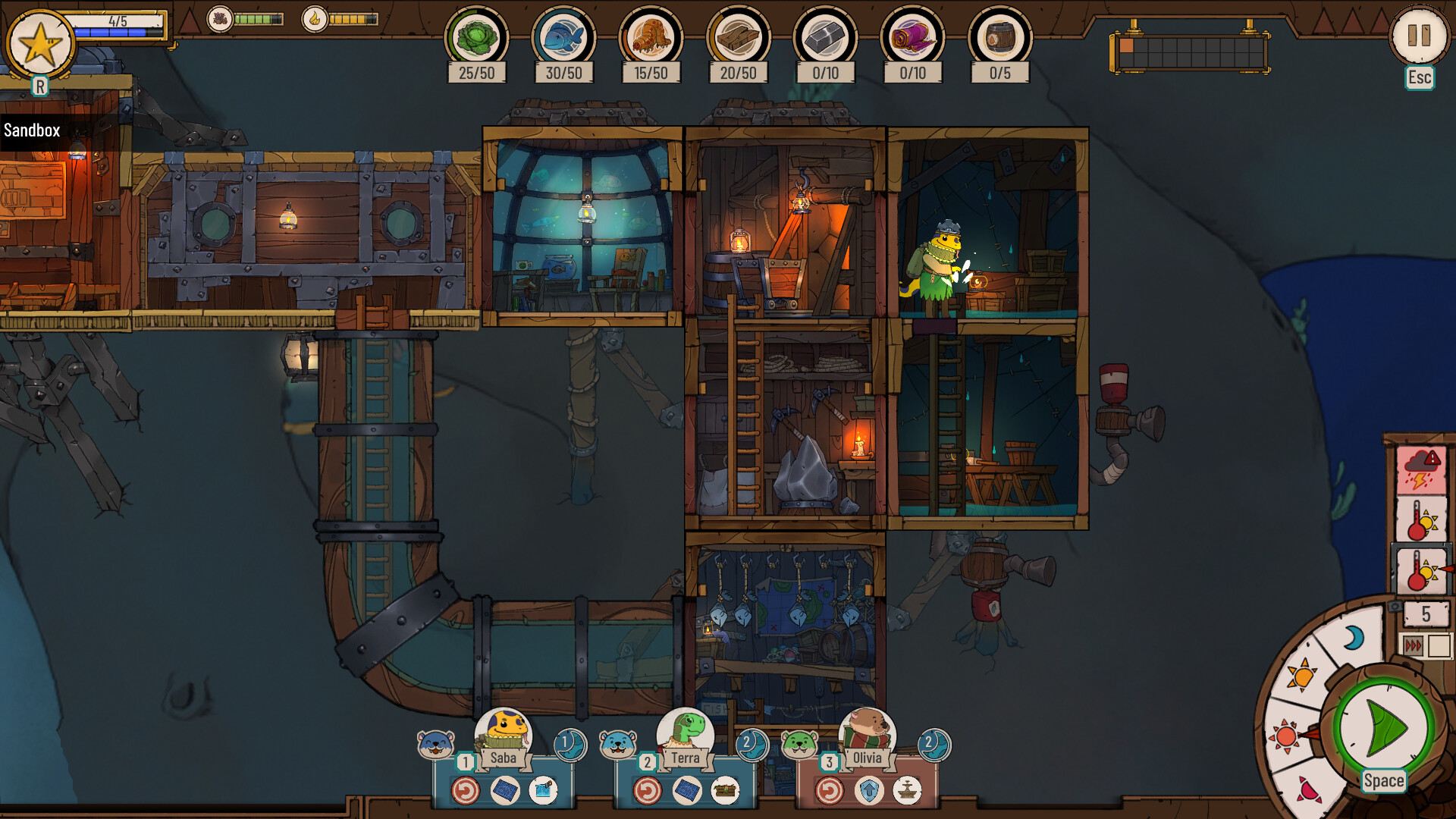
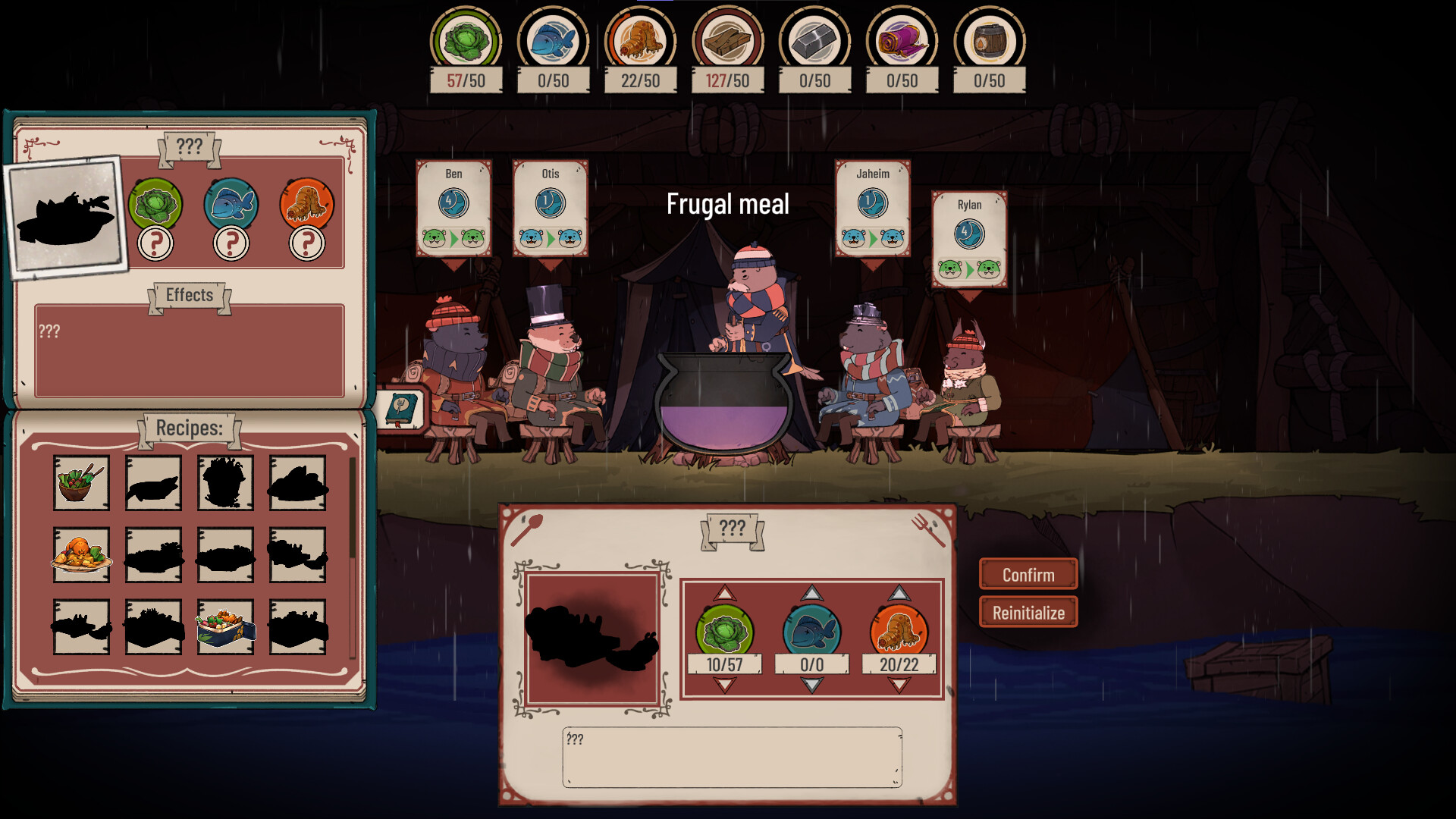
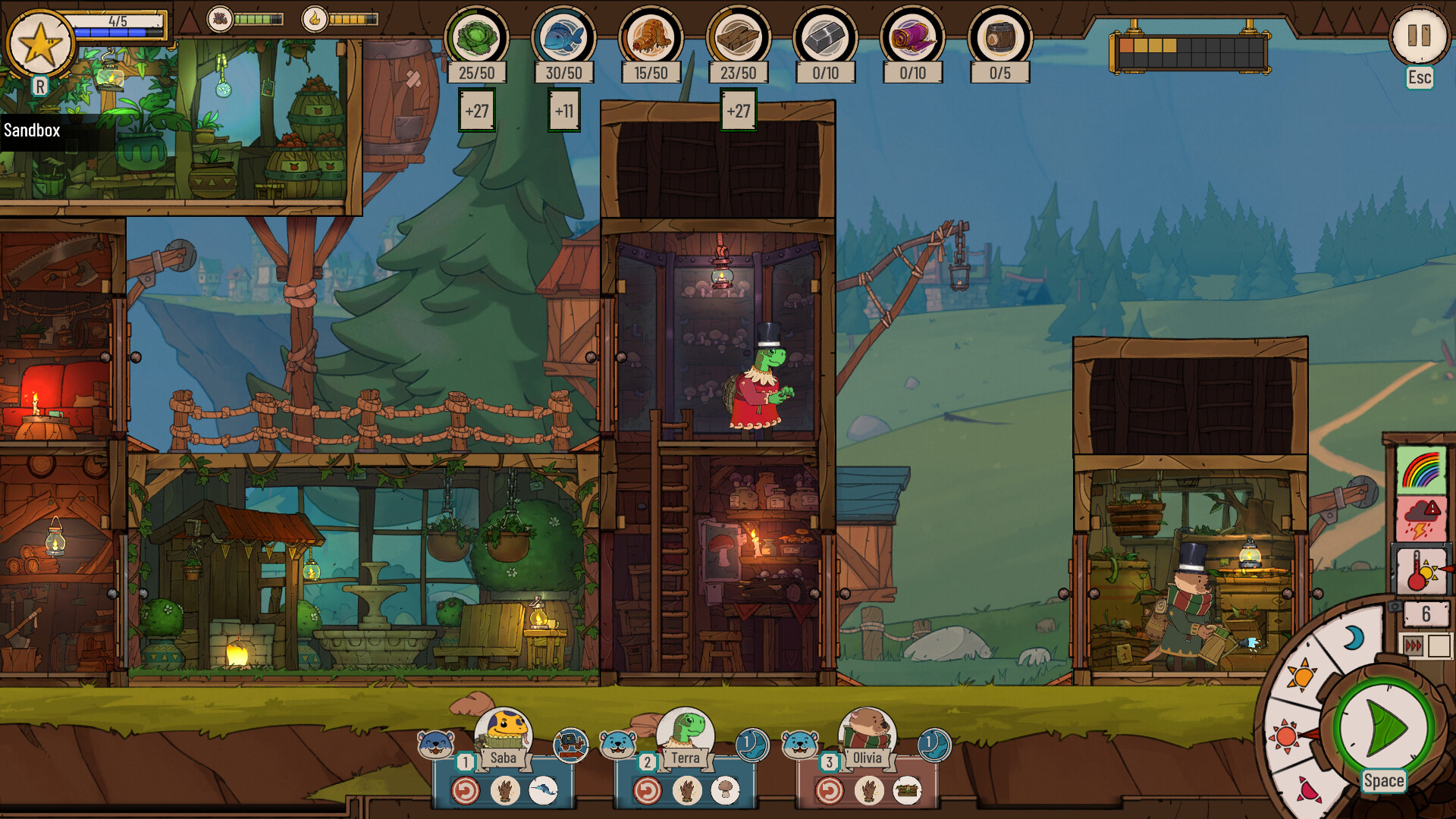
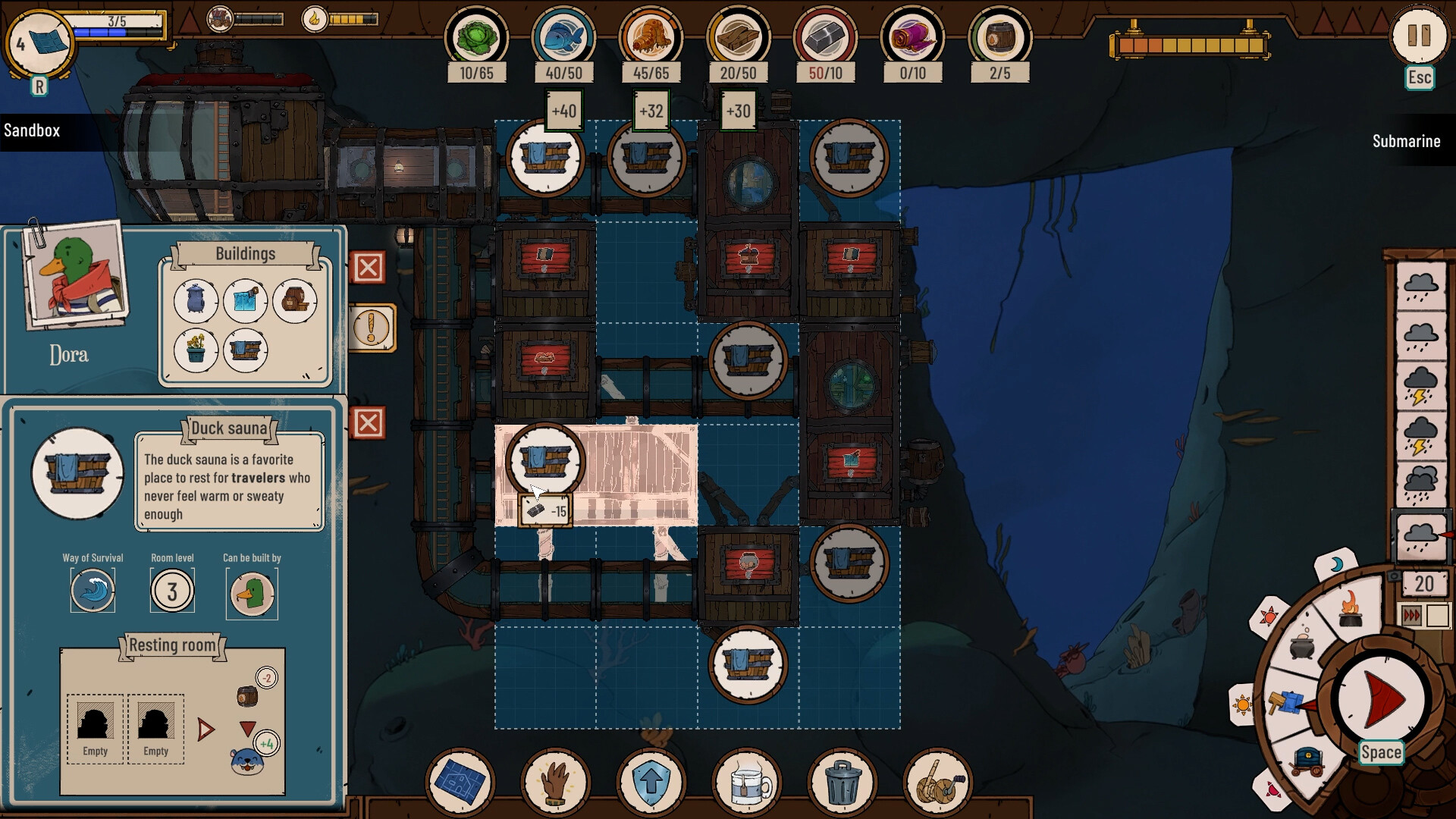
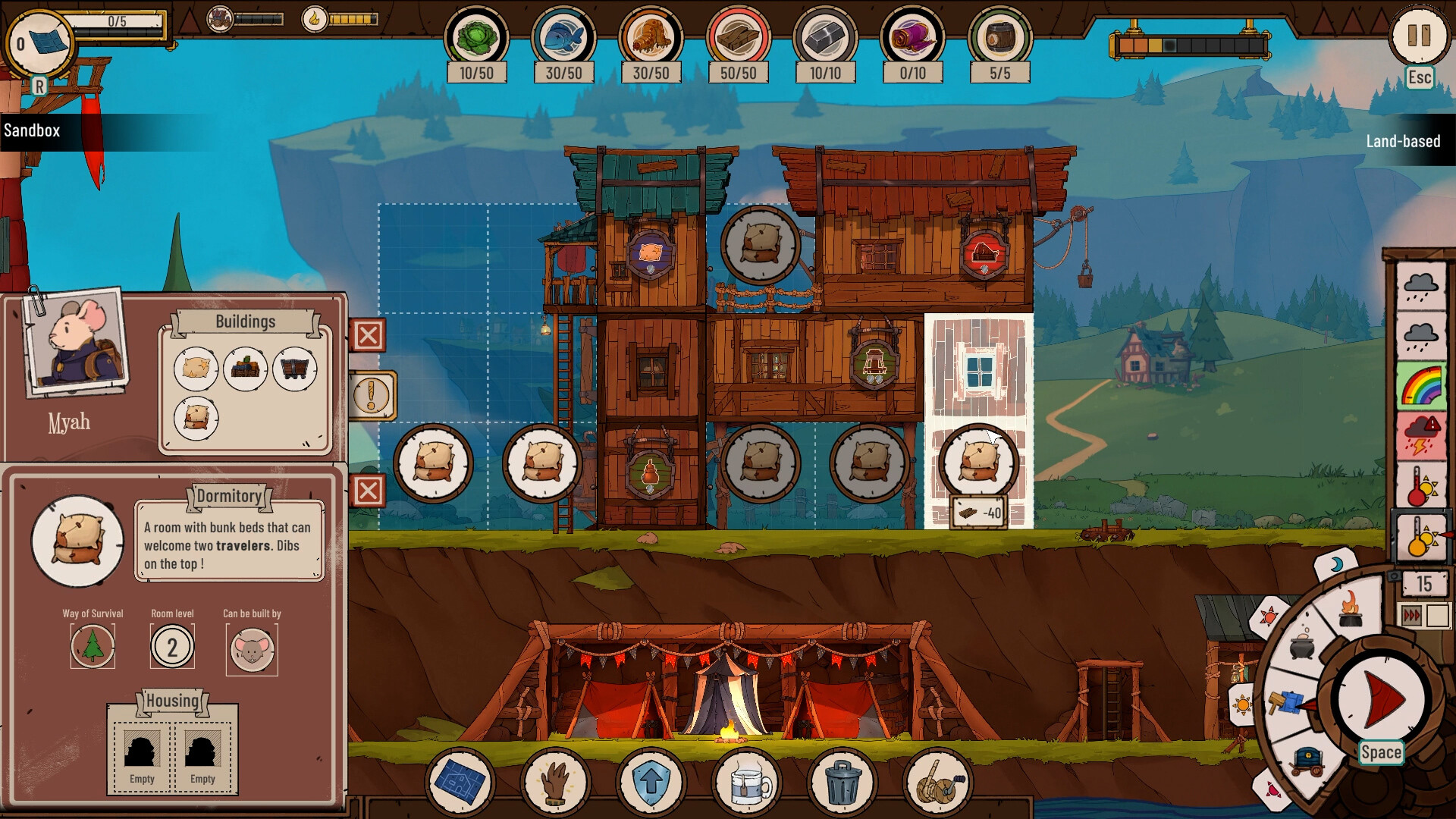
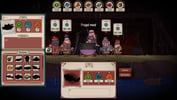
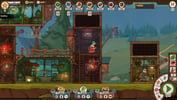
As the weather gets worse, a walrus, acting as a lighthouse keeper, welcomes the travelers looking for a place to sleep. As the keeper, manage the travelers and fulfill their requests in the hope of withstanding the natural disasters, and grow your hamlet on land, under the sea or among the clouds.The lighthouse helps guide the travelers and the wandering caravans. The keeper must tend to the fire, for if it were to fade, he would be cut off from the world.The keeper regularly welcomes new anthropomorphic travelers in the hamlet. Every traveler is unique and carries their own knowledge and personality traits, but also some requests that you will have to fulfill. Keep all of these in mind if you want to build a hospitable and lasting community. When the travelers arrive at dusk, the keeper always shares a warm meal with them. He will decide of the quantity and variety of ingredients that are to be cooked. The chosen recipe will grant bonuses to every traveler on the next day.Depending on the day’s weather, some parts of the game such as the production or the Lighthouse’s fire can be affected. You will also have to watch out for tsunamis and submarine eruptions.
System requirements
Activation details
Reviews
Only logged in customers who have purchased this product may leave a review.







Reviews
There are no reviews yet.