
DIG – Deep In Galaxies Steam CD Key












Description
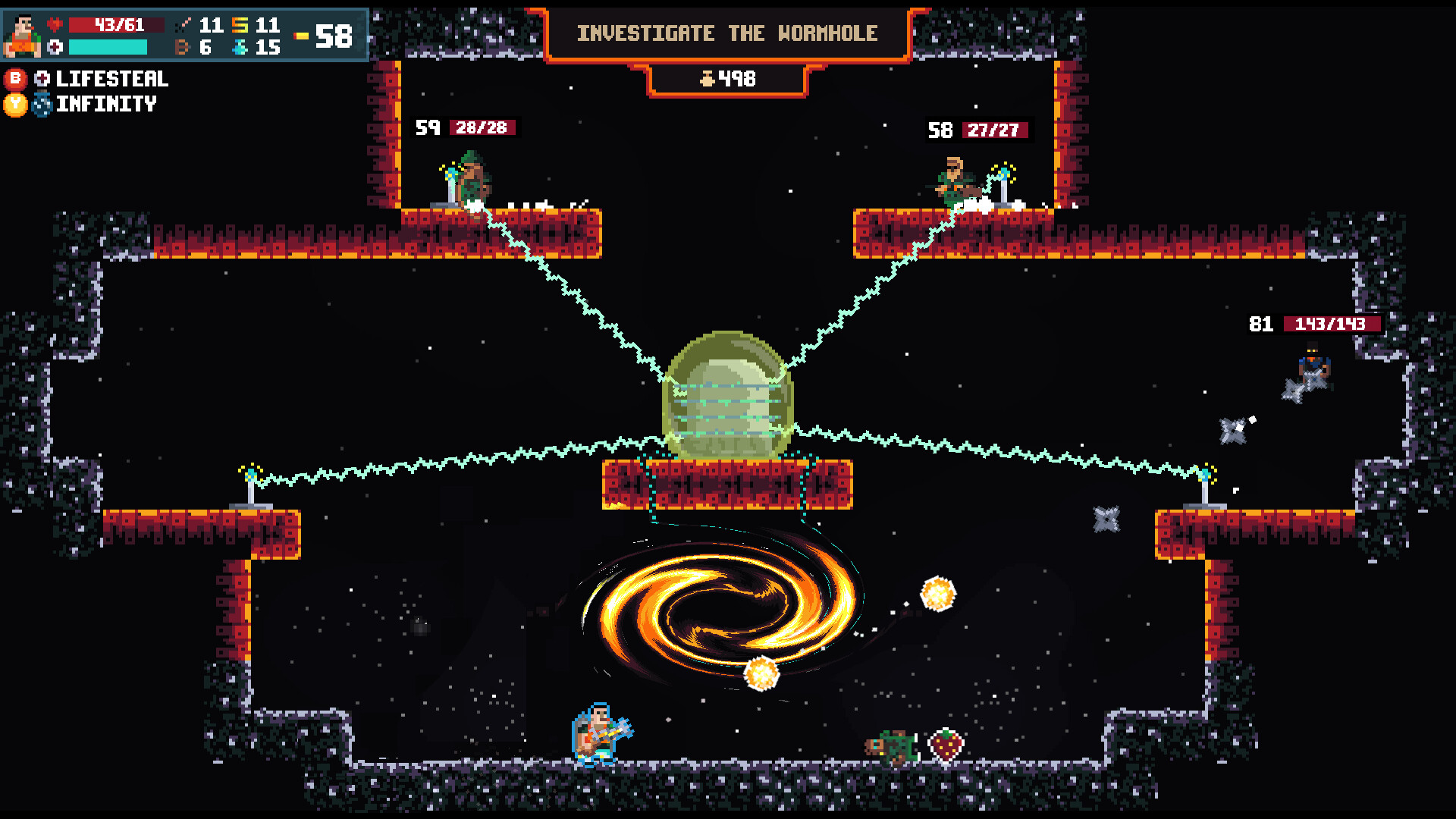
The Overlord has enacted a few new laws to keep our galaxies safe and peaceful. He is not a bad guy, he just doesn’t want things to get out of control, and there are already some stupid rebels who are not cool.Any type of aggressive action against The Overlord’s army of rats, plants, golems and just other beings in general is prohibited. Fighting, rioting, vandalism or antagonizing is also totally forbidden. Just don’t do it. What would your mother say if she saw you doing that kind of thing?Sure, it’s true, there are all kinds of weapons, items, skills and even potions out there, but still banned! You shouldn’t go around combining everything and causing trouble, it’s too overpowered. What’s the point of destroying everything? Sorry, but there’s no fun in that.Yes, it is possible to team up and go on a super cool galactic journey with friends where you basically destroy everything in sight and crush the “bad guys”… but that’s also a big no-no.There are a lot of mysterious (and possibly exciting) things out there, but you can get lost in the galaxies. And then what? Who’s going to look for you? Nah, don’t travel around trying to discover anything, it’s 100% forbidden.The list of banned occupations has been extended to a total of 9: the Alien and Gangster professions are now banned as well.This is undoubtedly the most forbidden thing. Do not even think about assaulting The Overlord or peace-keeping Officers. Order has been restored, and revolutions are not going to be allowed.
System requirements
Activation details
Reviews
Only logged in customers who have purchased this product may leave a review.







Reviews
There are no reviews yet.