
Cursor Engine Steam CD Key


Description
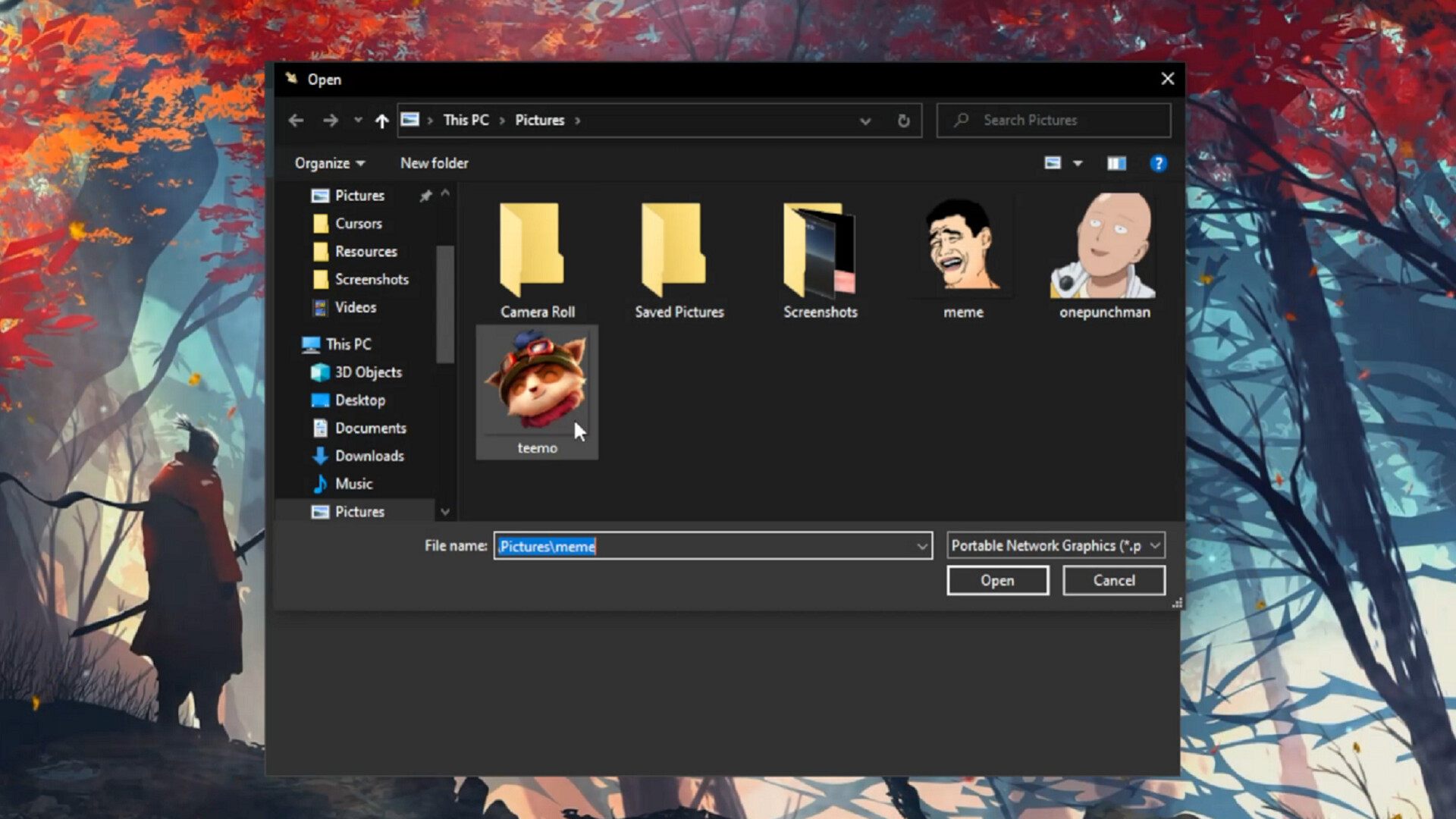
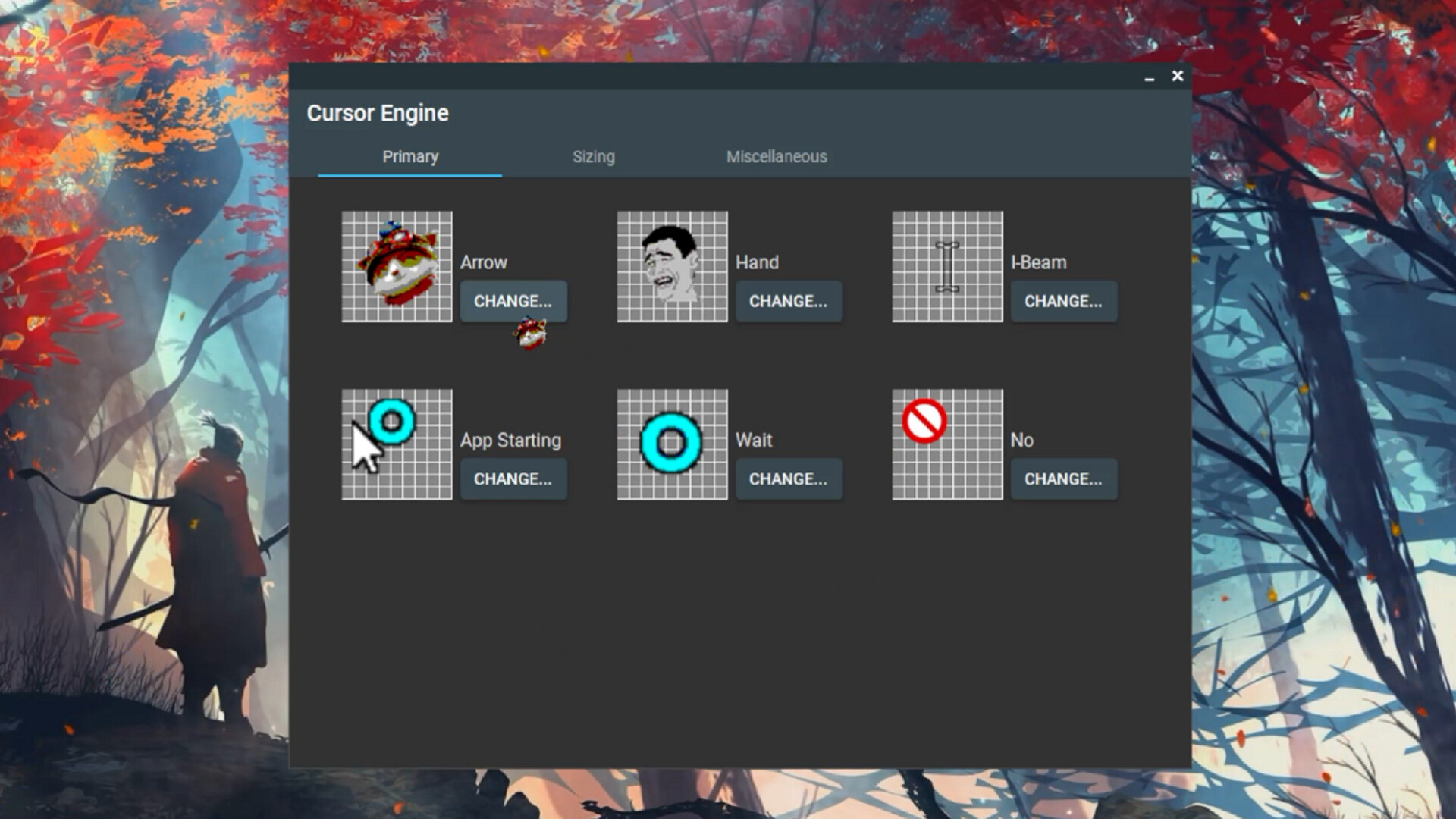
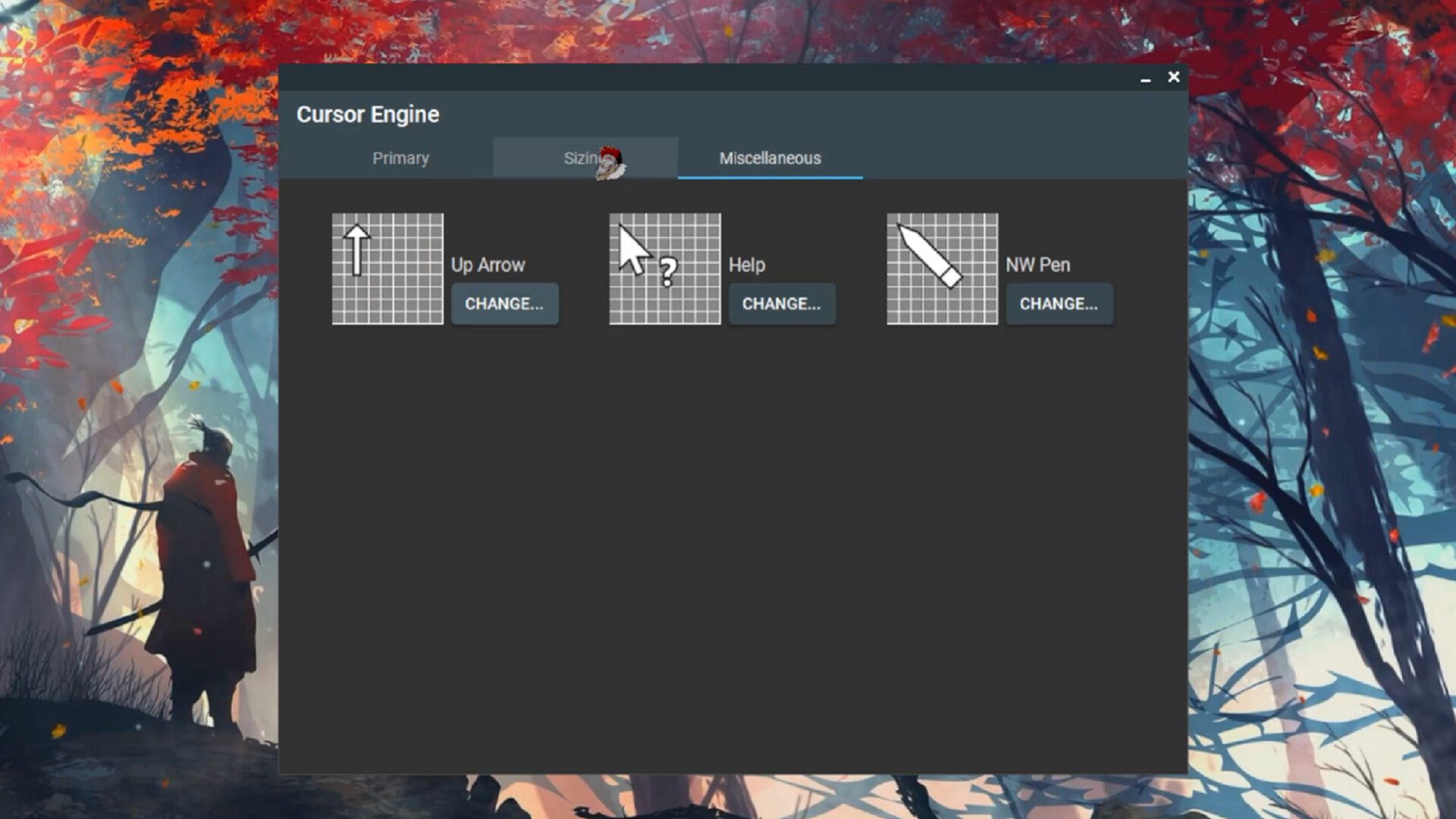
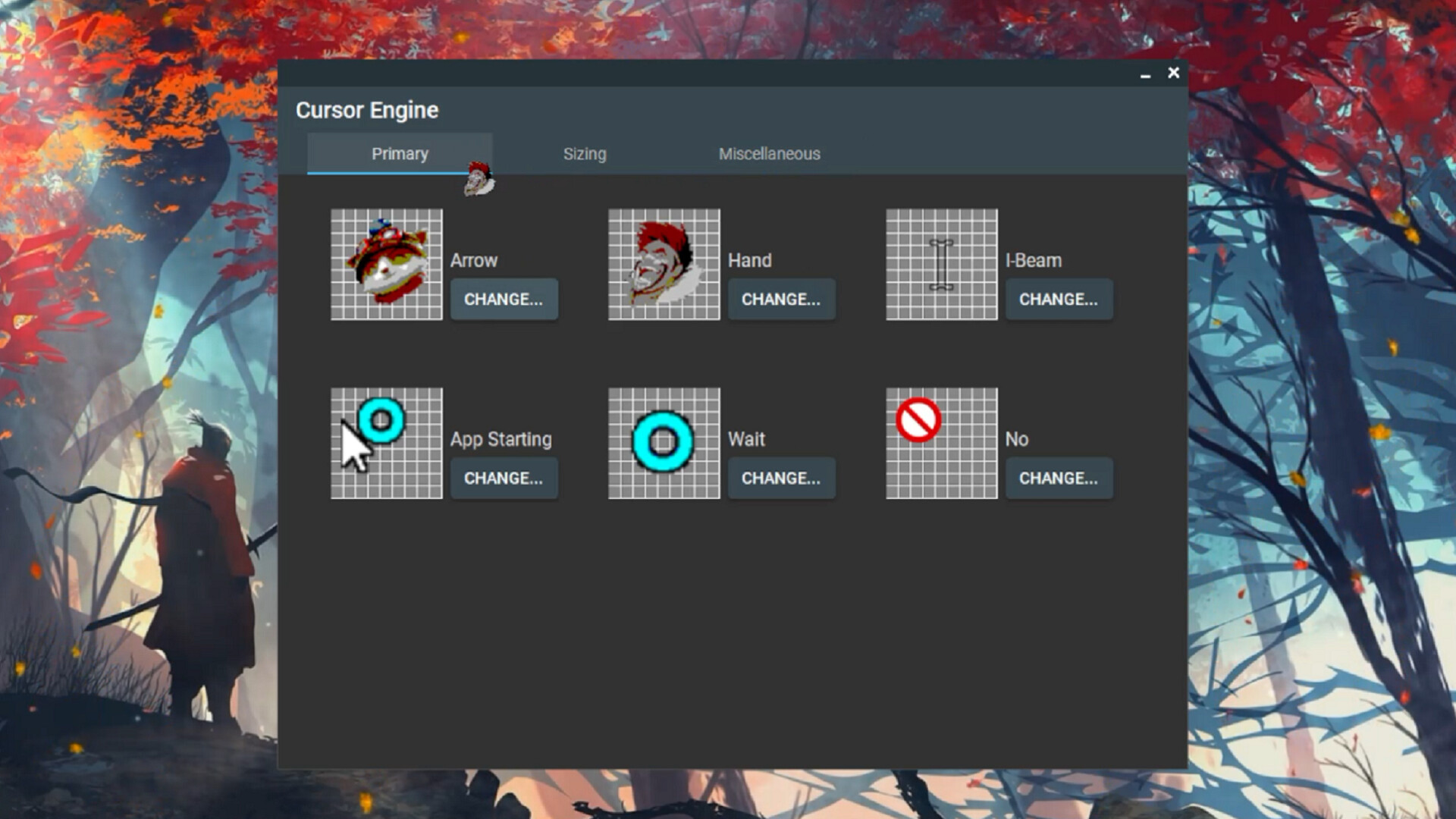
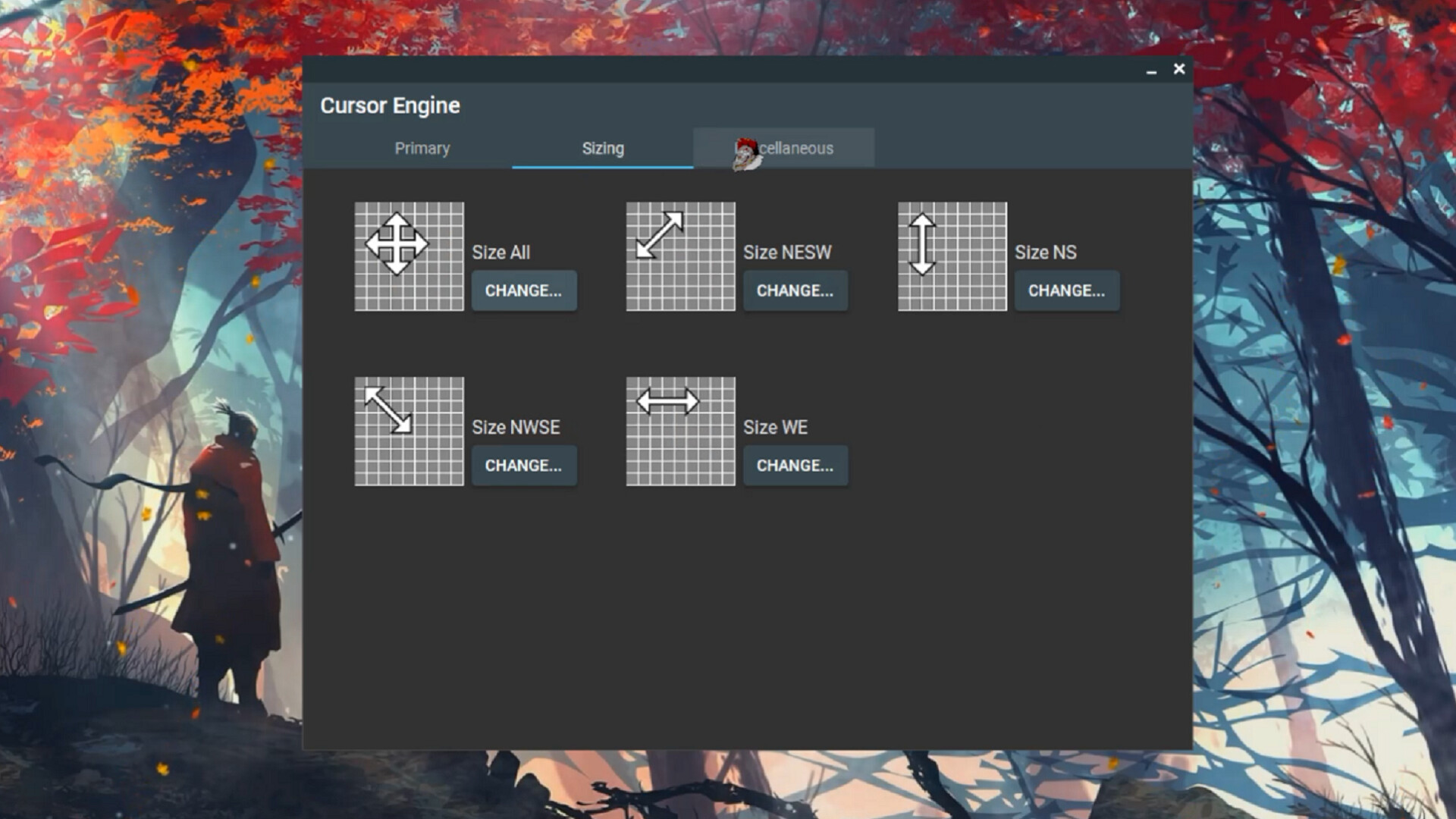
Cursor Engine allows you to use any image as a cursor on your Windows desktop. Customize every type of cursor to fit your exact idea! Cursor Engine will automatically convert the image of your choice into a cursor format and set it as your custom mouse cursor. Three clicks is all it takes to be the most stylish computer owner around! FEATURES An extensive list of mouse cursor-types can be changed, including: Arrow, Hand, I-Beam, App Starting, Wait, No, Size All, and much more! Change your mouse cursor to any .png file. Ability to change mouse cursor to any .cur file is supported as well. Supported formats: png, cur. A one-stop shop for viewing all your cursors.
System requirements
Windows
Minimum: OS: Windows 10 Processor: 1.66 GHz Intel i5 or equivalent Memory: 1024 MB RAM Graphics: 1024 MB RAM Storage: 200 MB available space
Activation details
Go to: http://store.steampowered.com/ and download STEAM client Click "Install Steam" (from the upper right corner) Install and start application, login with your Account name and Password (create one if you don't have). Please follow these instructions to activate a new retail purchase on Steam: Launch Steam and log into your Steam account. Click the Games Menu. Choose Activate a Product on Steam... Follow the onscreen instructions to complete the process. After successful code verification go to the "LIBRARY" tab and start downloading.
Reviews
Only logged in customers who have purchased this product may leave a review.







Reviews
There are no reviews yet.