
Cold Waters GOG CD Key


Description
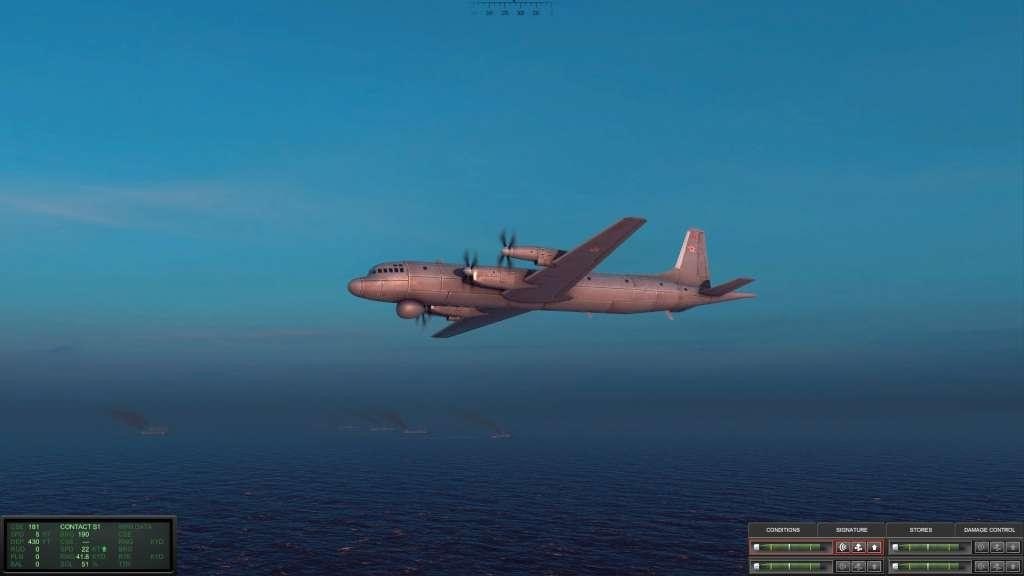
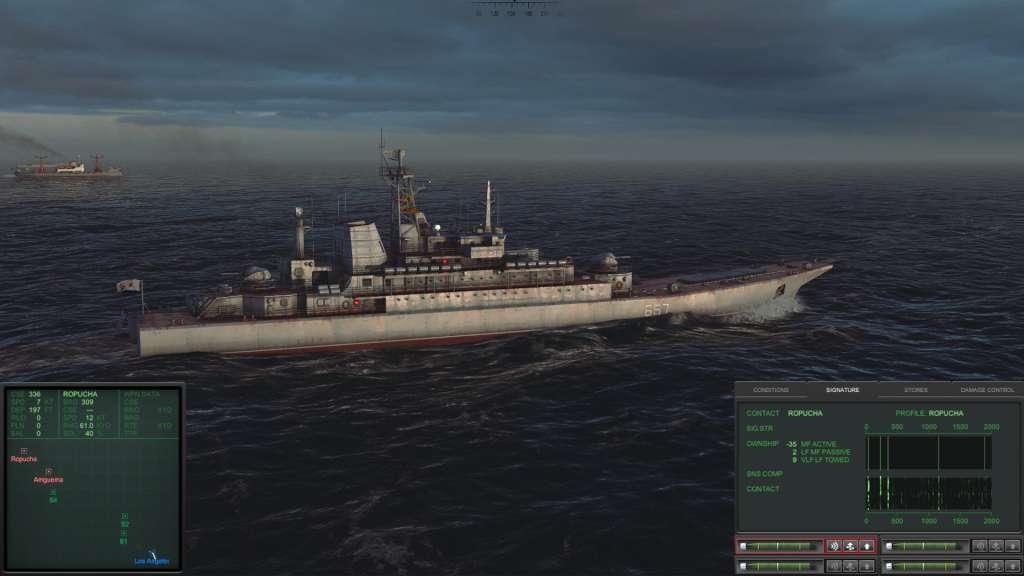
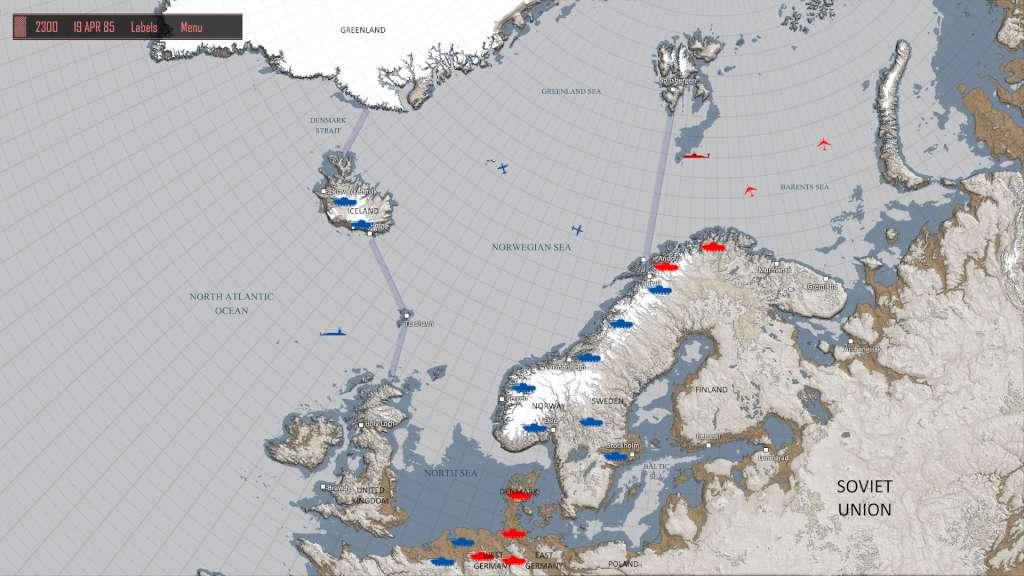
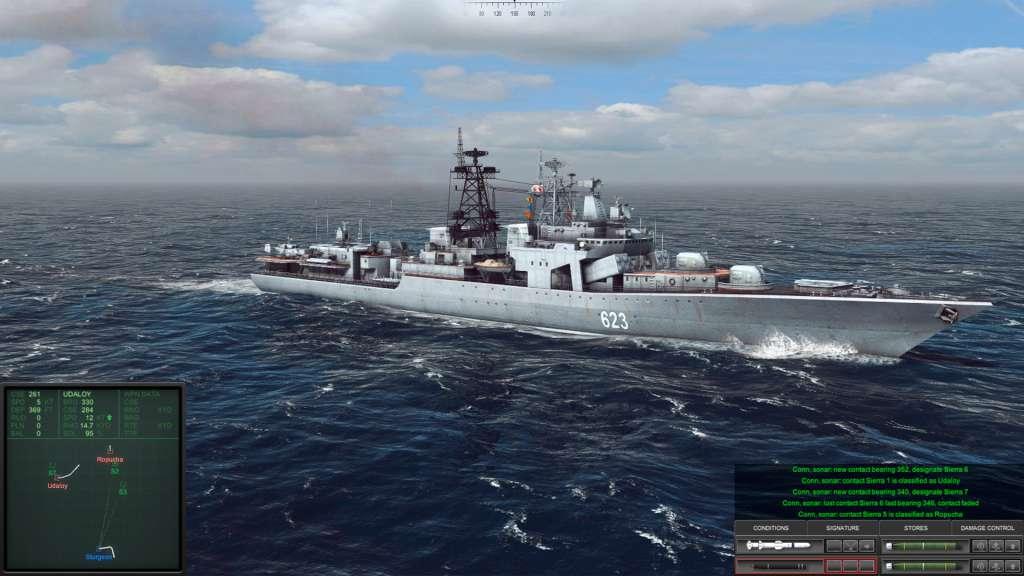
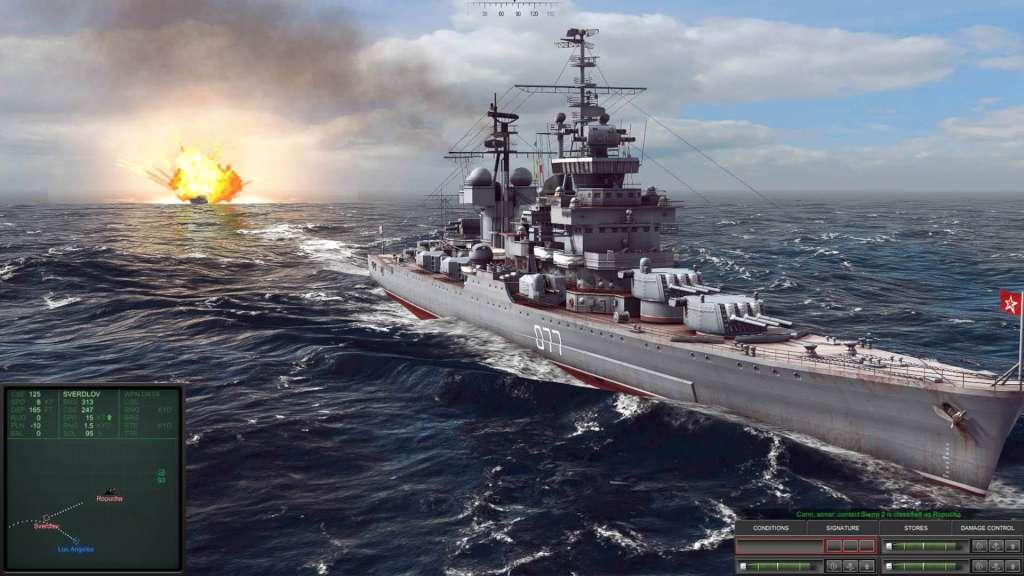
Spiritual Successor to the Microprose Classic “Red Storm Rising” After tracking a Soviet landing force bound for Iceland it is time to plan your attack. Do you silently close in to torpedo the landing ships and escape during the resulting chaos? Or strike with long-range missiles but risk counterattack from the enemy escorts? Have you detected them all, could another submarine be out there listening for you? Has the hunter become the hunted? Will you survive the Cold Waters? Inspired by the 1988 classic “Red Storm Rising”, take command a nuclear submarine in a desperate attempt to prevent “mutually assured destruction” when the Cold War gets hot and WWIII begins. You will be tasked with intercepting convoys, amphibious landings, insertion missions and battling it out with enemy warships, submarines and aircraft. Thankfully, an arsenal of wire-guided torpedoes, anti-ship and cruise missiles and the occasional SEAL team are on board to keep the Iron Curtain at bay. Major Features: – Real-time naval combat – Over 40 classes of ships and submarines all meticulously researched – Dynamic Campaign where your performance matters – Realistic sonar model – Authentic Soviet combat tactics
System requirements
Activation details
Click "Install Steam" (from the upper right corner)
Install and start application, login with your Account name and Password (create one if you don't have).
Please follow these instructions to activate a new retail purchase on Steam:
Launch Steam and log into your Steam account.
Click the Games Menu.
Choose Activate a Product on Steam...
Follow the onscreen instructions to complete the process.
After successful code verification go to the "MY GAMES" tab and start downloading.
Reviews
Only logged in customers who have purchased this product may leave a review.







Reviews
There are no reviews yet.