
Clouds & Sheep 2 AR XBOX One / Xbox Series X|S CD Key
Description
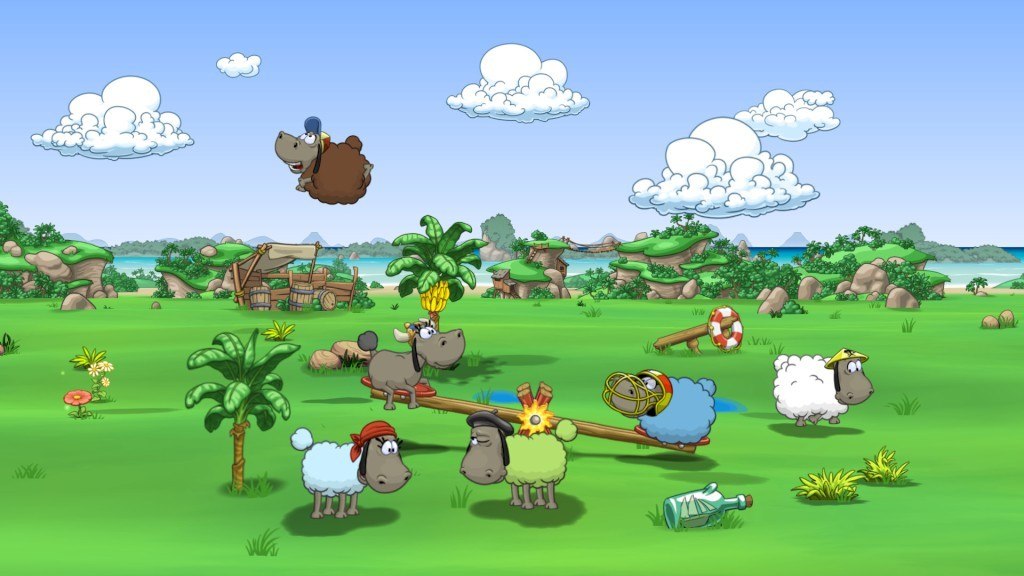
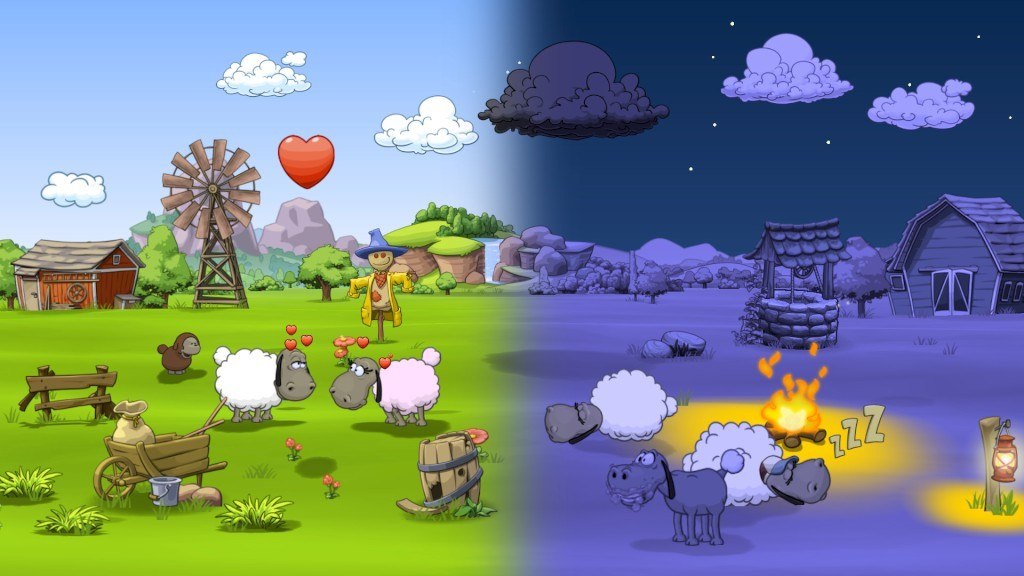
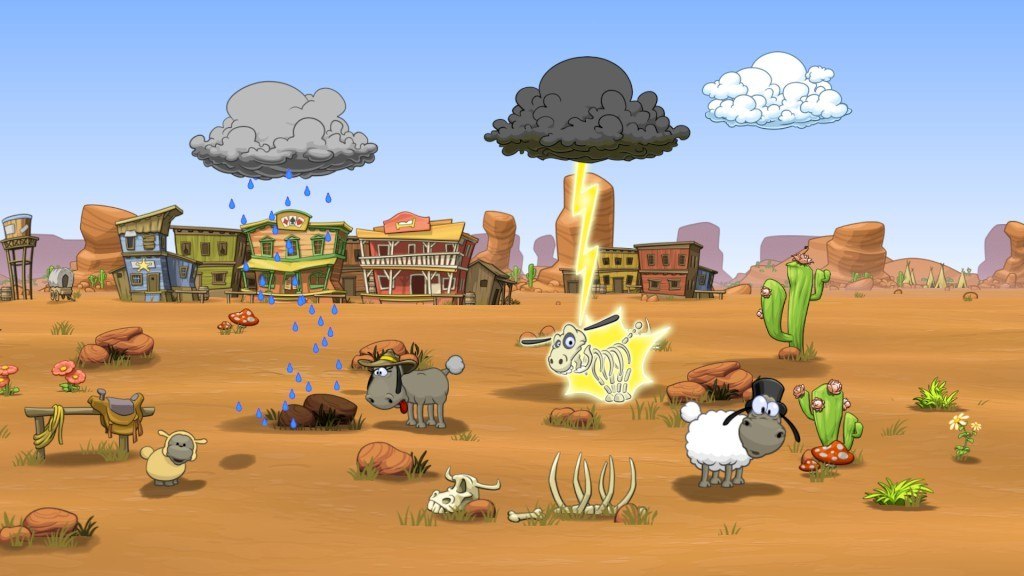
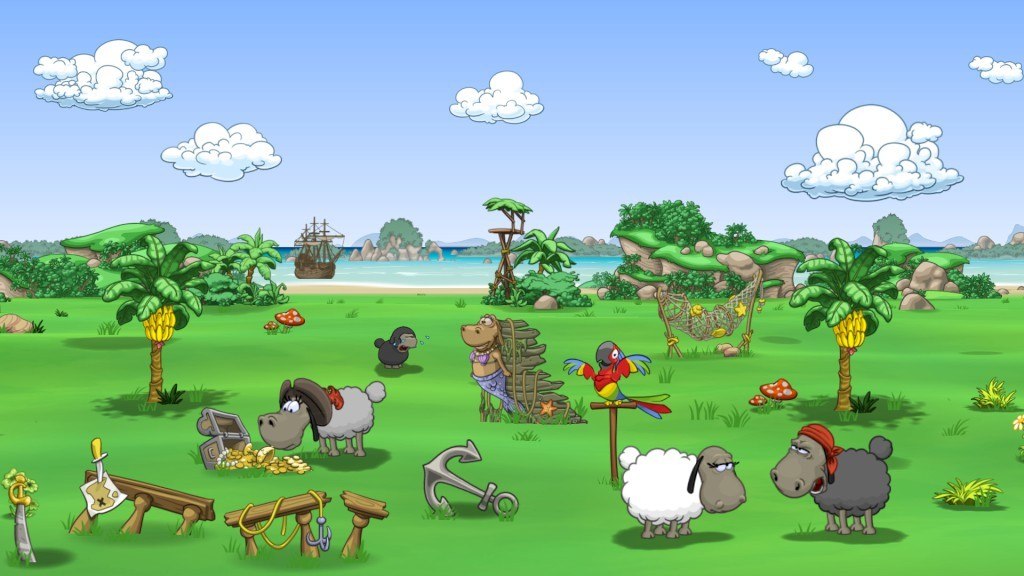
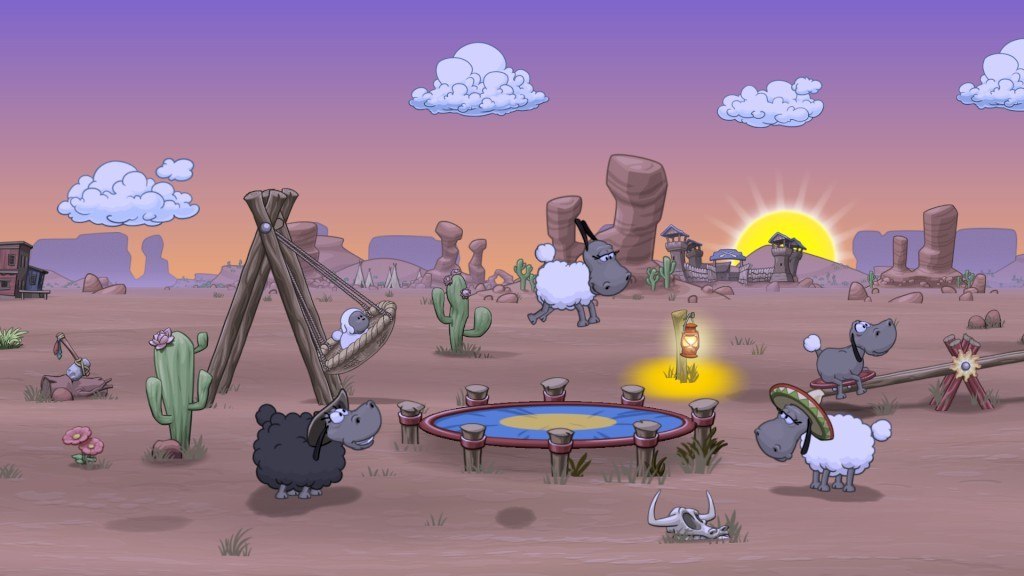
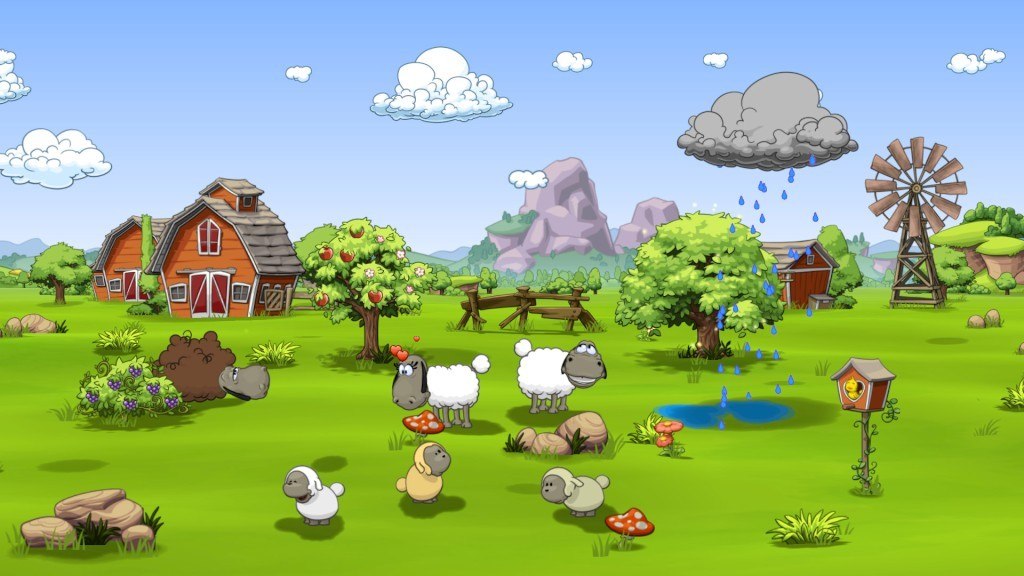
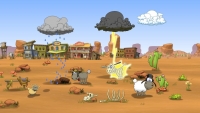
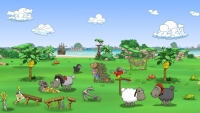
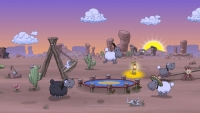
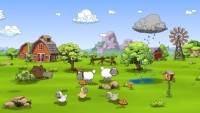
In this eagerly anticipated sequel of the game “Clouds & Sheep”, the cute sheep are finally on the loose again! Solve countless quests and fulfill your wooly friends’ needs. Plant grass, flowers, trees and shear your animals’ different-colored wool to stock up your resources! Collect happy stars, harvest wood and flower petals and use them to provide your flock with food, accessories, toys and more! Control the clouds and make it rain to ensure your sheep never run out of fresh water to drink. If your sheep feel happy and content, they’ll bring tiny lambs into the world! Every single animal is asking for your attention! The fluffy balls of wool love to be entertained. Make your sheep jump and use different toys like the trampoline, the seesaw and the swing to actively play with them! Watch your pets interact with each other and observe their reactions to the objects you give to them! Customize your flock’s pasture with fun objects and choose between different settings like the Wild West or Pirate scenery. Watch your flock run around by day and sleep by the cozy campfire at night. Do everything you can to keep your sheep happy and healthy to prevent them from becoming big, cottony clouds in the sky. Features Awesome sequel of the top game “Clouds & Sheep” Go on an epic adventure to find the legendary Fountain of Youth! Simulation game with adorable sheep Take care of your flock Raise sweet little lambs Actively play with your animals Give them many different items and objects Grow and harvest various resources Shear your sheep Customize their pasture Control the weather Day-night cycle Open-ended game set in a 3D world Suitable for kids, but also fun for the whole family Optimized for Steam Controller
Activation details
Reviews
Only logged in customers who have purchased this product may leave a review.




Reviews
There are no reviews yet.