Candle Steam CD Key

Candle

Release date
November 11, 2016
STEAM
Yes
Age rating
PEGI 7
Metacritic score
80
Regional limitations
Region free
Developers
Teku Studios
Publishers
Daedalic Entertainment Merge Games
Genres
Adventure Indie Platformer Puzzle
Platform
Steam
Languages
Chinese English French German Italian Japanese Korean Portuguese - Brazil Russian Spanish

Description

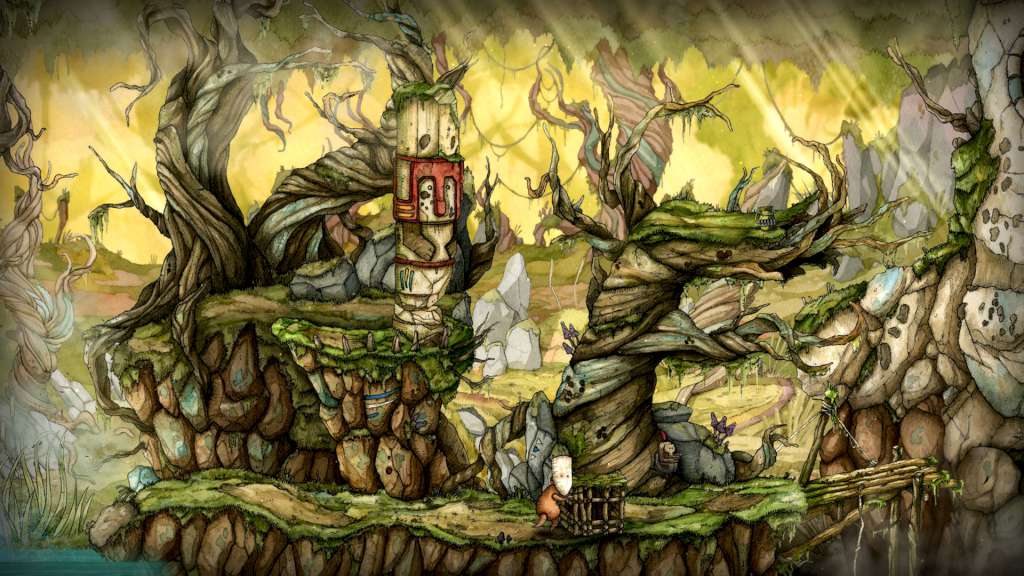
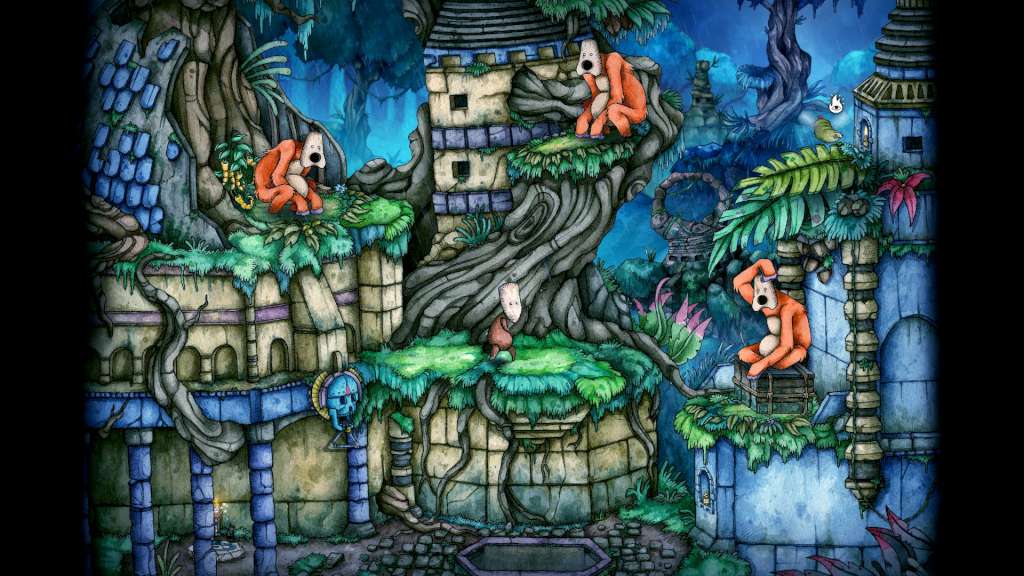
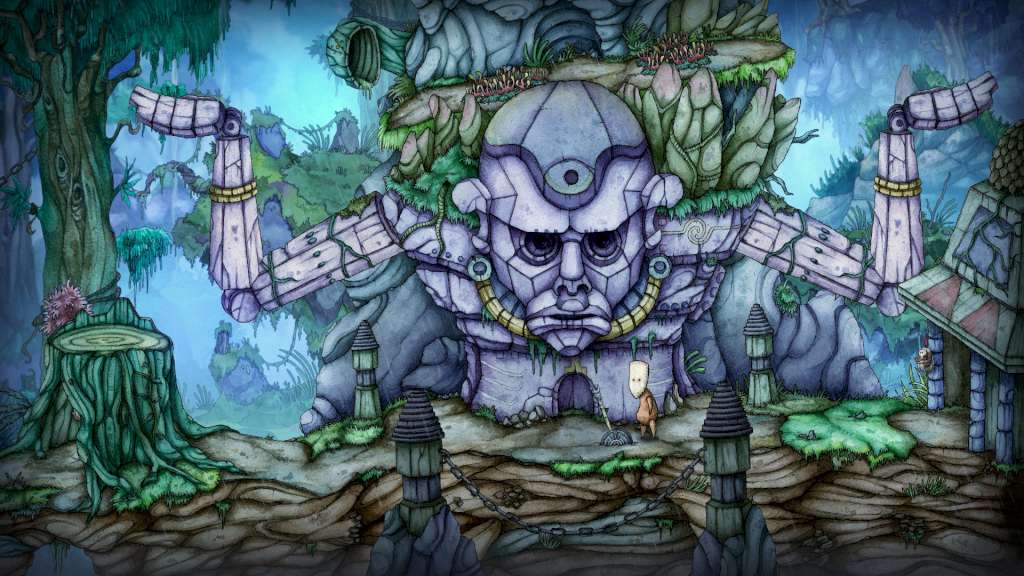
Candle is an adventure with challenging puzzles. Play as Teku, a young man on a dangerous journey to rescue his tribe's shaman from the evil Wakcha-Clan. But the way is littered with sinister traps and difficult obstacles. To master these challenges you need to have keen eyes and a good sense for your environment, or your next step may be your last. But Teku has a special gift: his left hand is a candle. Let it be a bright beacon to drive off your enemies or to shed light on dark places. Gorgeous hand-painted watercolor visuals give Candle that special flair, as all backgrounds and characters have been carefully drawn and then scanned, picture after picture. The game consistently feels like a living painting.

System requirements

Windows
OS
Windows 7 SP1, Windows 8 (32/64 bit versions)
Processor
2.8 GHz Dual Core CPU
Memory
4 GB RAM
Graphics
Nvidia GeForce GT 220, Radeon HD 8400
DirectX
Version 9.0c
Storage
12 GB available space
Sound Card
DirectX 9.0c Compatible Sound Card with Latest Drivers
Additional Notes
Shader Model 3.0 must be supported
Mac
OS
OSX 10.9
Processor
2.6 Ghz (Dual Core) Intel
Memory
2 GB RAM
Graphics
Intel Iris / AMD Radeon HD 6779M / Nvidia GeForce GT 640 M
Storage
12 GB available space
Sound Card
Sound Card with Latest Drivers
Additional Notes
Shader Model 3.0 must be supported
Linux
OS
12.04, 14.04, 16.04, 64bit only!
Processor
2.8 GHz Dual Core CPU
Memory
4 GB RAM
Graphics
Nvidia GeForce GT 220, Radeon HD 5550
Storage
12 GB available space
Sound Card
Sound Card with Latest Drivers
Additional Notes
Shader Model 3.0 must be supported

Activation details

Go to: http://store.steampowered.com/ and download STEAM client


Click "Install Steam" (from the upper right corner)


Install and start application, login with your Account name and Password (create one if you don't have).


Please follow these instructions to activate a new retail purchase on Steam:

Launch Steam and log into your Steam account.
Click the Games Menu.
Choose Activate a Product on Steam...
Follow the onscreen instructions to complete the process.

After successful code verification go to the "MY GAMES" tab and start downloading.

Reviews

Reviews

There are no reviews yet.

Only logged in customers who have purchased this product may leave a review.

Avatar Mobile
Main Menu x
X