
Call of Duty: World at War PC Download CD Key
Description
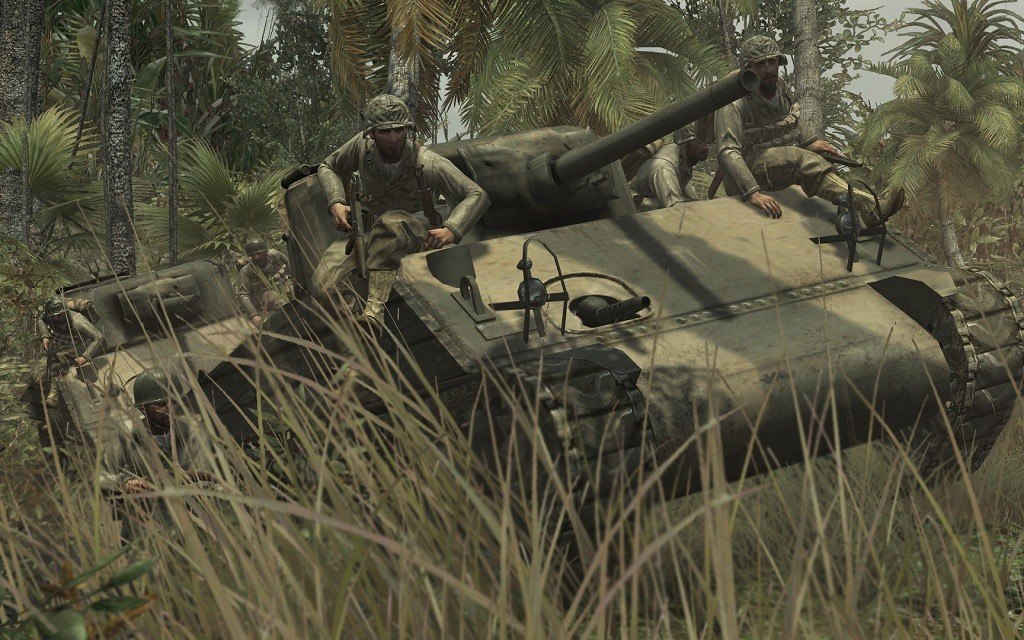
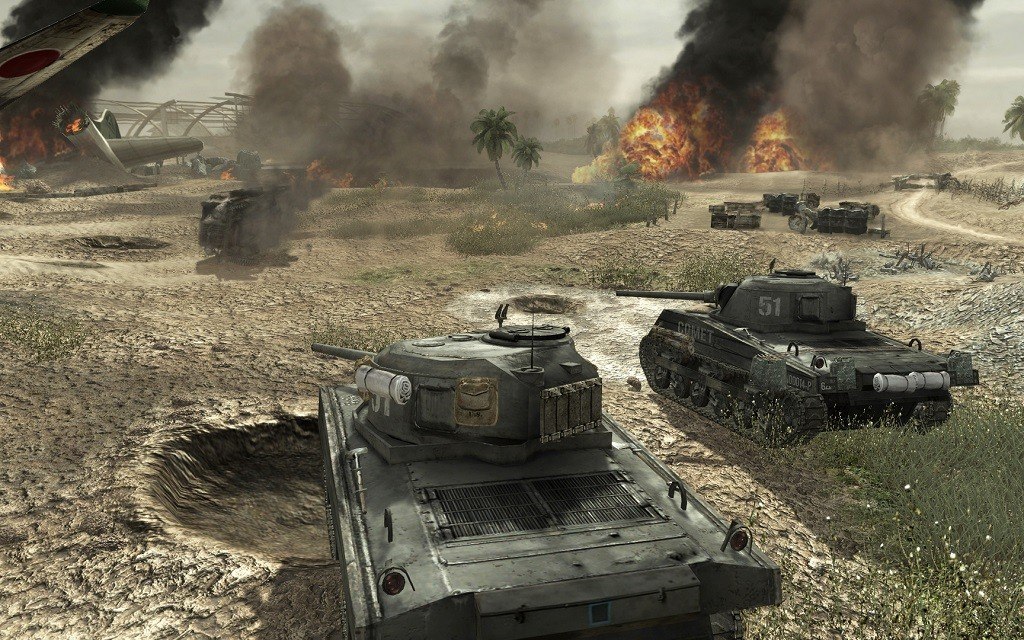
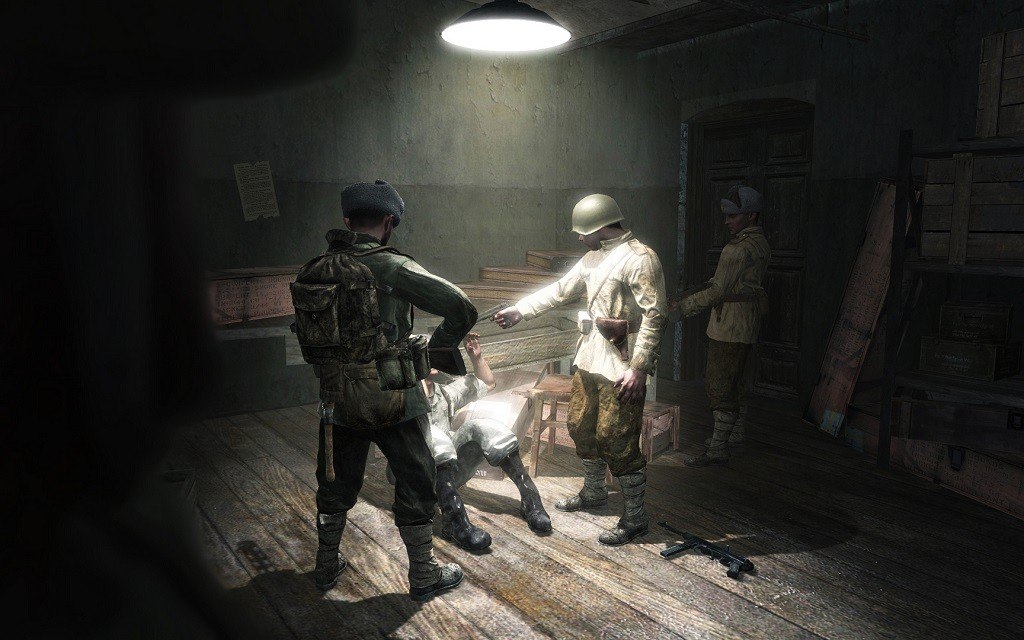
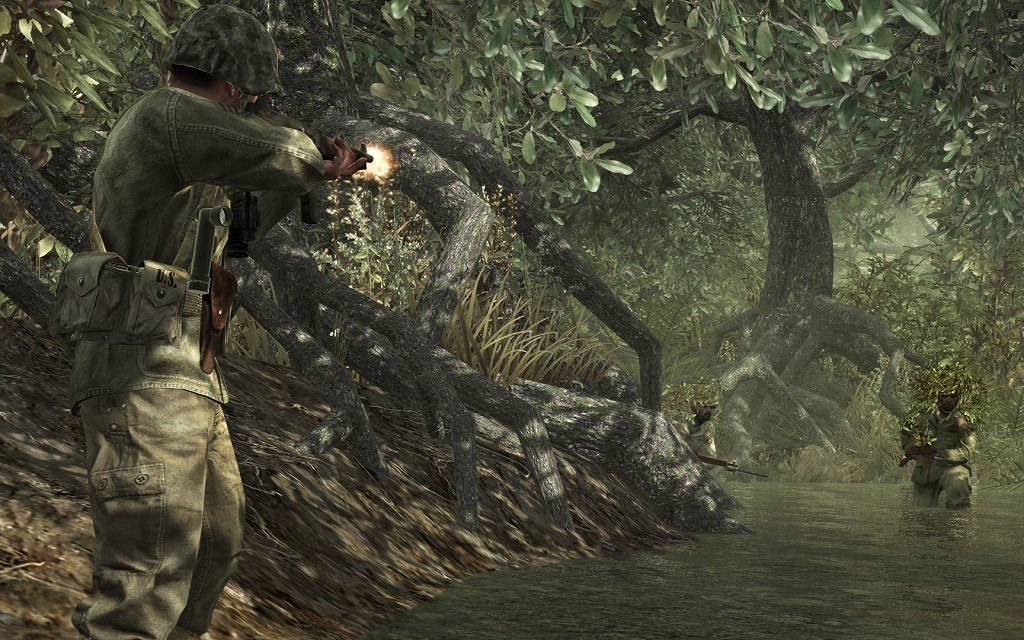
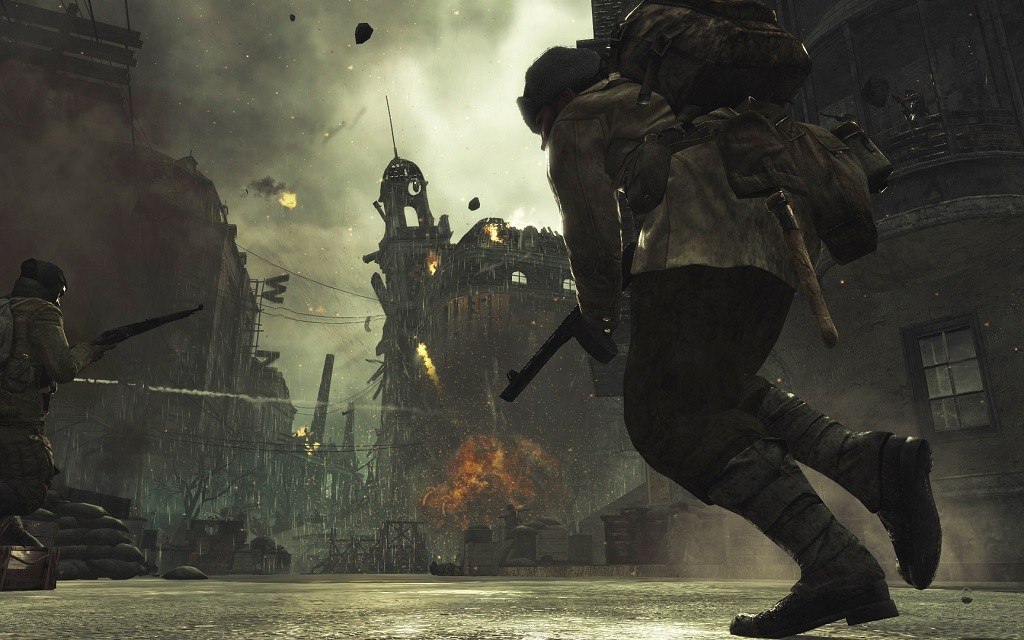
Call of Duty is back, redefining war like you’ve never experienced before. Building on the Call of Duty 4®: Modern Warfare engine, Call of Duty: World at War immerses players into the most gritty and chaotic WWII combat ever experienced. Players band together to survive the most harrowing and climactic battles that led to the demise of the Axis powers on the European and Pacific fronts. The title offers an uncensored experience with unique enemies and combat variety, including Kamikaze fighters, ambush attacks, Banzai charges and cunning cover tactics, as well as explosive on-screen action through the all new four-player cooperative campaign. The addictive competitive multiplayer has also been enhanced with new infantry and vehicle-based action, a higher level cap, more weapons, and a host of new Perks, maps and challenges. Features Harsh New Enemies, Environments and Tactics: Face off against ruthless and tactically advanced enemies that will stop at nothing to defend their homelands, from swamp ambushes and tree-top snipers to fearless Kamikaze attacks. Play as a U.S. Marine and Russian conscript across a variety of Pacific and European locations against the fearless Imperial Japanese and elite German soldiers in epic adrenaline-filled infantry, vehicle and airborne missions. Co-Op Campaign Mode, Call of Duty Style: For the first time in the franchise, Call of Duty: World at War introduces co-op play, bringing fresh meaning to “No One Fights Alone”. Campaign co-op features up to four-players online, allowing gamers to experience harrowing campaign missions together for greater camaraderie and tactical execution. Co-op mode incorporates innovative multiplayer components such as challenges, rankings and online stats for deeper re-playability and multiplayer experience bonuses. Co-op mode also features Competitive Co-Op that will show who is really the best player on your team. Enhanced Innovative Multiplayer: Call of Duty: World at War continues the addictive class-based multiplayer action the series is famous for. The addition of vehicle combat with tanks rounds out the highly-successful Call of Duty 4: Modern Warfare multiplayer experience, and features such as persistent stats, player rankings, upgradeable weapons, squad-based gameplay, customizable classes and Perks, have been further enhanced to set a new standard in Call of Duty online warfare. Unprecedented Cinematic Quality in a World at War: Built using the Call of Duty 4: Modern Warfare engine, Call of Duty: World at War utilizes cutting-edge technology including highly-detailed character models, self-shadowing, environmental lighting and amazing special effects to deliver jaw-dropping visuals. Depth of field, rim-lighting and texture-streaming technology bring the adrenaline-pumping combat to life, while physics-enabled battlefields and fire that spreads through environments realistically, immerses players into the harrowing and dynamic combat.
System requirements
Activation details
Reviews
Only logged in customers who have purchased this product may leave a review.







Reviews
There are no reviews yet.