
AliveDesktop Steam CD Key


Description
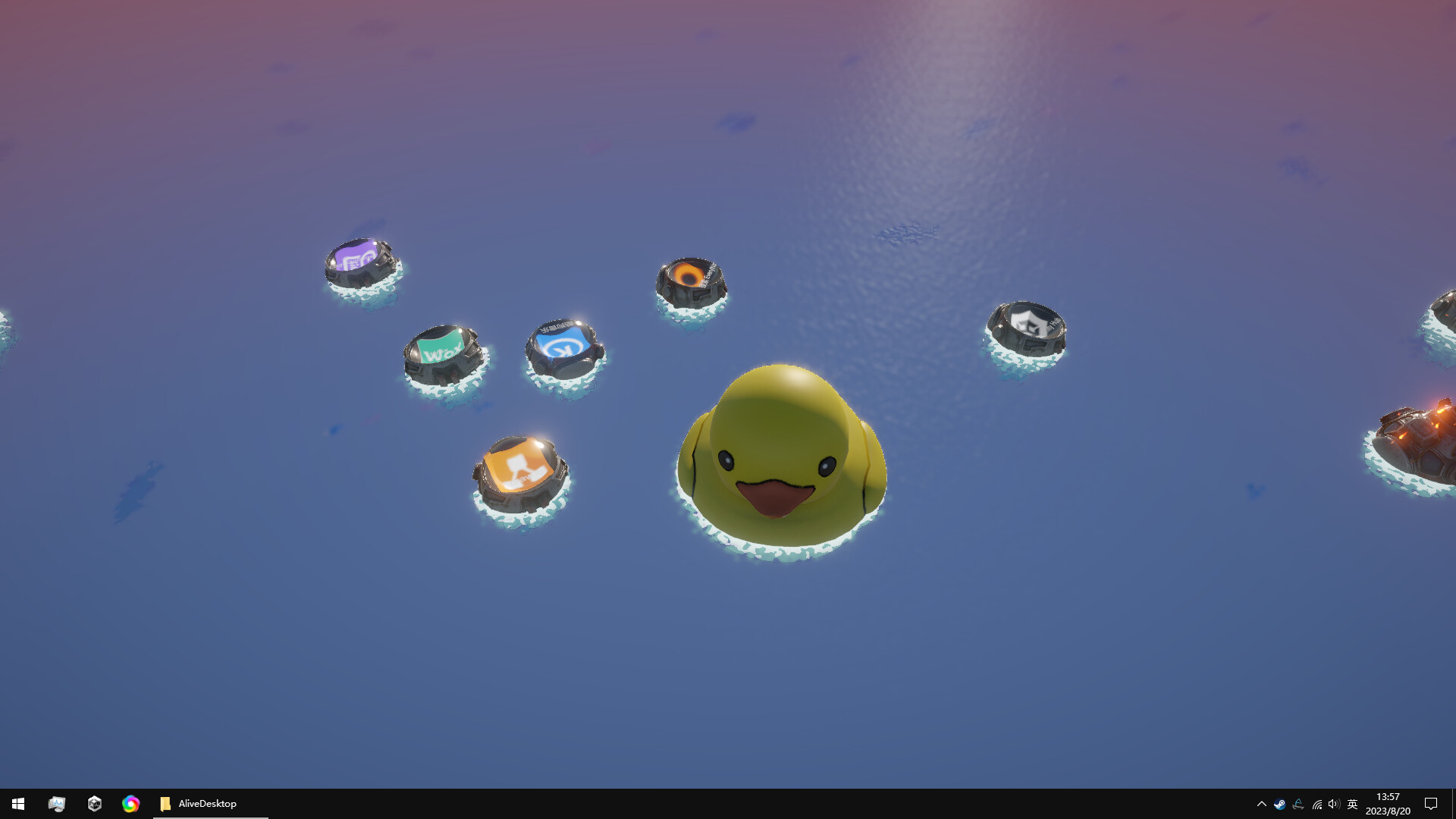
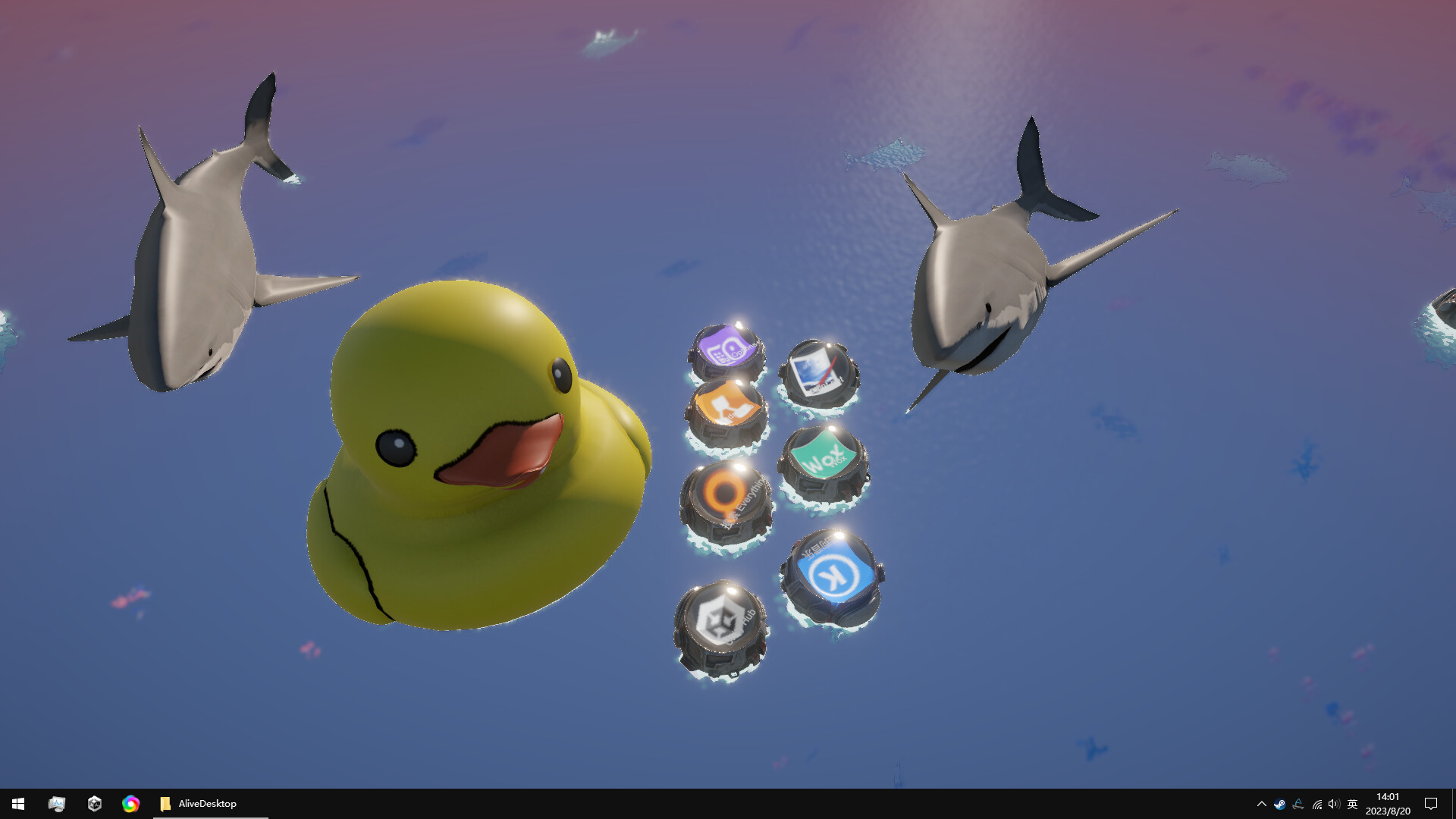
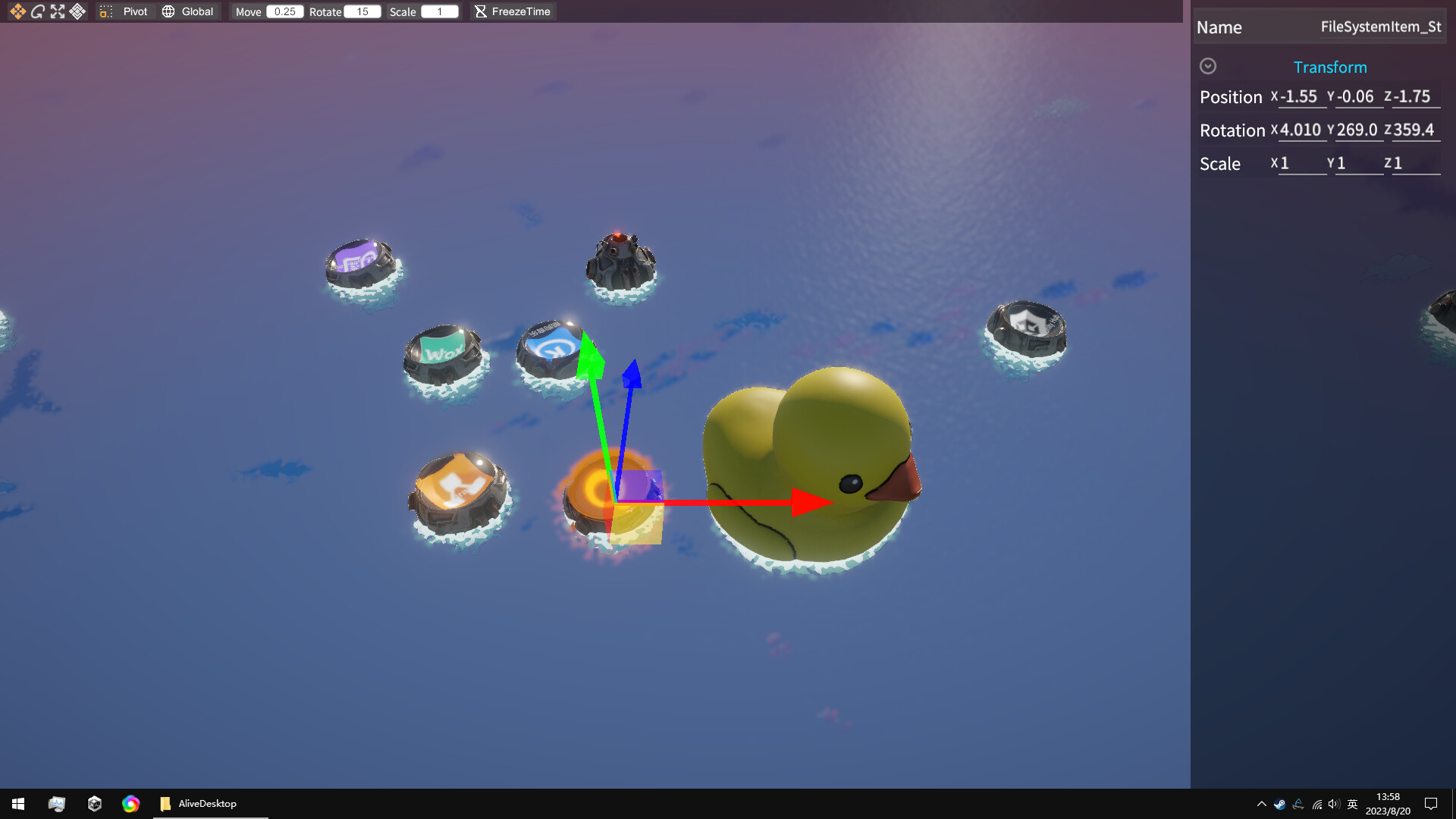
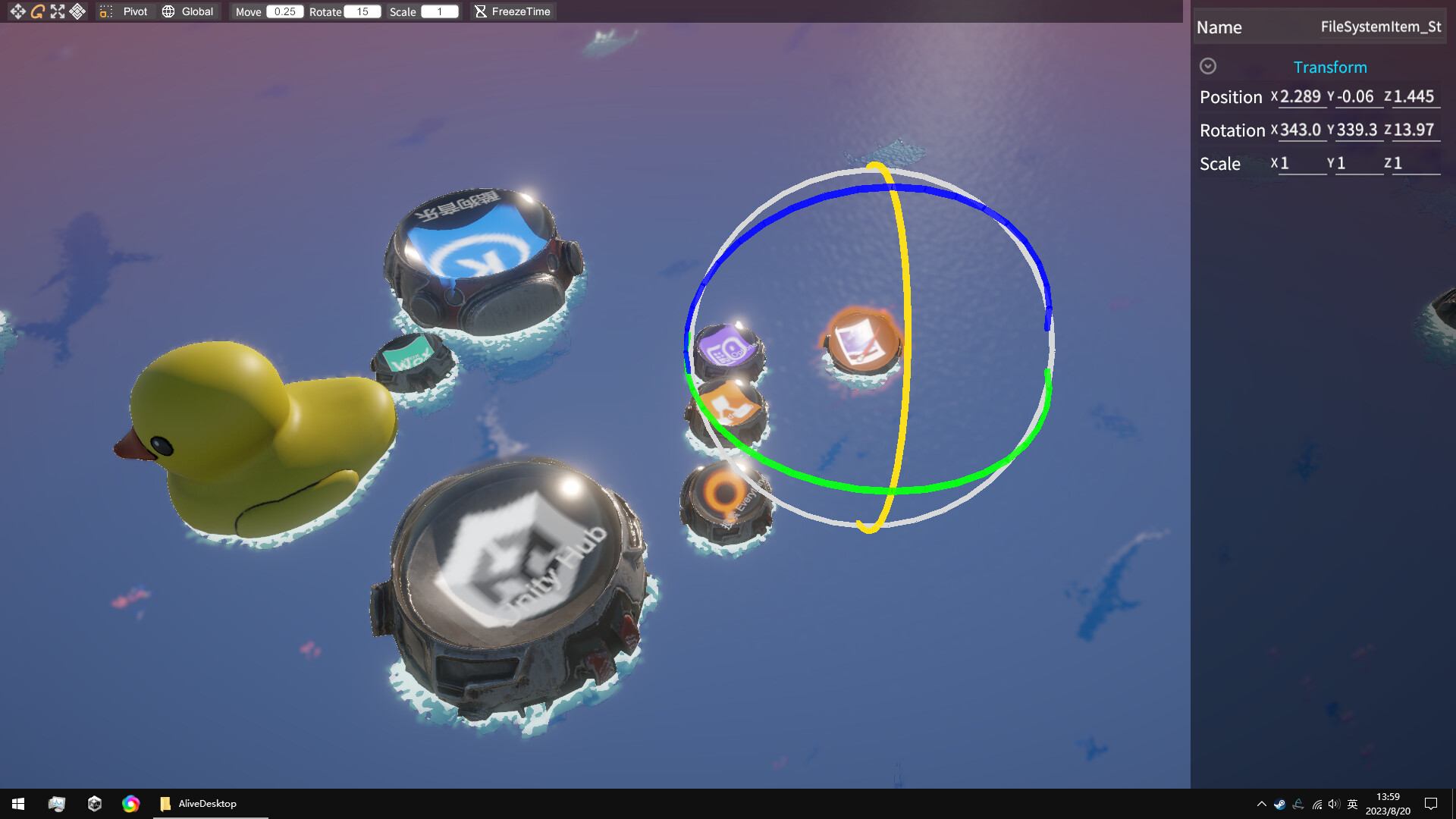
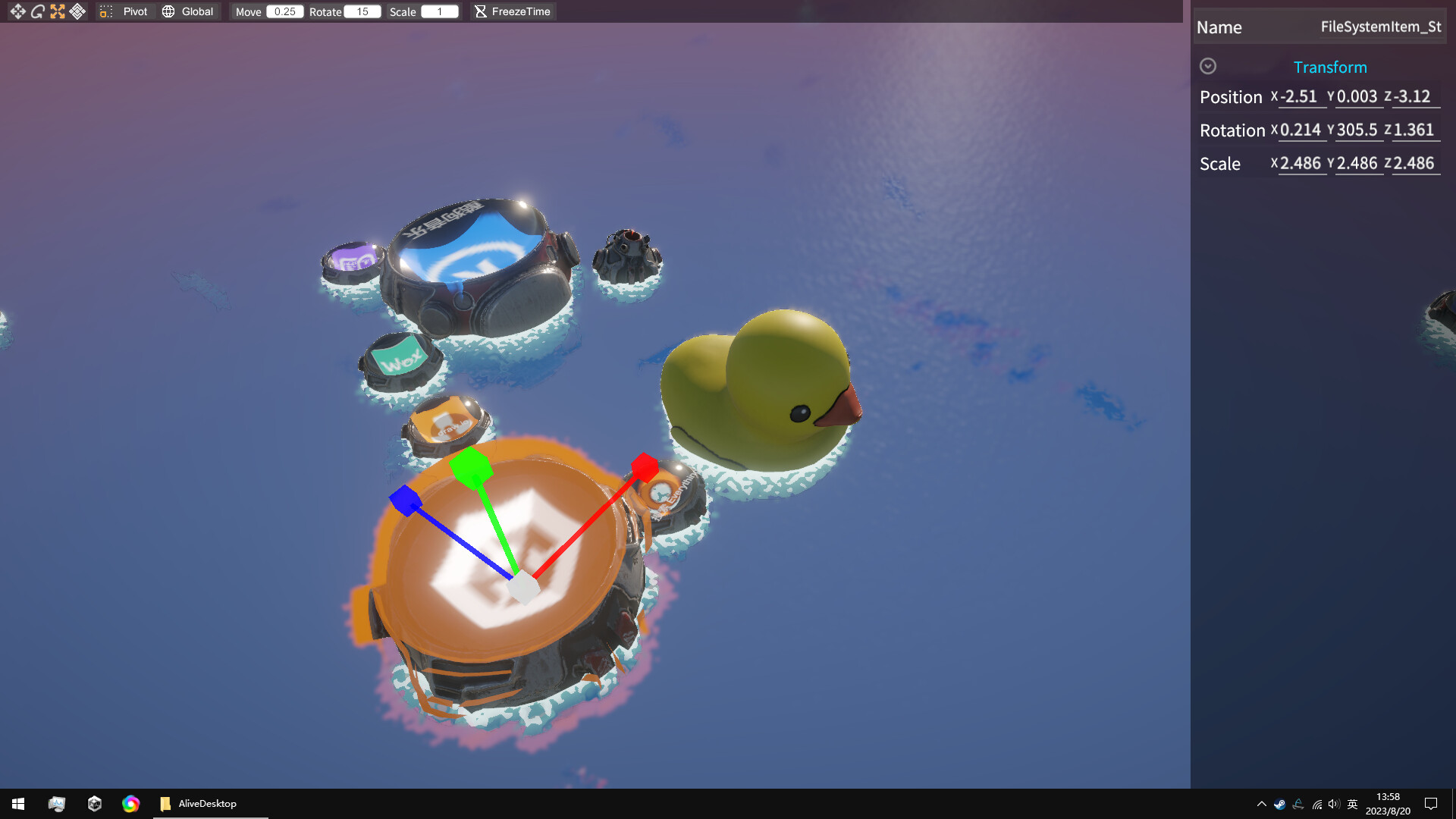
It may not make your life easier, but funny enough! Decorate the flat and unremarkable desktop with Mod! Turn everything into 3D! Features Put all the apps on the desk on the bookshelf, throw them into the sea, turn them into wind chimes to hang, or use them as billiards to hit! Use runtime editor to align icon objects to each pixel, Or just throw them around! The themes are diverse, and the icons have come to life. They are not intended to be useful, but purely fun. Respond to audio! Synchronize system time! Not the feature you want? Vote for it! How to Use the left button to drag and move the model to any position. Scroll mouse wheel to change the FOV of the camera. Press and hold the right button to rotate the camera’s perspective, and then press the W/S/A/D key to move the camera, Right click on the model to open the corresponding menu. Right click on the blank space to open the global menu, where you can enter editing mode or open settings. Trouble Shooting If you need to save the current object’s decorations, please enter editing mode first and exit editing mode after the modifications are completed. (This is to avoid object misalignment caused by tampering in normal mode) If the program cannot replace the desktop background properly after running, it may be intercepted by antivirus software such as 360. Solution: Add the folder where the software is located to the antivirus software’s whitelist.
System requirements
Activation details
Reviews
Only logged in customers who have purchased this product may leave a review.







Reviews
There are no reviews yet.