
A Vampyre Story Steam CD Key



Description
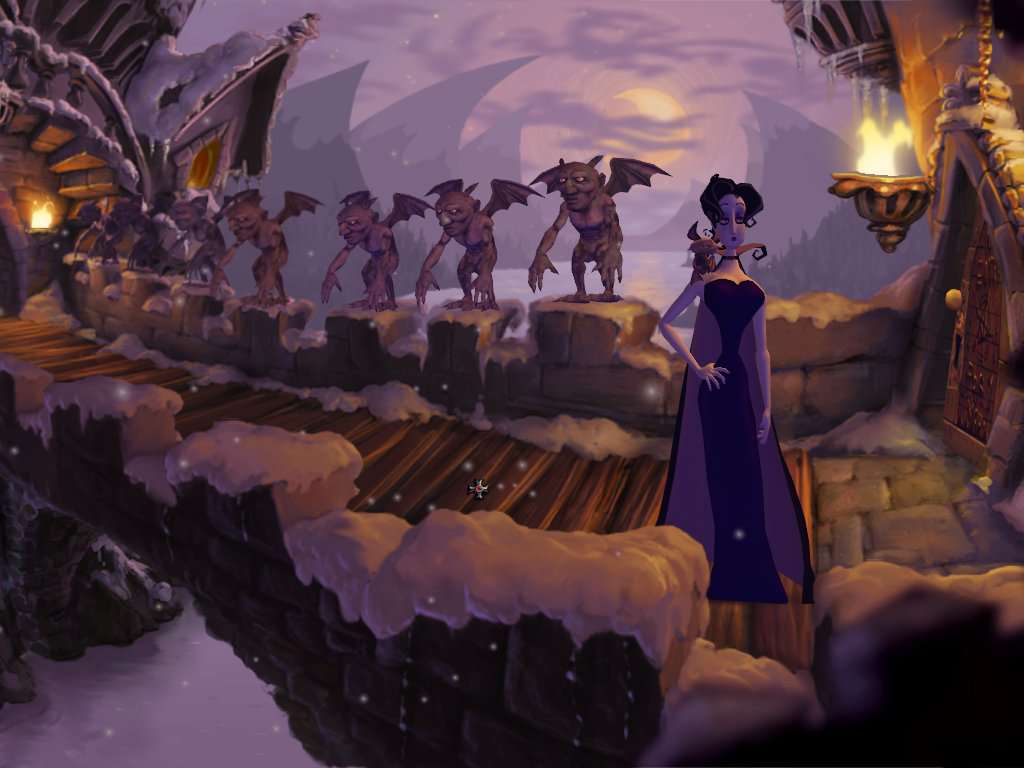
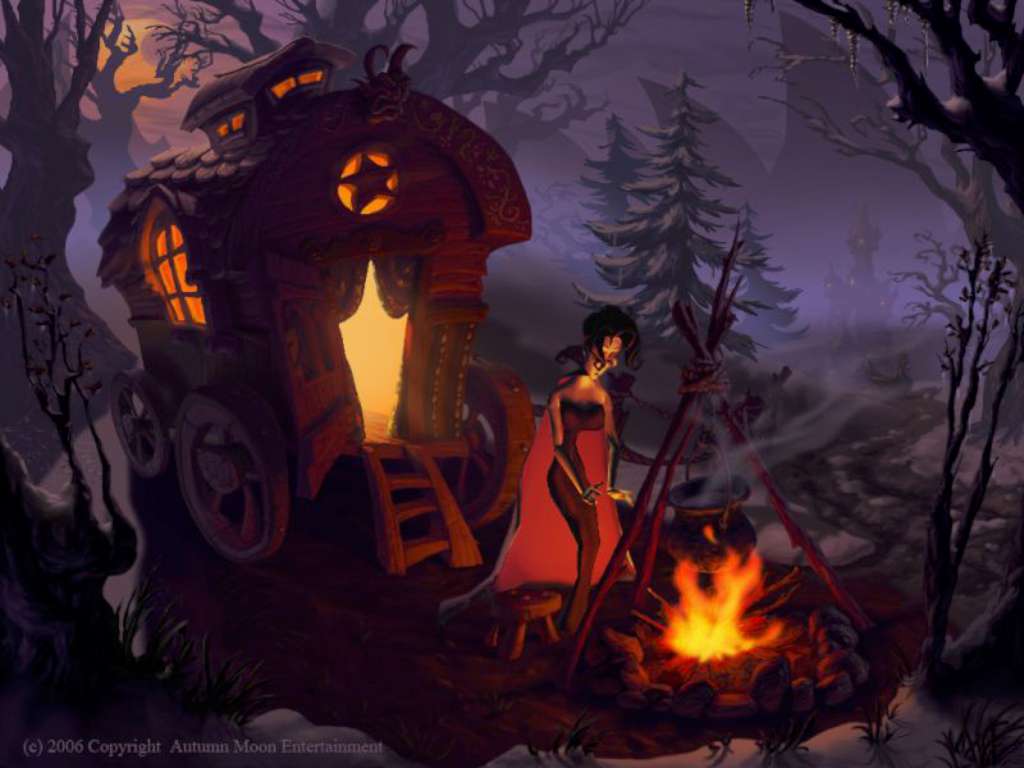
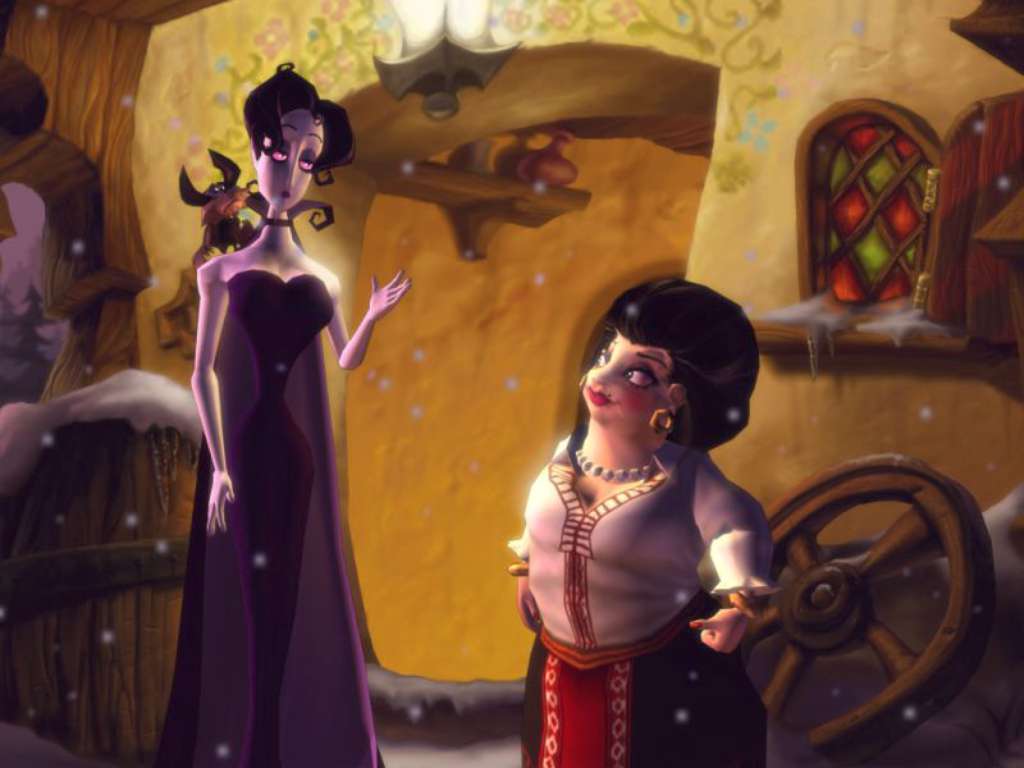
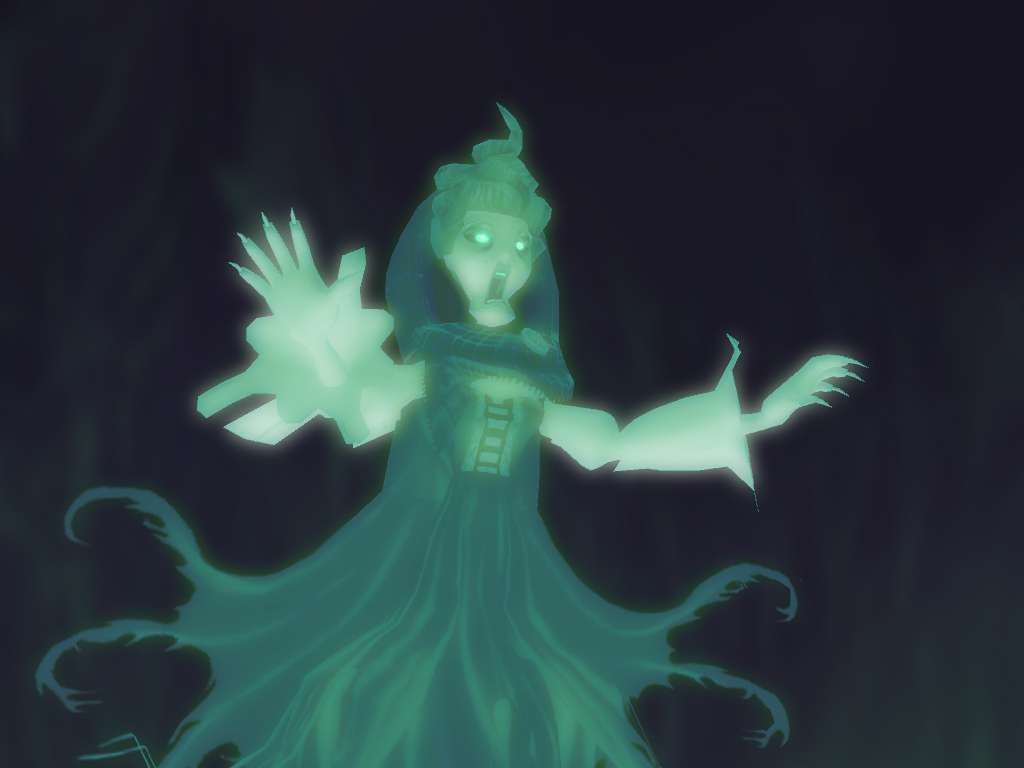
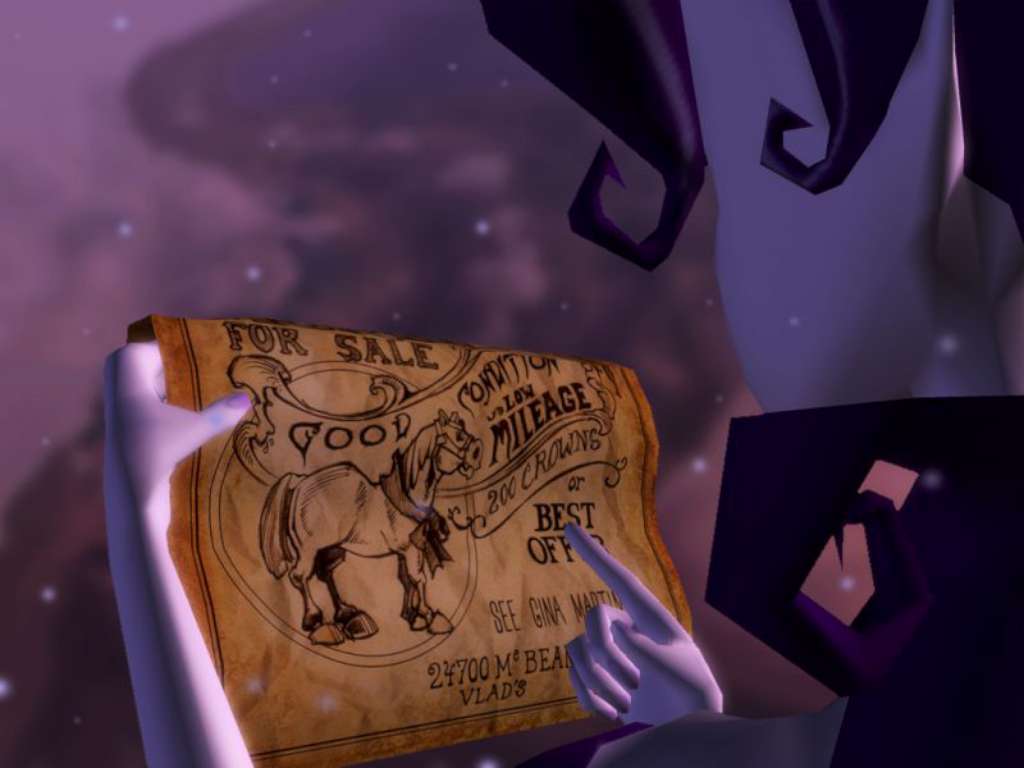
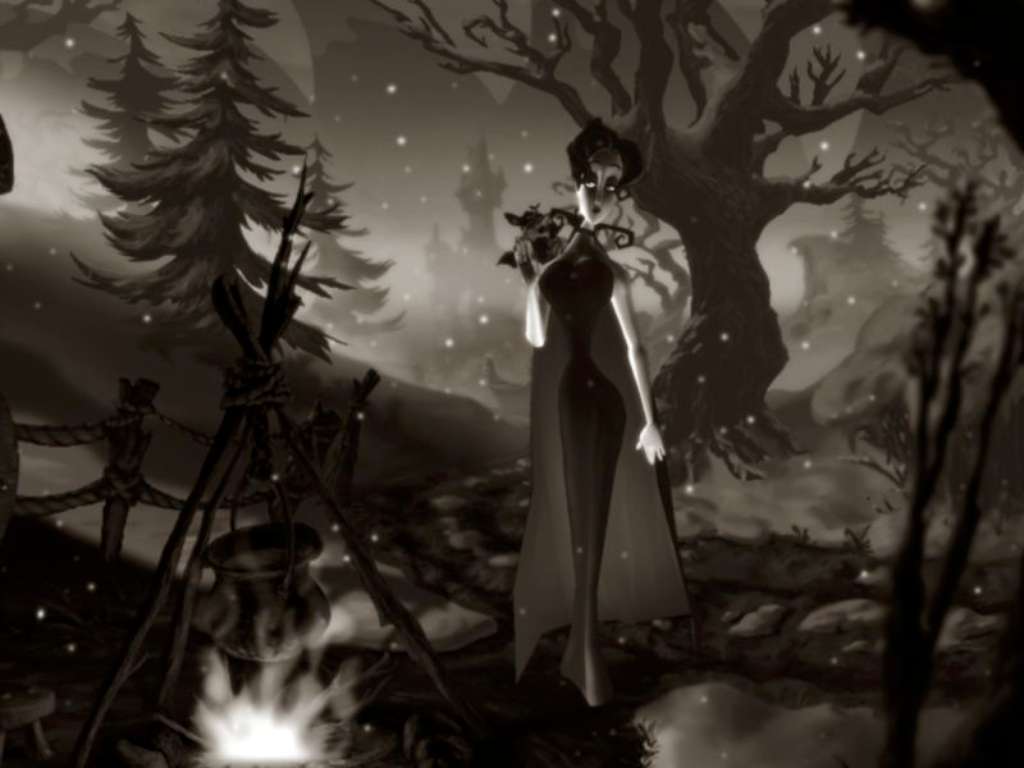
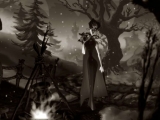
Once upon a time…Deep within the walls of a gloomy castle in the equally gloomy land of Draxsylvania, the young, gifted opera singer Mona De Lafitte is held captive by her tormentor, vampire Baron Shrowdy von Kiefer. Ever since she was transformed into a vampire by Shrowdy and whisked off to Draxsylvania, her greatest wish has been to return to Paris, continue her singing career, and one day become a star at the Paris Opera. When Shrowdy fails to return from a nightly foray, she at last sees an opportunity to flee. Together with her only friend and confidant, a cheeky bat named Froderick, she escapes from her prison and tries to find her way back to Paris. During her flight through Draxsylvania, where she encounters some strange inhabitants and some even stranger challenges, Mona must learn not only to accept her vampire nature, but also to use the abilities she has acquired to her advantage. Features A classic point-and-click comic adventure created and directed by Bill Tiller More than 30 hand-drawn locations in 2D Rendered using a real time 3d ‘multi-plane’ camera More than 25 characters Mona’s vampire abilities and restrictions create interesting gameplay
System requirements
Activation details
Reviews
Only logged in customers who have purchased this product may leave a review.







Reviews
There are no reviews yet.