
Shuzzler Steam CD Key
Description
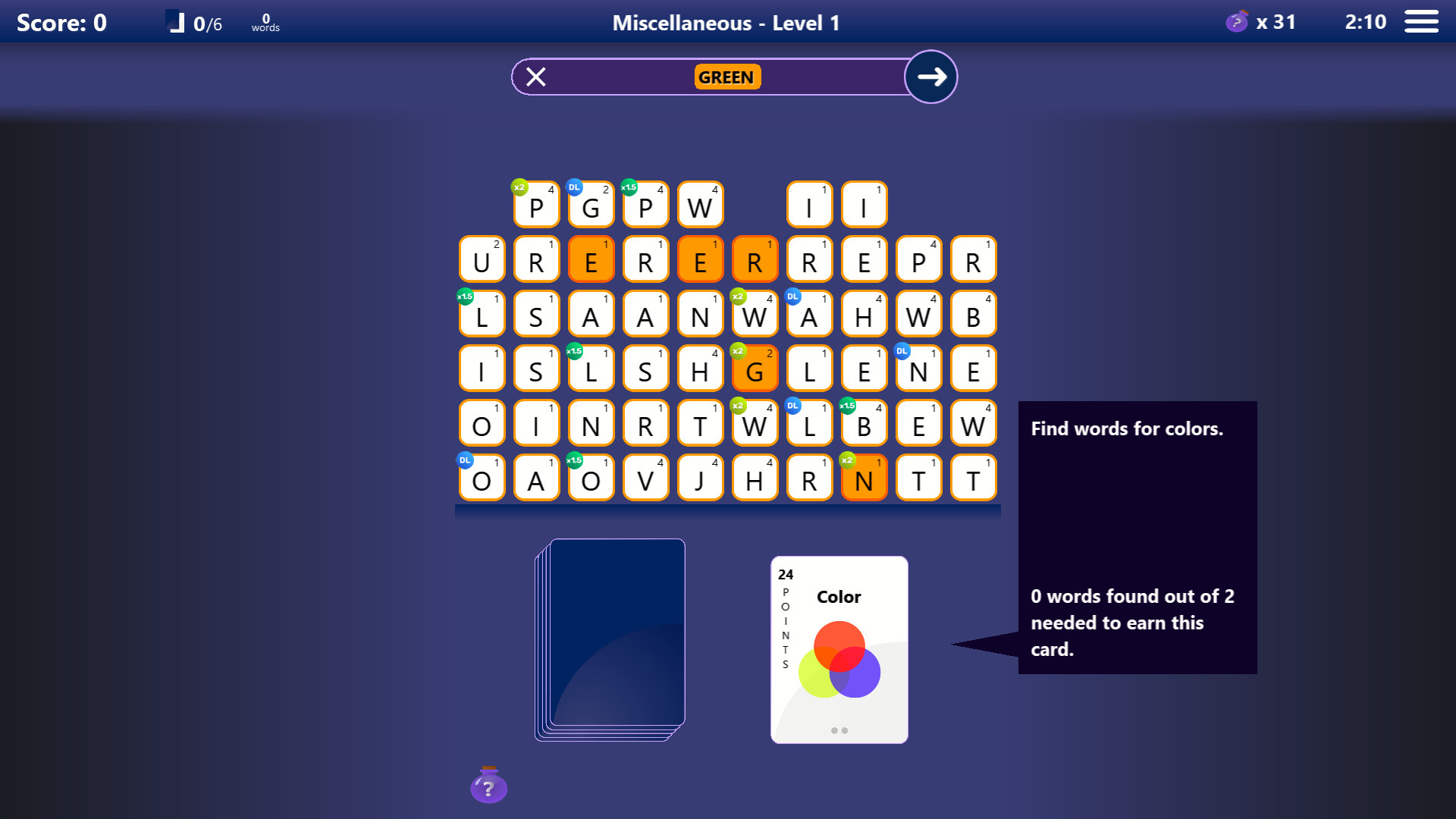
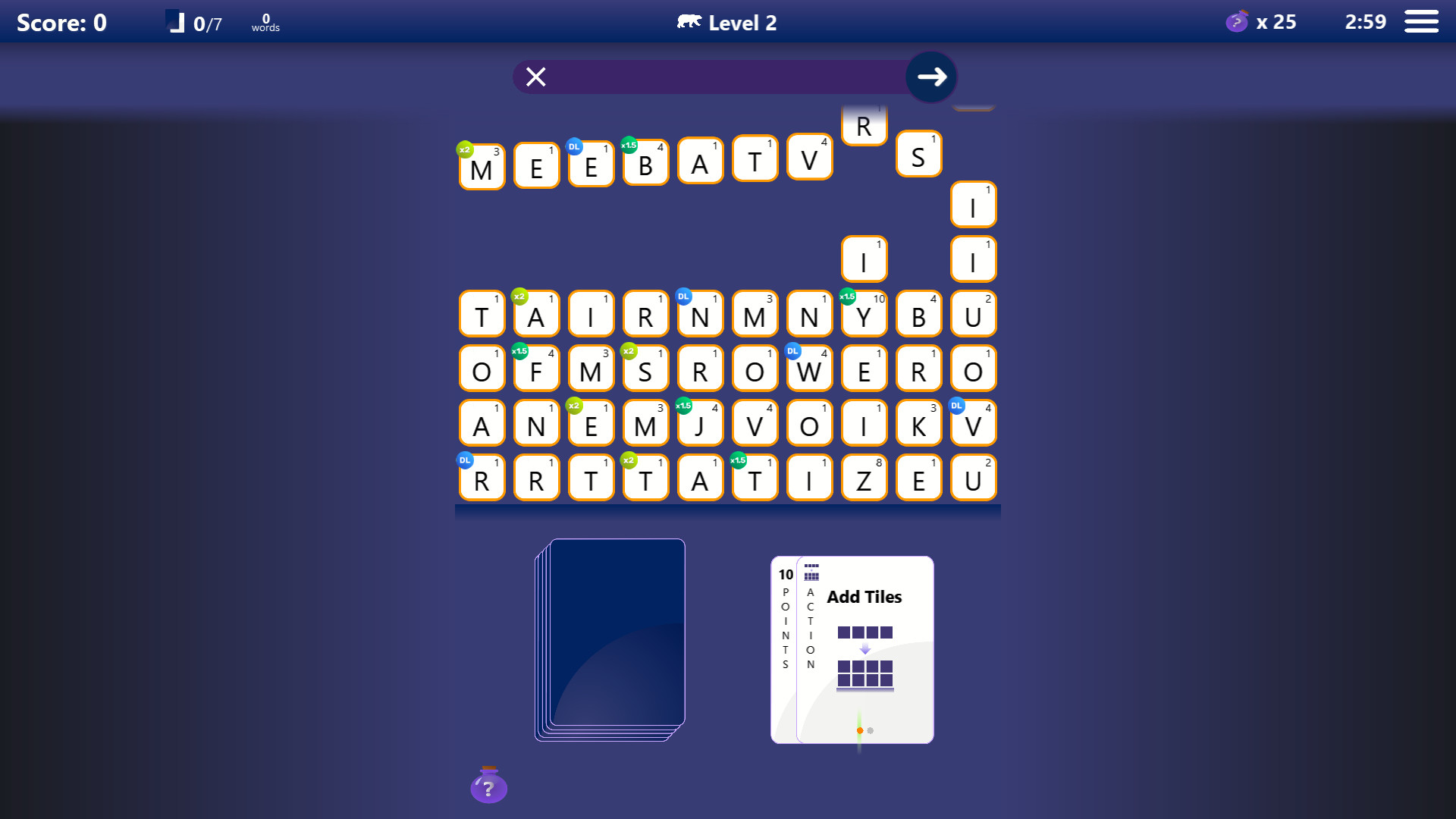
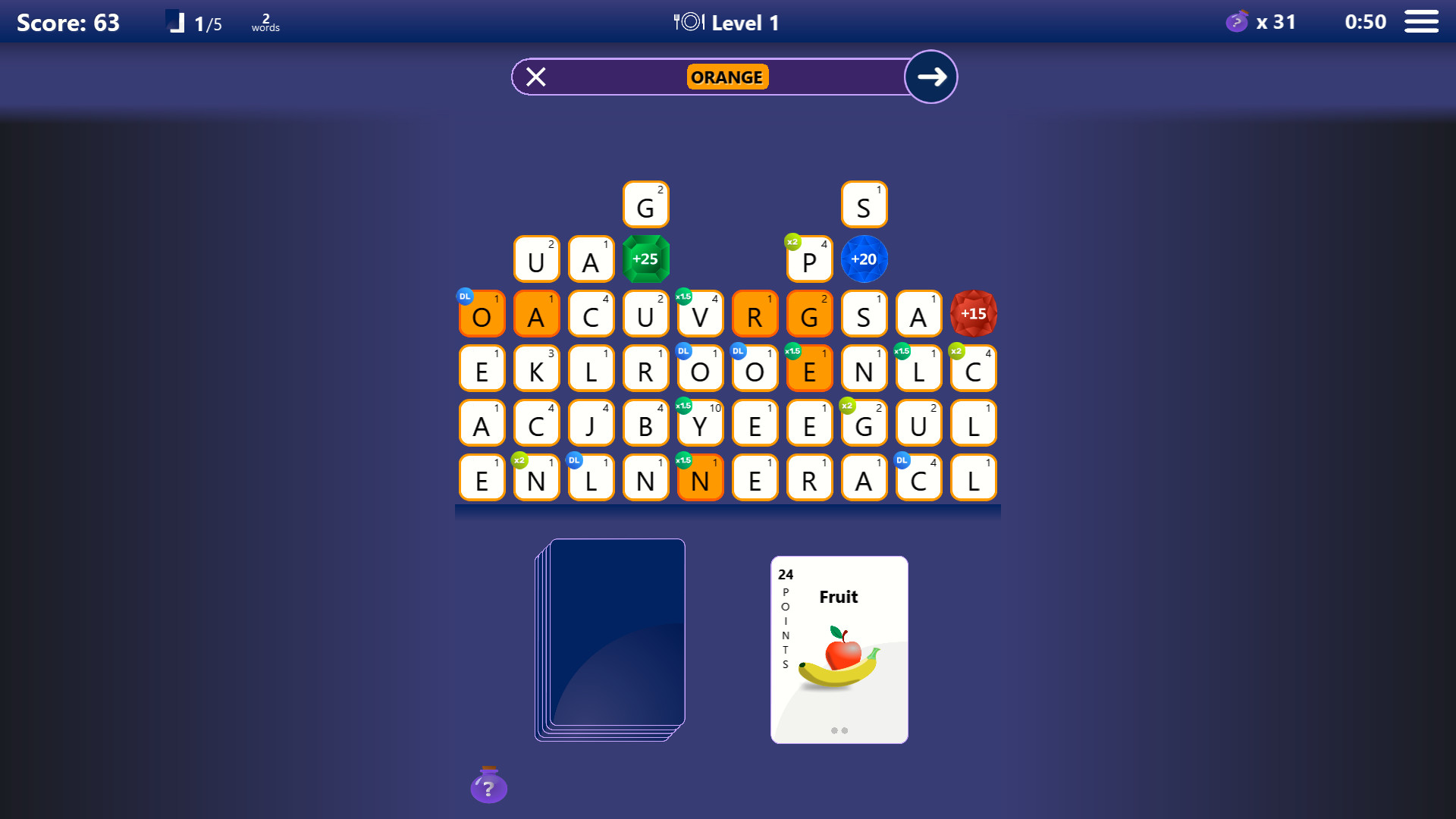
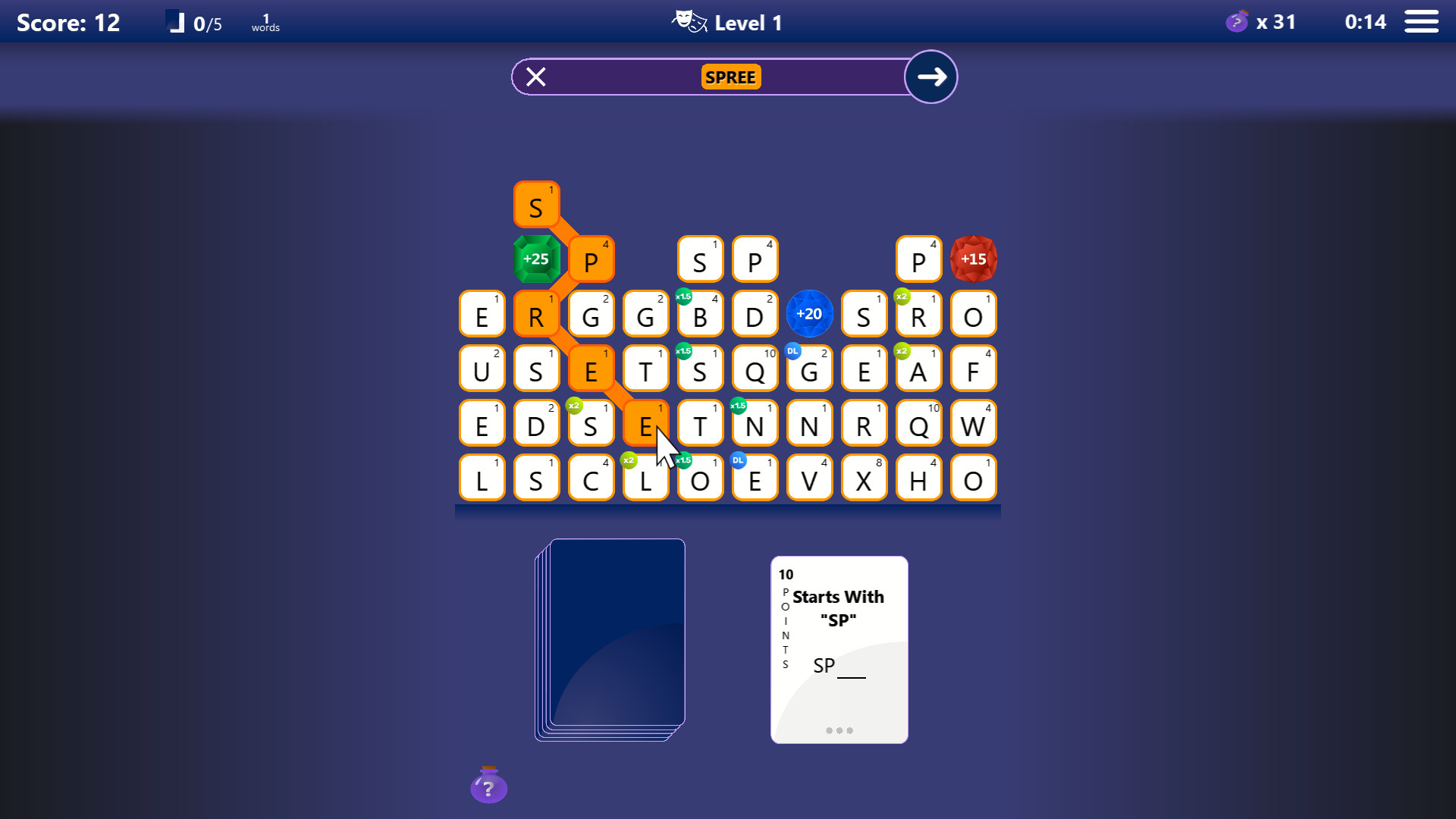
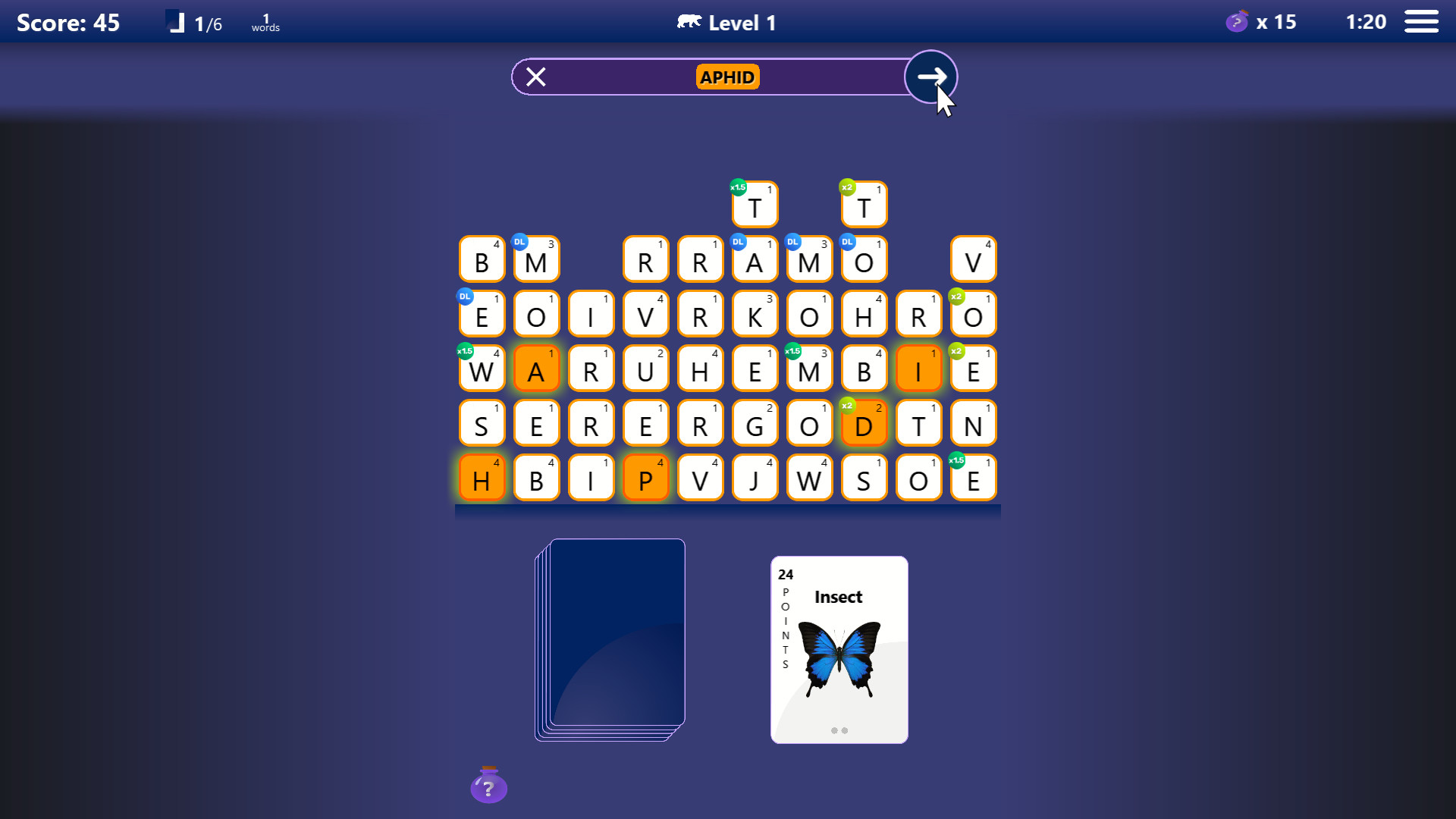
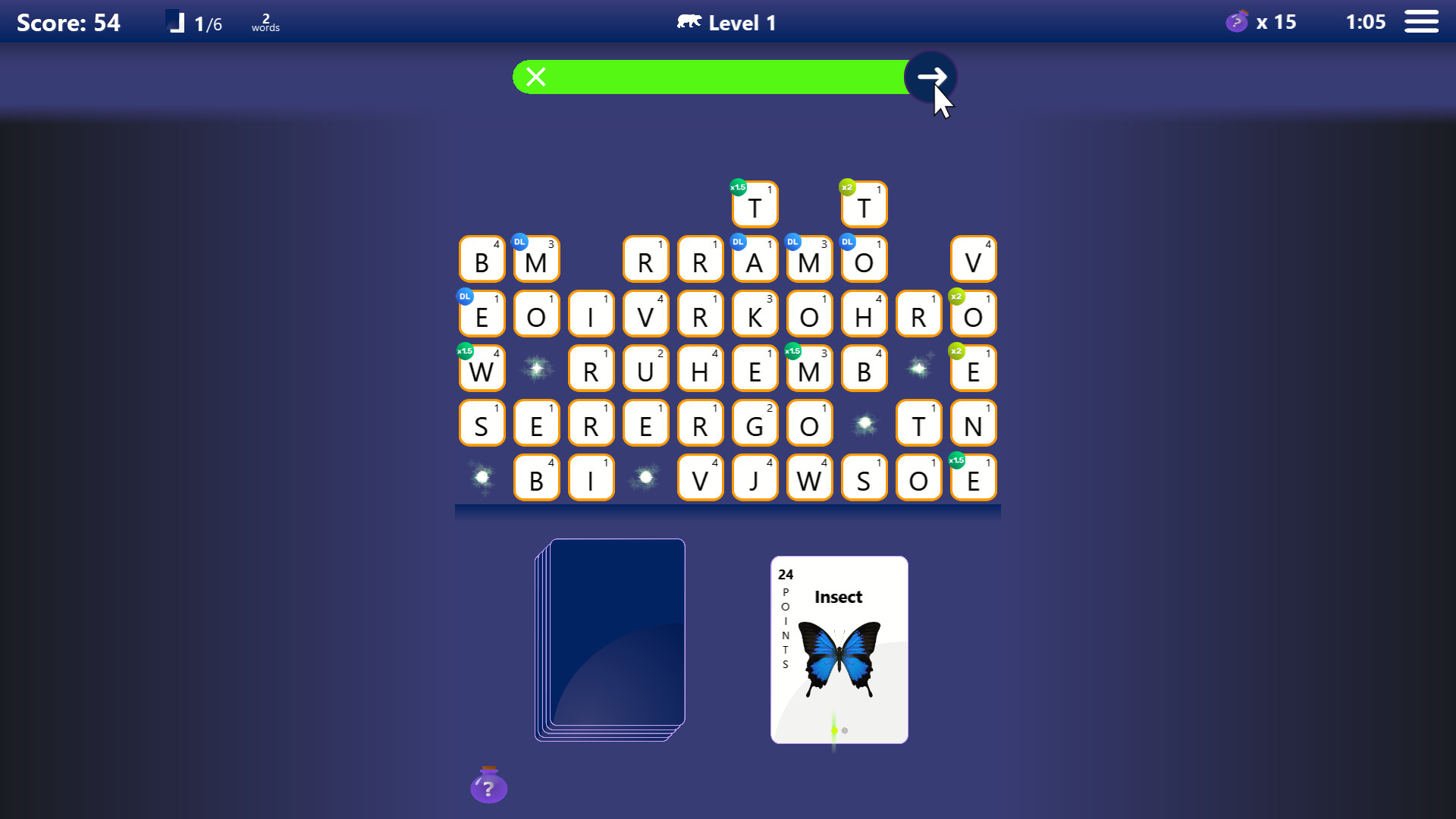
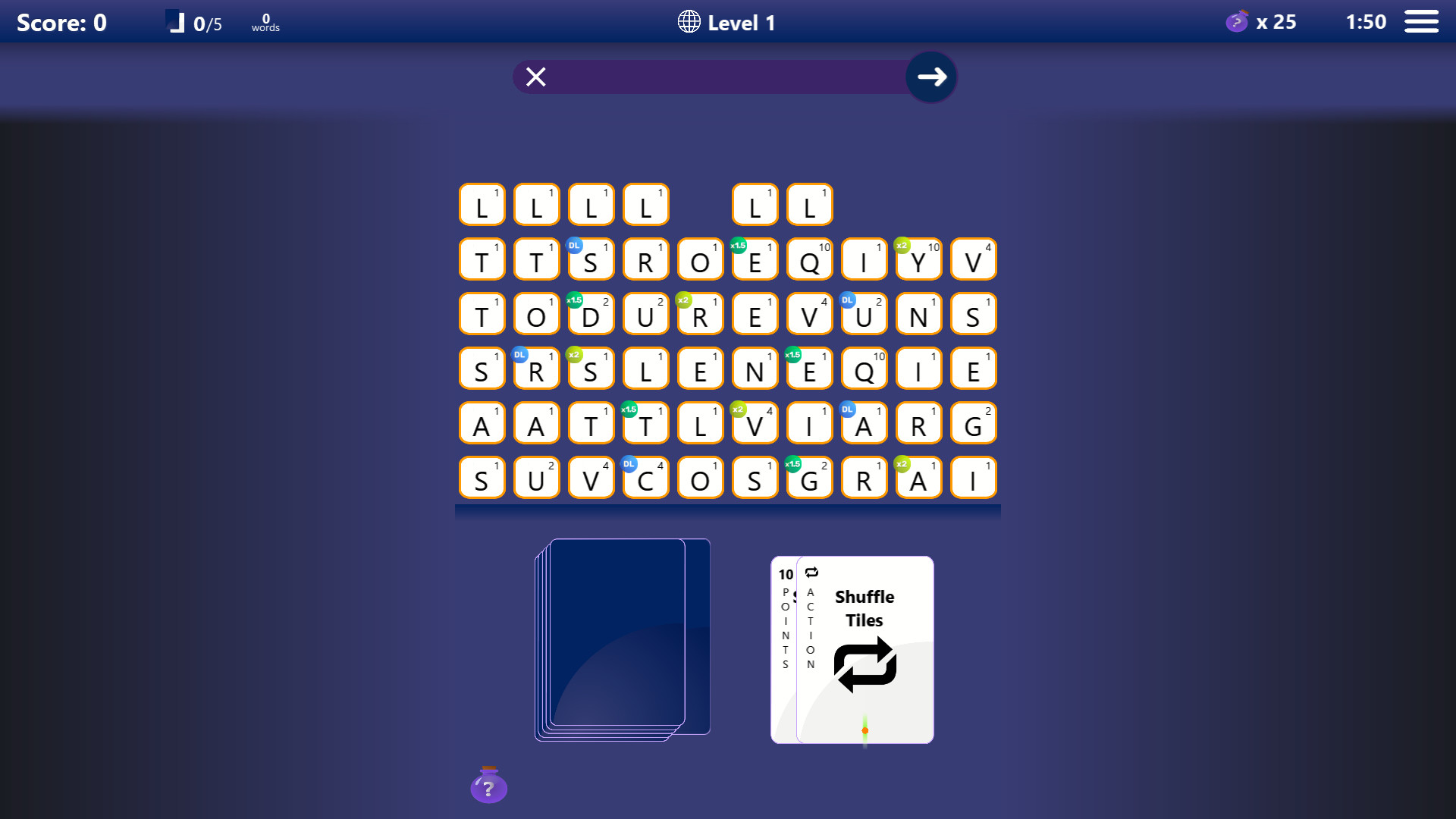
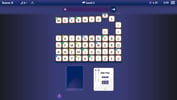
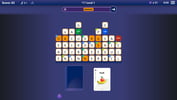
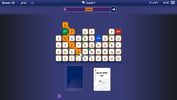
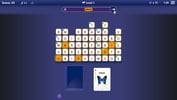
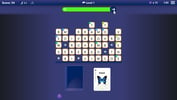
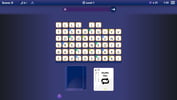
The classic word game first released on the iPhone has returned and is now available for the first time on Steam. Shuzzler incorporates everything great from every word game ever created and more to bring a fresh and challenging gaming experience worthy of fans of the word game genre and newcomers alike. Shuzzler involves spelling words according to criteria given by cards drawn from a deck. For example, a given card may require spelling words with exactly four letters, words that start with the letters “SH-“, or words for types of fruit, US states, or sports. Spell words with letter tiles in a grid by clicking the letter tiles individually or swiping them by click-and-dragging the mouse cursor to connect adjacent letter tiles. If you spell all of the words allotted for a card, you earn it and are awarded the card’s point value in addition to the points you gained from spelling words. The objective is to earn all of the cards. Features Unique game play Single-player and local PvP multiplayer or play against an AI opponent 32 fast-paced, timed levels available in single-player mode 200 unique cards and 60 category cards (e.g. colors, sports, fruits, US states, etc.) featuring beautiful (mostly) original concept artwork Submit words using letter tiles in a grid by selecting tiles individually or swiping (i.e. click-and-dragging to connect adjacent tiles). Swiping earns 1-bonus point per letter tile Maximize your score by using bonus letter tiles and other special tiles in the letter tile grid 1, 2, and 3 card draw (see explanation below) Keyboard support Post-game stats
System requirements
Activation details
Reviews
Only logged in customers who have purchased this product may leave a review.







Reviews
There are no reviews yet.