
Humongous Entertainment Complete Pack Steam CD Key




Description
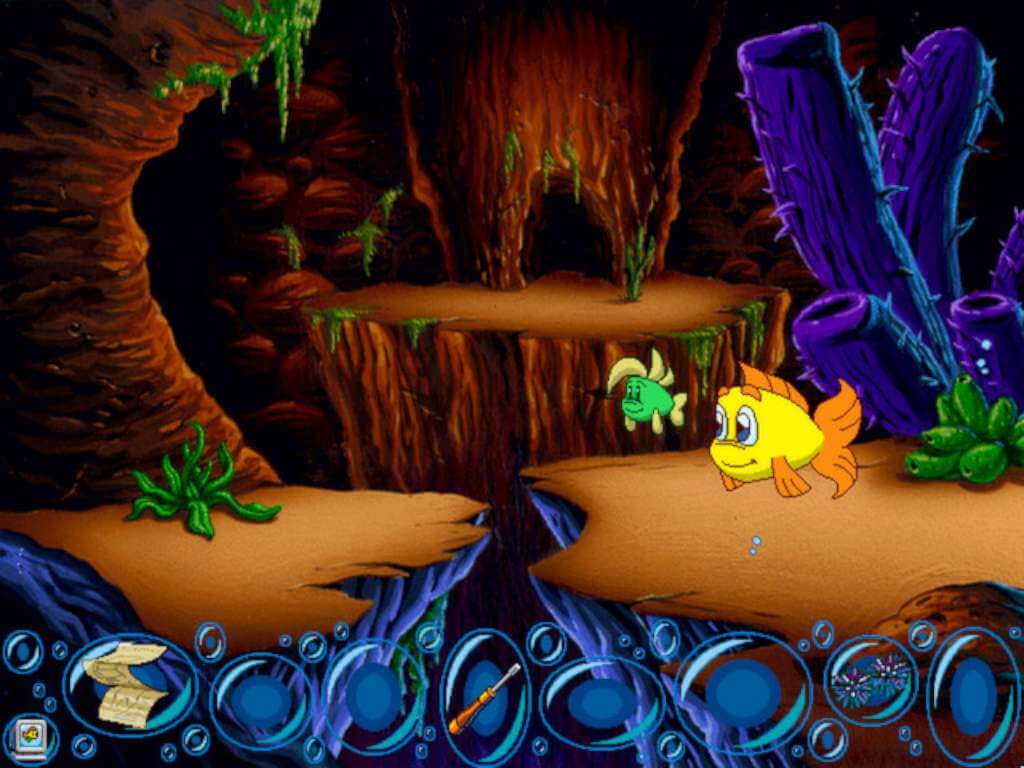
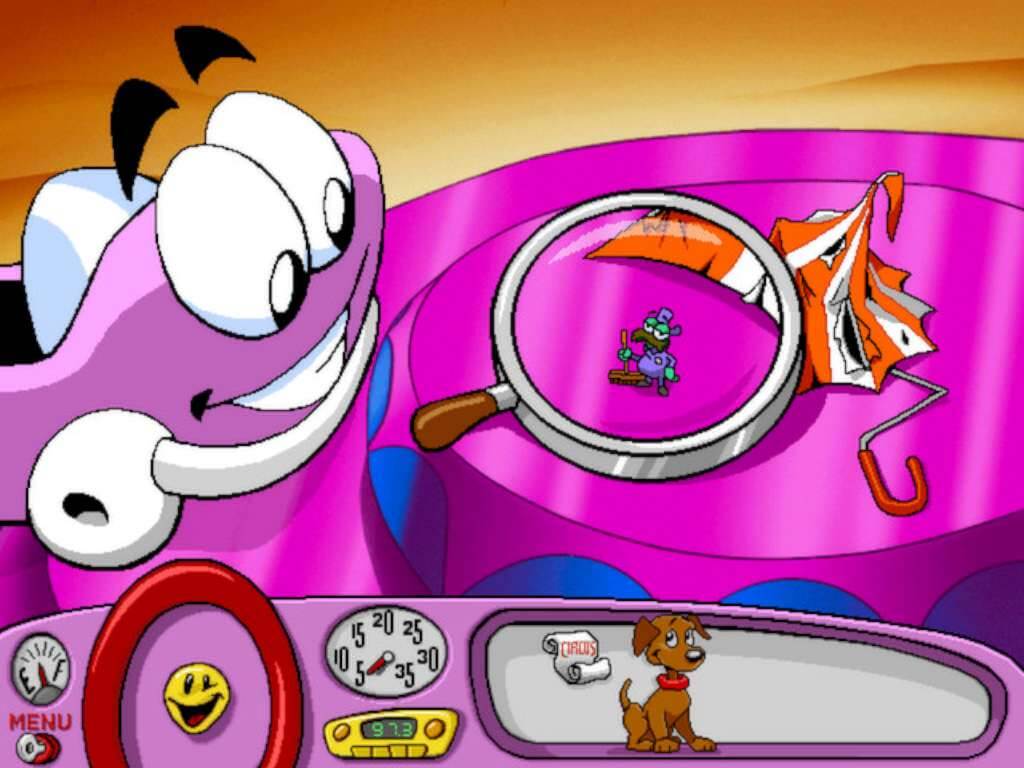
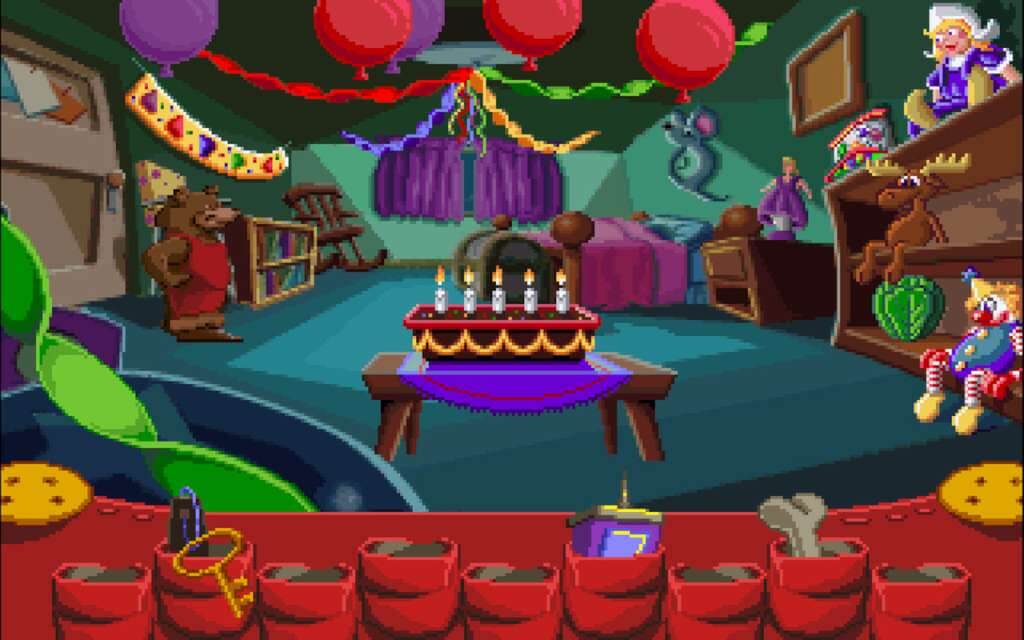
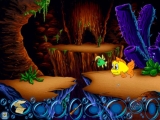
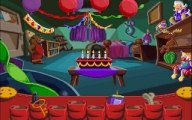
The Humongous Entertainment Complete Pack gives you instant access to all 29 games from the following bundles. Includes 29 items: Fatty Bear’s Birthday Surprise, Freddi Fish 2: The Case of the Haunted Schoolhouse, Freddi Fish 3: The Case of the Stolen Conch Shell, Freddi Fish 4: The Case of the Hogfish Rustlers of Briny Gulch, Freddi Fish 5: The Case of the Creature of Coral Cove, Freddi Fish and Luther’s Maze Madness, Freddi Fish and Luther’s Water Worries, Freddi Fish and The Case of the Missing Kelp Seeds, Pajama Sam 2: Thunder and Lightning Aren’t So Frightening, Pajama Sam 3: You Are What You Eat From Your Head To Your Feet, Pajama Sam 4: Life Is Rough When You Lose Your Stuff!, Pajama Sam’s Lost & Found, Pajama Sam’s Sock Works, Pajama Sam: Games to Play on Any Day, Pajama Sam: No Need to Hide When It’s Dark Outside, Putt-Putt® and Fatty Bear’s Activity Pack, Putt-Putt® and Pep’s Balloon-o-Rama, Putt-Putt® and Pep’s Dog on a Stick, Putt-Putt® Enters the Race, Putt-Putt® Goes to the Moon, Putt-Putt® Joins the Circus, Putt-Putt® Joins the Parade, Putt-Putt® Saves the Zoo, Putt-Putt® Travels Through Time, Putt-Putt®: Pep’s Birthday Surprise, Spy Fox 2 “Some Assembly Required”, Spy Fox 3 “Operation Ozone”, Spy Fox in “Dry Cereal”, Spy Fox In: Cheese Chase, Spy Fox In: Hold the Mustard.
System requirements
Activation details
Reviews
Only logged in customers who have purchased this product may leave a review.







Reviews
There are no reviews yet.