
Car Mechanic Simulator VR Steam CD Key


Description
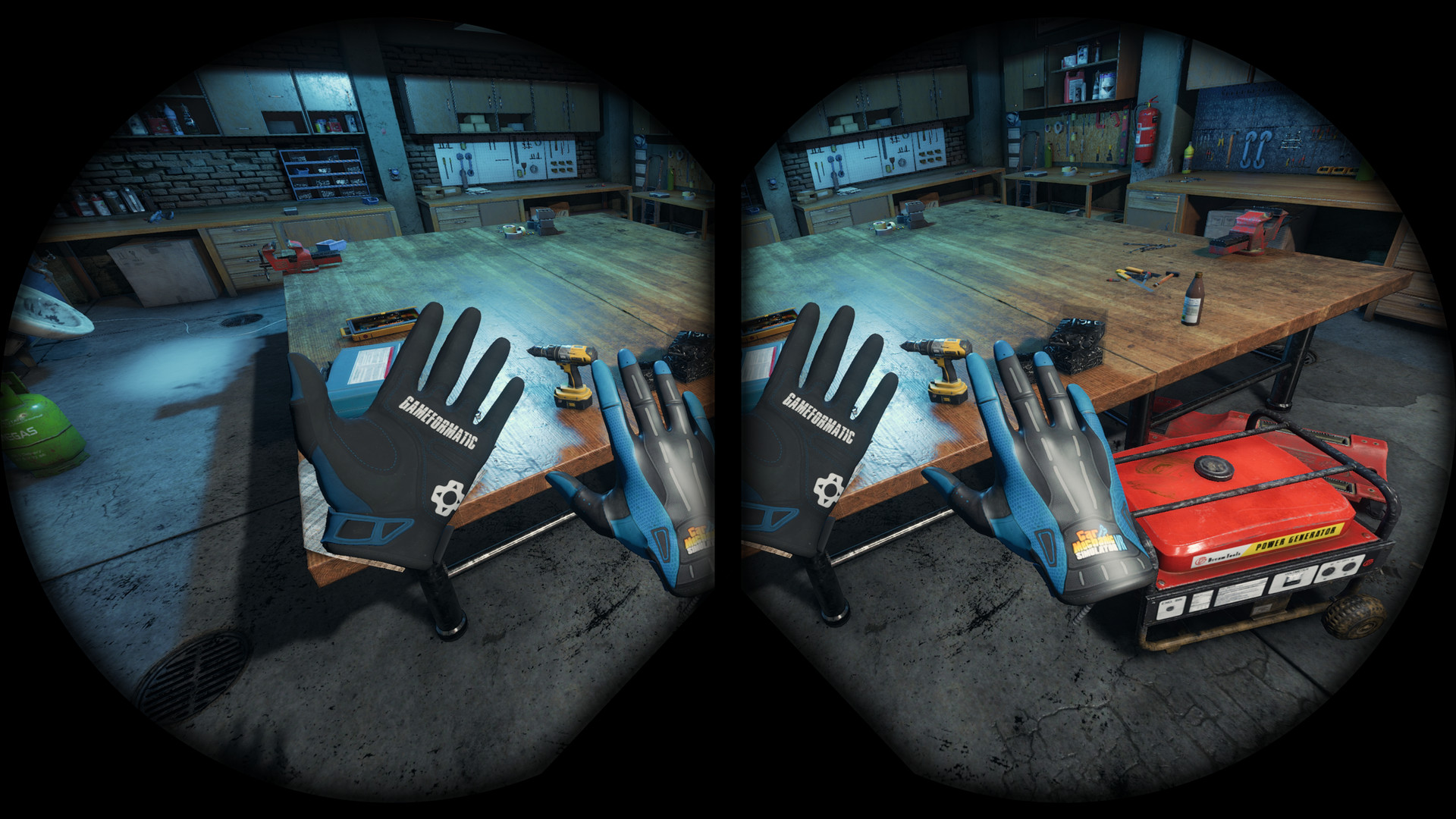
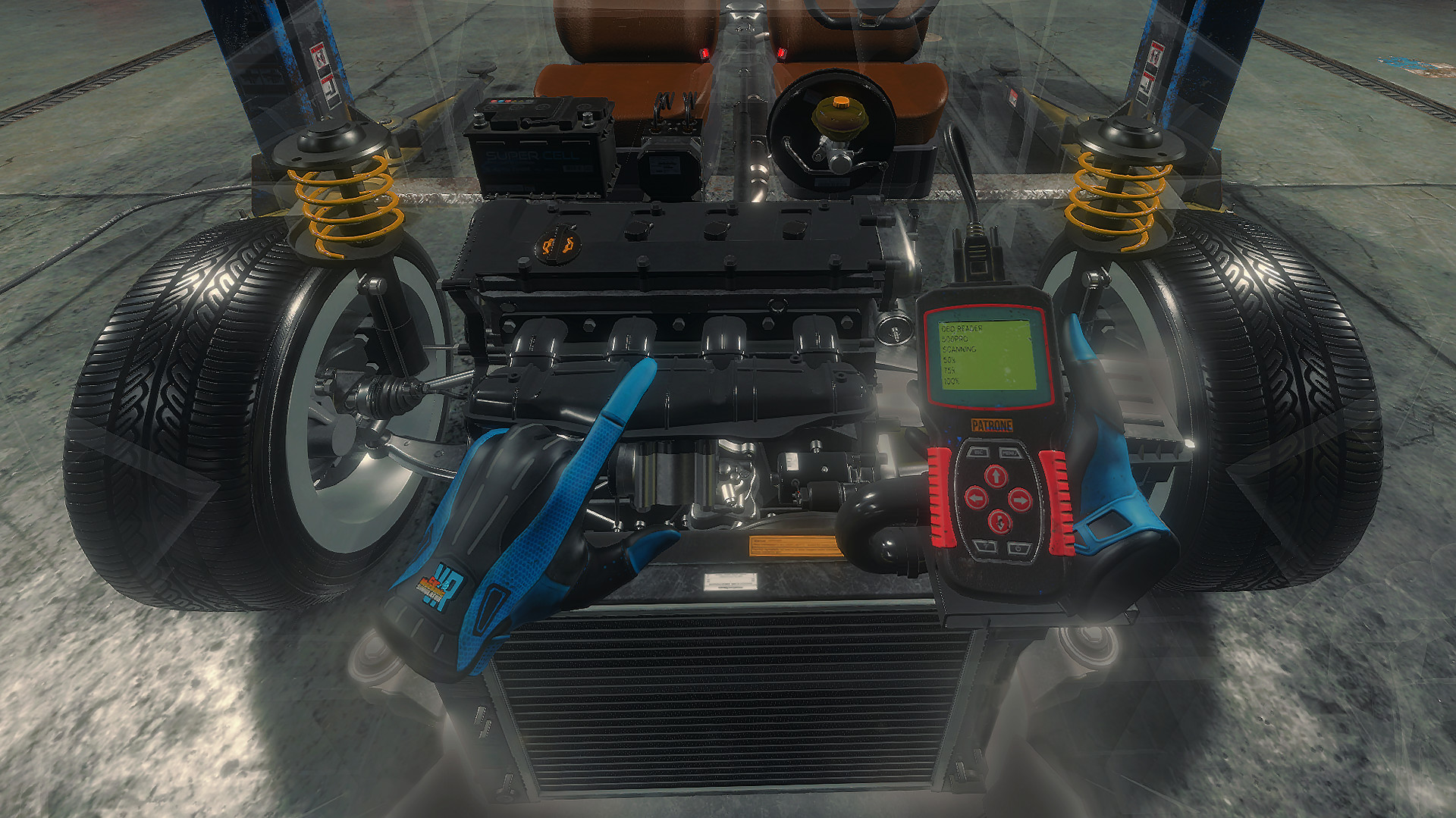
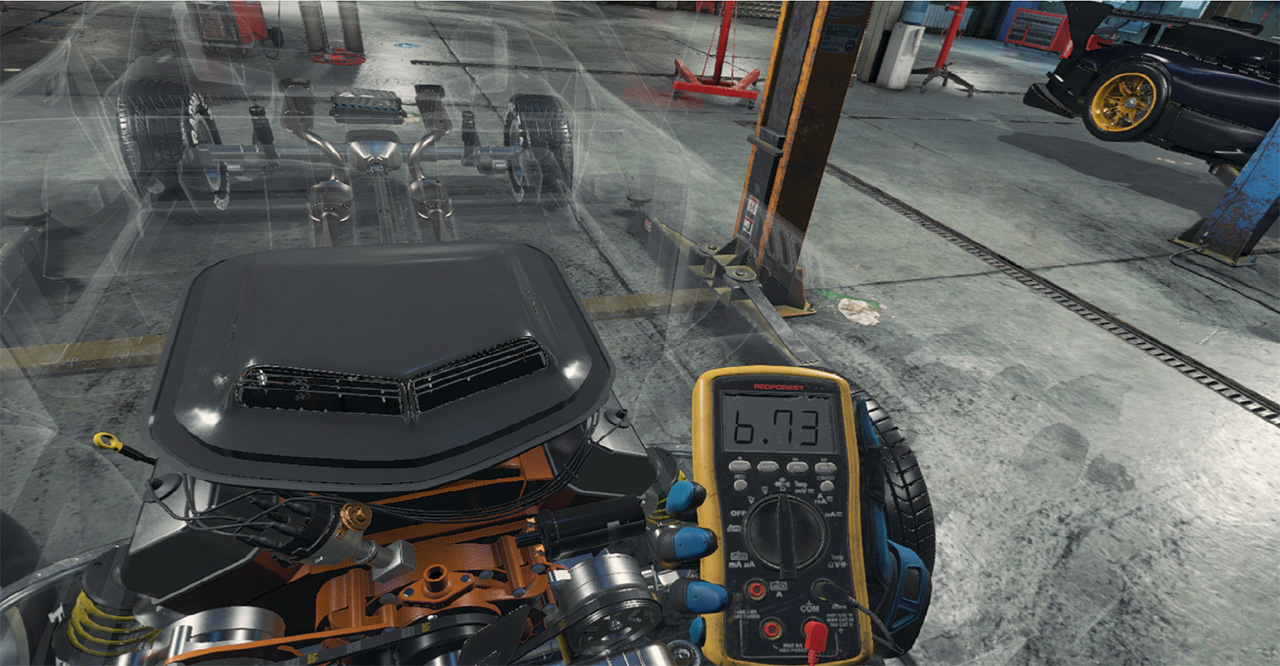
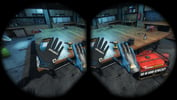
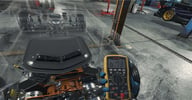
Car Mechanic Simulator VR challenges players to repair, paint, tune and drive cars in the fully 3D world. Find classic, unique cars in the new Barn Find module and Junkyard module. Build and expand your repair service empire in this incredibly detailed and highly realistic virtual reality simulation game, where attention to car detail is astonishing. All this with new, photorealistic graphics and a virtual reality experience. Features: cars (42), tools (10+), and unique parts and options (1000+). It’s time to roll up your sleeves and get to work in full immersive gameplay!Car Mechanic Simulator VR also includes car auctions where old cars are available for resale or purchased for your collection. The game’s infinite number of randomly generated missions will keep you more than busy (and dirty). Thanks to the capabilities of virtual reality you can get closer to the beautiful and rare vehicles of your dreams.Each mission offers its own unique challenge of varying difficulty and time constraints to meet. If additional and extra tools are needed, they available for purchase. You can eventually upgrade your garage to include specific equipment such as a lacquer sprayer or a parts warehouse. Supported VR goggles/headsets: HTC CosmosHTC Cosmos EliteHTC ViveHTC Vive ProMicrosoft Mixed Reality (various VR headsets, not AR)Oculus Quest (link only)Oculus Quest 2 (link only)Oculus RiftOculus Rift SSteam VR (various VR headsets)Valve Index
System requirements
Activation details
Reviews
Only logged in customers who have purchased this product may leave a review.







Reviews
There are no reviews yet.