
Star Wars Battlefront II Celebration Edition EN Language Only EA App CD Key








Description
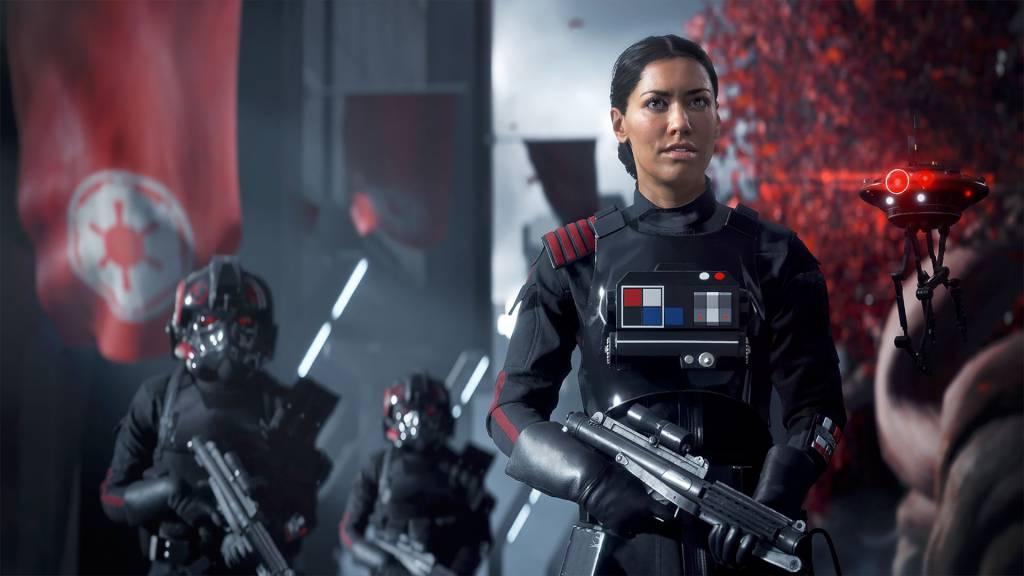
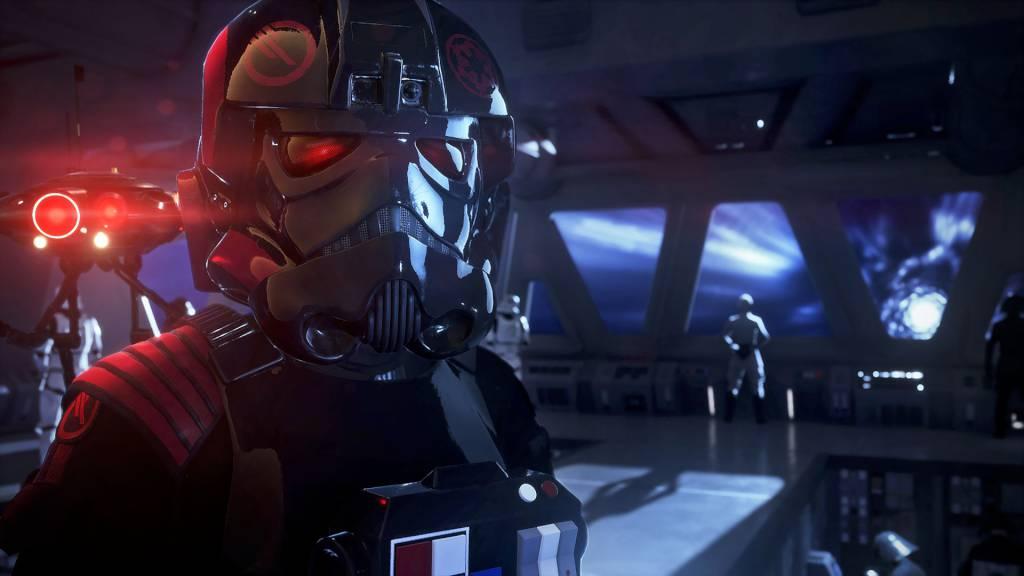
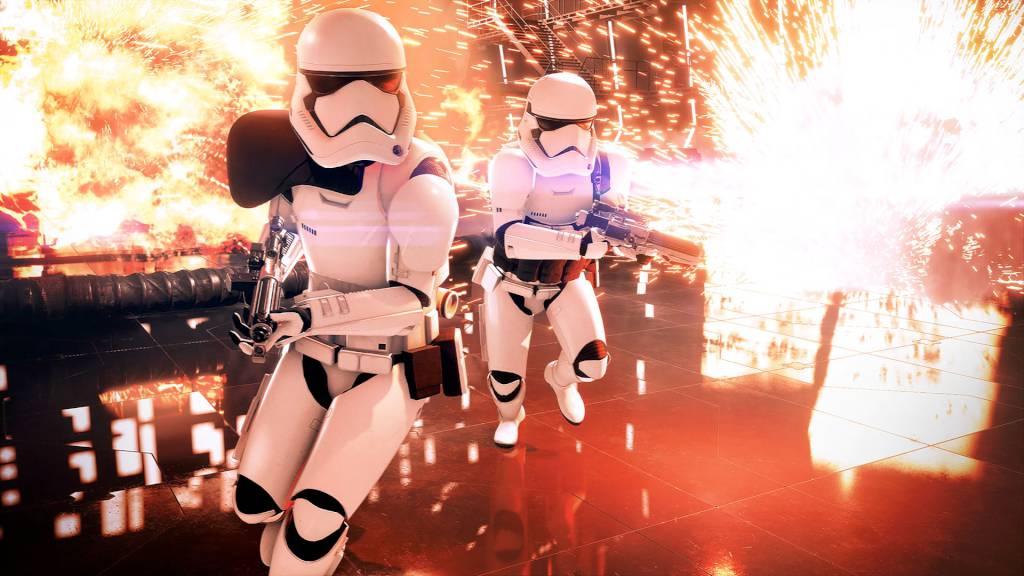
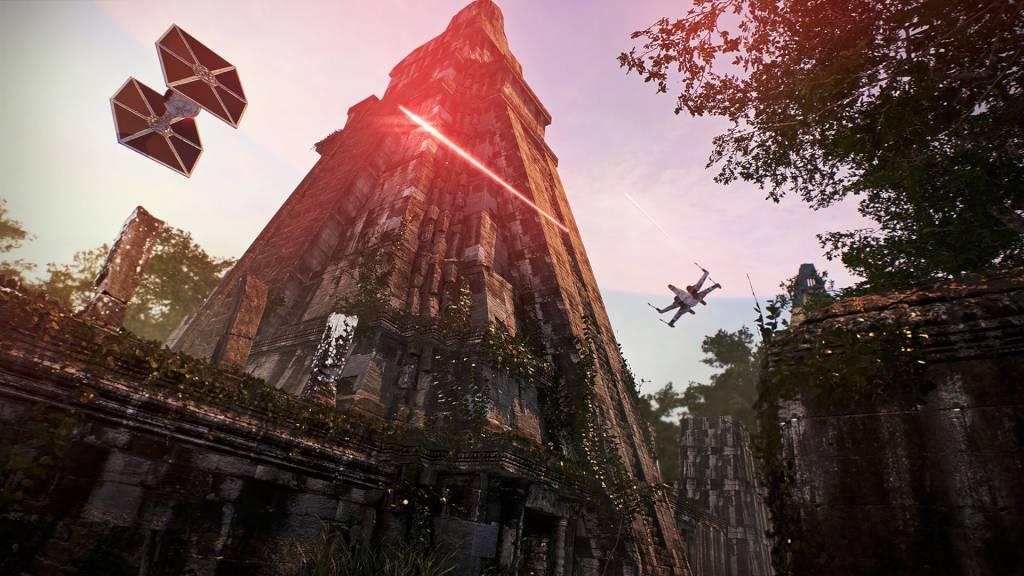
Includes: Base Game Including all past and upcoming free game updates* as they release More than 25 Hero Appearances Including six Legendary Appearances, plus one Appearance each for Rey, Finn, and Kylo Ren inspired by Star Wars: The Rise of Skywalker, coming December 17 More than 125 Trooper and Reinforcement Appearances More than 100 Hero and Trooper Emotes and Voice Lines More than 70 Hero and Trooper Victory Poses. *Customization content released after December 20, 2019 is not included in the Celebration Edition. The Celebration Edition gives you the choice to look elegant, scruffy, or anything in between as you partake in huge battles across three Star Wars eras. Get boots on the ground in the Clone Wars, dive into the nostalgia of the original trilogy, and immerse yourself in the finale of the Skywalker saga with upcoming Star Wars: The Rise of Skywalker content. Your Star Wars hero’s journey has begun! The prequels, original trilogy and new era meet in an expanded multiplayer experience and galactic-scale space combat. Play iconic heroes that bring distinct abilities to the battlefront – or join the fight in an emotionally-gripping single-player story.
System requirements
Activation details
Reviews
Only logged in customers who have purchased this product may leave a review.





Reviews
There are no reviews yet.