
Dark Fall: Ghost Vigil Steam CD Key



Description
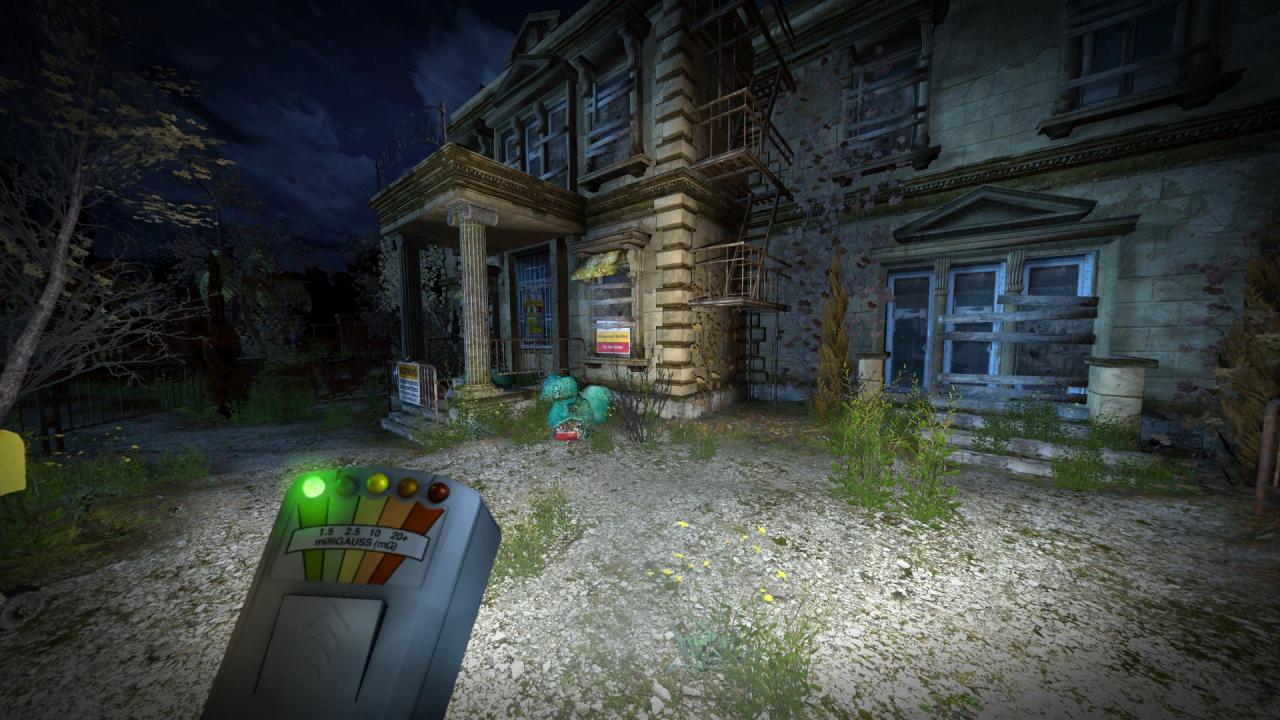
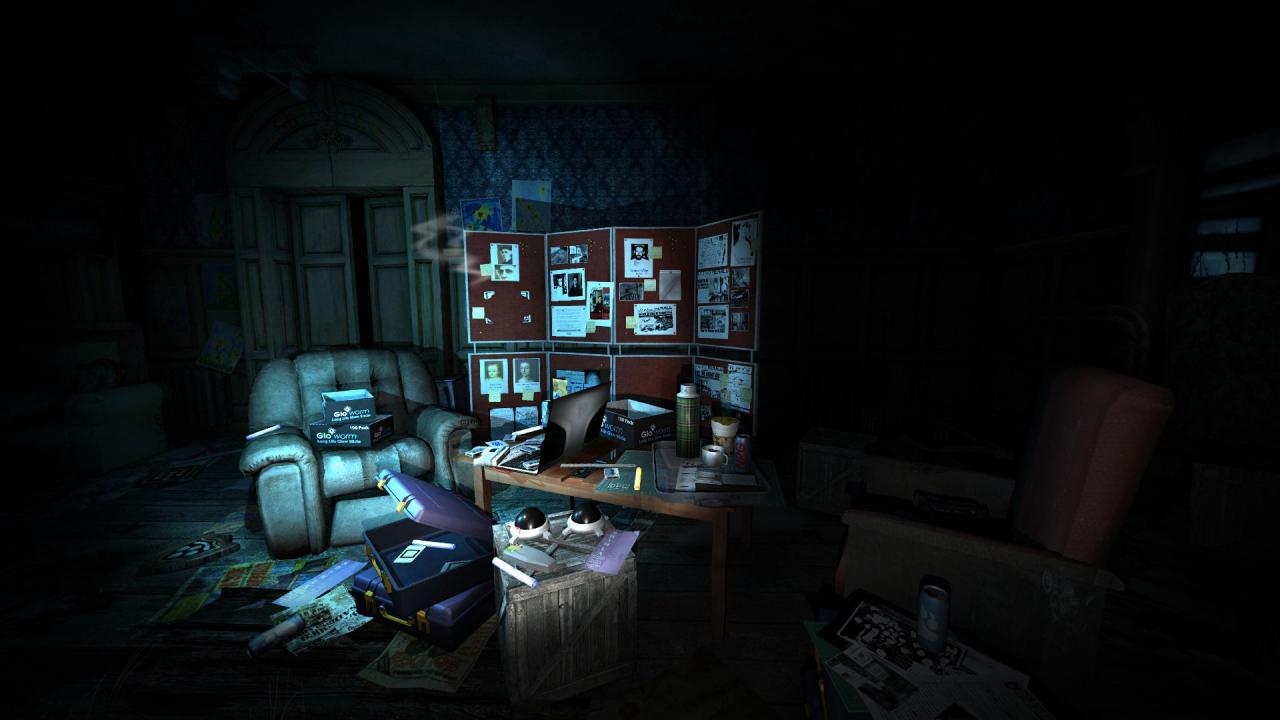
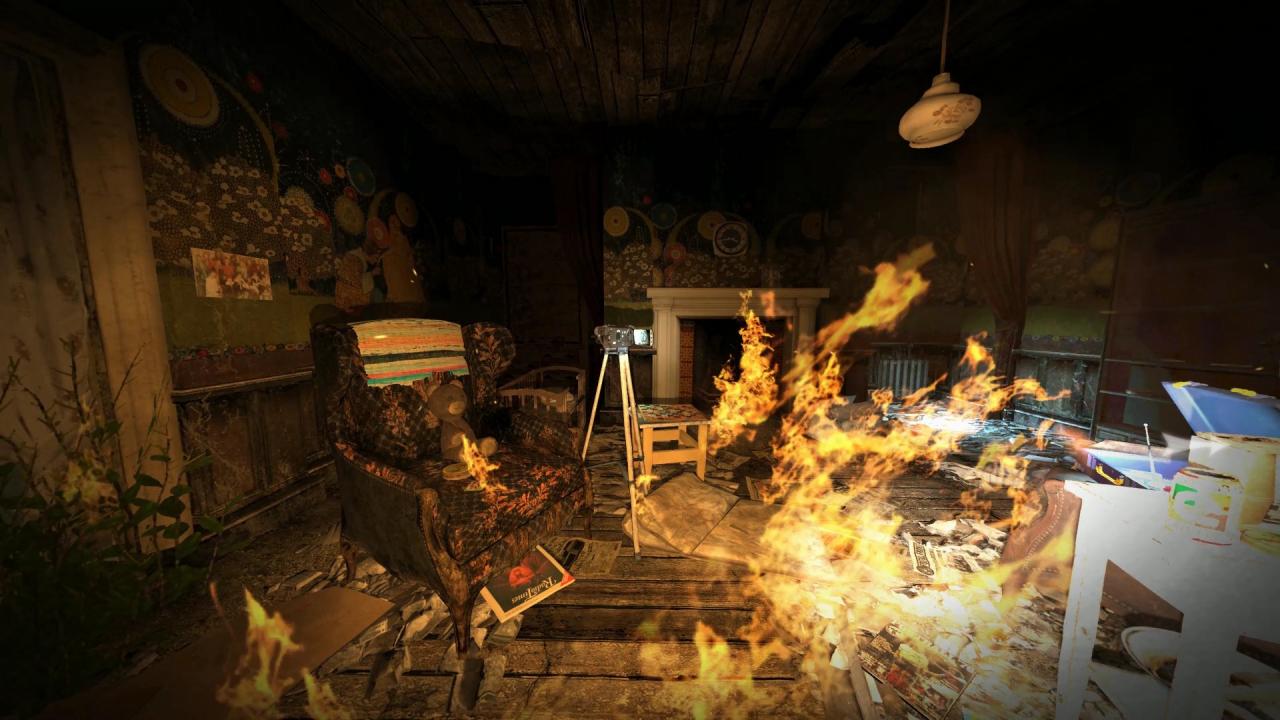
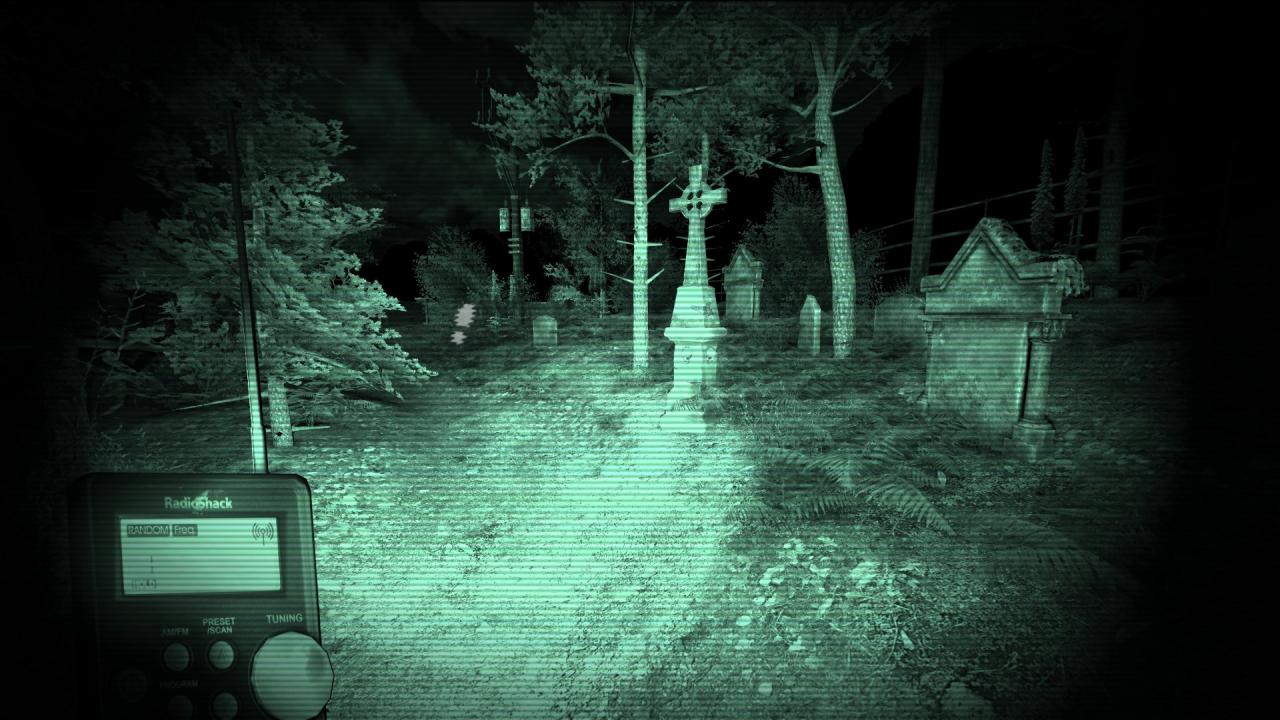
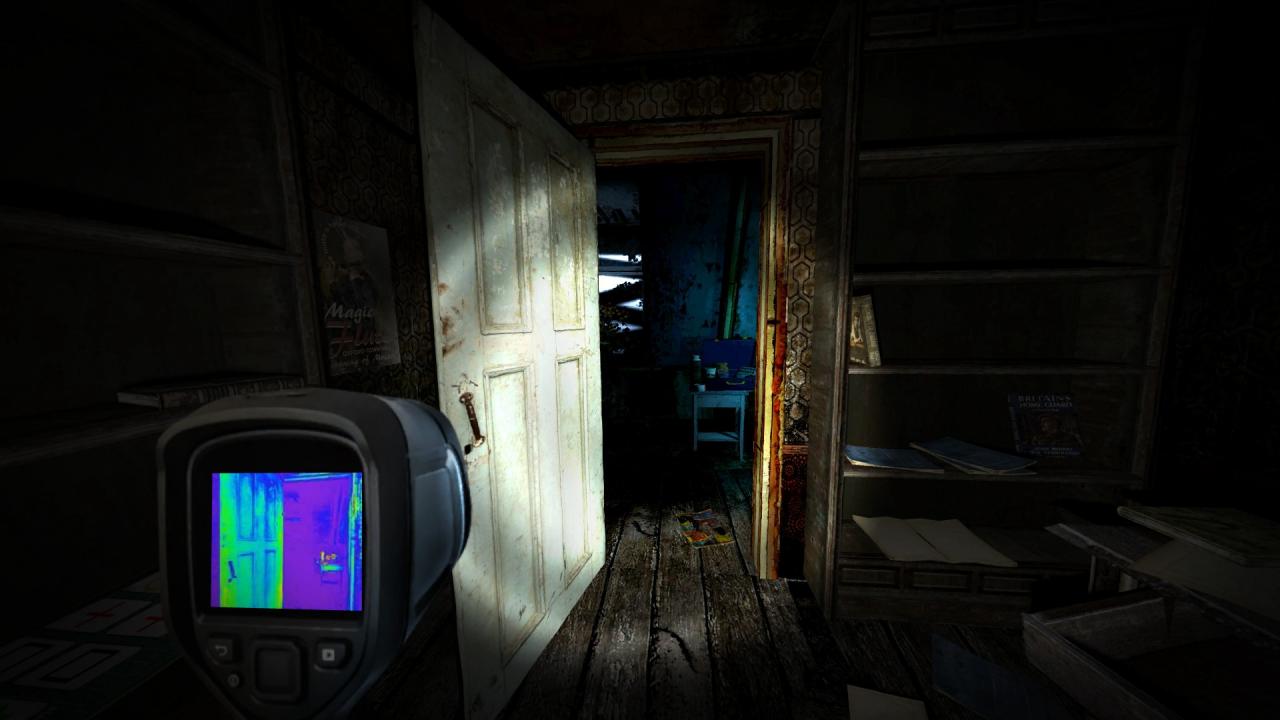
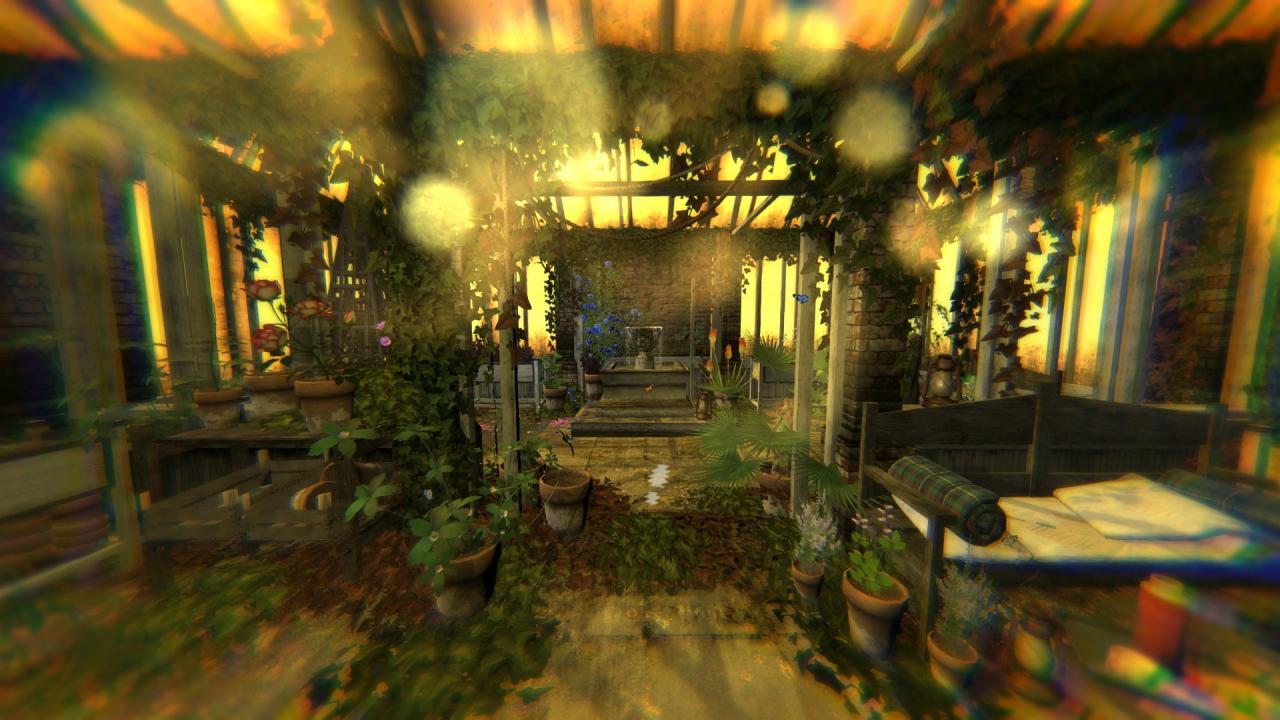
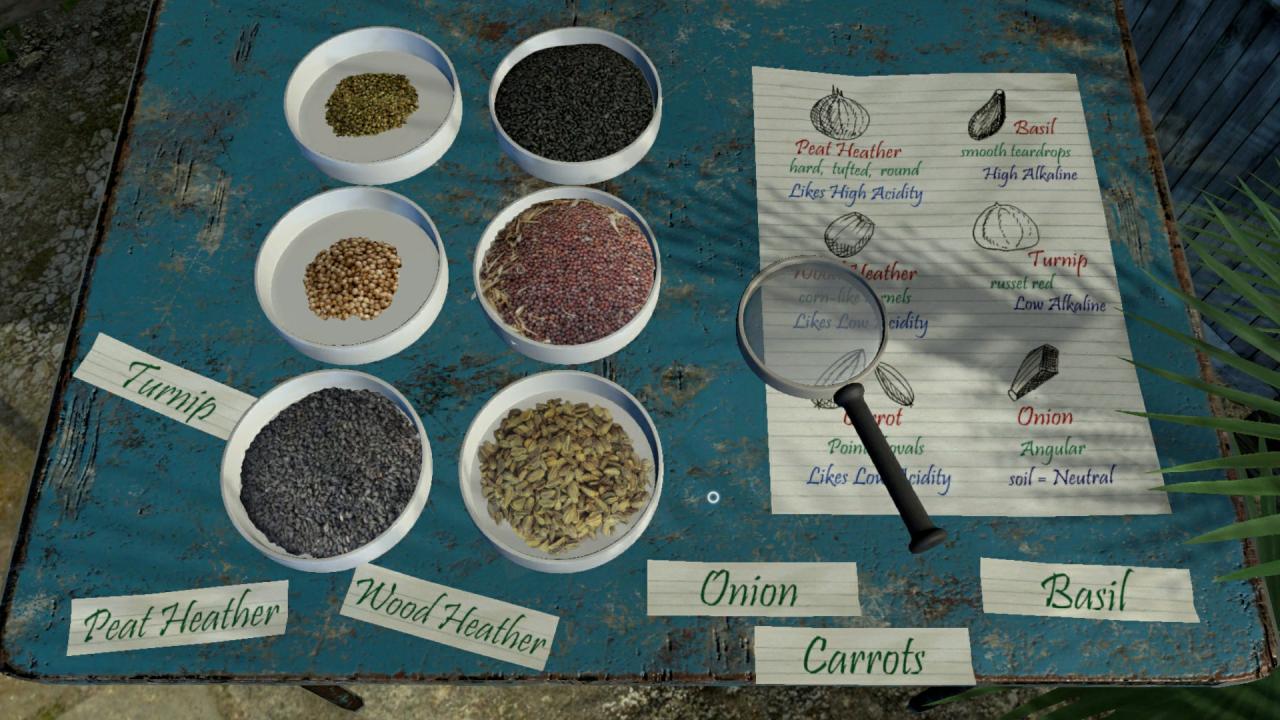
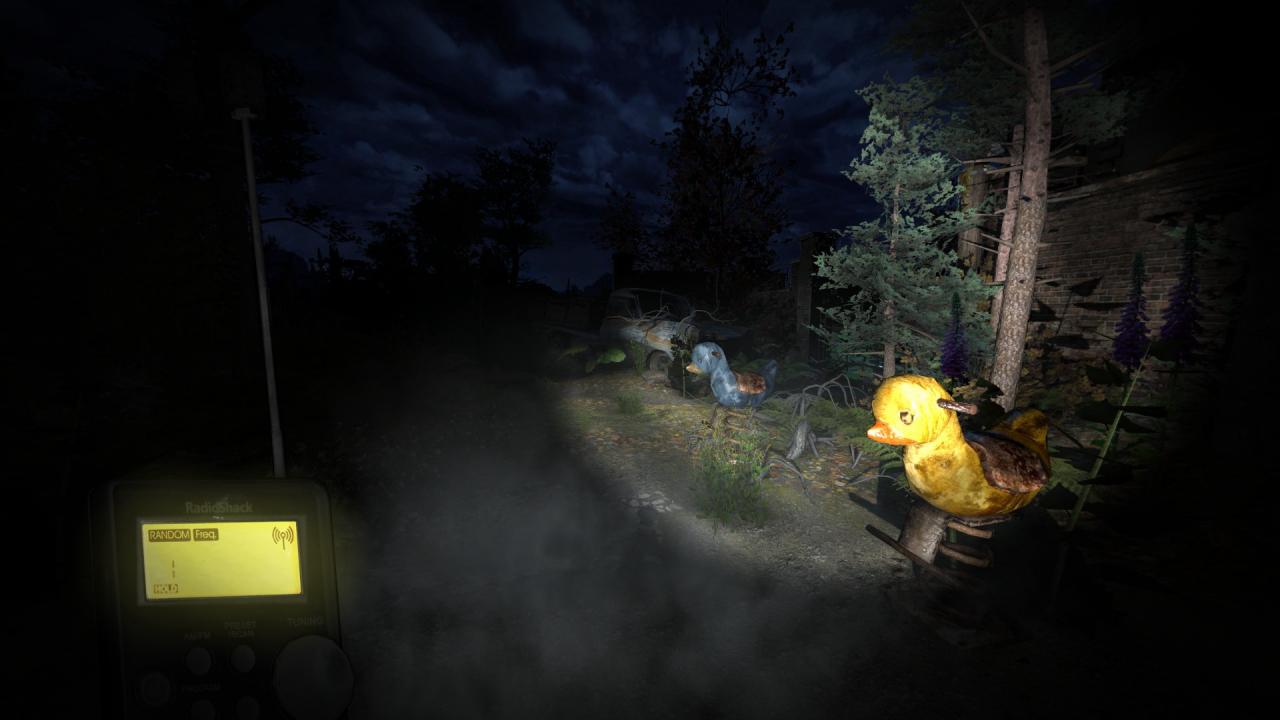
Join the all-night ghost vigil at Harwood House. As part of the ‘OPG’ paranormal investigation team, explore the haunted buildings and investigate sightings of ghosts, long reported around the area of Wolfenden. Grab the ghost hunting gadgets and solve the mystery surrounding this abandoned building. Welcome to Ghost Vigil The aim is to prove the existence of ‘ghosts’ through paranormal experiments. The venue is Harwood House, boasting a disturbing history, waiting to be experienced, by you. We, The Oxford Paranormal Group, believe the building is haunted, not by a single unknown entity, but several. The O.P.G have placed several remote live cameras and experiments throughout the building.Harwood House is now empty as it has been for 4 decades, but you can be the eyes in the dark… watching… waiting. Discover what happened.The house was built in 1747, as a country home for Lord Harwood, his wife and young son, Edgar. The Harwood estate was modest, stretching to a few dark wooded hills, deep in the Oxfordshire countryside. A tragedy occurred, in 1749, when Lord Harwood lost his son to scarlet fever.A mixed history then befell Harwood House; it was passed from one owner to another in quick succession. It would appear no-one wanted to stay, for long. In later years the house became a hotel, a maternity hospital and eventually, in 1968, a children’s home known as Shangri La. Your Role: You are new to the OPG, the Oxford Paranormal Group, but have to face your first ‘all night vigil’ at Harwood House. Your investigation will begin in the Attic, as your designated ‘closed door experiment’, before exploring the remains of the abandoned Harwood House and the Shangri La children’s home.In addition to exploring your designated investigation area, there are also ghost cams available to see other parts of the venue, as well as interactions with your fellow OPG members via messages and walkie talkie.Your mission is to monitor the equipment and paranormal experiments. Things start off okay, with potential activity; orbs, flashes, temperature drops… until midnight, when things become deeply ‘unexplainable’. Who haunts Harwood House? Features Explore the old abandoned Harwood House after dark. Use Ghost Hunting gadgets to discover supernatural activity, ‘see’ into the past, and hear the dead. Experience flashbacks to the past through Time Slips. Conduct paranormal investigations using a range of investigation methods. Use Dictaphone EVP recordings, Night Vision camera, EMF Detectors and a Thermal cam to help pinpoint phenomena. Communicate with ghosts via a Ouijaboard. Set up Trigger Object and watch for activity. Follow ghostly clues heard via the Ghost Box. Reveal paranormal phenomina with Night Vision or Thermal cameras. Use detective skills to uncover secret places and learn long lost secrets. Challenge the mind by solving puzzles and enigmas. Full cast of actors & sound to bring the haunted location to spooky life! Monitor CCTV cameras set up across the location, to watch for supernatural activity. Investigate both historic and recent hauntings at Harwood House. A cast of ghosts to discover and ghost hunting companions to remotely interact with during your Ghost Hunts. Written by Jonathan Boakes, creator of the Dark Fall and Lost Crown games. Hear real audio phenomena captured during Ghost Hunts. Point And Click interface Adventure Game. Solo gameplay.
System requirements
Activation details
Reviews
Only logged in customers who have purchased this product may leave a review.






Reviews
There are no reviews yet.