Kind Words Steam CD Key

Kind Words

Release date
September 13, 2019
STEAM
Yes
Regional limitations
Region free
Developers
Popcannibal
Publishers
Popcannibal
Genres
Casual Indie
Platform
Steam
Languages
English

Description

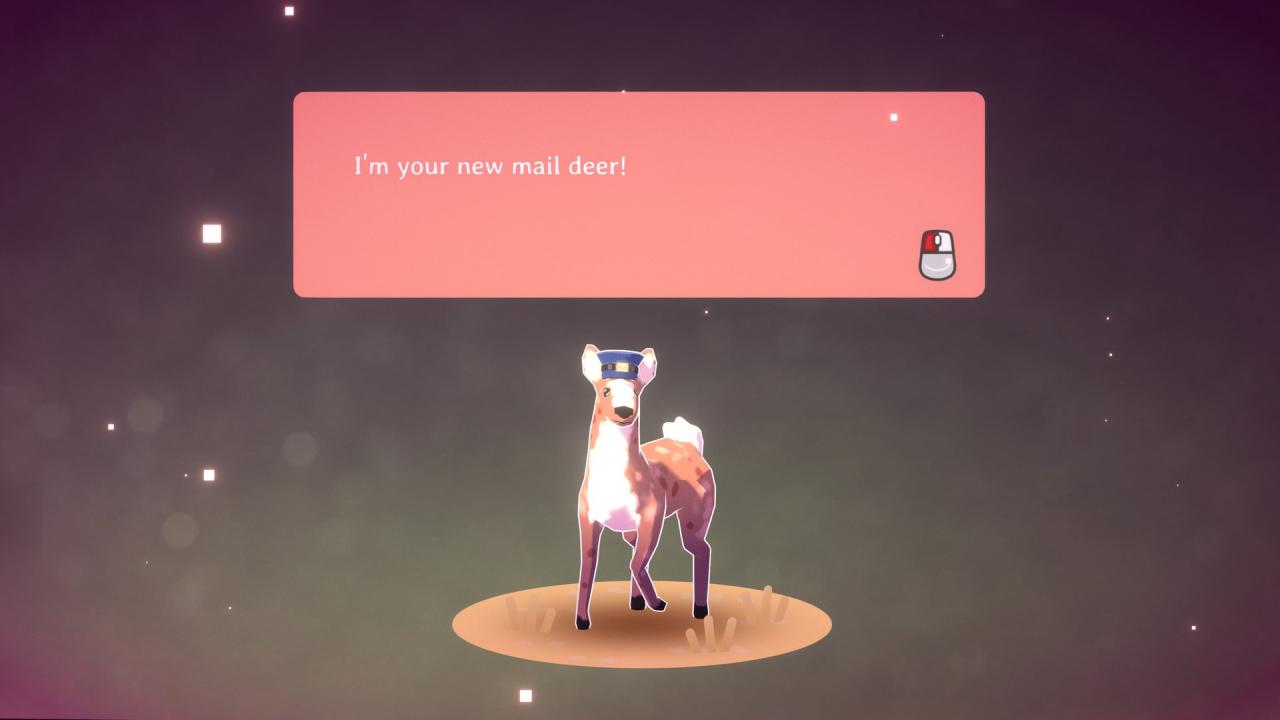
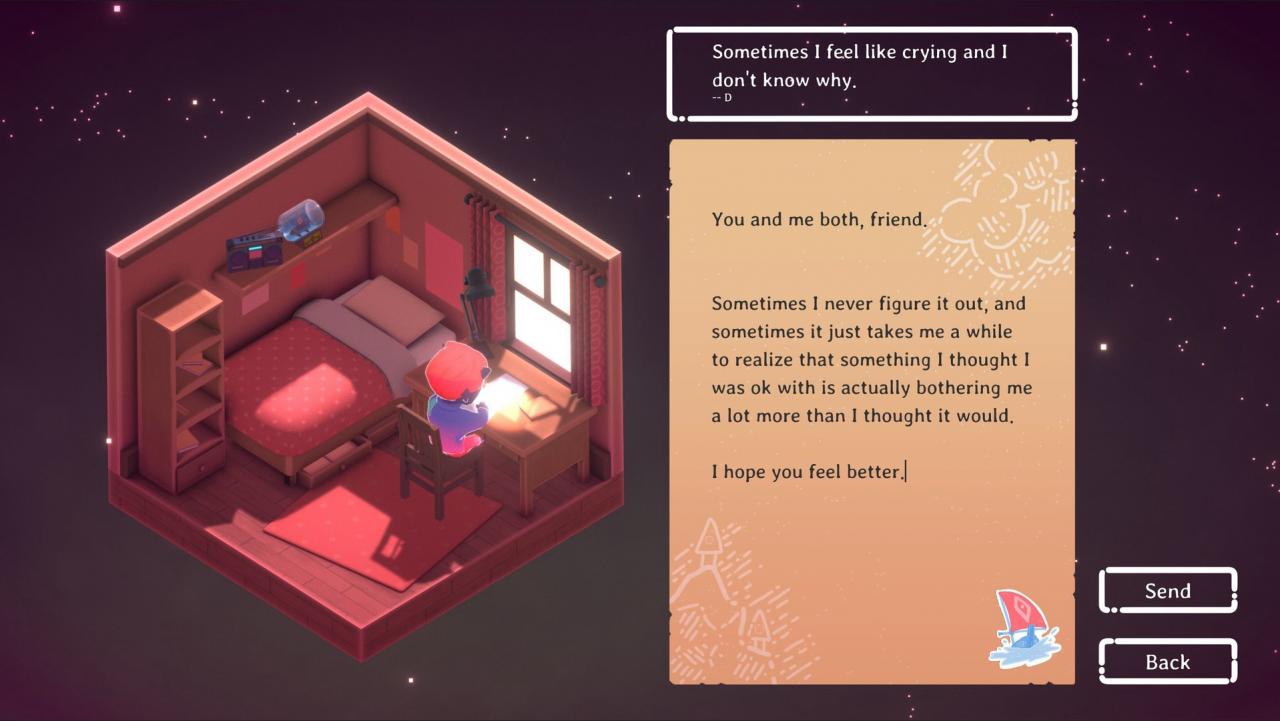
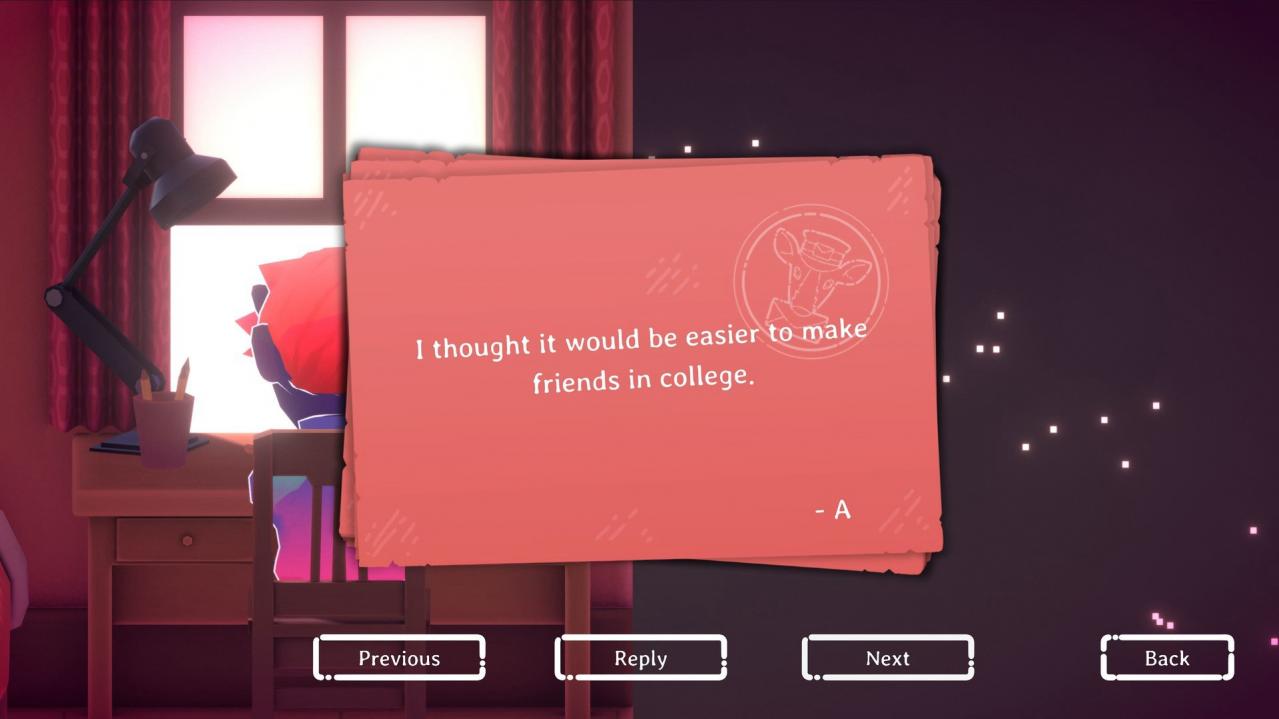
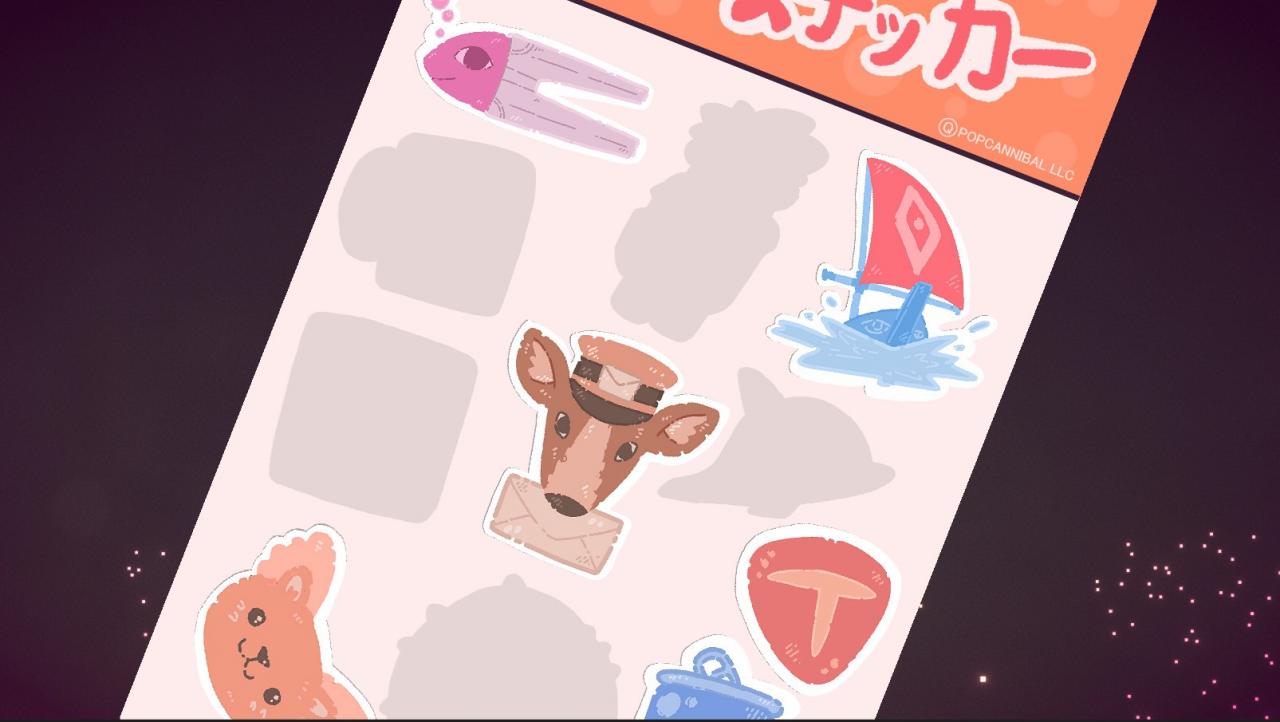
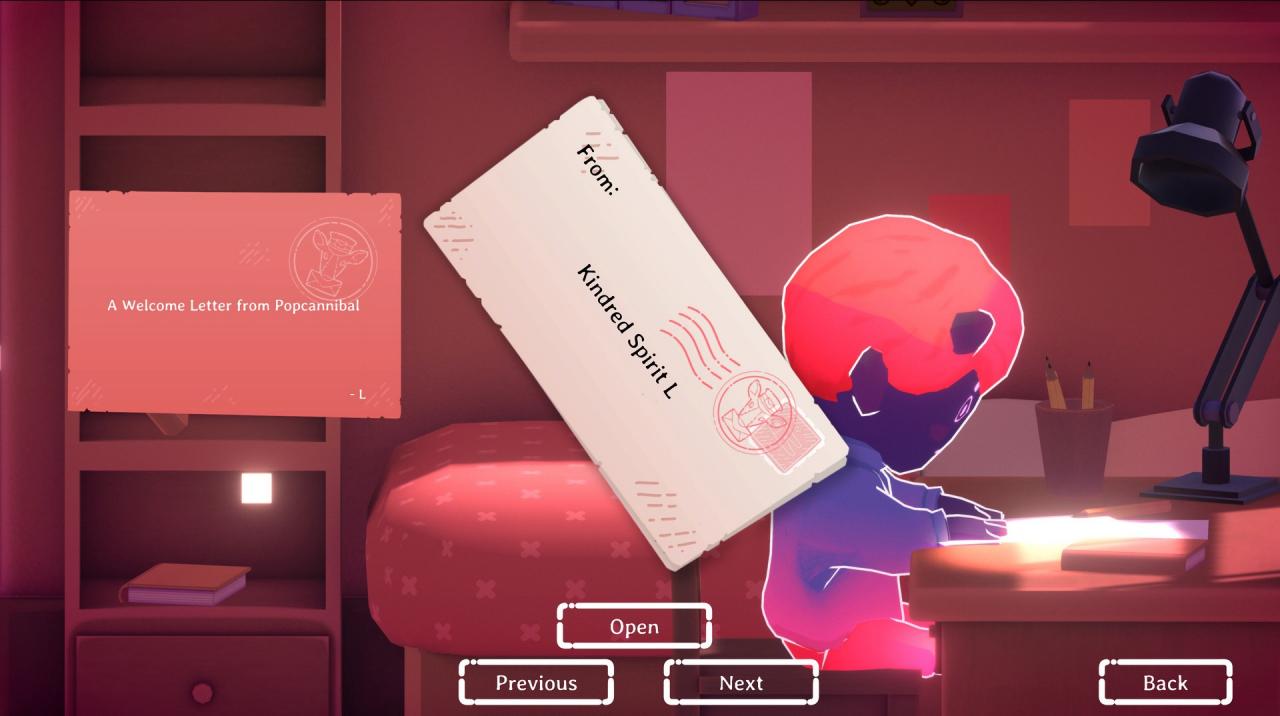
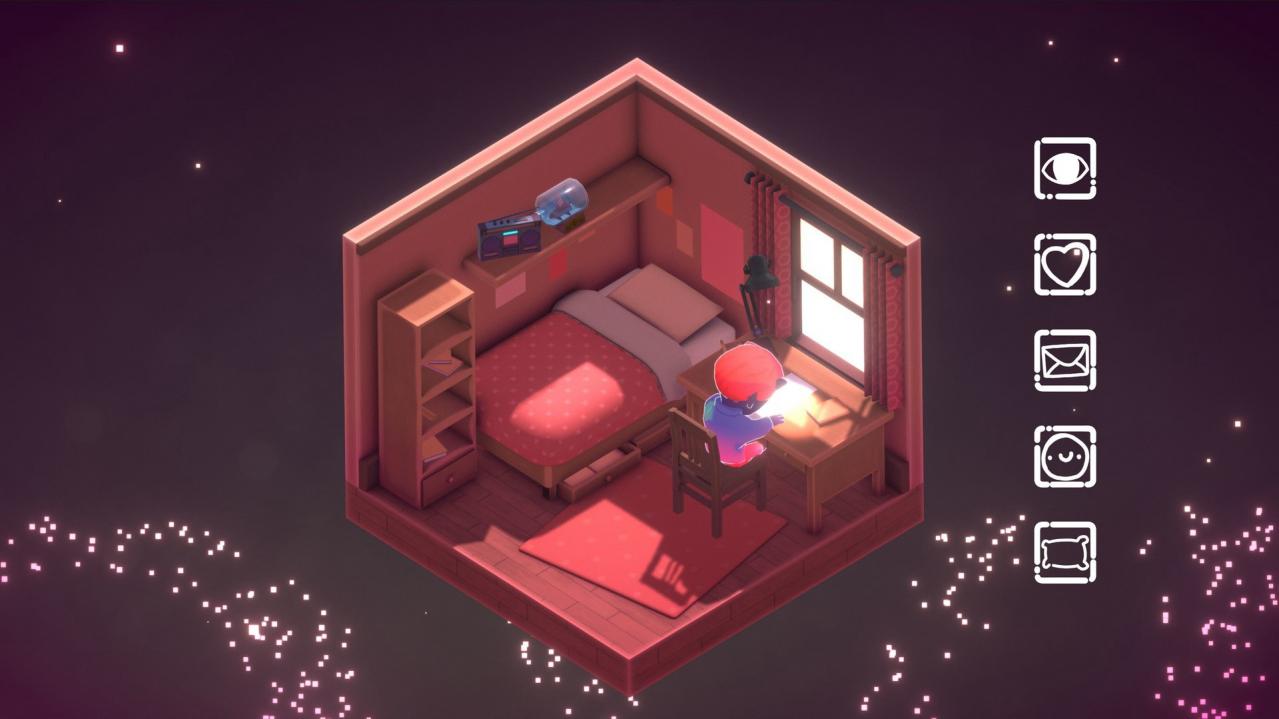
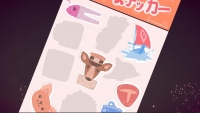
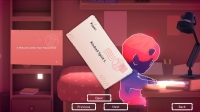
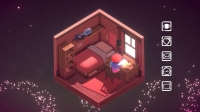
Write Nice Letters to People and Get StickersHas something got you down? Stressed you out? Scared you? That’s pretty normal. It might help you to talk about it. In Kind Words, players anonymously write out their concerns and sorrows by making short requests for letters. Receive Comforting LettersEveryone can respond to requests with letters of comfort, sympathy or gentle advice.Kind Words is a positive context; a warm, cozy mood. A place to feel centered and focused on the opportunity presented:Use your words to lift others and be lifted in return. Oh, and There’s Stickers!You start the game with a couple random stickers in their inventory. Stickers can be placed on letters written to others or sent as an appreciative response to a letter that has been received.Once you get a new sticker, you can make copies of that sticker to send out to other players.Each sticker also comes with a 3D toy that you can put on display in your room. Swap letters to build up your collection of stickers and room decorations!

System requirements

Windows
Requires a 64-bit processor and operating system OS: Windows 7 SP1+ 64-bit Processor: SSE2 instruction set support Memory: 4 GB RAM Graphics: DX10 (shader model 4.0) capabilities Storage: 300 MB available space
Mac
Requires a 64-bit processor and operating system OS: macOS 10.12+ Processor: SSE2 instruction set support Memory: 4 GB RAM Graphics: DX10 (shader model 4.0) capabilities Storage: 300 MB available space
Linux
Requires a 64-bit processor and operating system OS: Ubuntu 16.04+ (64-bit) Processor: SSE2 instruction set support Memory: 4 GB RAM Graphics: DX10 (shader model 4.0) capabilities Storage: 300 MB available space

Activation details

Go to: http://store.steampowered.com/ and download STEAM client Click "Install Steam" (from the upper right corner) Install and start application, login with your Account name and Password (create one if you don't have). Please follow these instructions to activate a new retail purchase on Steam: Launch Steam and log into your Steam account. Click the Games Menu. Choose Activate a Product on Steam... Follow the onscreen instructions to complete the process. After successful code verification go to the "MY GAMES" tab and start downloading.

Reviews

Reviews

There are no reviews yet.

Only logged in customers who have purchased this product may leave a review.

Avatar Mobile
Main Menu x
X