
Star Wars: Dark Forces RU VPN Activated Steam CD Key
Description
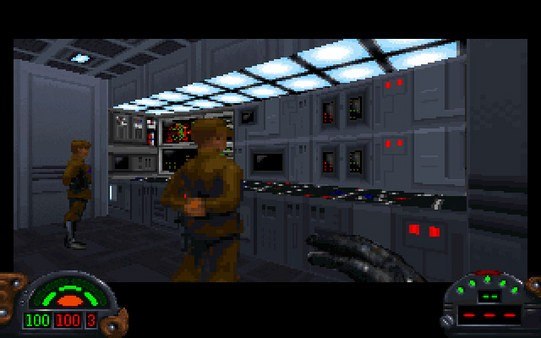
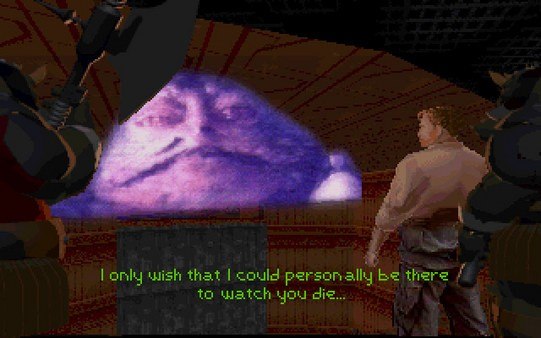
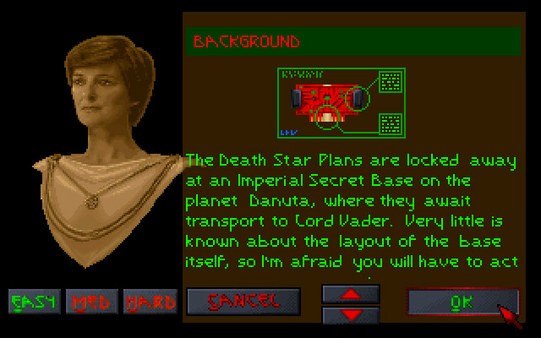
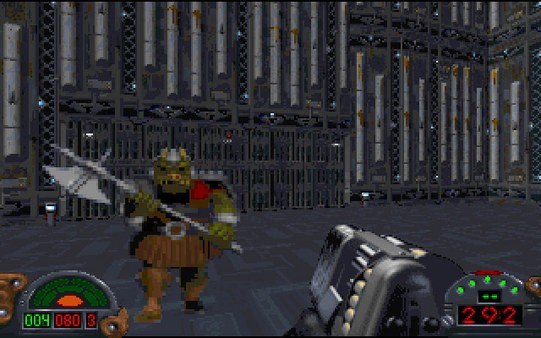
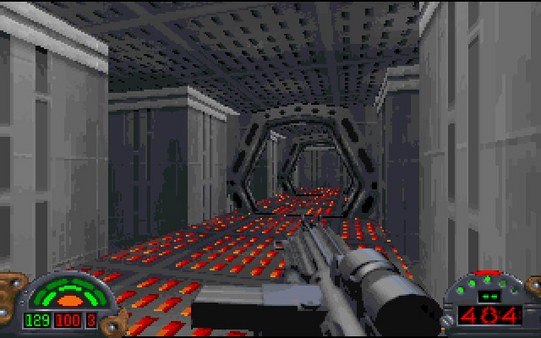
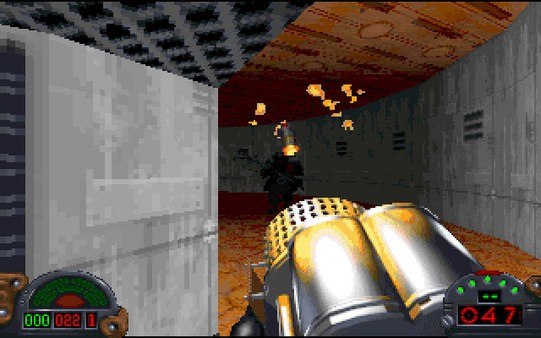
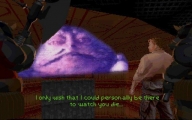
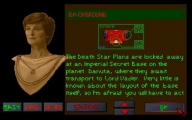
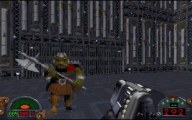
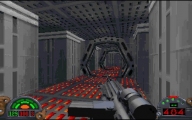
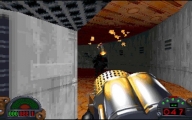
The Empire stretches its evil clutches across the galaxy, consuming planets with devastating results. Through many struggles, the Rebel Alliance has learned of a new Imperial battle station, the Death Star, with enough power to destroy an entire planet. The evil Empire is secretly building a massive army to complete their arsenal of domination and render their reign of terror unstoppable. Kyle Katarn, a formal Imperial Stormtrooper must join the Rebel Alliance's covert operations division, and re-take the Empire from the inside, one battle at a time. Unlike many other Doom-based games, Star Wars: Dark Forces attempted a realistic approach: the missions followed a specific storyline, sometimes cut up by scenes to progress the narrative. Each mission had its own briefing and objective. The levels were designed to represent actual bases, mines, facilities, and other known places from the Star Wars universe, like Star Destroyer interiors, Jabba's ship, Coruscant, etc.
System requirements
Activation details
Russian IP address is required to activate the key on Steam!Use a Russian VPN to do so. (Quick & Easy Instructions here)
If you experience any issues redeeming the key, follow these instructions:
Open your Steam client, and log in to your account,
in the Steam settings, choose Account tab, then Manage Steam Guard Account Security and deauthorize all other devices,
close Steam client, and then start your VPN app,
open Steam client and login to your account. In your account details, update your store country to match your VPN location,
redeem the key in Steam.
Reviews
Only logged in customers who have purchased this product may leave a review.







Reviews
There are no reviews yet.