
Fallen Enchantress: Legendary Heroes – The Dead World DLC Steam CD Key
Description
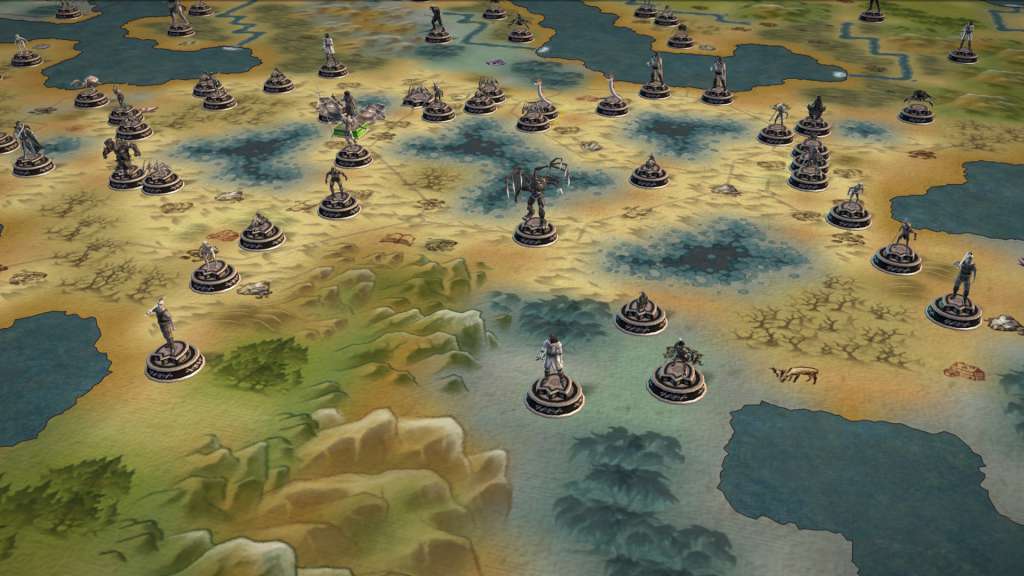
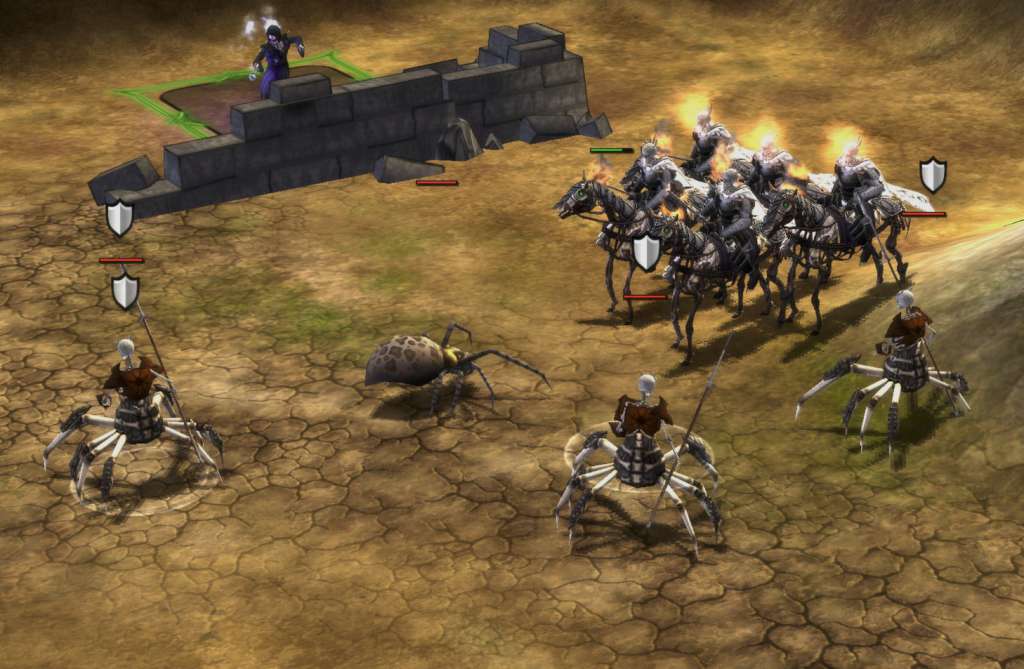
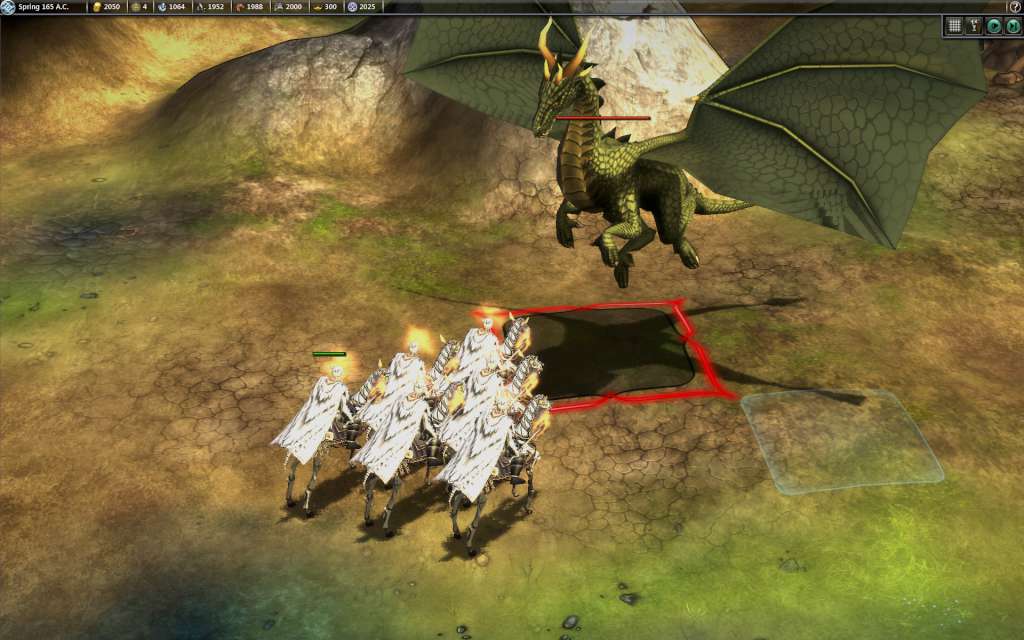
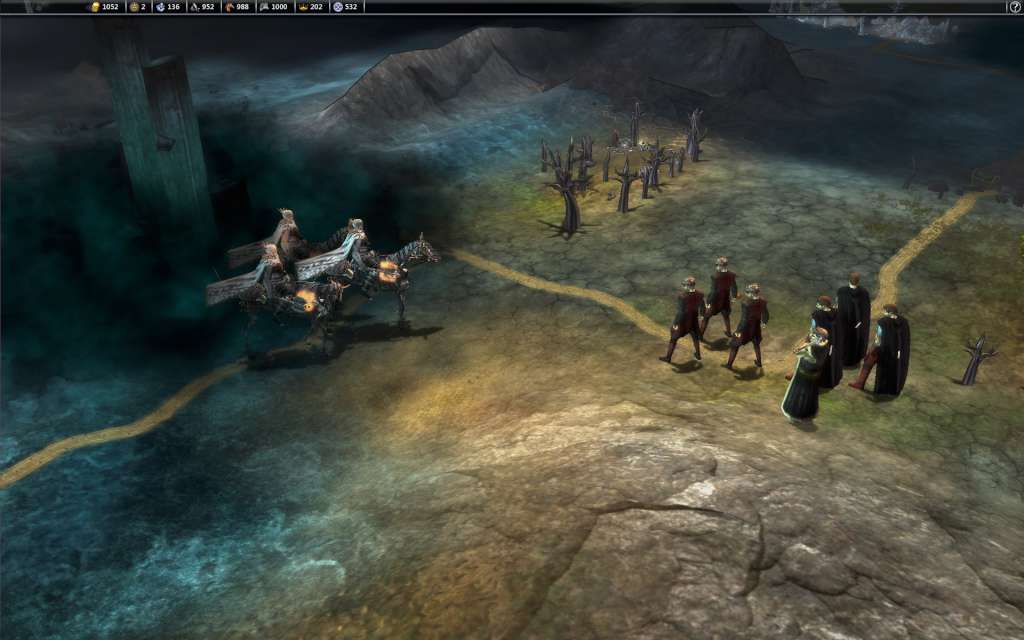
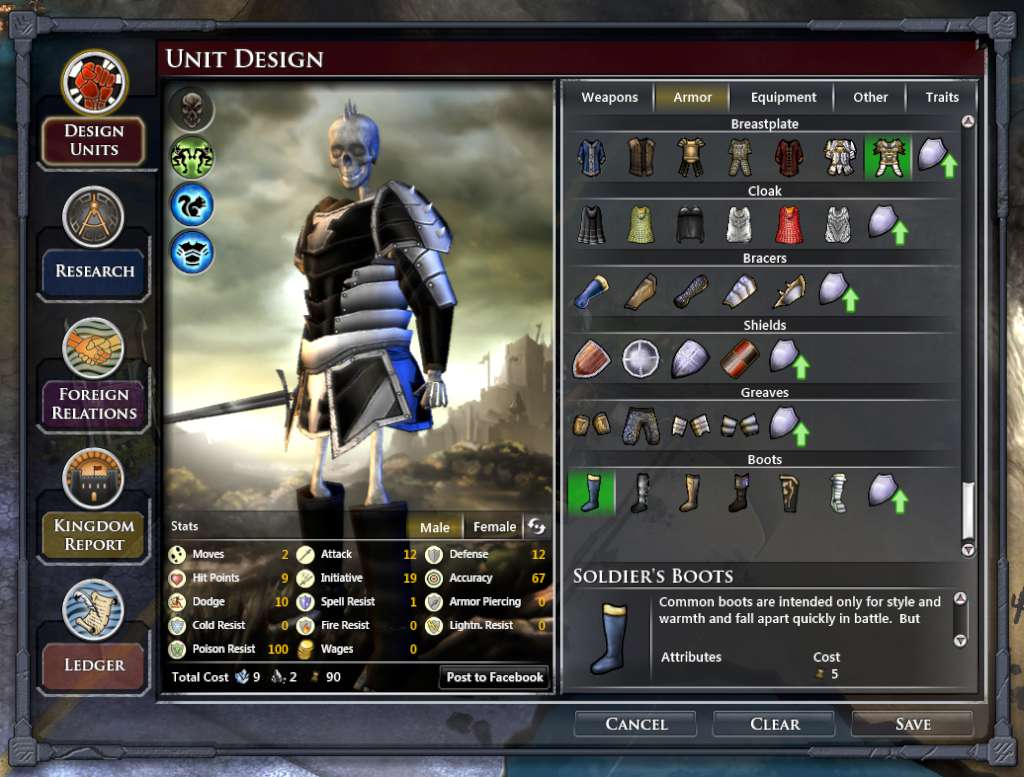
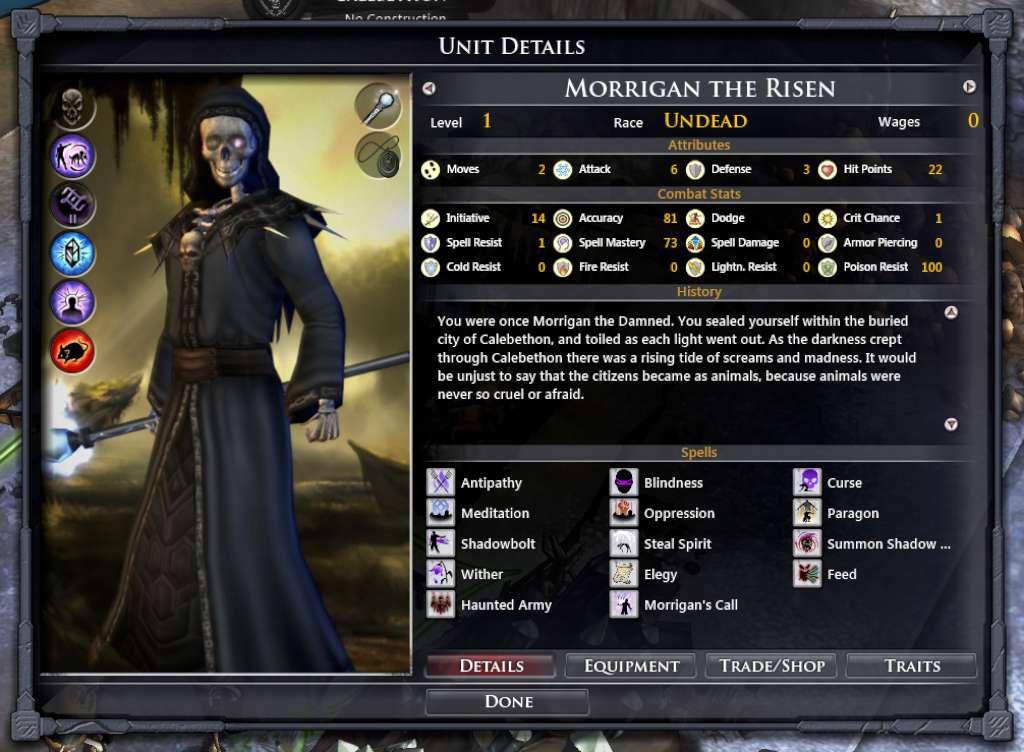
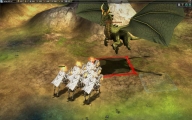
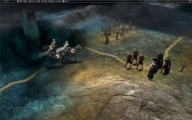
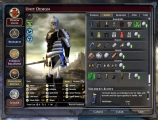
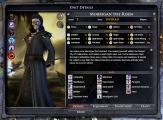
The Dead World introduces the Empire of the Dead, a new faction that allows players to lead the dead to grim victory or design their own undead armies. Instead of relying on food like mortals, undead empires spread cemeteries, mausoleums, and the bodies of slain enemies to grow their population. Terrifying new enemies await players in The Dead World. Morrigan the Risen has returned from the buried fortress of Grazna to lead the Empire of the Dead. Powerful Hellknights and the undead, half-spider Risen Brood threaten the frontiers of growing empires. The Dead World also includes a new hand-crafted map that holds carefully placed secrets to discover. In addition, undead casters enjoy all-new spells including the abilities to feed on the lifeforce of friendly units and raise an undead army anywhere in the world. Features A brand new faction: the Empire of the Dead, led by the nefarious sorcerer Morrigan the Risen. Undead ignore food, growing their population by building cemeteries and mausoleums and by reanimating slain foes New spells for undead casters – summon a powerful but temporary army, feed on the lifeforce of friendly units in battle, and more New undead empire fully implemented in faction/army creators – design your own skeletal and spectral troops New custom map: The Dead World New Hellknight monsters – powerful mounted undead knights with enchanted gear New Risen Brood monsters – skeletal undead half-spider monstrosities
System requirements
Activation details
Reviews
Only logged in customers who have purchased this product may leave a review.





Reviews
There are no reviews yet.