Halo Wars: Definitive Edition XBOX One / Windows 10 CD Key
Halo Wars

Release date
February 21, 2017
Age rating
PEGI 16
Metacritic score
81
Regional limitations
Other
Developers
Publishers
Genres
Action Strategy
Platform
XBOX ONE
Languages
Chinese Danish Dutch English Finnish French German Italian Japanese Korean Portuguese - Brazil Russian Spanish Swedish

Description

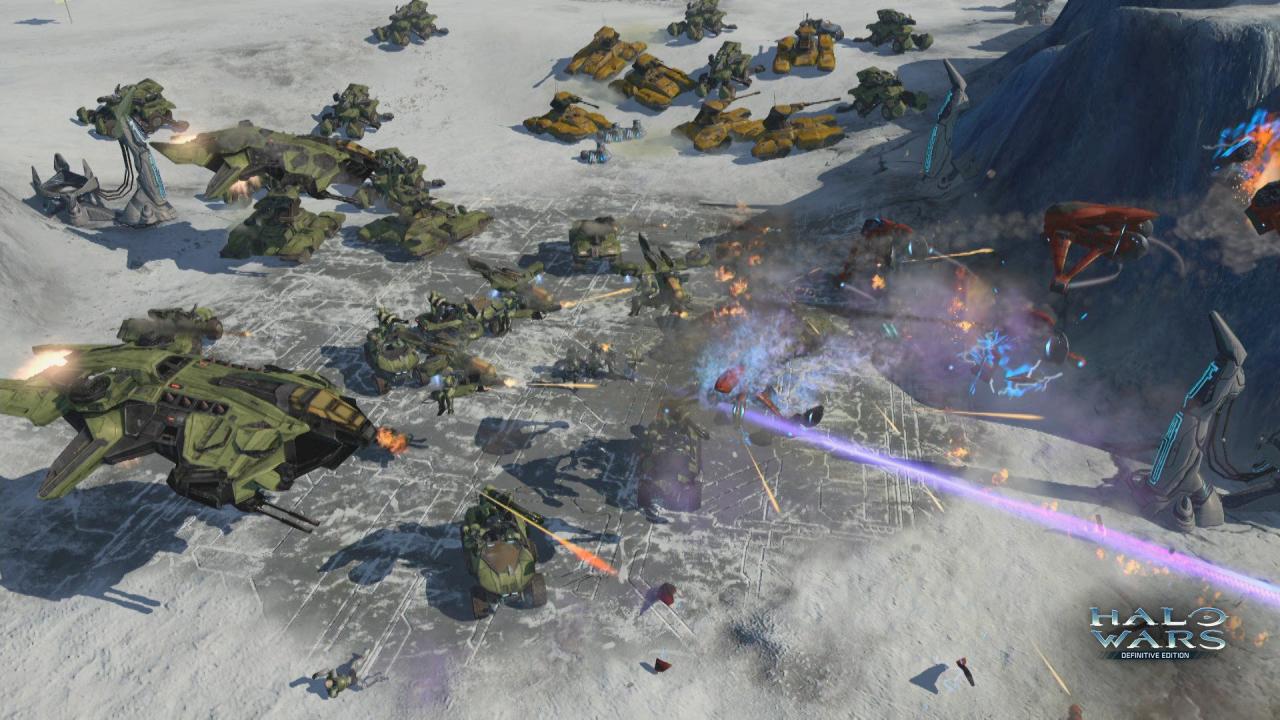
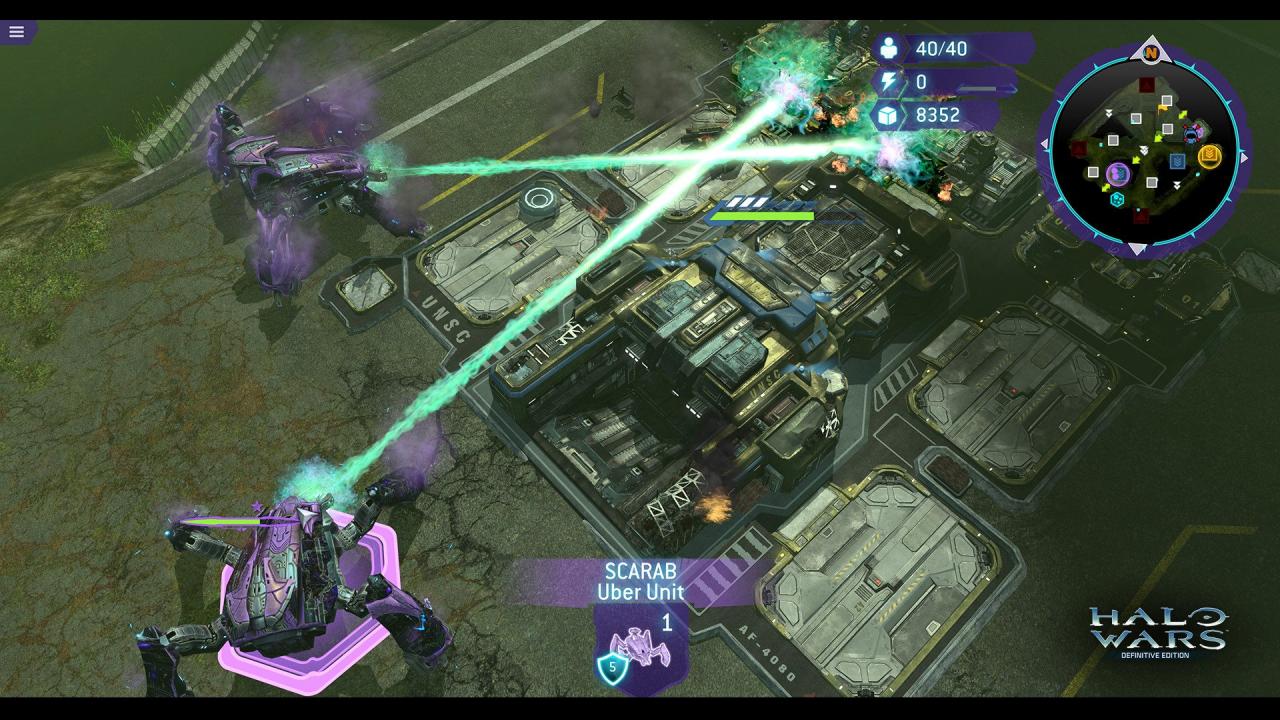
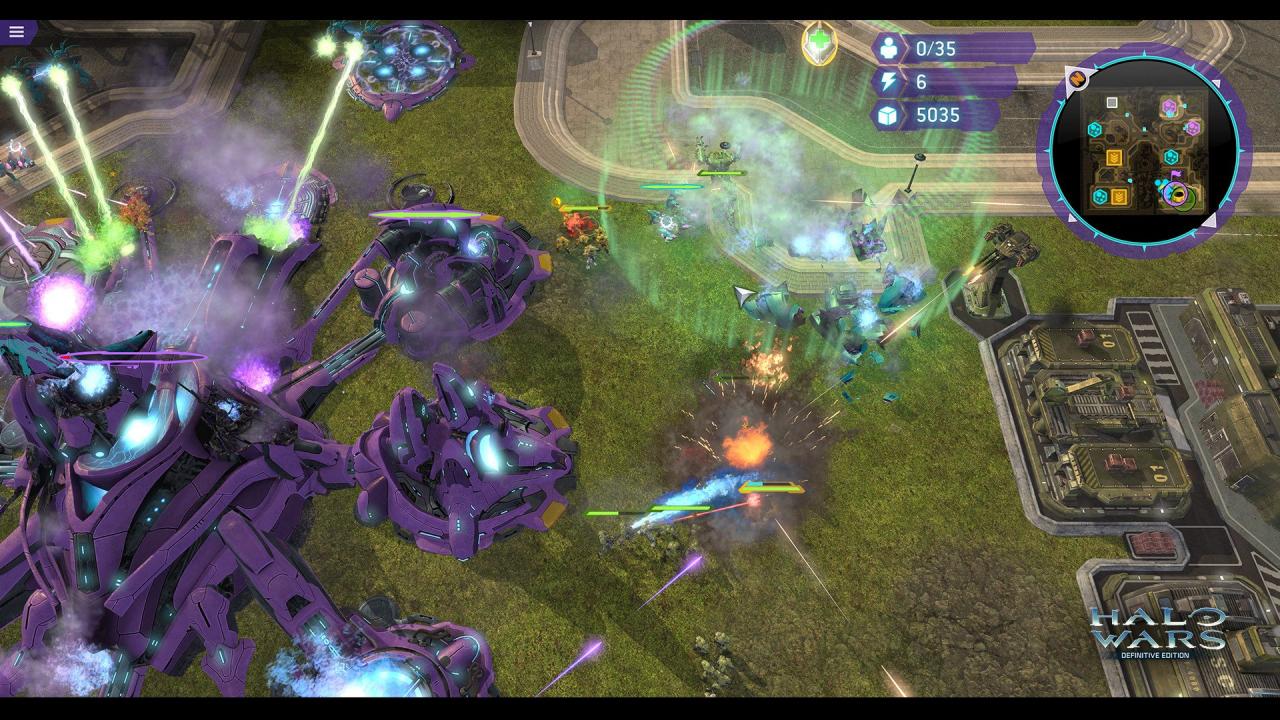
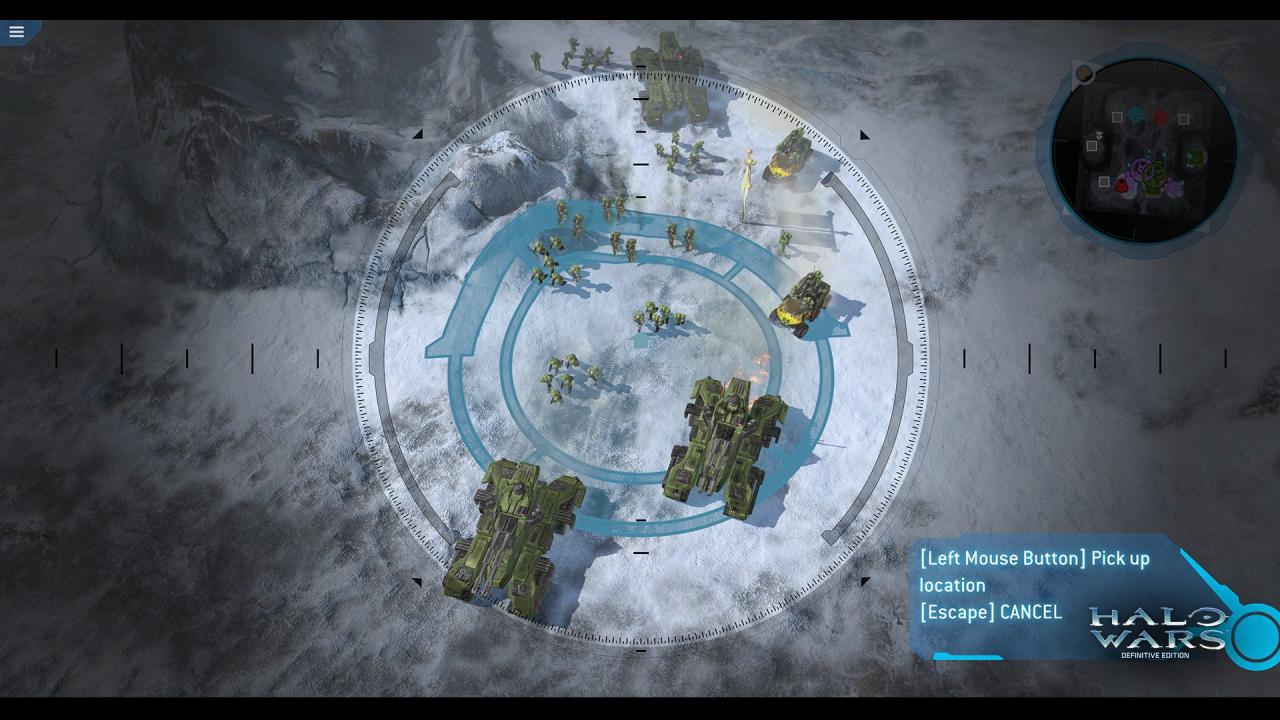
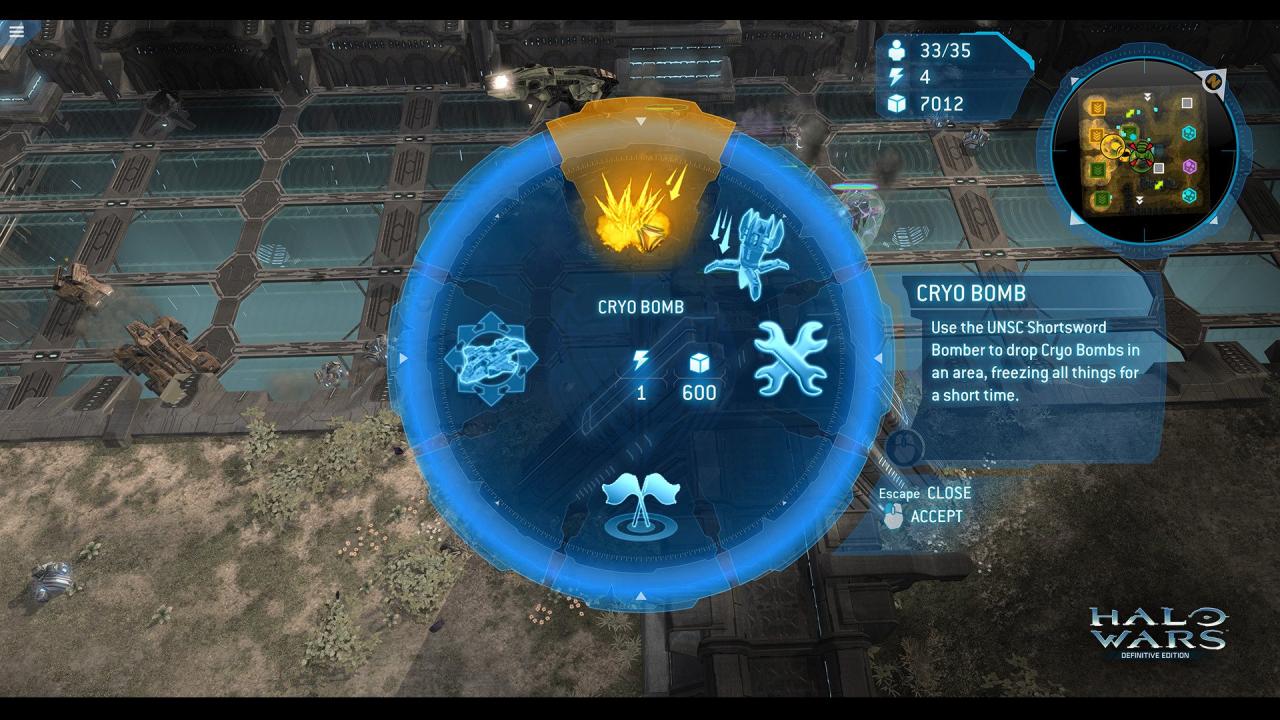
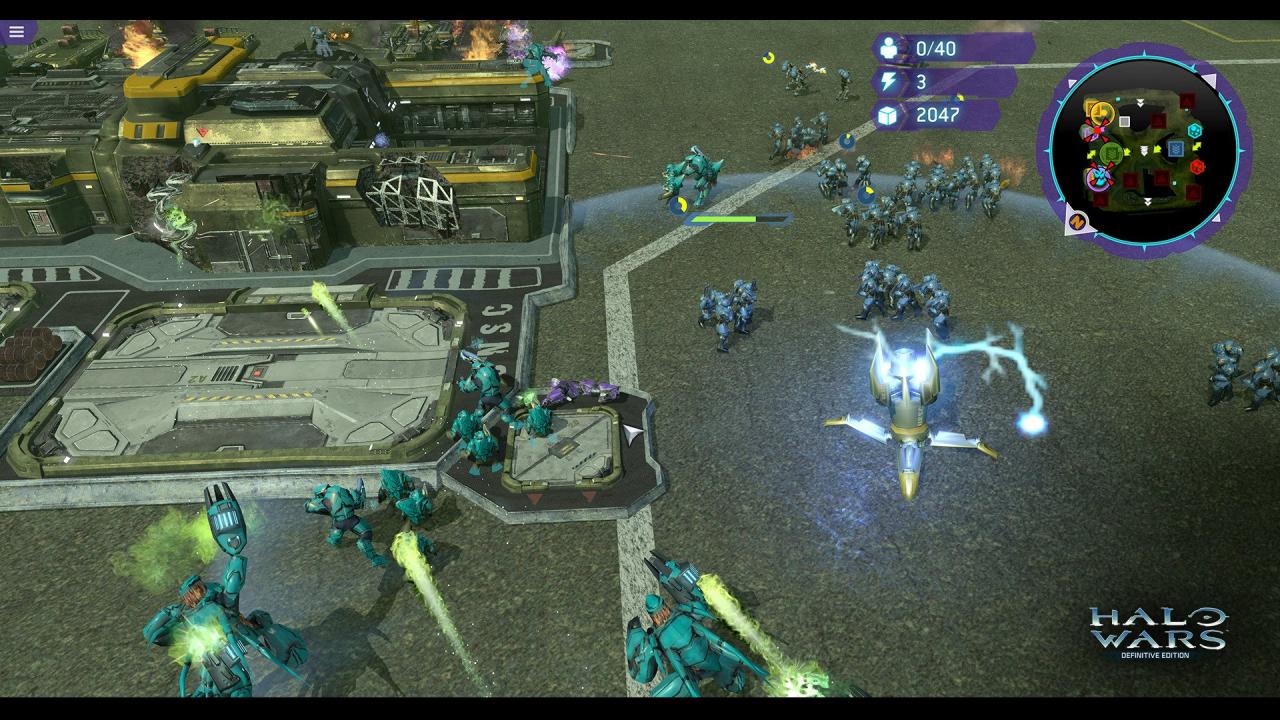
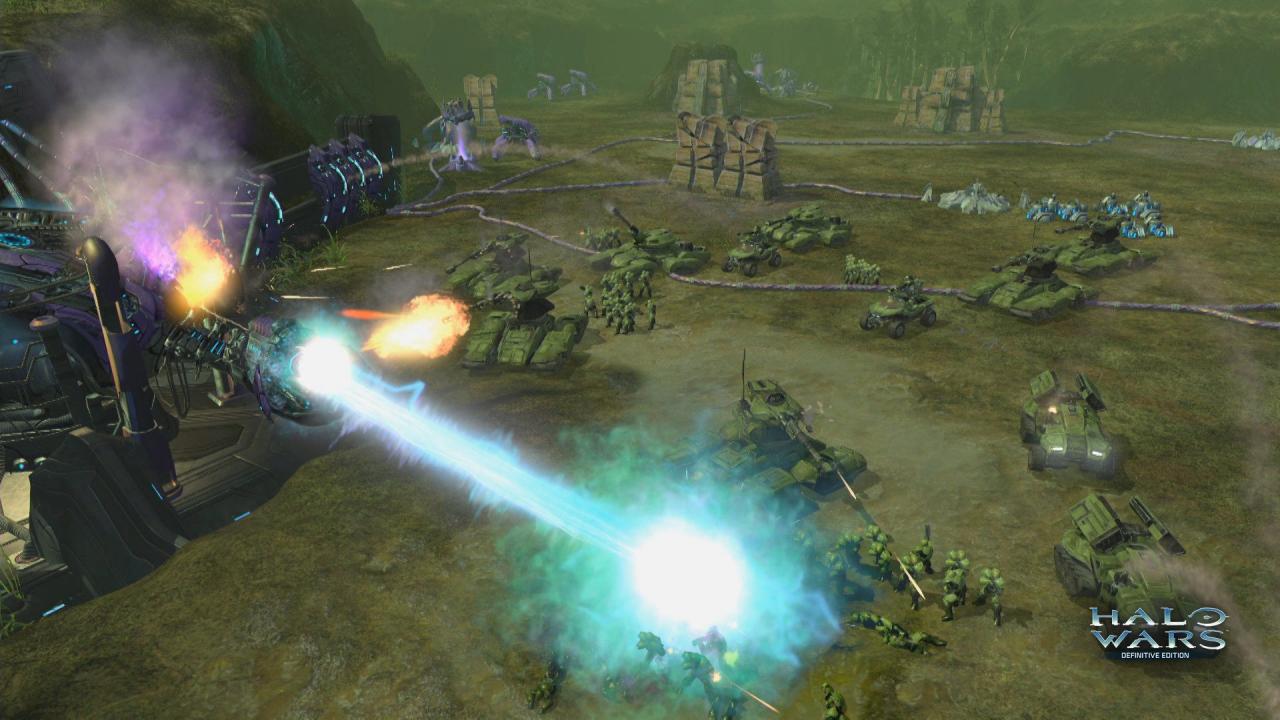
Halo Wars: Definitive Edition is an enhanced version of the real-time strategy classic, Halo Wars, updated to run natively on Xbox One and Windows 10. Set early in the iconic war between the Covenant and UNSC – made famous by the Halo FPS games – Halo Wars: Definitive Edition provides a unique angle on the war while bringing new heroes to the battlefield. Control large Halo armies and direct them in action-packed warfare. Halo Wars: Definitive Edition includes improved graphics, new achievements and all the DLC from the landmark game. Re-live the epic campaign or compete in online multiplayer battles with armies of powerful Halo forces at your command. Features Optimized to run natively on Xbox One and Windows 10 Improved visual effects, graphics and audio Up to 4K resolution on Windows 10 PC All of the DLC created for the original game New achievements Bonus content

System requirements

Windows
OS: Windows 10 Architecture: x64 Keyboard: Integrated Keyboard Mouse: Integrated Mouse DirectX: Version 11 Memory: 4 GB Video Memory: 1 GB Processor: Intel Core i3 or Equivalent Graphics: Intel HD Graphics 4200 NVIDIA GeForce GT 740M AMD Radeon R5 M240 Notes: OS: 64-bit Windows 10 DirectX: 11 (Feature Level 11) CPU: Intel Core i3 or Equivalent GPU: Intel HD Graphics 4200 NVIDIA GeForce GT 740M AMD Radeon R5 M240 VRAM: 512 MB

Activation details

In order to use the key follow the instruction below: Go to https://www.xbox.com Login to your account Hover over your account link (the top right of the screen) a menu will appear, click on the "Redeem Code" button. On the next page, click "Redeem" Enter your code Click "Confirm" Click "Confirm" again to assign the key to your account. In order to download and install your game on Windows 10 follow the instructions below: Using your Microsoft account, sign in to the PC where you want to install your games. On the Start screen, select the Store icon. In the Store, select Games from the menu. Browse and select the game you want to install.

Reviews

Reviews

There are no reviews yet.

Only logged in customers who have purchased this product may leave a review.

Avatar Mobile
Main Menu x
X