
Lichdom: Battlemage GOG CD Key

Description
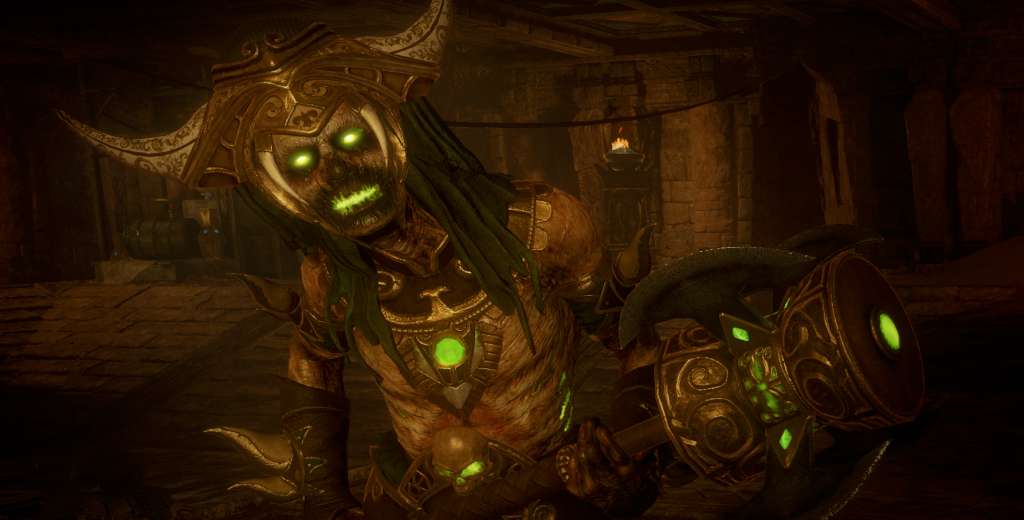
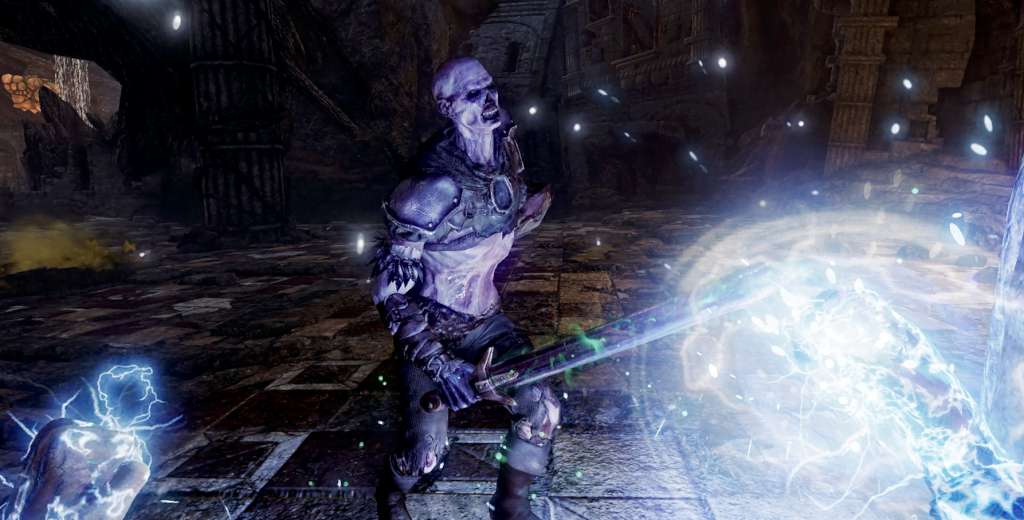
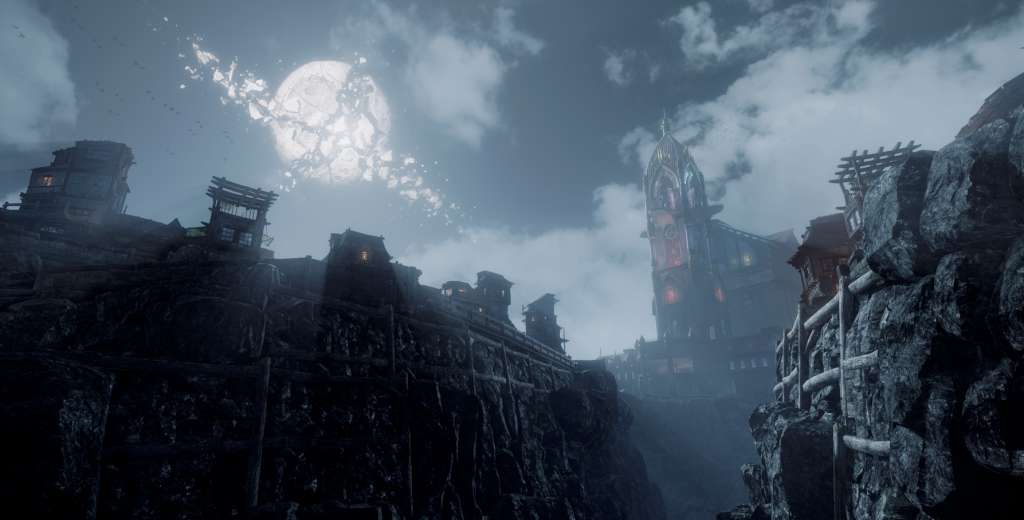
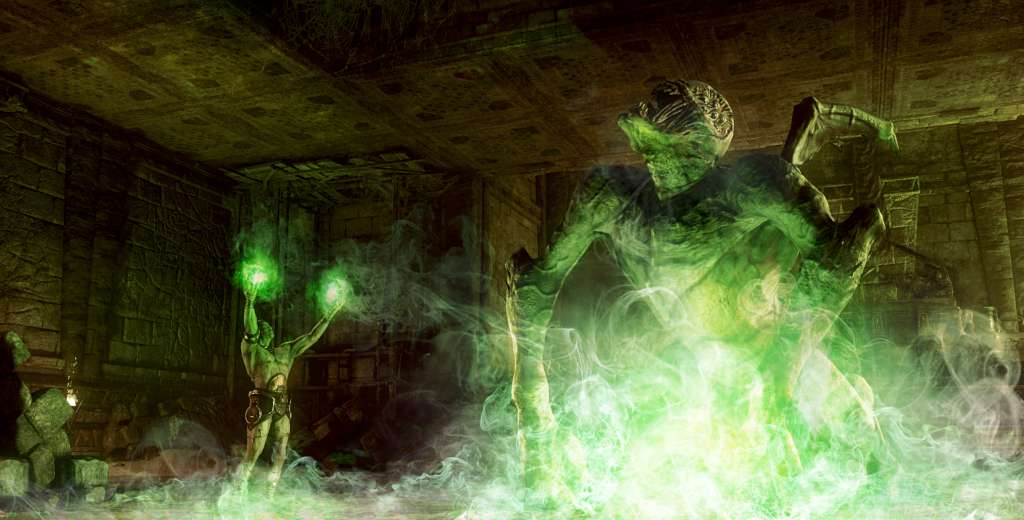
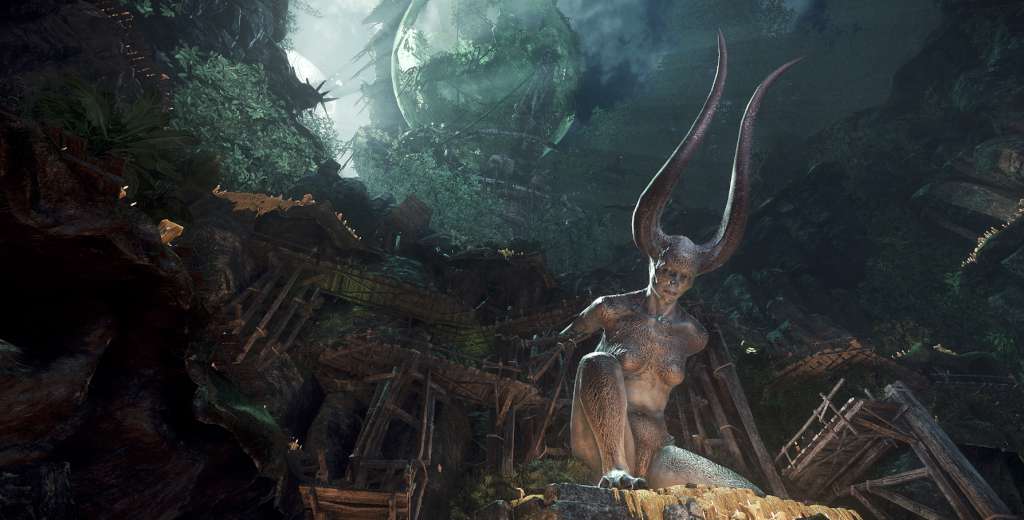
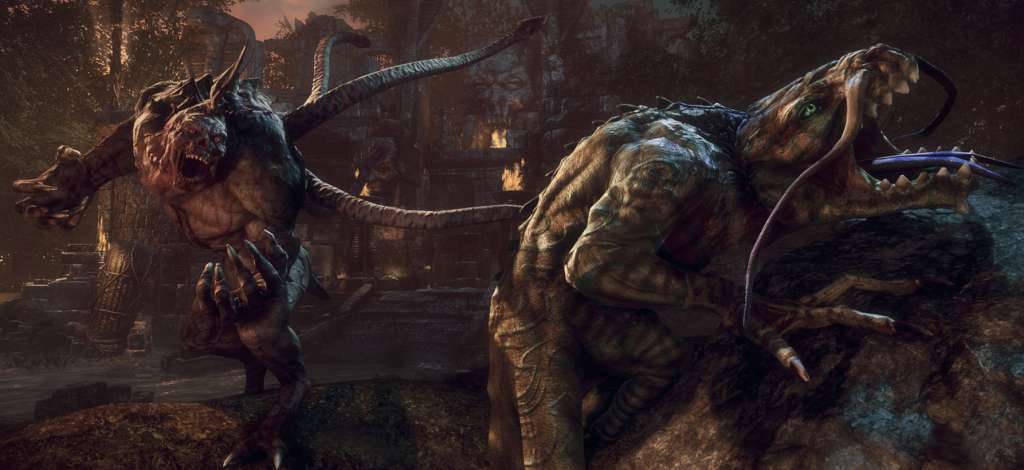
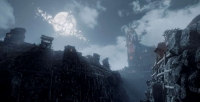
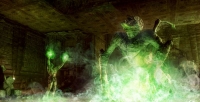
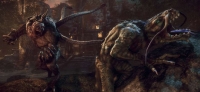
Lichdom: Battlemage is a first-person caster that gives the Mage the spotlight in a way never before seen in games. With limitless magical power at your disposal and brutal enemies around every corner, victory hinges on a combination of skill and strategy. You must carefully craft a vast array of spells and learn to cast them in the heat of combat. You are your spells! The Lichdom: Battlemage spell crafting system offers an enormous range of customization. Every Mage is the product of crafted magic that reflects the individual's play style. Whether you prefer to target your foes from a safe distance, wade into combat and unleash your power at point-blank range, or pit your enemies against each other, endless spell customization lets you become the Mage you want to be. Spell Crafting Basics -Loot the essence of your fallen enemies and collect components for your spells -Synthesize batches of loot to yield items of higher rarity -Choose among Fire, Ice, or any of 8 spell categories – each with its own unique behavior -Designate the nature of the spell as Ranged, Area of Effect, Point-blank, or Defensive -Apply modifiers and bonuses to shape the result for your strategic needs -Then bring them together in your perfect arsenal to make yourself the ultimate Battlemage! Pillars of Lichdom: Battlemage -The first game to fully empower the Mage -Deeply customizable spell crafting supports hundreds of hours of action-packed gameplay -Harnesses the awesome power of CryEngine to deliver a beautifully violent experience -Beautiful environments and seamless storytelling provide a rich and compelling backdrop -“You will feel everything.” Xaviant’s core design philosophy provides the most immersive experience possible
Activation details
1. Please create an account or login on https://www.gog.com
2. Go to http://www.gog.com/redeem
3. Enter the code and then press "CONTINUE"
4. After a short amount of time you will see the details about the product, please press "CONTINUE" again.
5. Download and install the GOG.com downloader
6. Login to the software and get back to the product page
7. Go to https://www.gog.com/account and look for the "Games" tab.
8. Press the box of the product you want to download.
9. Activate the GOG.com Download Mode on the right side of product menu.
10. Choose the installation package from the list and save it with the GOG Downloader.
Reviews
Only logged in customers who have purchased this product may leave a review.







Reviews
There are no reviews yet.