
Zombie Simulator Steam CD Key







Description
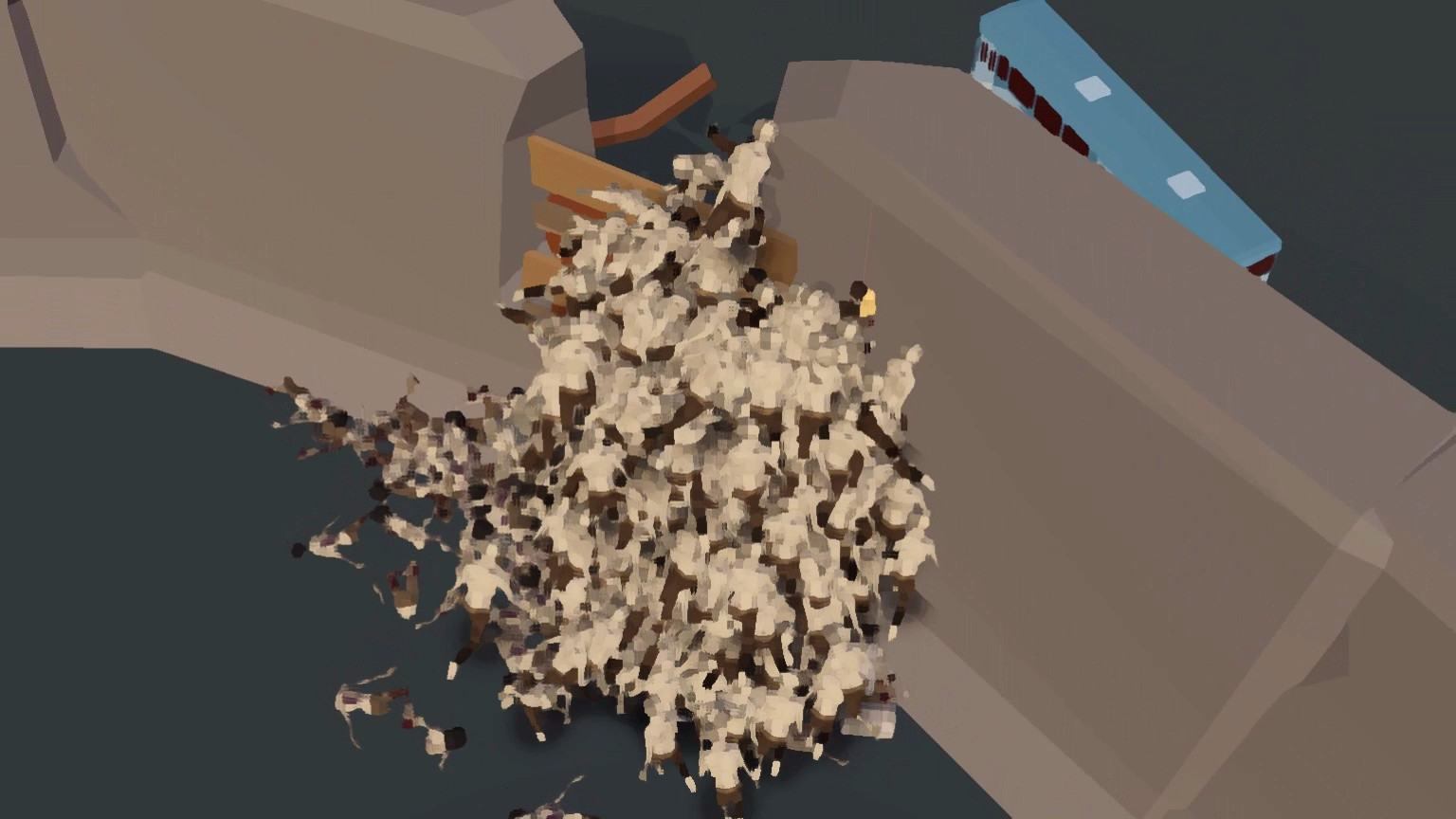
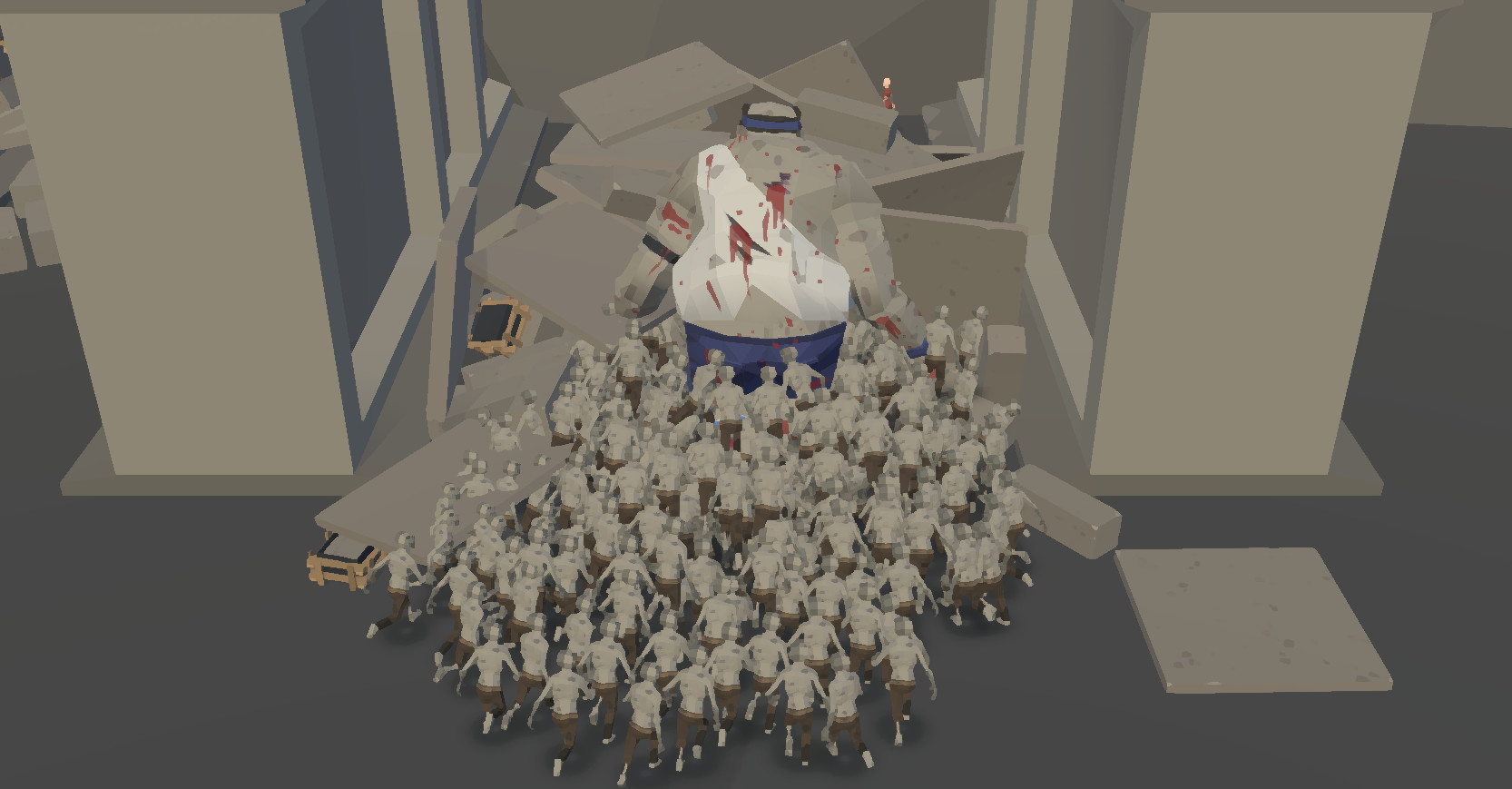
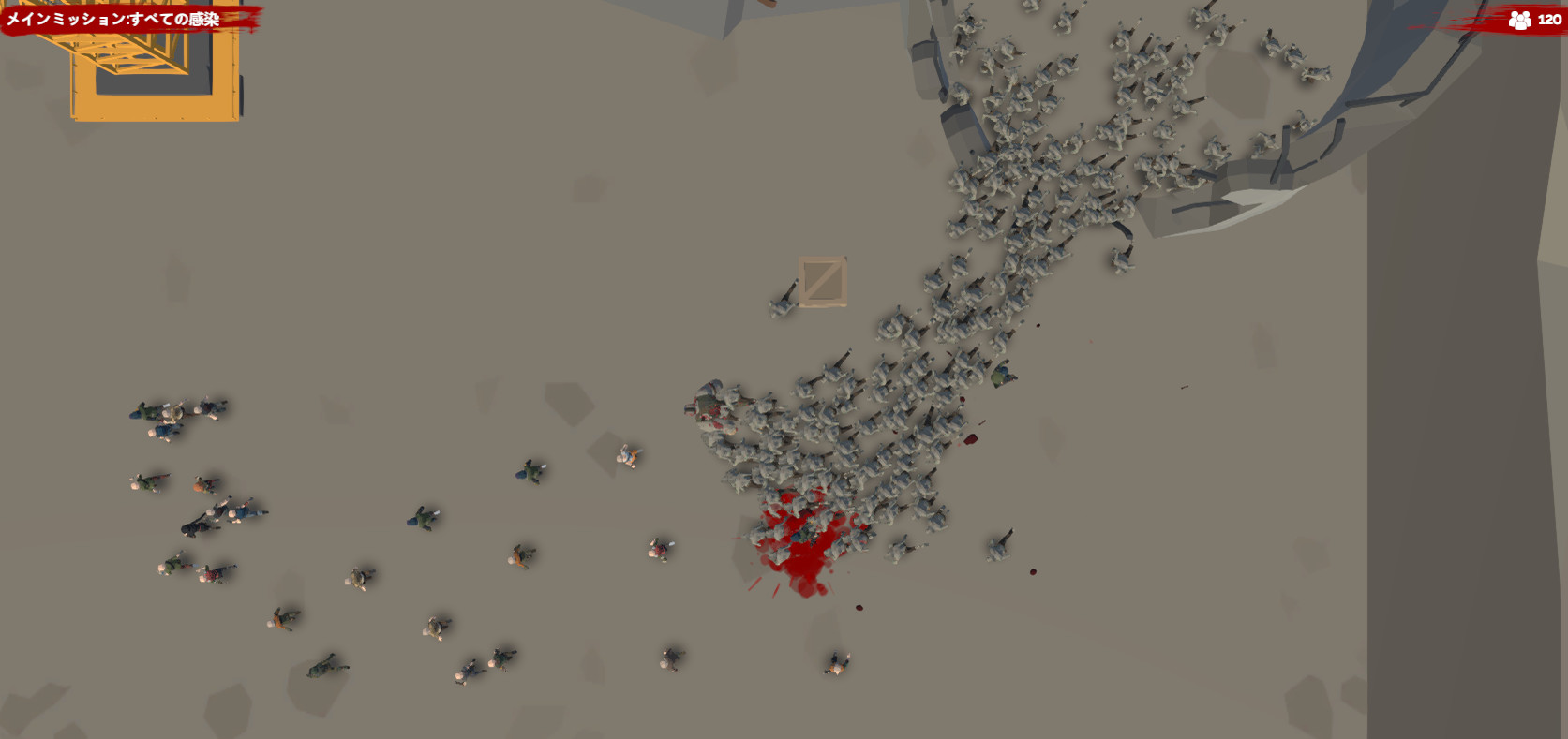
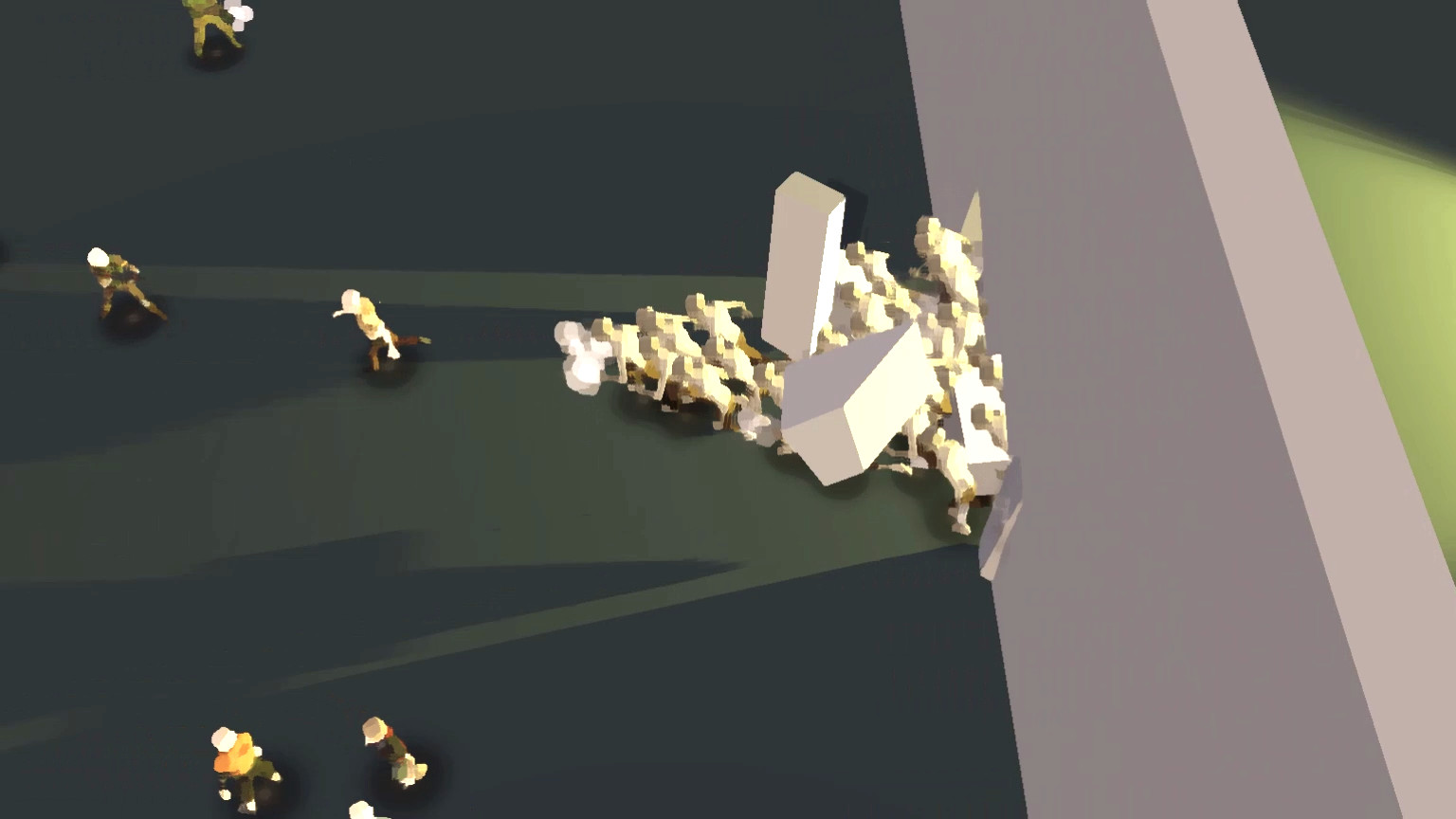
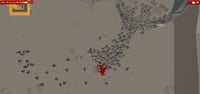
We are zombie hordes. We are oppressed by mankind for long time. Hundreds of millions of our compatriots were got shot in the head and dismembered in games. We’re gonna fight back now. We will smash all the things! Crowd: Zombie Hordes behave like real crowdsSpread: Control hundreds of swarming zombies, climbing on top of each other to reach higher levelsKilling: rolls forward to spread and conquerDestruction: Smash all the things! Are you really ready for the zombie apocalypse?
System requirements
Windows
Minimum: Requires a 64-bit processor and operating system OS: Windows 7 / Windows 10 Processor: Intel Core i5-3450 Memory: 8 GB RAM Graphics: GeForce GTX 560(1024 MB) DirectX: Version 11 Network: Broadband Internet connection Storage: 500 MB available space
Linux
Minimum: Requires a 64-bit processor and operating system OS: Ubuntu 12.04+ Processor: Intel Dual Core Memory: 4 GB RAM Graphics: DX9 (shader model 3.0) or DX11 with feature level 9.3 capabilities Network: Broadband Internet connection Storage: 500 MB available space Recommended: Requires a 64-bit processor and operating system
Mac
Minimum: Requires a 64-bit processor and operating system OS: OS 10.6+ Processor: Intel Dual Core Memory: 4 GB RAM Graphics: NVIDIA GeForce 650 GTX / AMD Radeon 7850 HD series card Network: Broadband Internet connection Storage: 500 MB available space Recommended: Requires a 64-bit processor and operating system
Activation details
Go to: http://store.steampowered.com/ and download STEAM client Click "Install Steam" (from the upper right corner) Install and start application, login with your Account name and Password (create one if you don't have). Please follow these instructions to activate a new retail purchase on Steam: Launch Steam and log into your Steam account. Click the Games Menu. Choose Activate a Product on Steam... Follow the onscreen instructions to complete the process. After successful code verification go to the "LIBRARY" tab and start downloading.
Reviews
Only logged in customers who have purchased this product may leave a review.







Reviews
There are no reviews yet.