
iGrow Game Steam Gift





Description
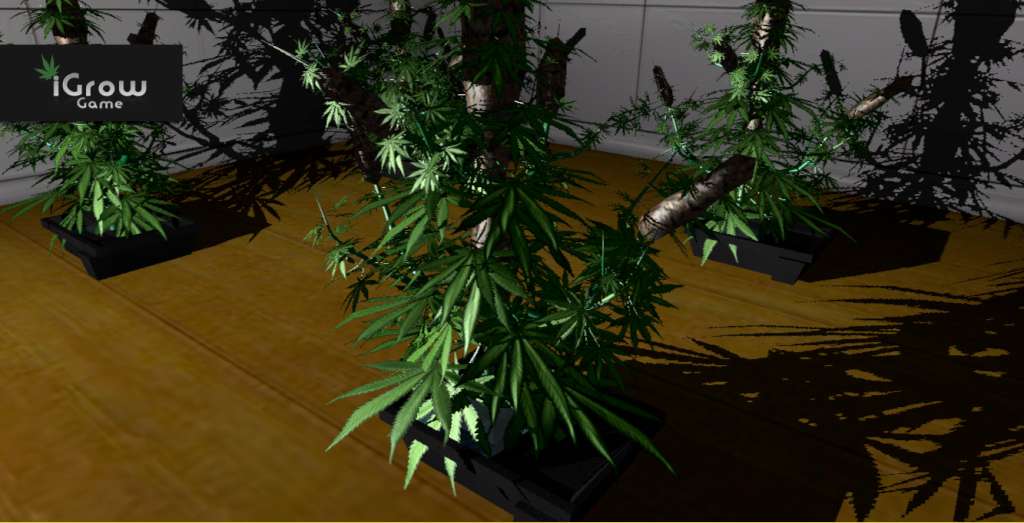
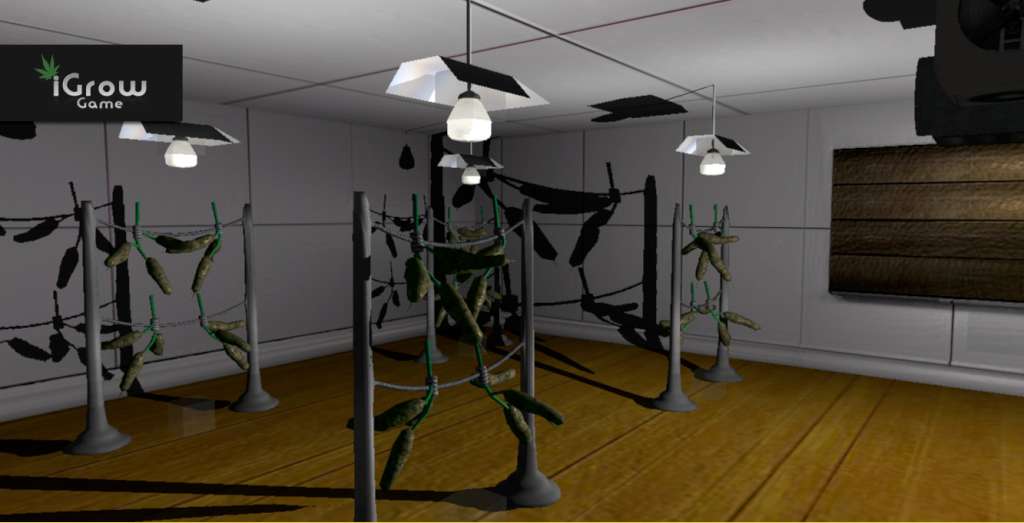
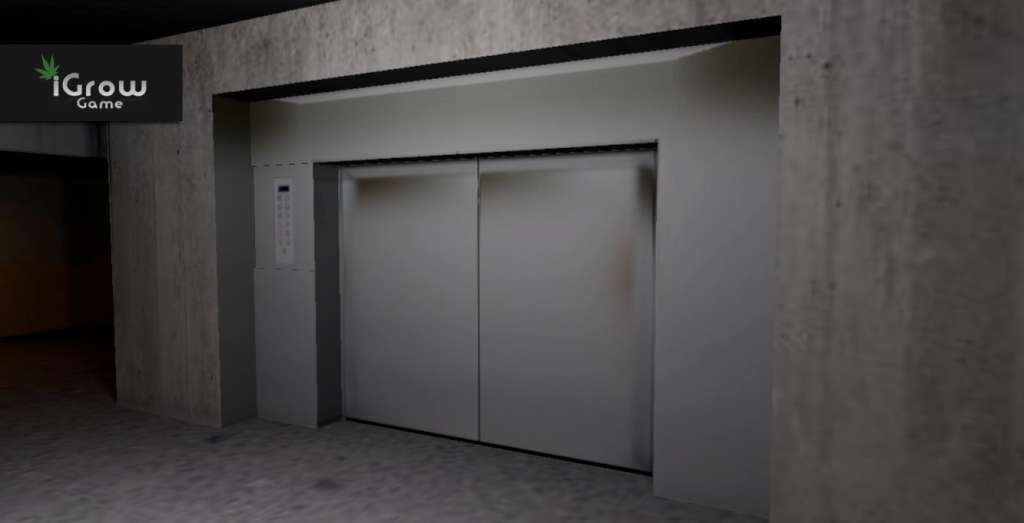
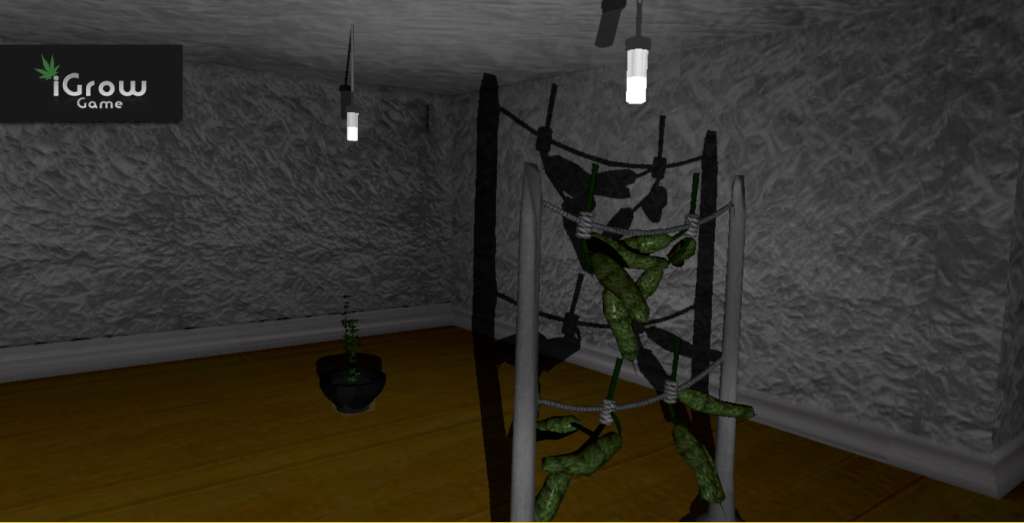
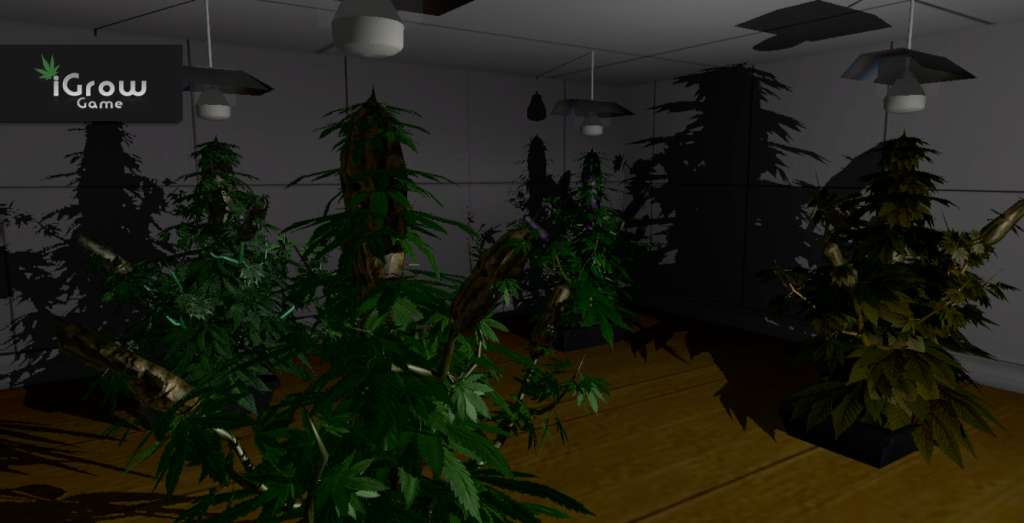
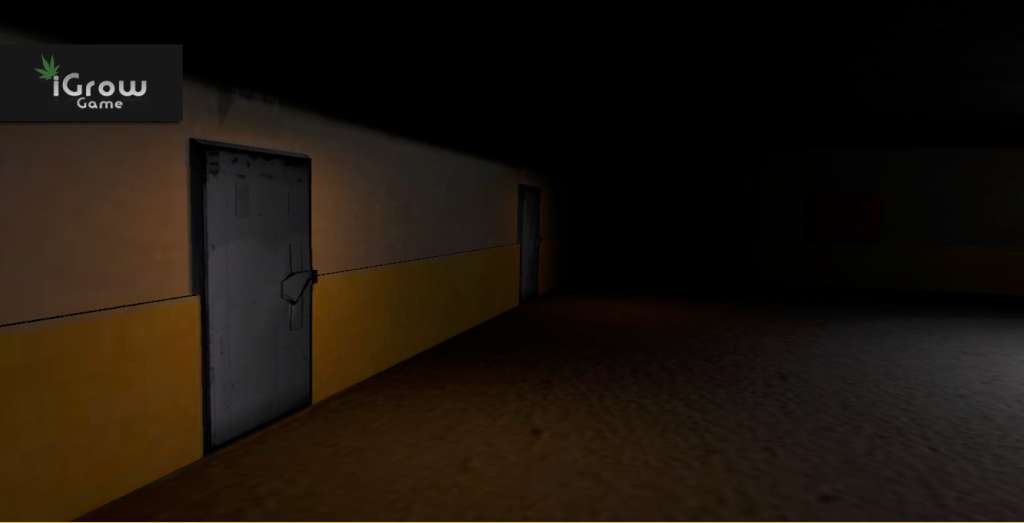
The new age of farming is here on steam! Not the typical farming game or simulator you will find anywhere else.iGrow Game is a single player cannabis growing game for windows PC. iGrow game is the only cannabis growing game available in 3D and in first person. Start your own cannabis growing factory in a grimy tower block based in the UK. Your goal is to take over and become the best grower around using the best equipment. Unlock equipment and new cannabis strains to sell to the highest ranked dealers to get the best price for your cannabis. The better price you get the more xp you will receive.Dealers buy depending on criteria such as dryness and potency. You can harvest a lot more wet cannabis then you can with dry cannabis, the quality will be greatly reduced despite high potency. Depending on rank, some dealers will not buy wet cannabis buds no matter what cannabis strain it is.Every game is different, the tower block is generated at the beginning of a new game. So dealers and rooms available to buy, will be in randomly generated positions. There's 4 ranks of dealers and the higher rank's are higher up in the 10 floor tower block. Move between floors by lift.Equipment effects your plants final yield and potency so make sure you upgrade between grows. – Unlock and grow over 30 different strains of cannabis.- Unlock and buy containers, hydroponics, lights, reflectors and fan systems.- Grow up to 8 plants per room.- Buy over 30 rooms in each generated account.- Sell your cannabis to build up your weed growing empire!
System requirements
Activation details
Click "Install Steam" (from the upper right corner)
Install and start application, login with your Account name and Password (create one if you don't have).
Please follow these instructions to activate a new retail purchase on Steam:
Launch Steam and log into your Steam account.
Click the Games Menu.
Choose Activate a Product on Steam...
Follow the onscreen instructions to complete the process.
After successful code verification go to the "MY GAMES" tab and start downloading.
Reviews
Only logged in customers who have purchased this product may leave a review.







Reviews
There are no reviews yet.