
Dinosaurs A Prehistoric Adventure 2 Steam CD Key

Description
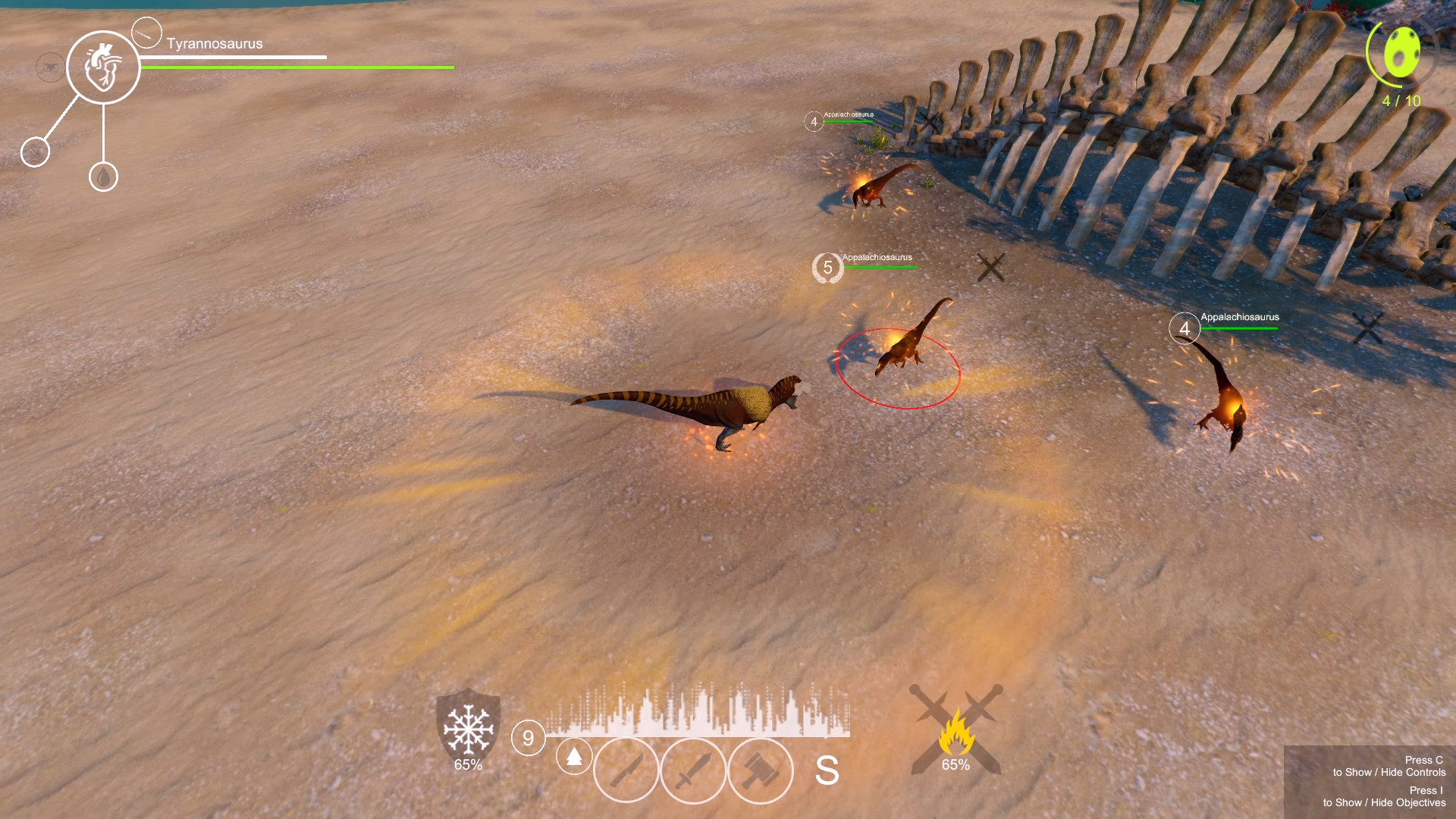
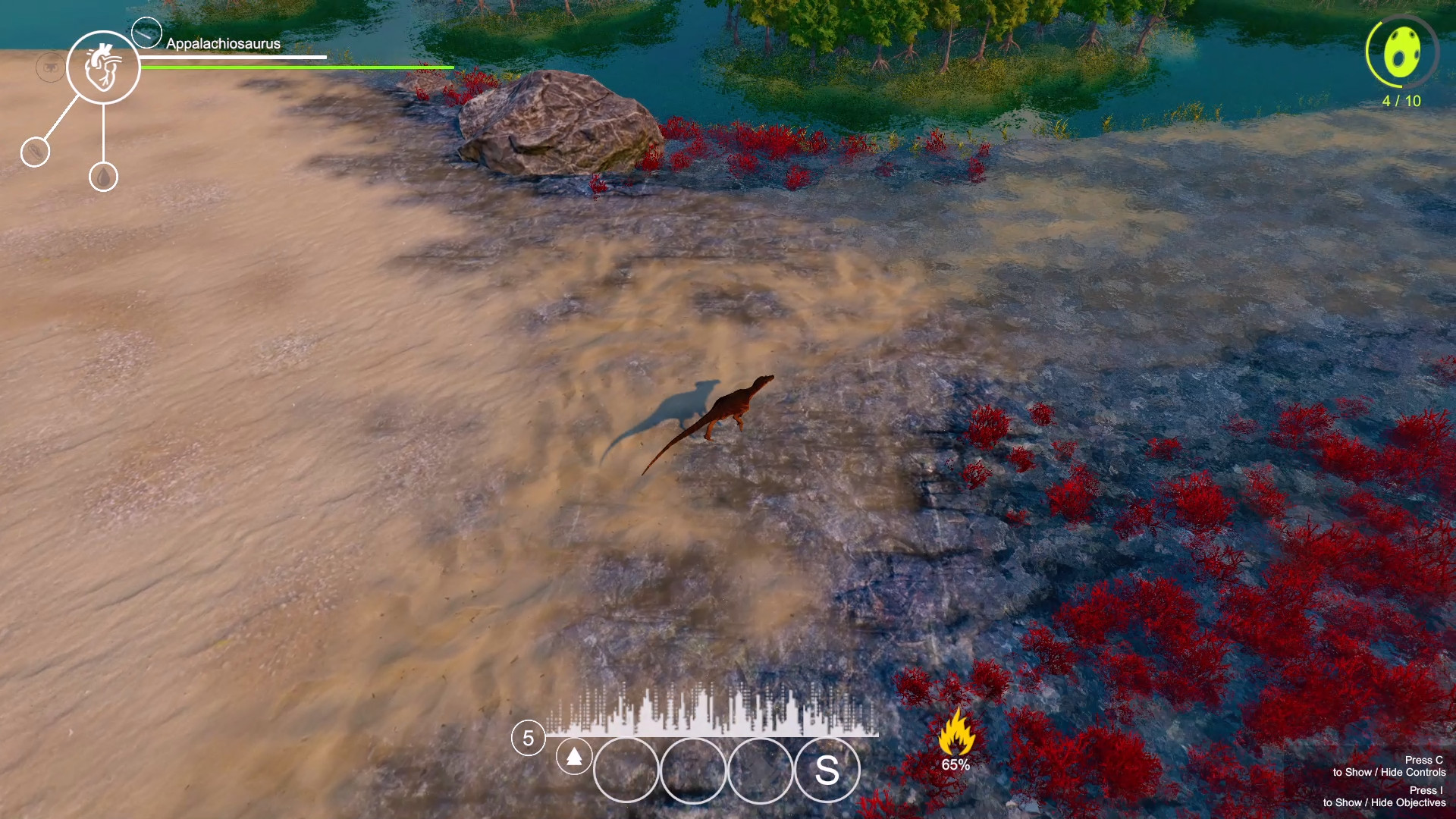
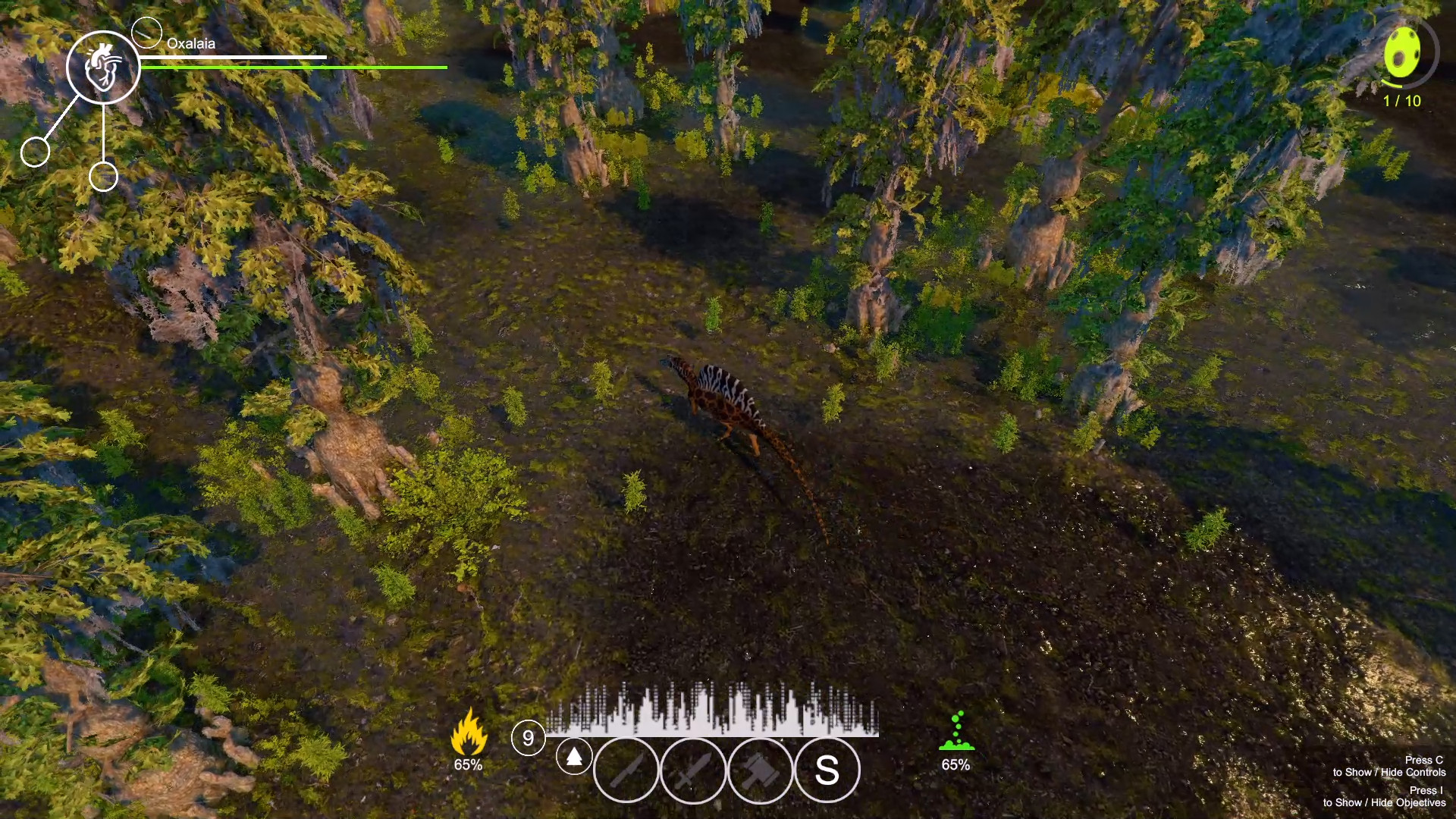
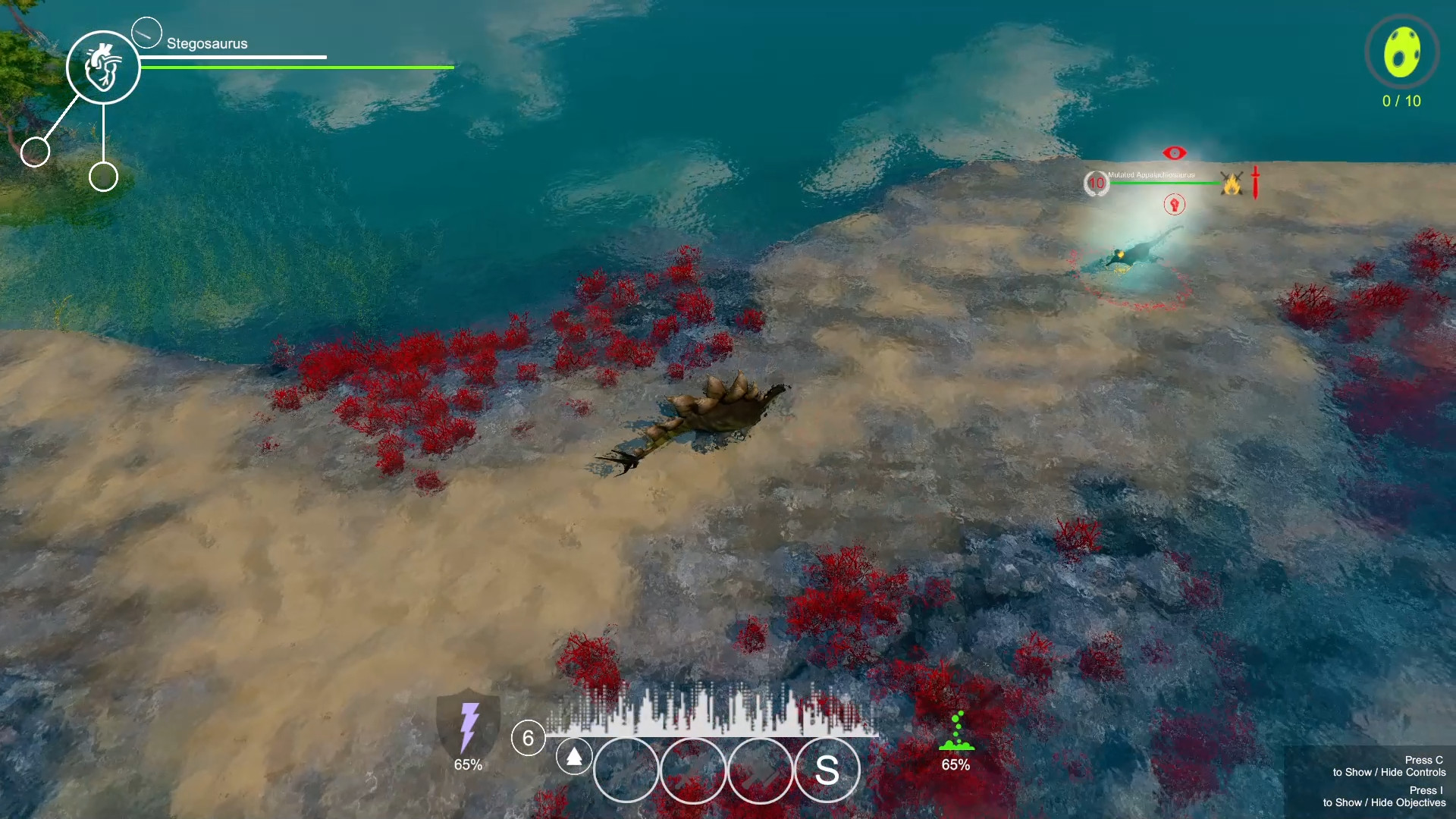
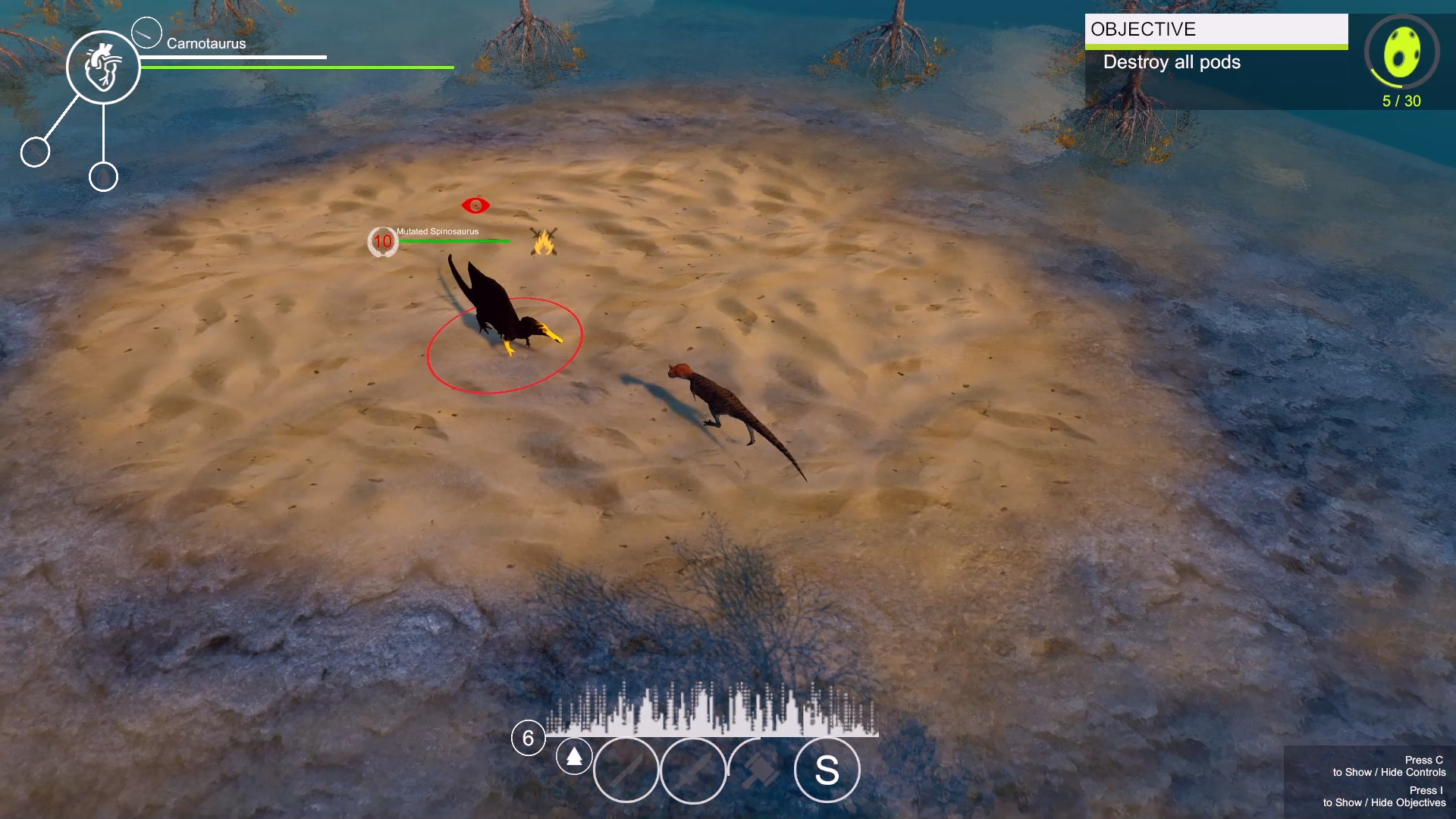
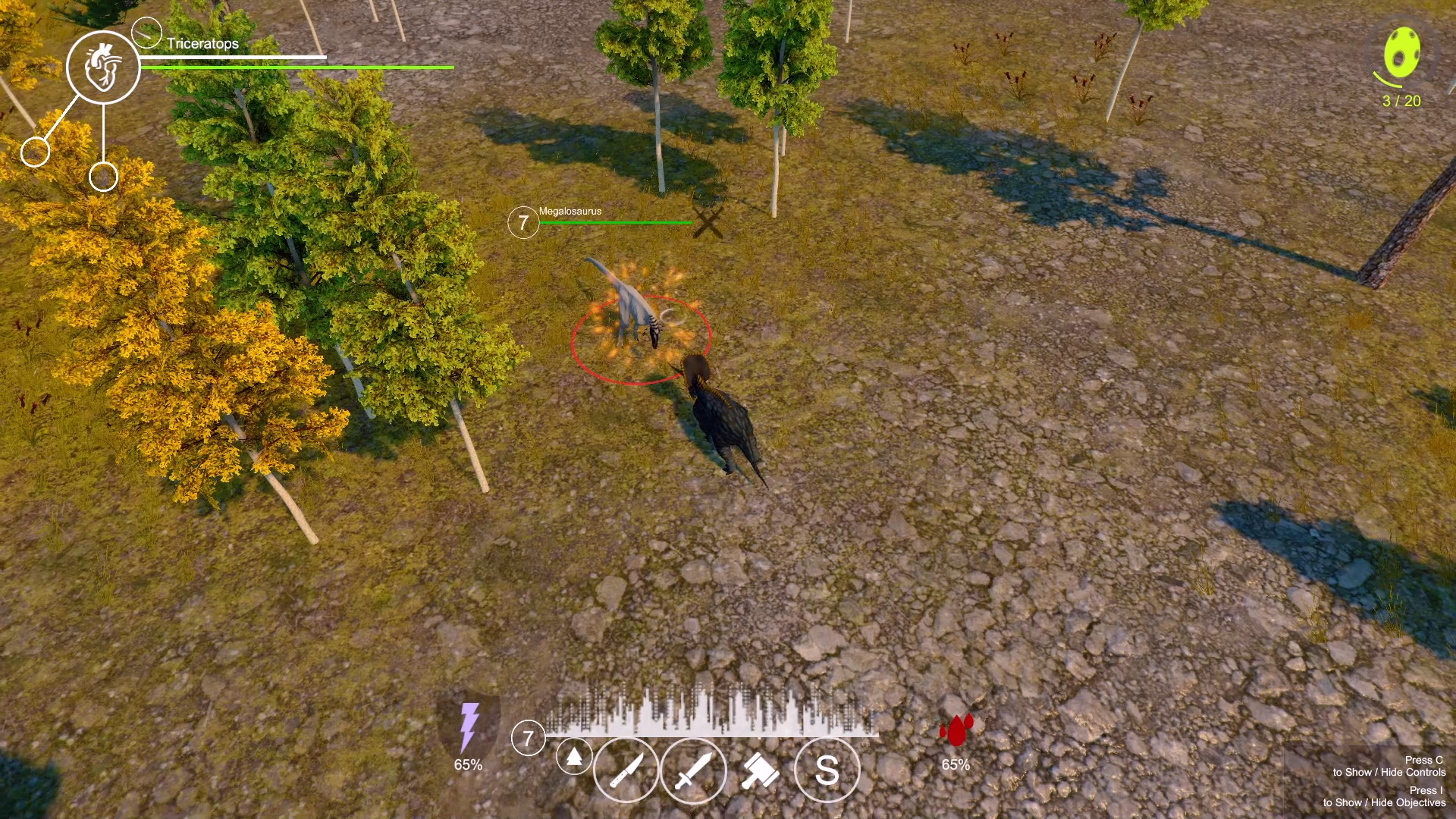
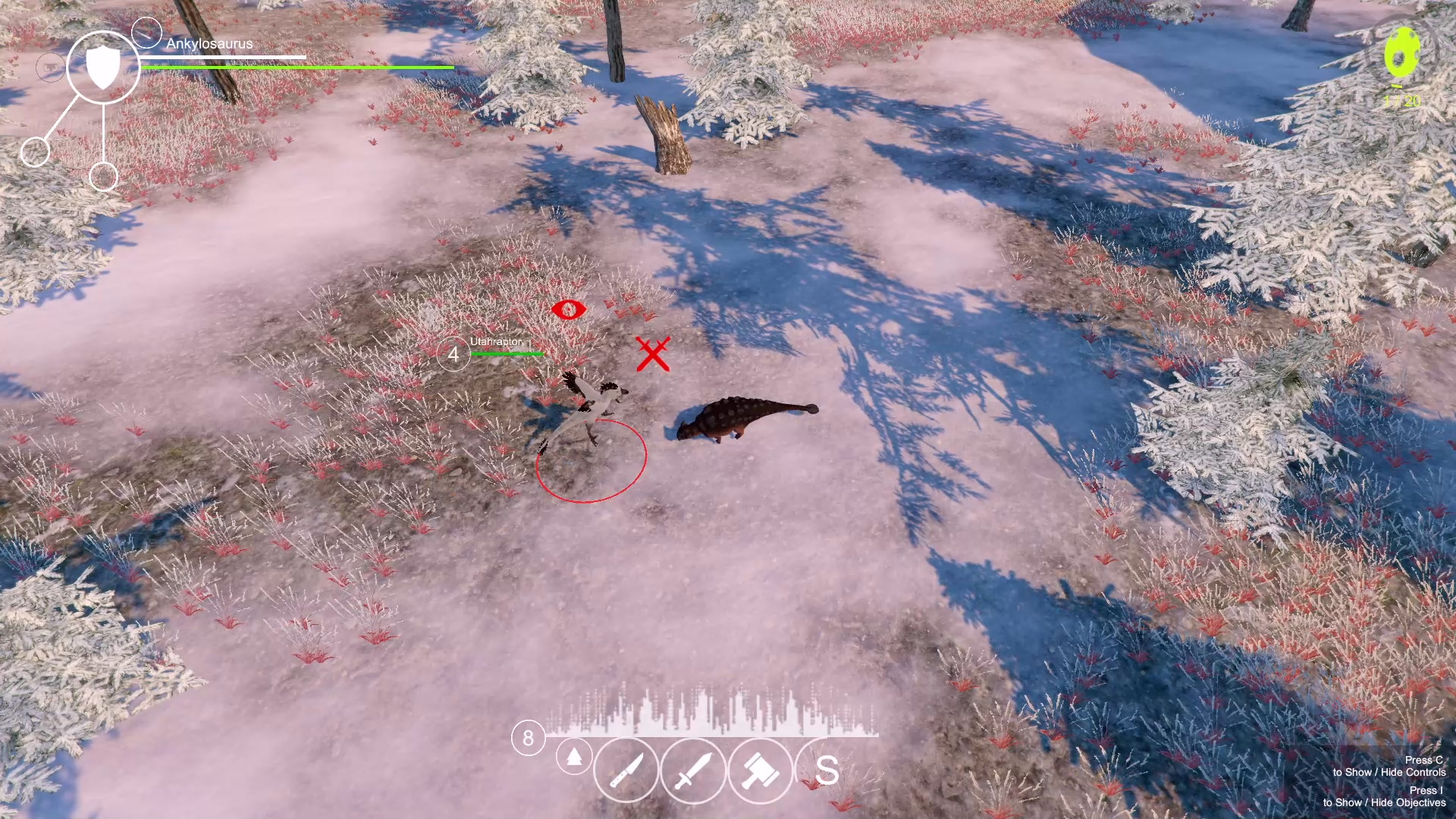
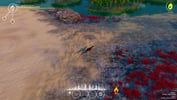
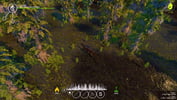
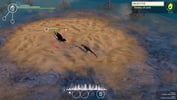
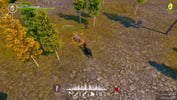
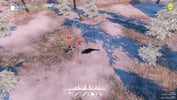
Dinosaurs A Prehistoric Adventure 2 is a single player Action RPG where players could play as 30 different types of dinosaurs with each having their own strengths and weaknesses. The world of Dinosaurs A Prehistoric Adventure 2 includes a variety of regions for players to explore, from deep swamps to calm beaches, flooded forests to high mountains, and dry deserts to cold winterlands. Dinosaurs A Prehistoric Adventure 2 further enhances the core RPG elements of the game, giving players the ability to customize each dinosaur to overcome unique challenges. Dinosaurs A Prehistoric Adventure 2 includes two main modes, the adventure mode, where players would be able to play as a dinosaur and explore multiple maps, and an exhibition mode where players could obtain more information about the creatures within the game. The world of Dinosaurs A Prehistoric Adventure 2 brings players to a post-apocalyptic prehistoric world where pods have erupted and released poisonous material to the atmosphere. The rapid increase of poisonous material in the air transform some of the inhabitants into mutated violent beings that are wreaking havoc in the land. And although most of the guardians have been defeated, numerous pods have erupted across multiple regions. These pods have to be destroyed before more fell victim to this corruption. Features More than 30 playable dinosaurs A variety of maps for players to explore Numerous Unlockable skins and customizable elements Deep RPG elements Two game modes: Adventure Mode and Exhibition Mode
System requirements
Activation details
Reviews
Only logged in customers who have purchased this product may leave a review.







Reviews
There are no reviews yet.