
Hoyle Official Card Games Steam CD Key

Description
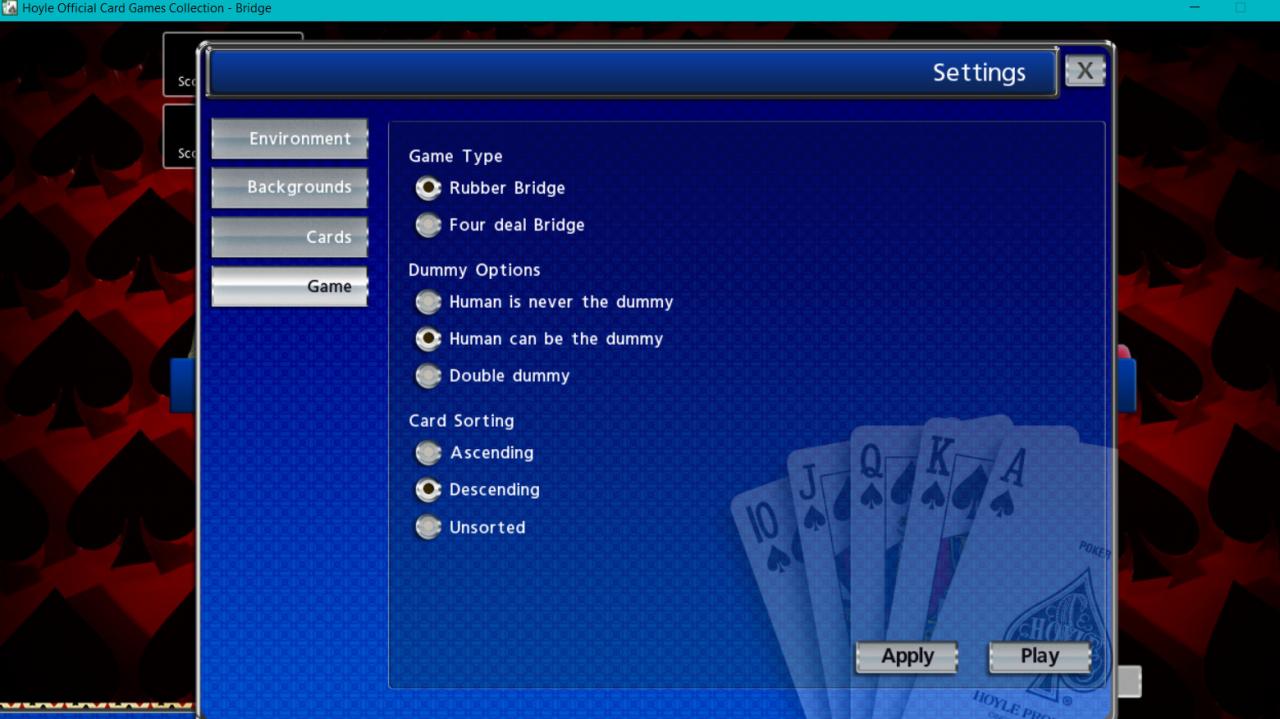
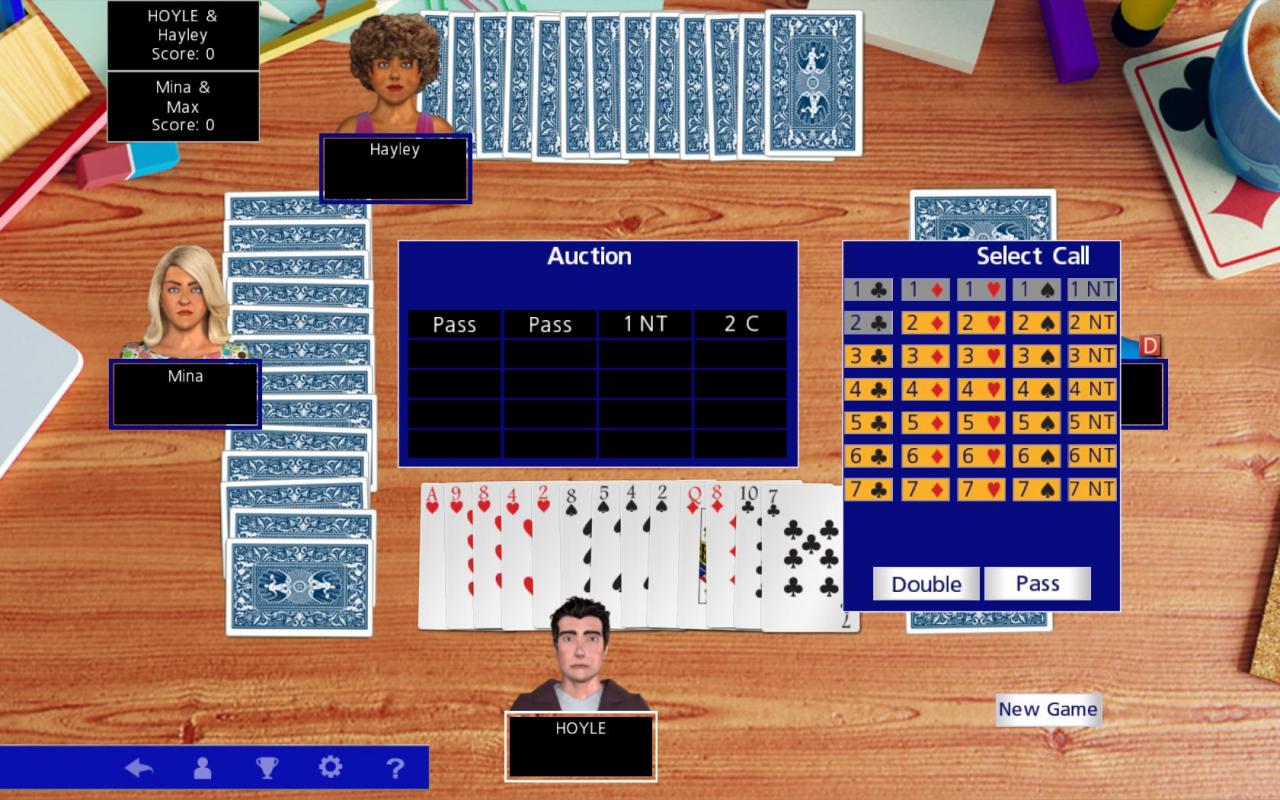
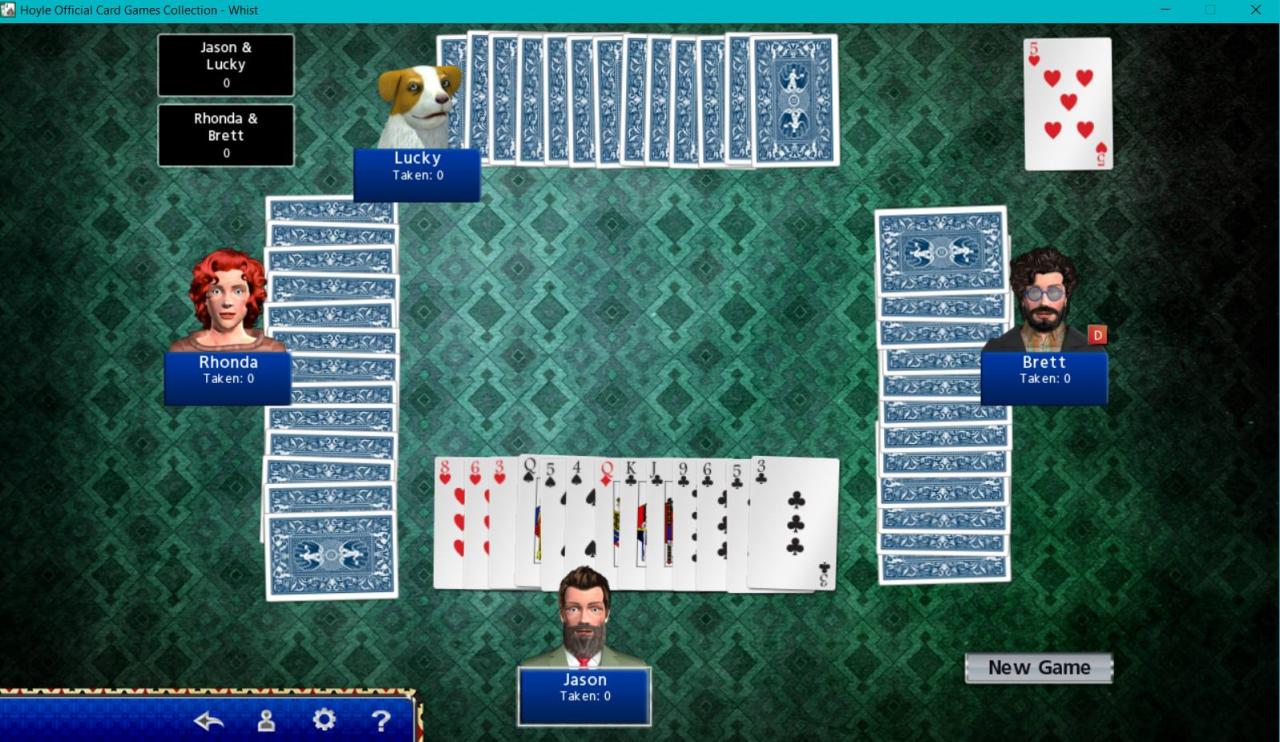
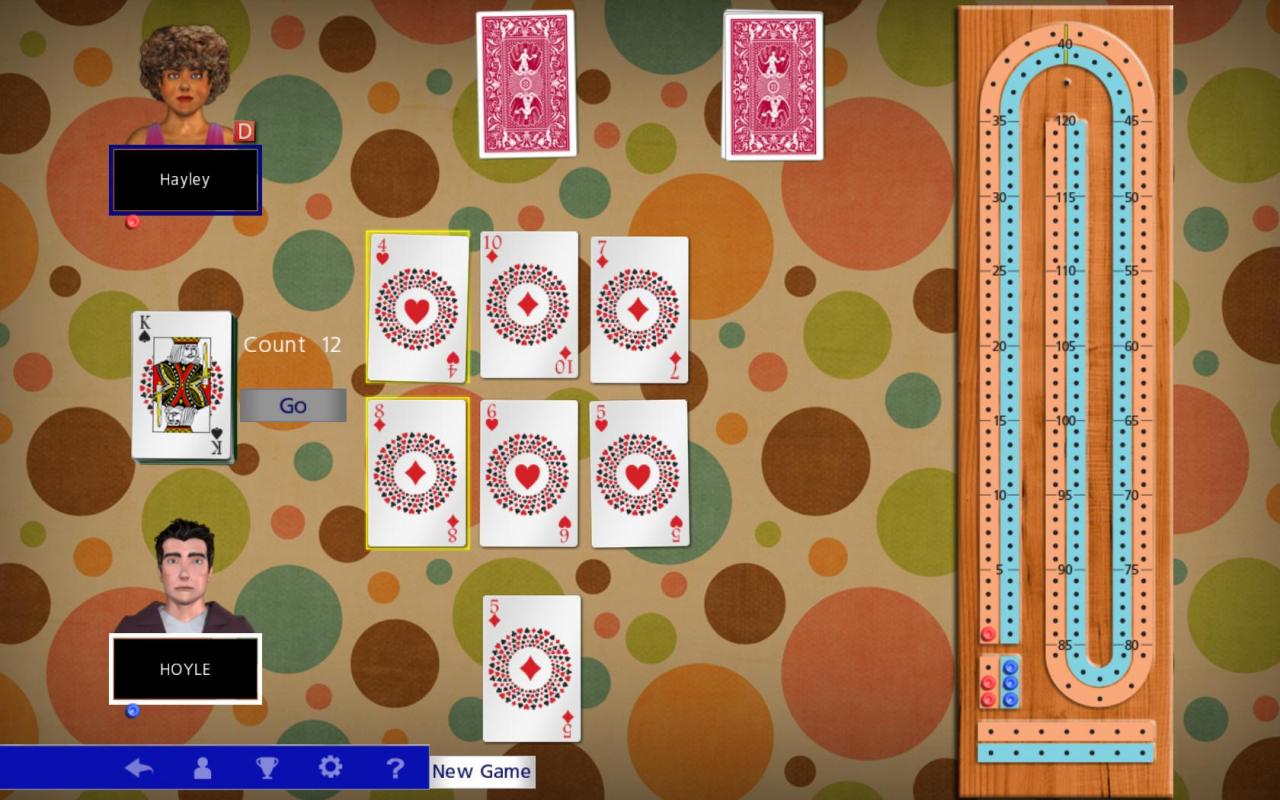
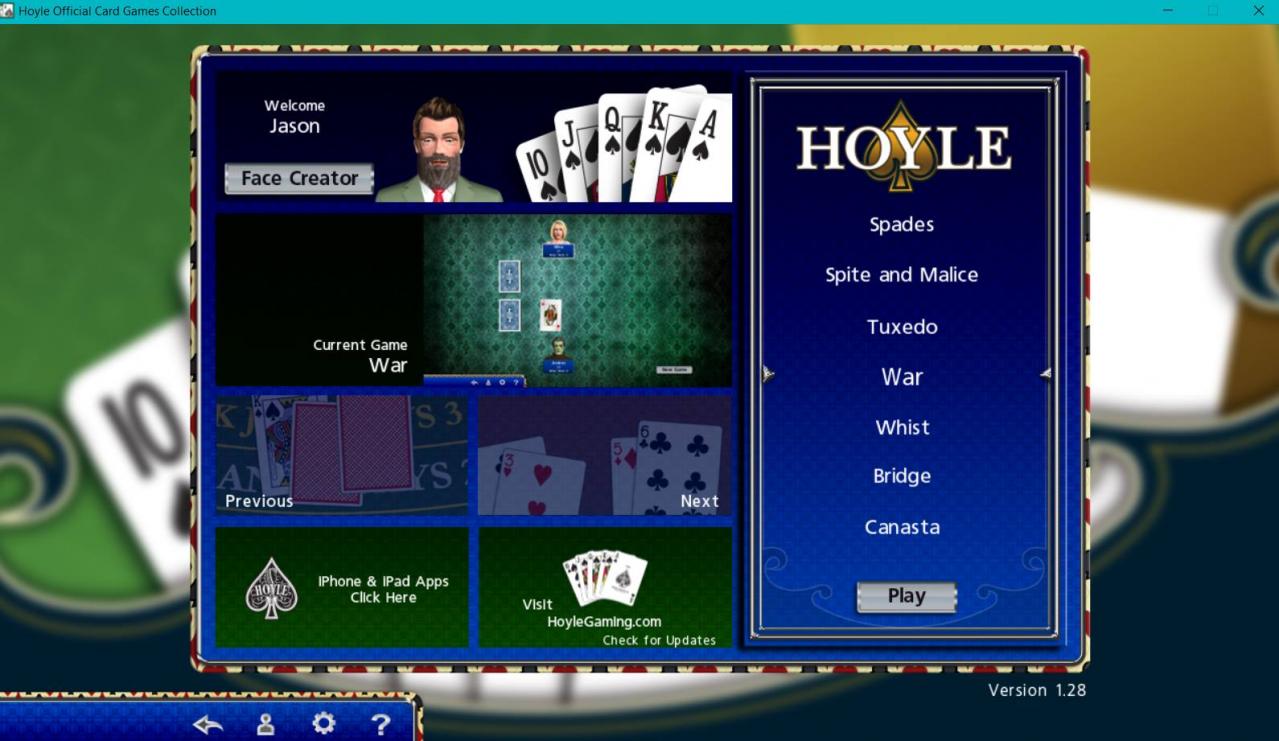
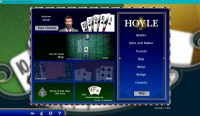
The #1 card game collection is back and better than ever- now updated with a new look, better AI and new opponents to play against! Hoyle Official Card Games includes all of your favorite authentic card games! Play all the most popular variations of classic card games like Solitaire, Hearts, Bridge, Euchre, Rummy, Blackjack, Go Fish, and War. This collection also includes several card games never before featured in a Hoyle game, such as Fan Tan, Oh Hell and Whist. Get right into the action with all these classic card games. Pull up a chair and deal yourself into Hoyle Official Card Games Collection! Features: All-new, redesigned look! Over 70 new and classic card games to learn, practice and master! Dozens of backgrounds and cards to choose from! Widescreen monitor support. Put yourself in the game or create silly faces with the new and improved Face Creator. Play your best hand with large, easy-to-read cards. Select from a variety of characters, speed of play, and more! Play Hoyle Official Card Games and discover why Hoyle® has been the most trusted name in gaming for over 200 years!
System requirements
Activation details
Reviews
Only logged in customers who have purchased this product may leave a review.






Reviews
There are no reviews yet.